grep is how you answer “where does this string appear?” in configs, application logs, or the output of another command.
It is one of the most searched Linux topics because almost every troubleshooting session starts with a text search.
This guide covers daily flags, safe recursive searches, and piping from journalctl or
Nginx logs. For huge git trees, consider rg (ripgrep) with the same mental model.
Three Ways to Use grep
Search one file, walk a directory tree with -r, or filter stdout from a pipe. All three share the same pattern syntax.
grep 'error' /var/log/nginx/error.log
grep -r 'listen 443' /etc/nginx/
journalctl -u app --since today | grep -i timeout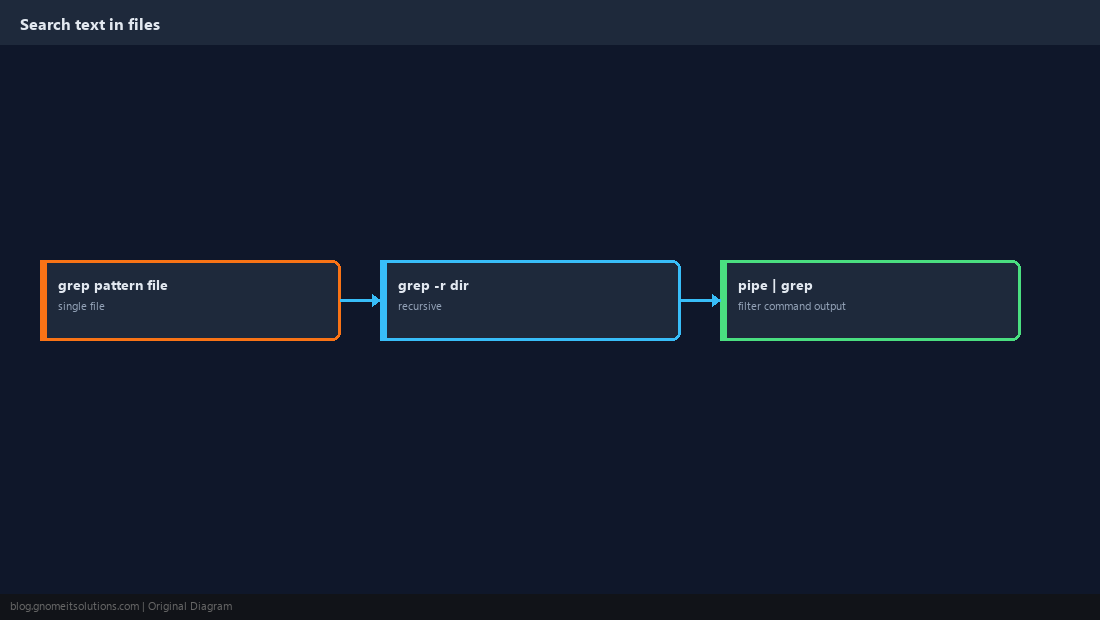
Literal Text vs Regex
Default grep treats some characters as regex metacharacters. Use -F for fixed strings; -E for extended regex when you need alternation.
grep -F 'price($)' data.txt
grep -E 'error|warn|fatal' app.log-F avoids surprises.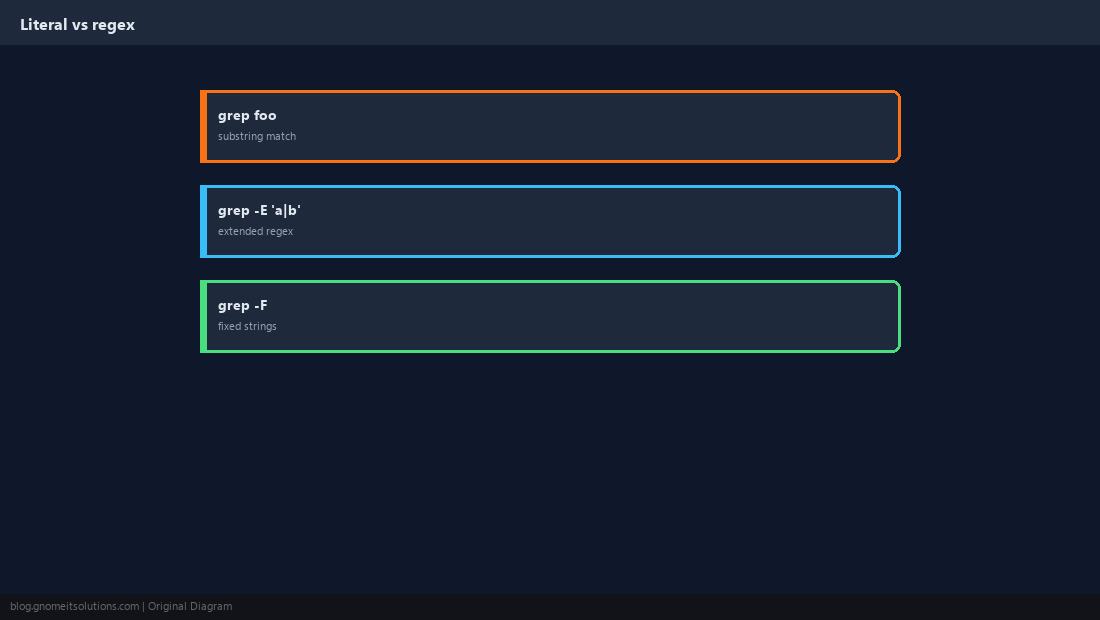
Flags You Will Use Every Day
-i ignores case; -n prints line numbers; -v inverts the match (lines that do not match).
grep -in 'connection refused' /var/log/syslog
grep -v '^#' /etc/ssh/sshd_config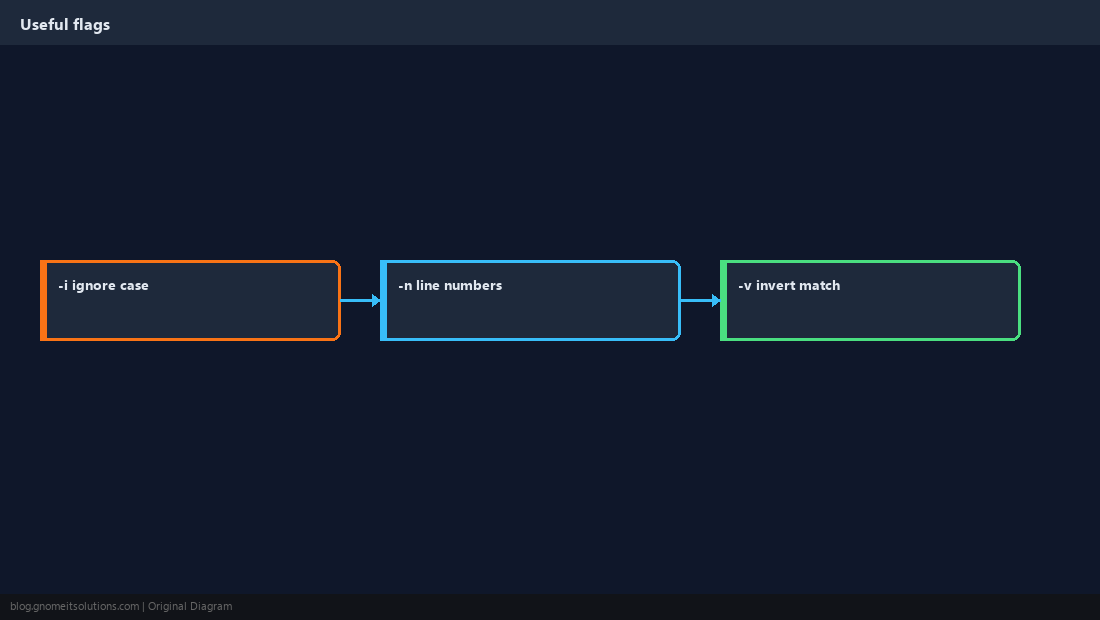
Show Context Around a Match
When a single line is not enough, -A, -B, and -C print neighbouring lines so you see stack traces or config blocks.
grep -C3 'Exception' application.log | head -40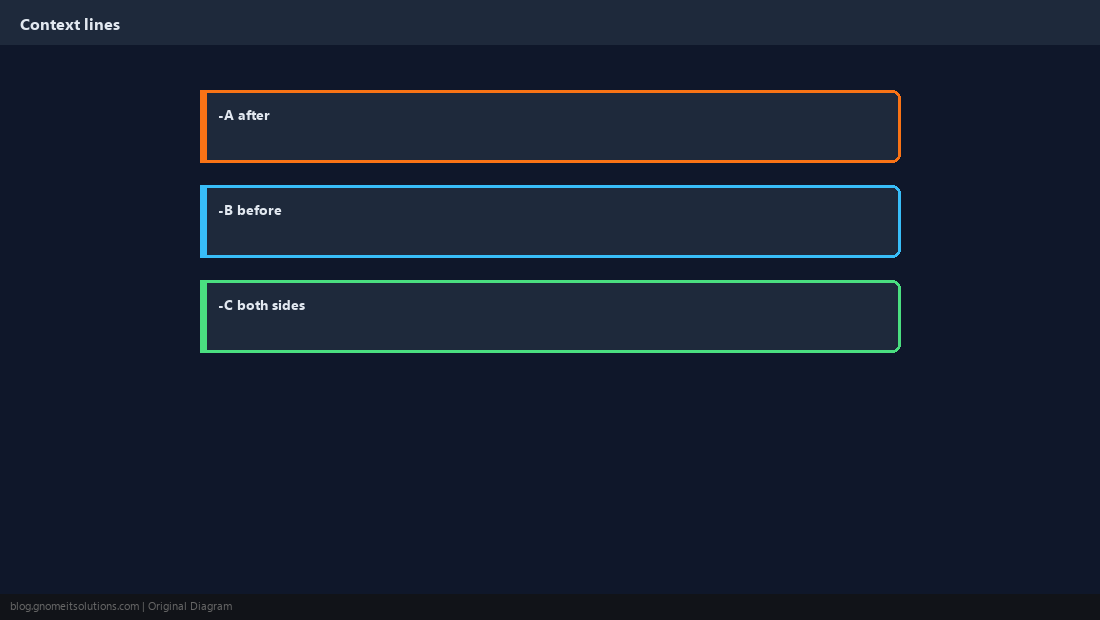
Recursive Search With Filters
Limit noise with --include and --exclude-dir so you do not scan node_modules or vendor trees by accident.
grep -r --include='*.conf' 'ssl_certificate' /etc/nginx/
grep -r --exclude-dir='.git' 'TODO' ~/project/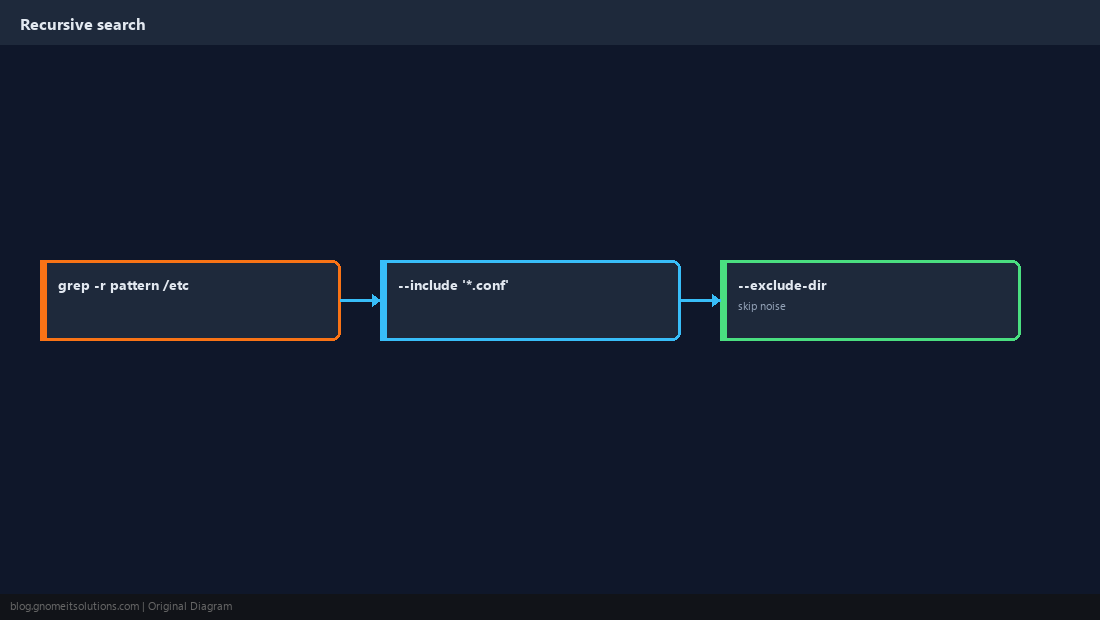
Pipelines and Counting
grep shines after another command. Remember ps aux | grep nginx also matches the grep process itself — use grep -v grep or pgrep.
grep -c ' 404 ' /var/log/nginx/access.log
zgrep -c 'OutOfMemory' /var/log/app.log.*.gz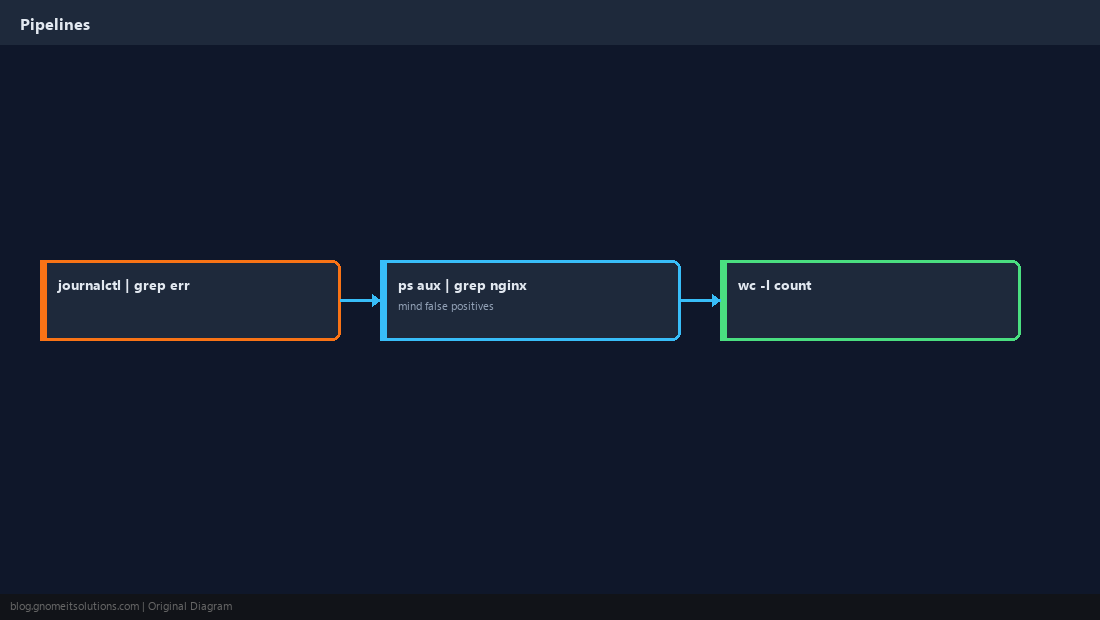
When grep Gets Slow
On multi-gigabyte logs, narrow with journalctl time filters first. On large codebases, rg respects .gitignore by default.
zgrep 'panic' /var/log/kern.log.1.gz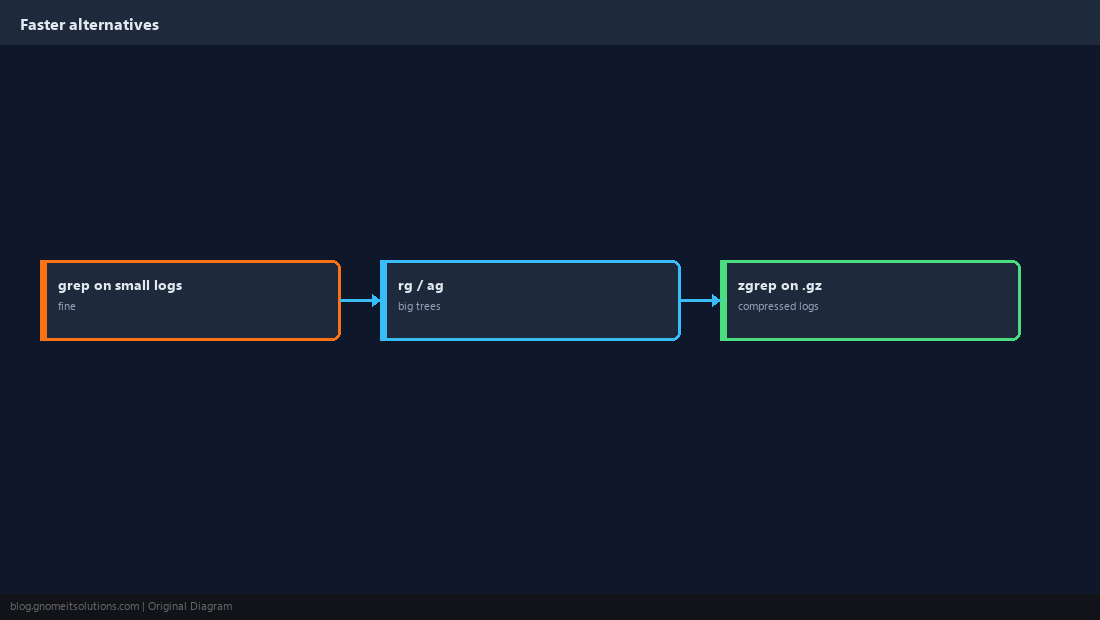
Quick Reference
grep -rnrecursive + line numbers;-icase-insensitive-Ffixed string;-Efor|alternation- Pipe wisely; use
zgrepon rotated.gzlogs
Related tutorials
Diagrams are original illustrations by Gnome IT Solutions. Tutorial text © Gnome IT Solutions.