
xargs on Linux turns newline-separated lists into command arguments — the glue between find, grep -l, and hundreds of file operations. Understanding -0 and -I prevents the classic “spaces in filenames broke my script” incident.
See also: find guide,
cut,
grep.
Basic pipeline
Default delimiter is whitespace — risky for filenames with spaces.
bashunsafe vs safe
echo '/tmp/a b.txt' | xargs ls
find /tmp -name '*.log' -print0 | xargs -0 ls -l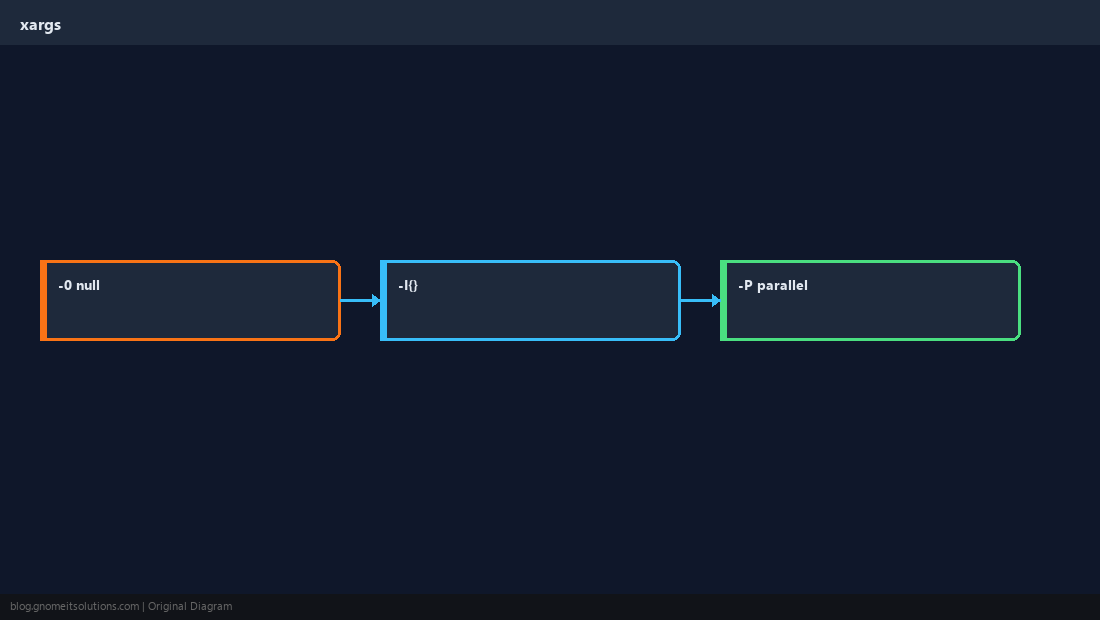
Replace placeholder
-I{} (or -I REPLSTR) runs one command per argument with a visible slot.
bashcopy
find . -name '*.conf' -print0 | xargs -0 -I{} cp {} /backup/{}Parallel execution
-P N runs up to N processes — great for image transcoding or checksum jobs.
bashparallel
find . -type f -name '*.png' -print0 | xargs -0 -P4 -I{} optipng {}Batch size
-n limits arguments per invocation — required when downstream flags expect one file.
WarningDo not pipe unsanitized remote input into
xargs without validation — it is command execution.Quick Reference
- Safe files:
-0withfind -print0 - Template:
xargs -I{} cmd {} - Parallel:
xargs -P4
Related tutorials
Diagrams are original illustrations by Gnome IT Solutions. Tutorial text © Gnome IT Solutions.