Environment variables configure shells, cron jobs, and applications — database URLs, PATH, locale, and API keys. They are set in different layers (session, user, system, systemd unit), which confuses beginners when a variable is “missing” in cron.
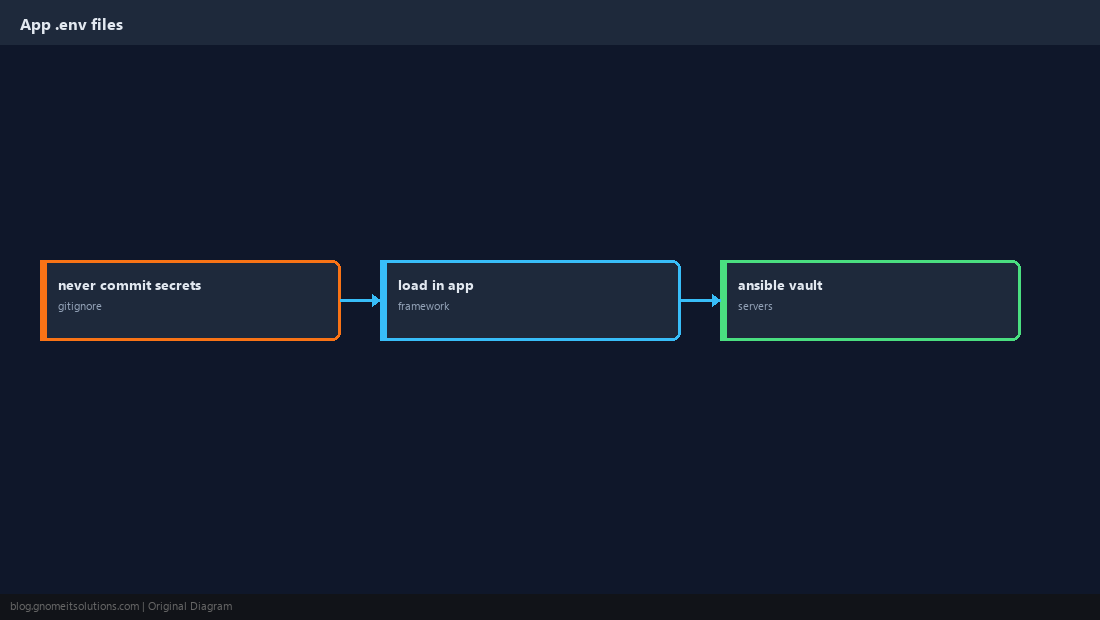
Secrets belong in Ansible Vault or a secrets manager, not world-readable files.
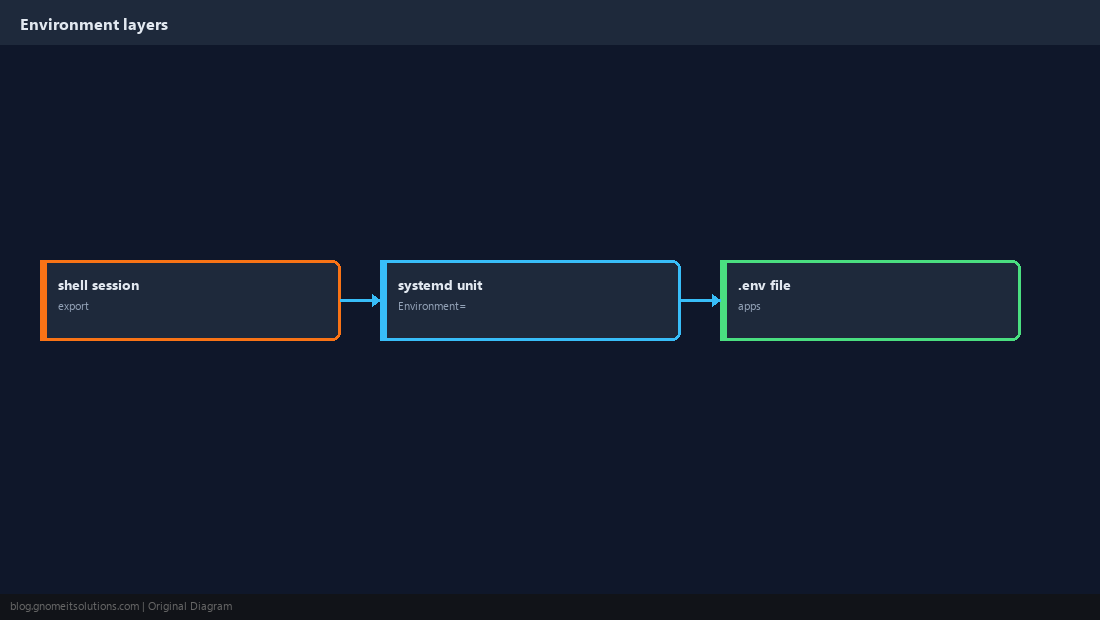
Layers: Session, User, System
A variable exported in your SSH session does not automatically exist in cron or systemd services unless you define it there too.
export for the Current Shell
Child processes inherit exported variables.
export APP_ENV=production
echo "$APP_ENV"
env | grep APP_ENV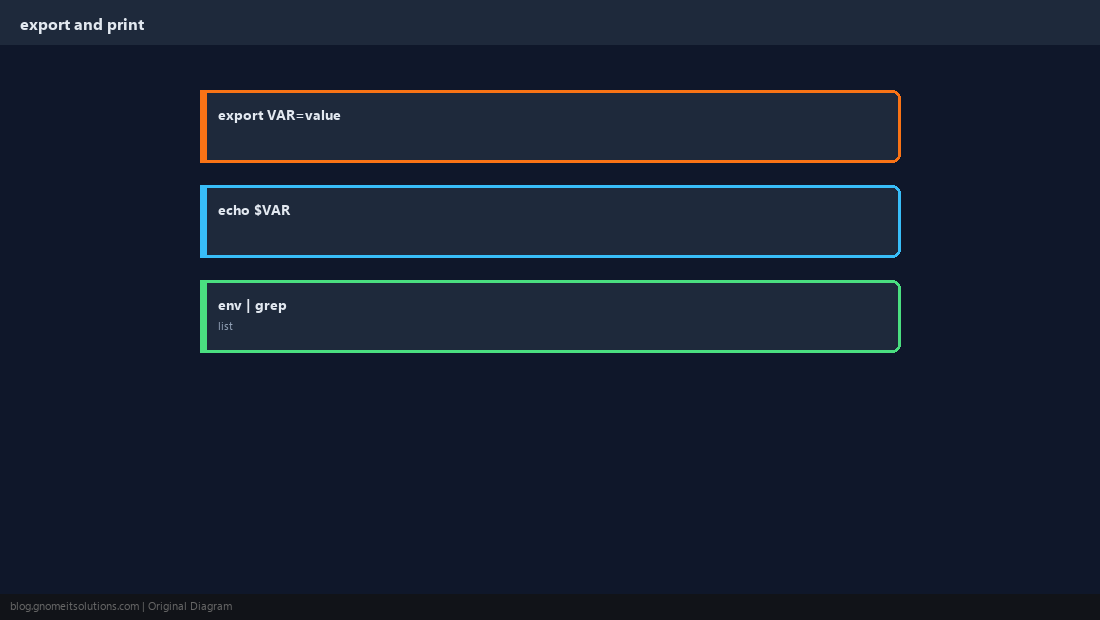
Make Variables Persistent for Login Shells
Use /etc/profile.d/*.sh for system-wide, ~/.bashrc for interactive user shells.
echo 'export MYORG_REGION=ap-south-1' | sudo tee /etc/profile.d/myorg.sh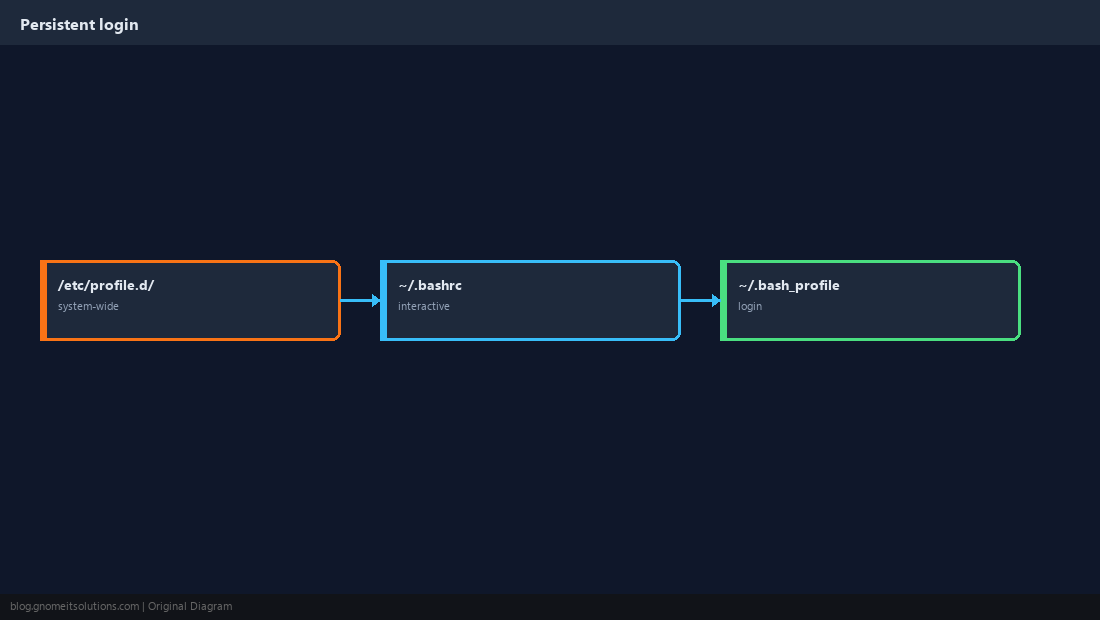
Variables in systemd Units
Use Environment= or EnvironmentFile=/path with restrictive permissions.
[Service]
Environment=NODE_ENV=production
EnvironmentFile=/etc/myapp/env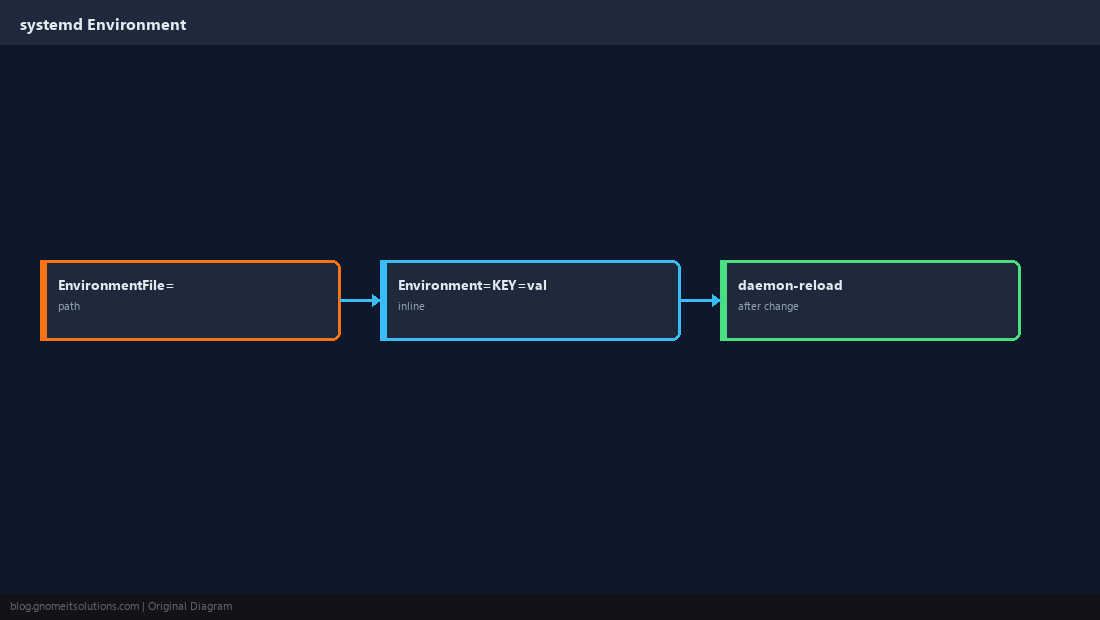
PATH Explained
Order matters — prepend custom bin dirs with export PATH=/opt/foo/bin:$PATH.
which python3
export PATH=$HOME/.local/bin:$PATH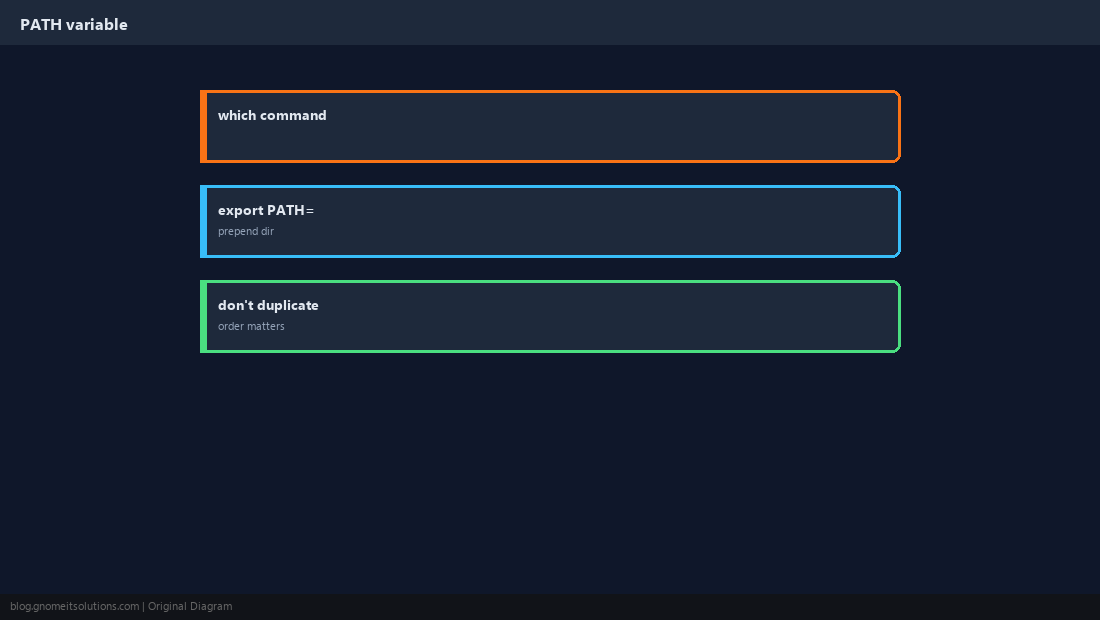
.env Files for Applications
Frameworks load .env at startup — never commit secrets; add to .gitignore.
Debug Missing Variables
Use printenv VAR and set -u in scripts to fail when unset.
set -euo pipefail
: "${DATABASE_URL:?DATABASE_URL not set}"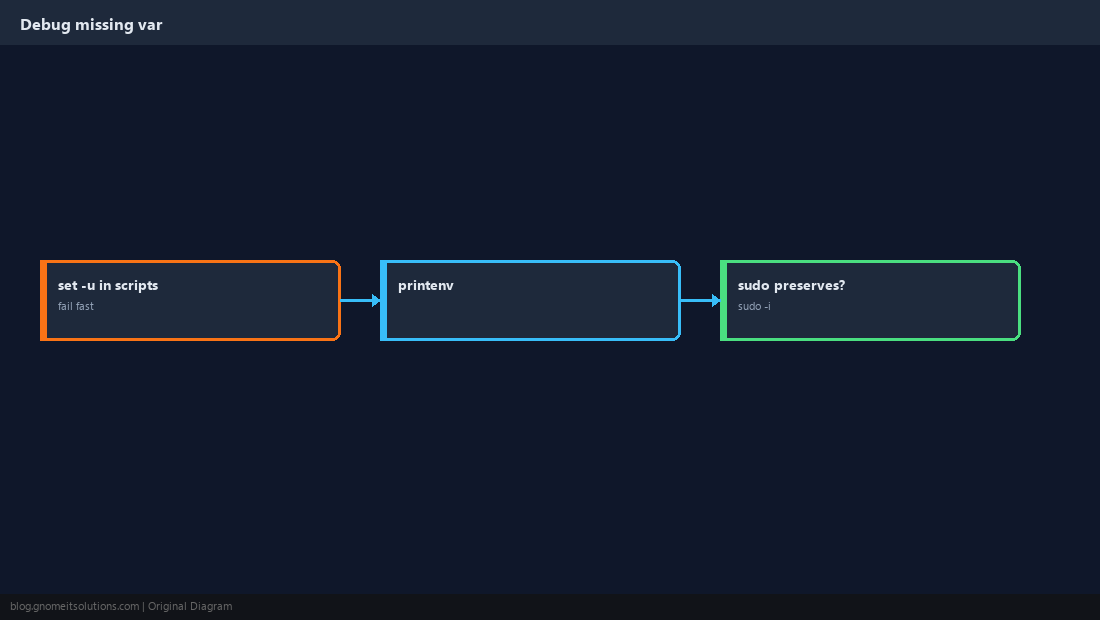
Quick Reference
export VAR=valuefor current shell children- Cron/systemd need their own
Environment - Secrets: not in git; use vault or restricted
EnvironmentFile
Related tutorials
Diagrams are original illustrations by Gnome IT Solutions. Tutorial text © Gnome IT Solutions.