
Harden OpenSSH on Linux Servers (Secure sshd_config)
Harden OpenSSH on Linux: disable root login, use key-only auth, change port, and limit users with sshd_config.
Read tutorial →Browse step-by-step tutorials in this topic.
Harden OpenSSH on Linux: disable root login, use key-only auth, change port, and limit users with sshd_config.
Read tutorial →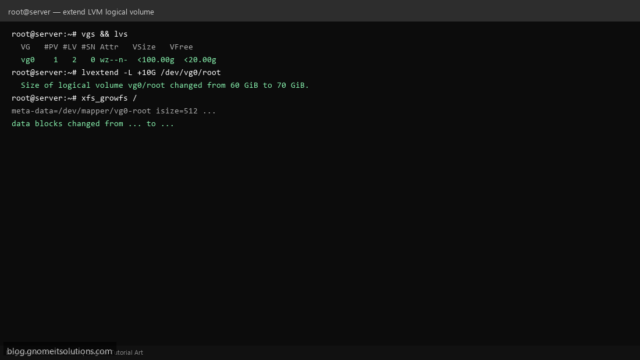
Extend an LVM logical volume on Linux when disk is full. Add PV, extend VG/LV, and grow XFS…
Read tutorial →
Manage Linux users with useradd, usermod, userdel, and passwd. Create accounts, set shells, add sudo access, and remove…
Read tutorial →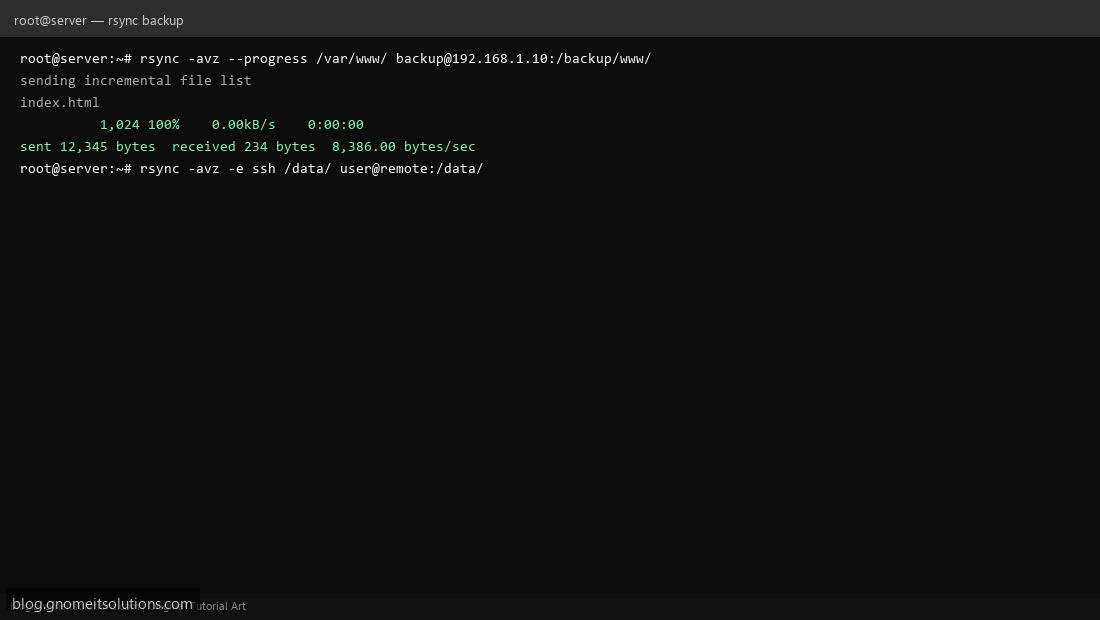
Use rsync to backup files and sync directories between Linux servers. Local and remote backup examples.
Read tutorial →
Read and filter Linux system logs with journalctl. Troubleshoot services, errors, and boot issues.
Read tutorial →
Configure UFW firewall on Ubuntu and Debian. Allow SSH, HTTP, HTTPS and block unwanted traffic.
Read tutorial →
Protect your Linux server from brute-force attacks with Fail2ban. Block malicious IPs automatically.
Read tutorial →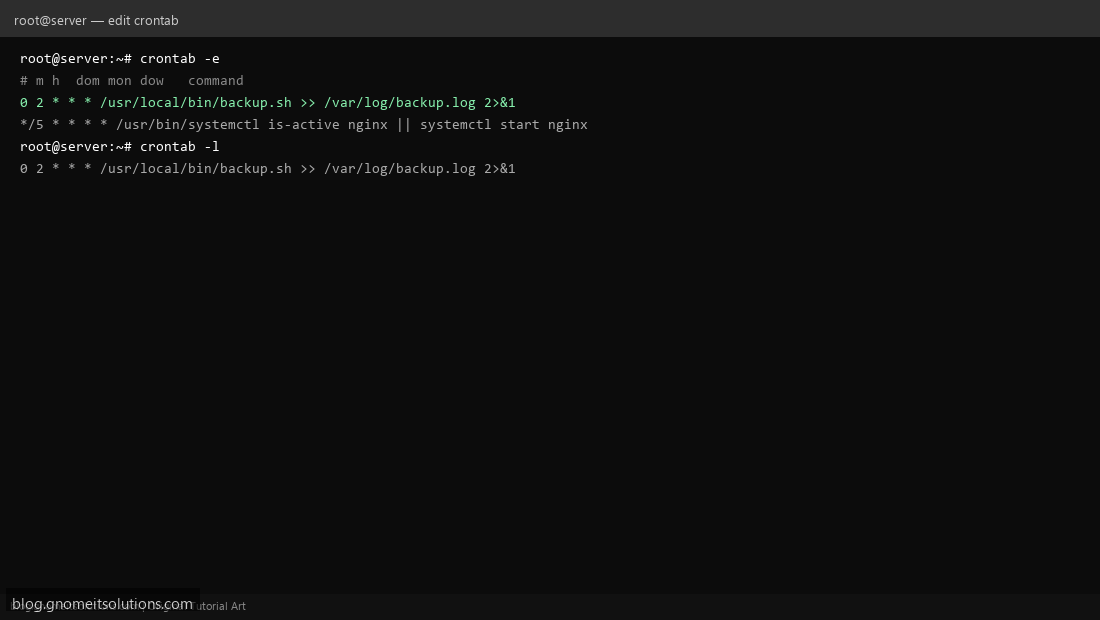
Schedule automated tasks on Linux with cron and crontab. Daily backups, scripts, and maintenance jobs.
Read tutorial →
Check disk space on Linux with df, du, and ncdu. Find what's using space and free up storage.
Read tutorial →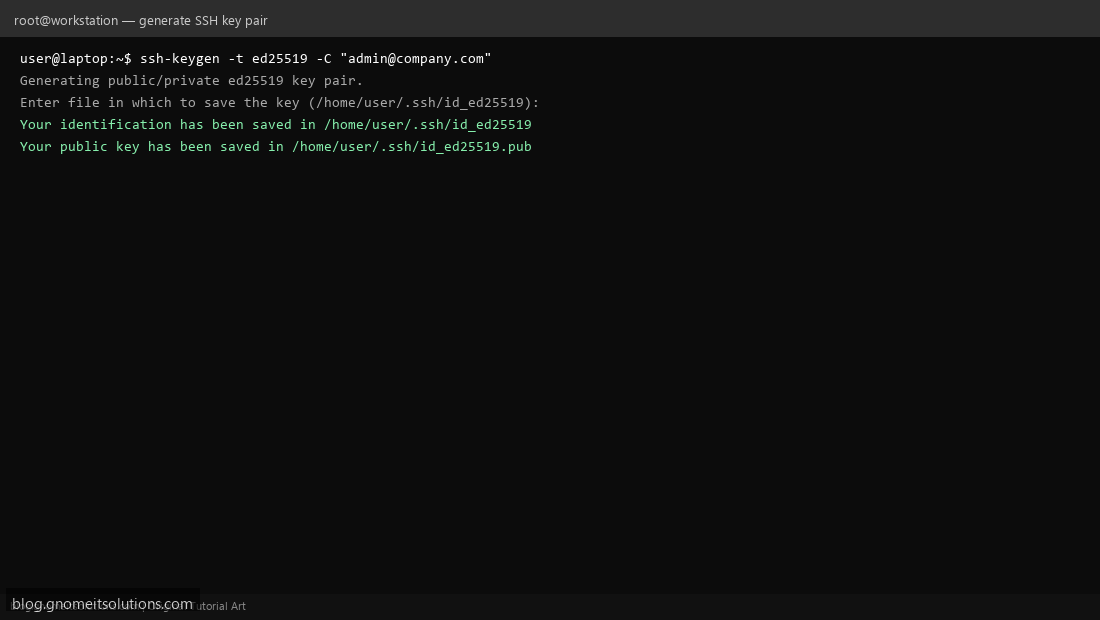
Set up SSH key authentication on Linux for secure, passwordless server login.
Read tutorial →