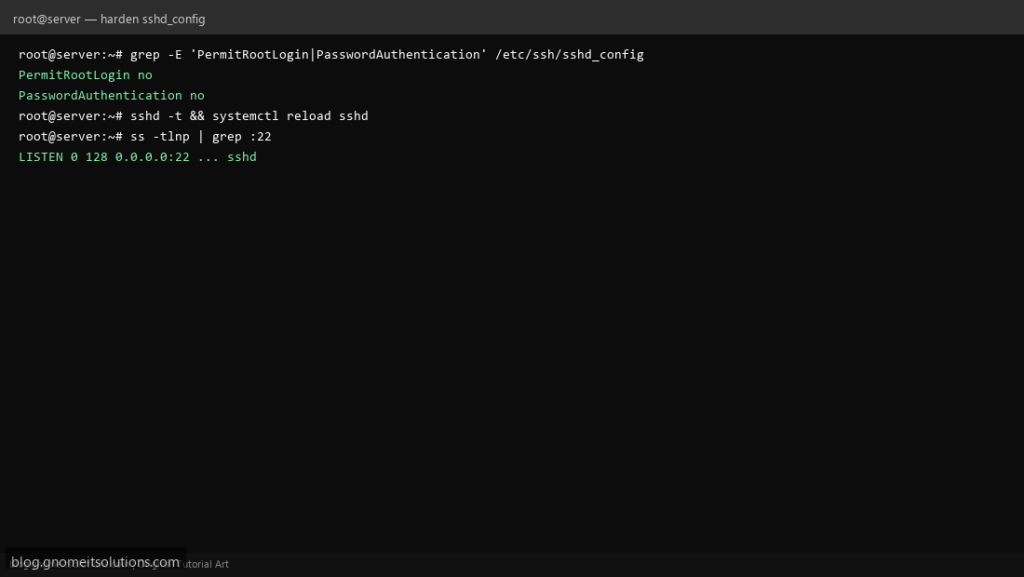
Internet-facing Linux servers need a locked-down OpenSSH configuration. Apply these sshd_config changes after confirming key-based login works.
Step 1: Confirm SSH Key Login Works
Before disabling passwords, verify ssh user@server works with your key from a second session.
Step 2: Edit sshd_config
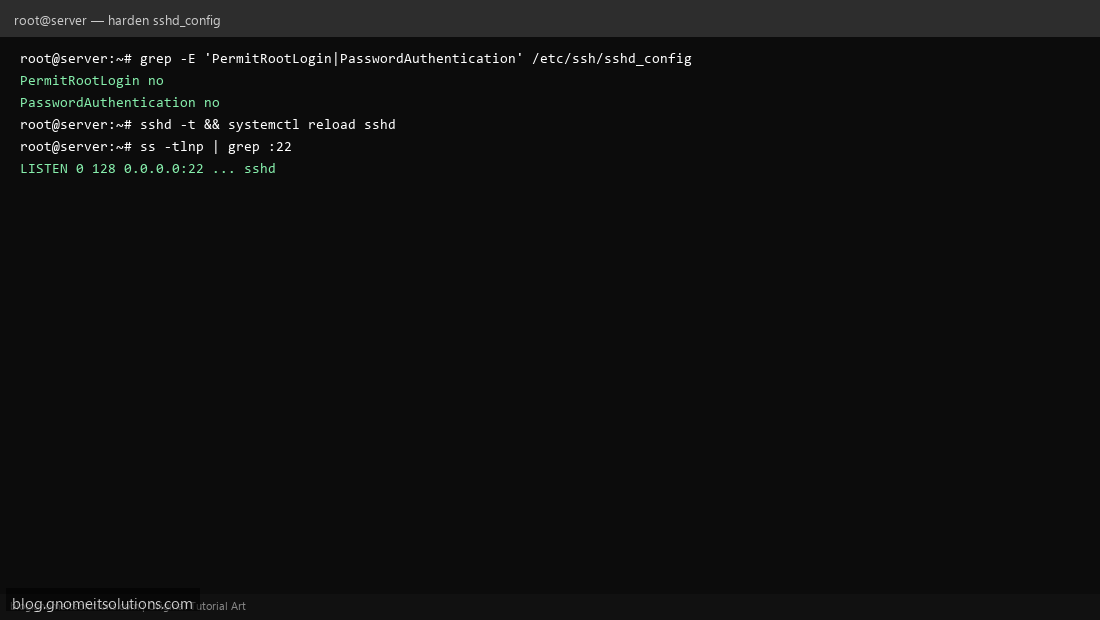
Set PermitRootLogin no, PasswordAuthentication no, and optionally AllowUsers deploy.
Step 3: Validate and Reload sshd
Run sshd -t then systemctl reload sshd. Keep your current SSH session open as a fallback.
Recommended settings
PermitRootLogin no
PasswordAuthentication no
PubkeyAuthentication yes
MaxAuthTries 3
AllowUsers deploy admin
Related tutorials
Terminal screenshots are original illustrations created for Gnome IT Solutions (blog.gnomeitsolutions.com).