Before installing a package, following a tutorial or opening a support ticket, you need to know exactly which Linux distribution and version the server runs,
and sometimes which kernel and CPU architecture. There is one command that works almost everywhere, plus a few others for older or minimal systems.
Quick answer: cat /etc/os-release shows the distribution and version on every modern Linux; uname -r shows the kernel version; hostnamectl shows both.
Check /etc/os-release (Works Everywhere)
/etc/os-release is a standard file on every systemd-era distribution: Ubuntu, Debian, RHEL, AlmaLinux, Rocky, Fedora, SUSE and more. PRETTY_NAME is the human-readable version; ID and VERSION_ID are handy in scripts.
cat /etc/os-release
grep PRETTY_NAME /etc/os-releaseNAME="AlmaLinux"
VERSION="9.6 (Sage Margay)"
ID="almalinux"
VERSION_ID="9.6"
PRETTY_NAME="AlmaLinux 9.6 (Sage Margay)"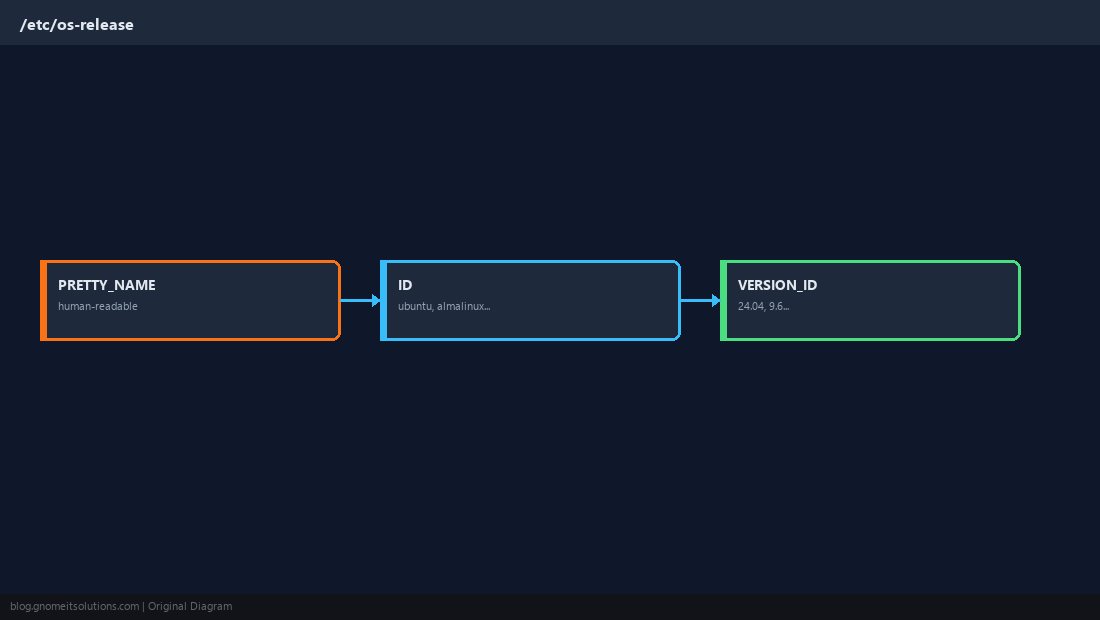
Use hostnamectl for OS, Kernel and Hardware
On systemd systems, hostnamectl prints the operating system, kernel, architecture and whether the machine is a VM, all in one go.
hostnamectl
#  Operating System: Ubuntu 24.04.3 LTS
#            Kernel: Linux 6.8.0-87-generic
#      Architecture: x86-64
#    Virtualization: kvm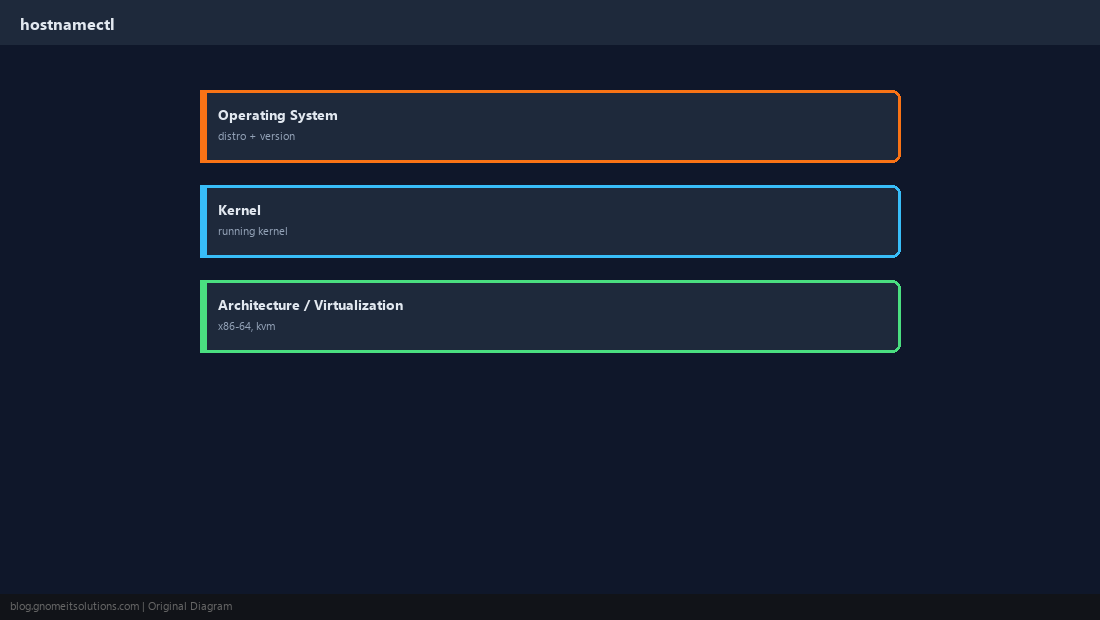
Use lsb_release on Ubuntu and Debian
lsb_release prints distribution information in a fixed format. It is installed by default on Ubuntu; on minimal Debian or RHEL-family systems you may need to install it.
lsb_release -a
lsb_release -ds        # description only
sudo apt install lsb-release      # if missing (Debian)
sudo dnf install redhat-lsb-core  # if available (older RHEL)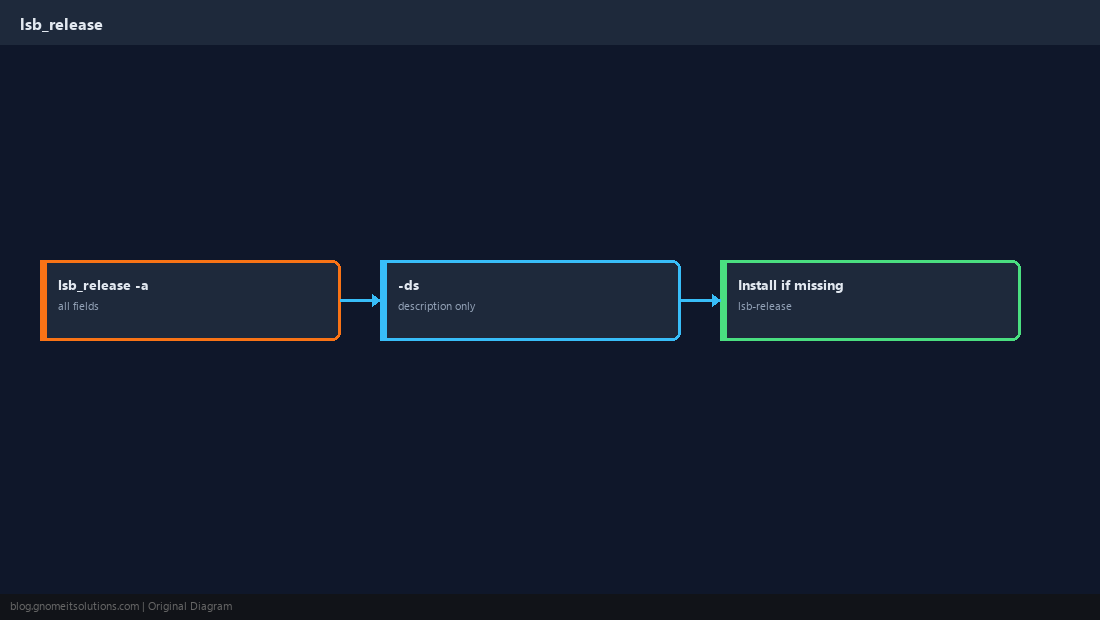
Distribution Release Files
Older systems without os-release keep their version in a distribution-specific file. These also help when a minimal container image strips other tools.
cat /etc/redhat-release     # RHEL, CentOS, AlmaLinux, Rocky
cat /etc/debian_version     # Debian (Ubuntu shows the Debian base)
cat /etc/issue
ls /etc/*release*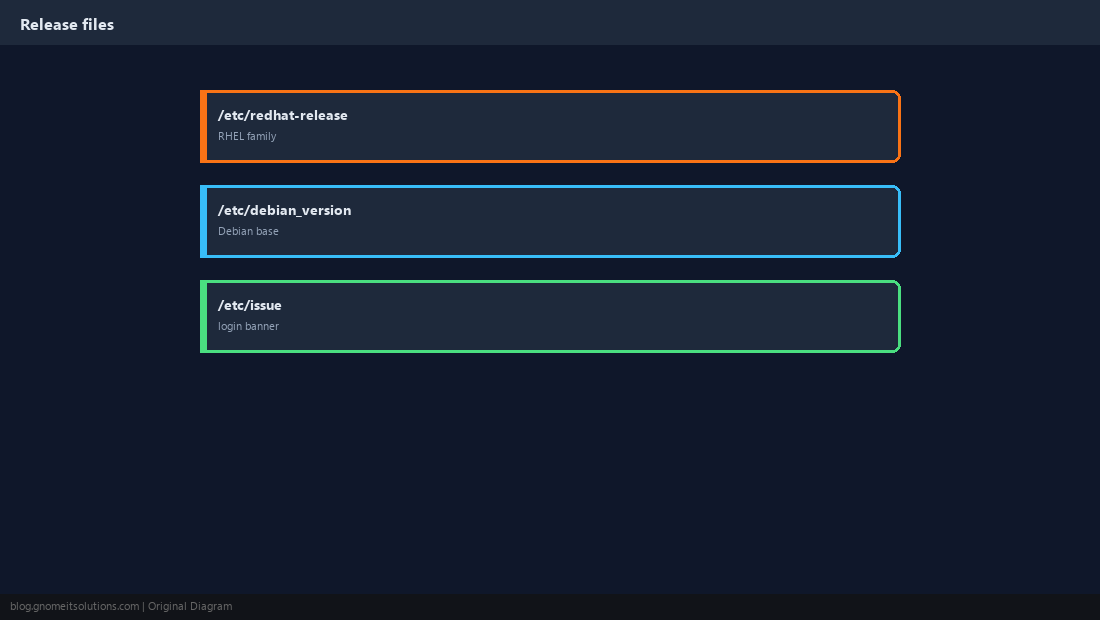
Check the Kernel Version With uname
The distribution version and the kernel version are different things. uname -r shows the running kernel, which is what drivers, modules and many vulnerability notices refer to.
uname -r
uname -a
cat /proc/versionuname options is in the uname guide.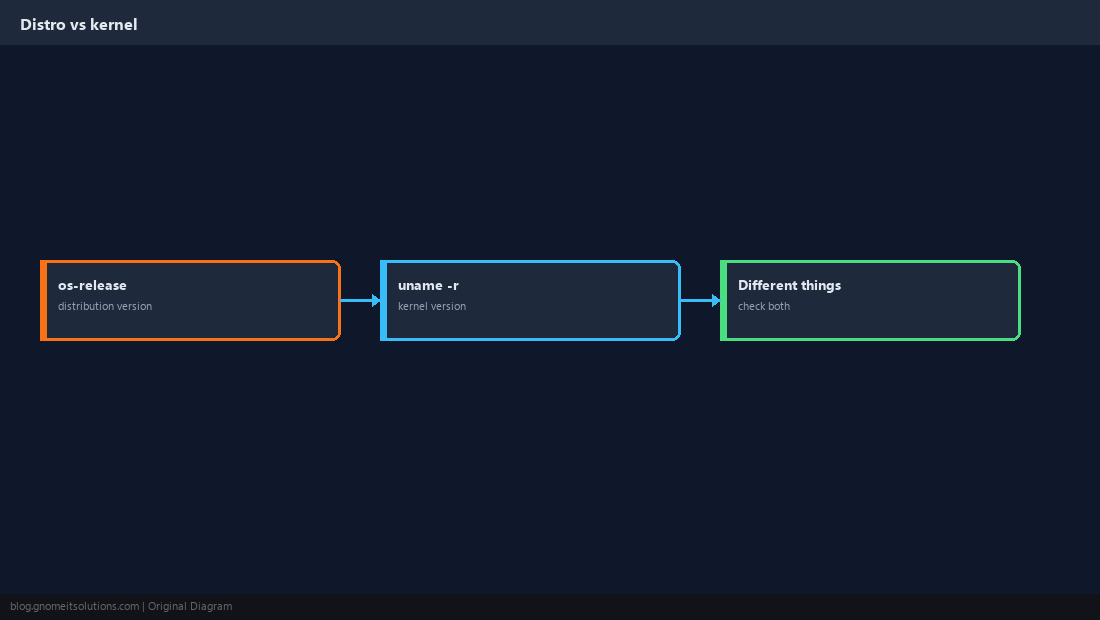
Check 32-bit or 64-bit and CPU Architecture
Download pages often ask for x86_64 (amd64) or aarch64 (arm64). uname -m answers that; dpkg --print-architecture or rpm --eval '%{{_arch}}' show the package architecture.
uname -m                  # x86_64 or aarch64
getconf LONG_BIT          # 64
dpkg --print-architecture # Debian/Ubuntu: amd64
lscpu | head -5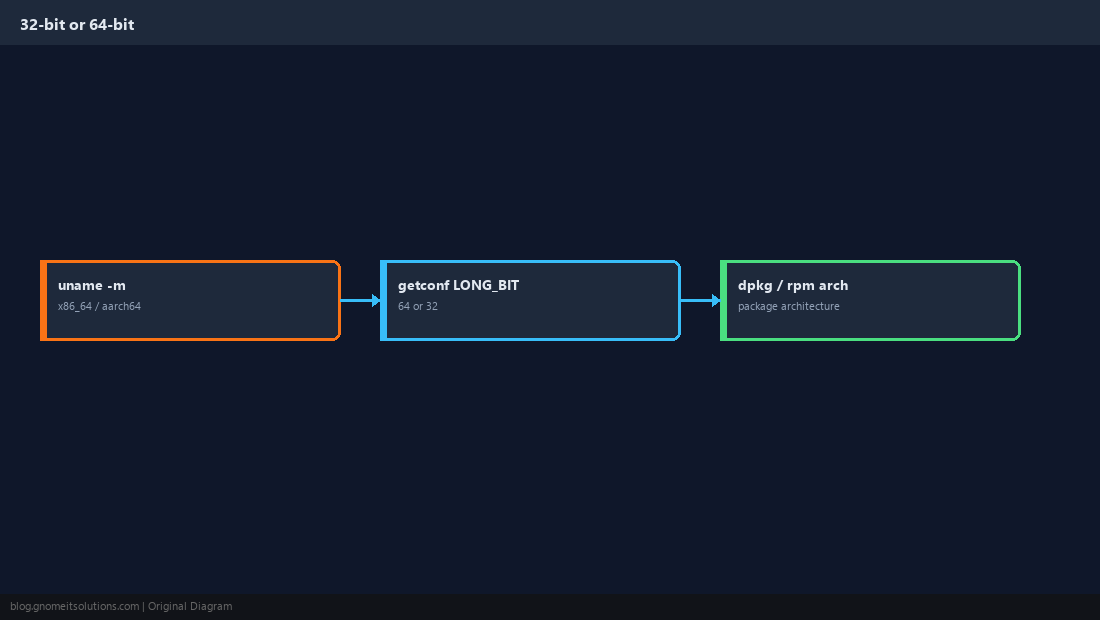
Inside Containers and Remote Servers
A container reports its image’s distribution but the host’s kernel, so os-release and uname -r can disagree. For many servers, run the check over SSH in a loop.
for h in web1 web2 db1; do
  echo -n "$h: "; ssh "$h" 'grep PRETTY_NAME /etc/os-release | cut -d\" -f2'
donedocker exec -it app cat /etc/os-release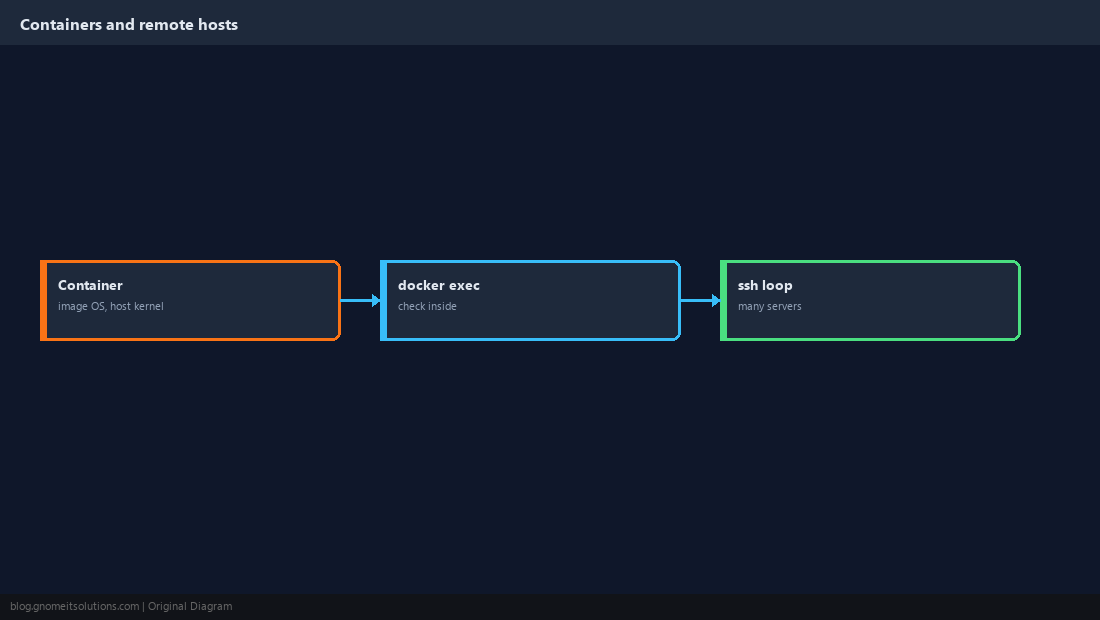
Use the Version in Scripts
Source /etc/os-release to get shell variables, then branch on $ID so one script works on both Debian-family and RHEL-family systems.
. /etc/os-release
case "$ID" in
  ubuntu|debian) sudo apt update ;;
  rhel|almalinux|rocky|centos|fedora) sudo dnf makecache ;;
  *) echo "Unsupported: $PRETTY_NAME"; exit 1 ;;
esac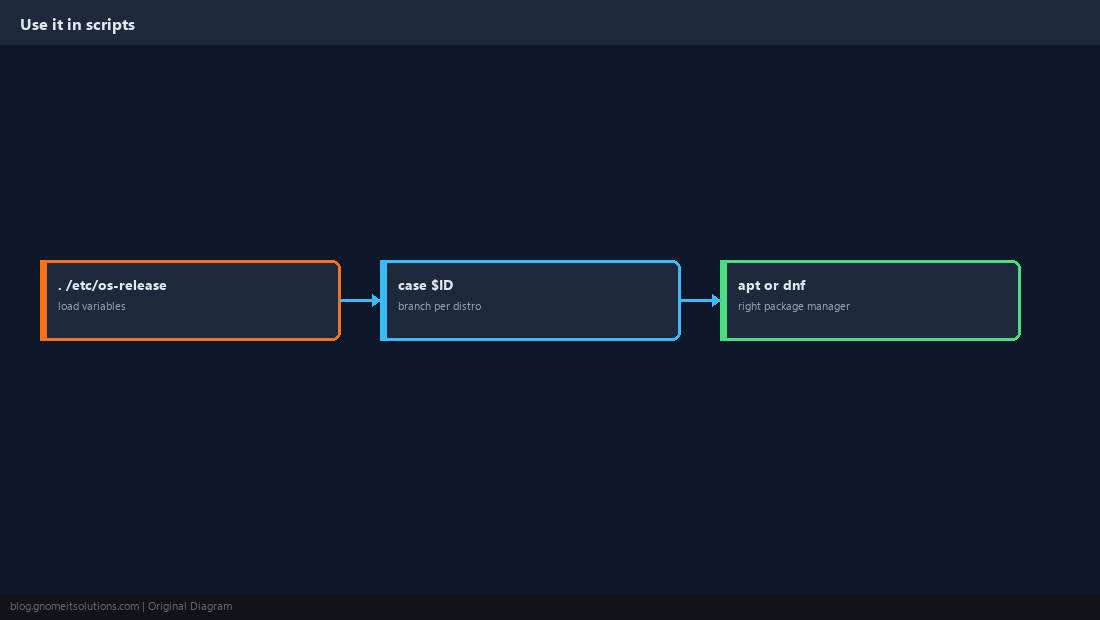
Quick Reference
How do I check my Linux version?
Run cat /etc/os-release. The PRETTY_NAME line shows the distribution and version, for example Ubuntu 24.04 LTS or AlmaLinux 9.6.
How do I check the Ubuntu version from the command line?
Use lsb_release -a or cat /etc/os-release. Both show the release number and codename.
How do I check the kernel version in Linux?
Run uname -r. It shows the version of the kernel currently running.
How do I check if Linux is 32-bit or 64-bit?
Run uname -m. x86_64 or aarch64 means 64-bit; i686 or i386 means 32-bit.
How do I check the RHEL or AlmaLinux version?
Run cat /etc/redhat-release or cat /etc/os-release.
Cheat Sheet
cat /etc/os-release,hostnamectl,lsb_release -auname -rkernel,uname -marchitecture,cat /etc/redhat-release
Related tutorials
Diagrams are original illustrations by Gnome IT Solutions. Tutorial text © Gnome IT Solutions.