Vim (and its ancestor vi) is installed on almost every Linux server, so sooner or later you will open a config file in it, usually over SSH with nothing else available.
The first surprise is that typing does not insert text and there is no obvious way out. Once you understand modes, everything else falls into place.
This guide covers what you need for real server work: opening files, the three modes, saving and quitting, moving, editing, copy and paste, search and replace, and undo.
If you just want a simpler editor, see the nano guide.
Quick answer: press Esc, then type :wq and Enter to save and quit, or :q! to quit without saving.
Open a File in Vim
Run vim followed by the file name. If the file does not exist, Vim creates it when you save. Use sudo for system files, or vim +N to jump straight to a line number from an error message.
vim notes.txt
sudo vim /etc/nginx/nginx.conf
vim +42 app.conf          # open at line 42
vim -R /var/log/syslog    # read-only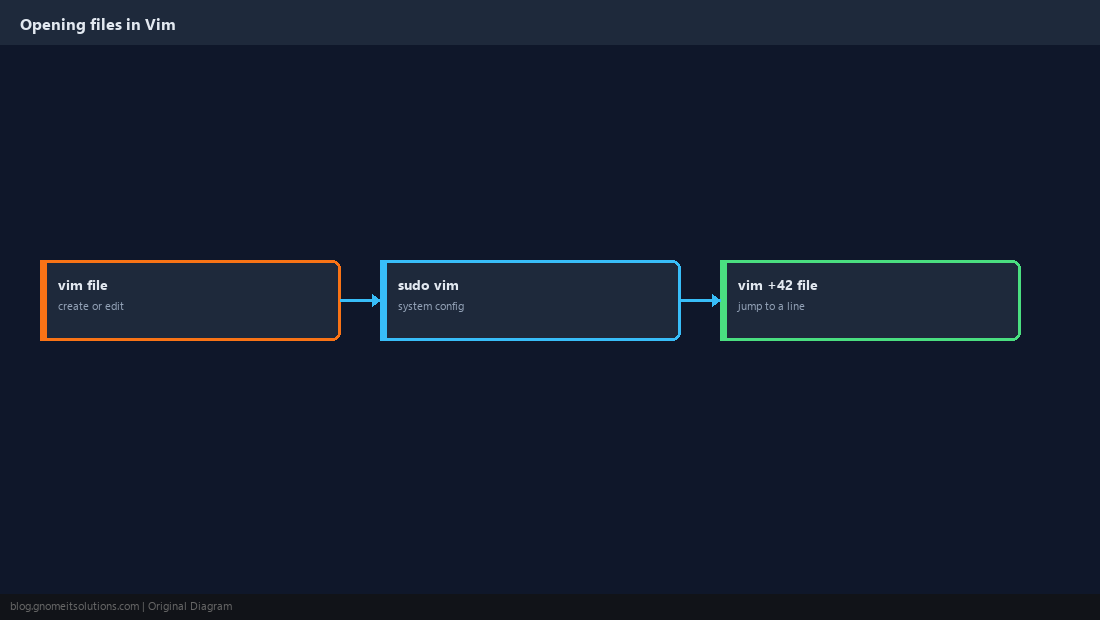
Understand the Three Modes
Normal mode (the default) is for moving and running commands. Insert mode is for typing text. Command-line mode (after :) is for saving, quitting and search and replace. Esc always returns you to Normal mode.
i     insert before the cursor      a   append after the cursor
I     insert at line start          A   append at line end
o     new line below                O   new line above
Esc   back to Normal mode
:     command-line mode (from Normal)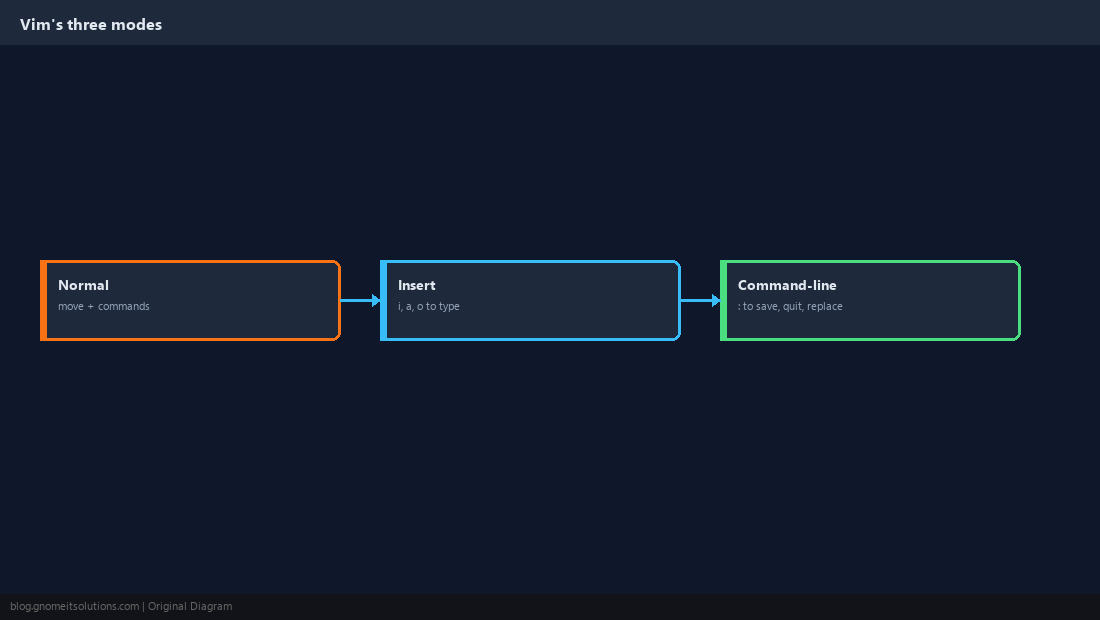
Save and Quit
All save and quit commands are typed in Normal mode after a colon and confirmed with Enter.
:w        save
:wq       save and quit   (same as :x or ZZ)
:q        quit (fails if there are unsaved changes)
:q!       quit and discard changes
:w new.conf save as a new file:w !sudo tee % > /dev/nullE37: No write since last change means you have unsaved edits. Use :wq to keep them or :q! to throw them away.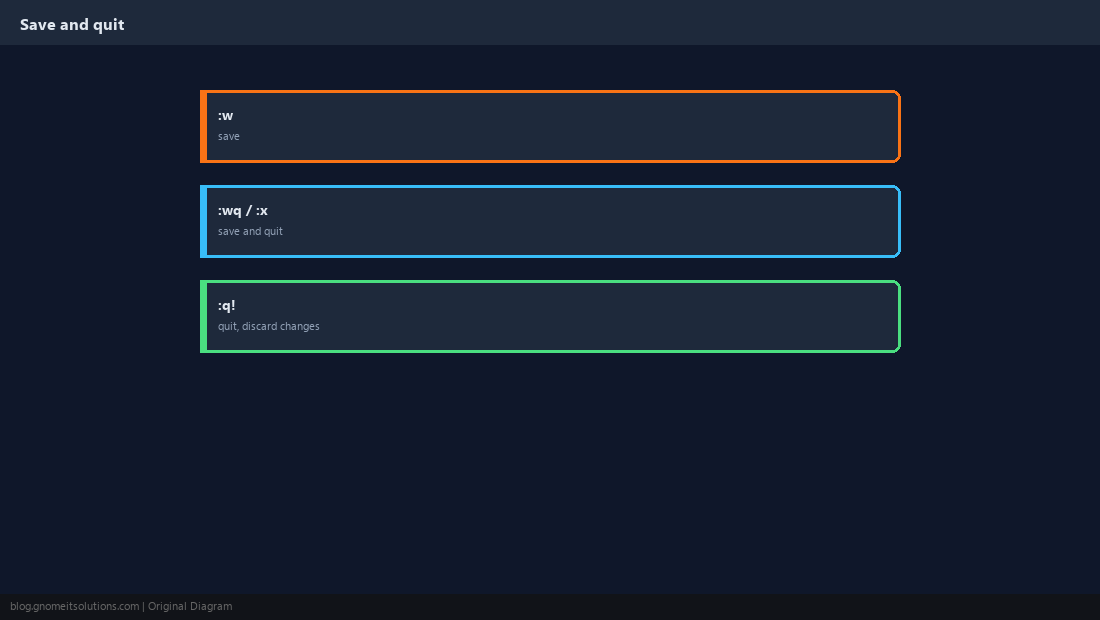
Move Around Quickly
Arrow keys work, but Normal-mode motions are faster: h j k l for left, down, up, right; w and b for word by word; 0 and $ for line start and end; gg and G for top and bottom.
w / b       next / previous word
0 / $       start / end of line
gg / G      first / last line
:25 or 25G  go to line 25
Ctrl+d / Ctrl+u   half page down / up
%           jump to matching bracket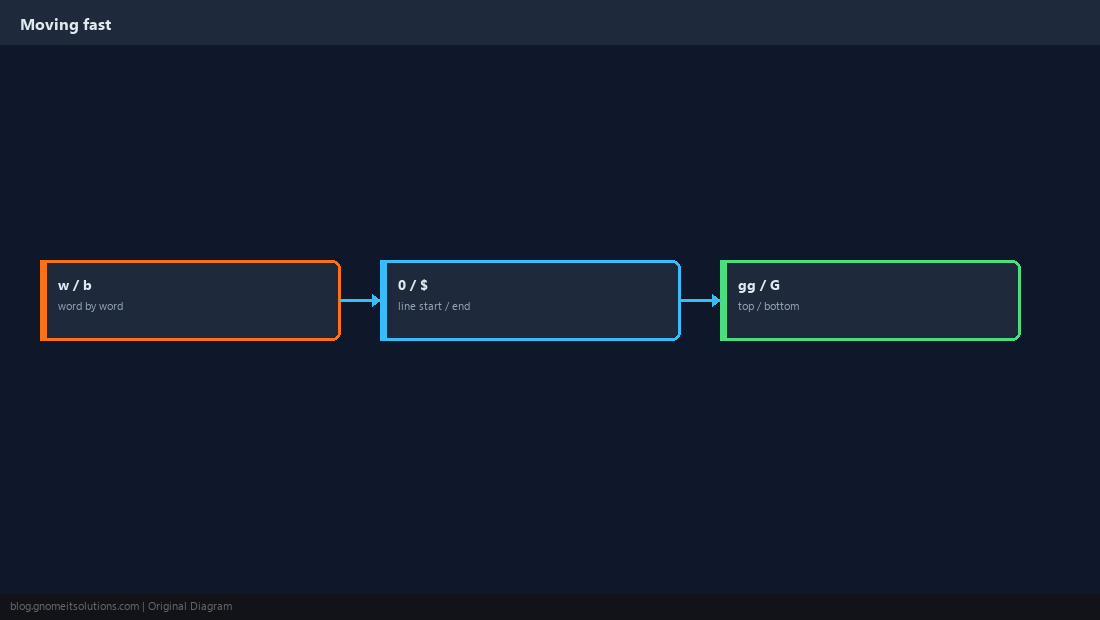
Delete, Change and Replace Text
Editing commands combine an operator with a motion: d deletes, c changes (deletes then enters Insert mode). So dw deletes a word and cw rewrites it. A number repeats the command: 3dd deletes three lines.
x       delete character
dd      delete line          3dd   delete 3 lines
dw      delete word          d$    delete to end of line
cw      change word          cc    change whole line
r       replace one character
J       join next line onto this one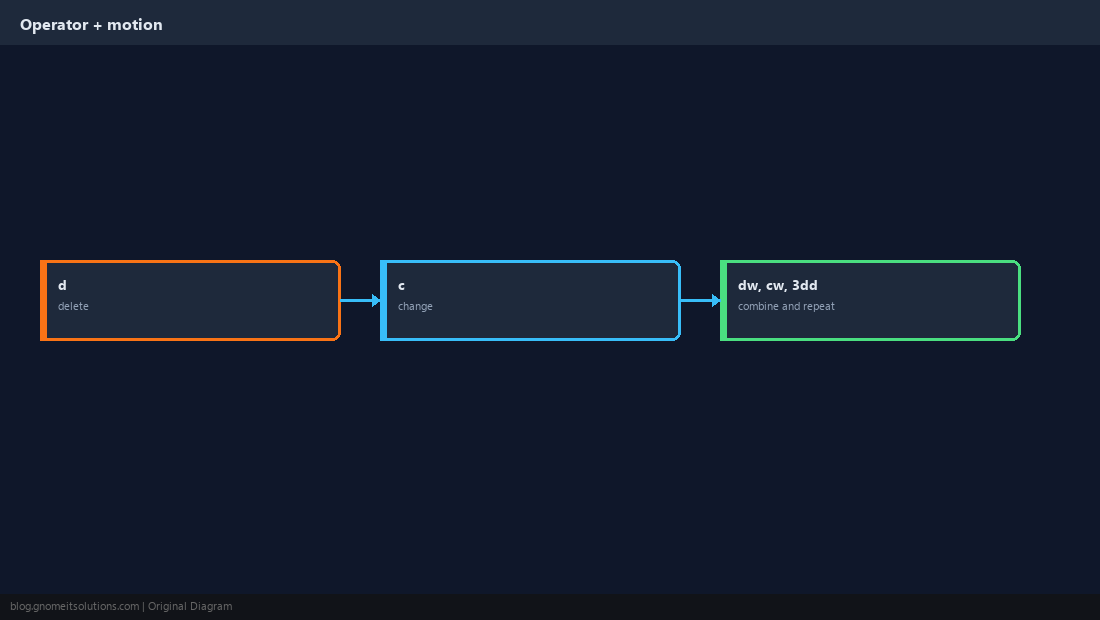
Copy and Paste (Yank and Put)
Vim calls copying yank. Anything you delete or yank goes into a register, and p puts it back. Visual mode (v for characters, V for lines) lets you select first and act second.
yy      copy line            5yy   copy 5 lines
yw      copy word
p / P   paste after / before the cursor
V       select lines, then y to copy or d to cut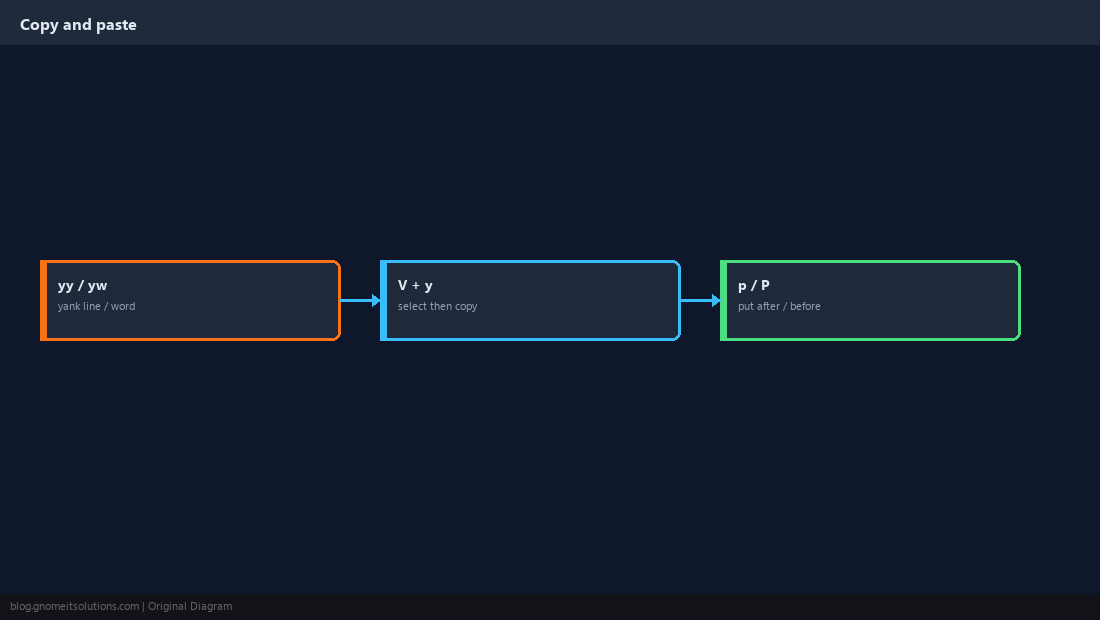
Search and Replace
Press / to search forward, n for the next match and N for the previous one. Replacements use :s; add % for the whole file, g for every match on a line, and c to confirm each one.
/listen          search forward      ?listen   search backward
n / N            next / previous match
:%s/old/new/g    replace everywhere
:%s/old/new/gc   replace with confirmation
:10,20s/80/8080/g   only lines 10 to 20
:noh             clear the highlight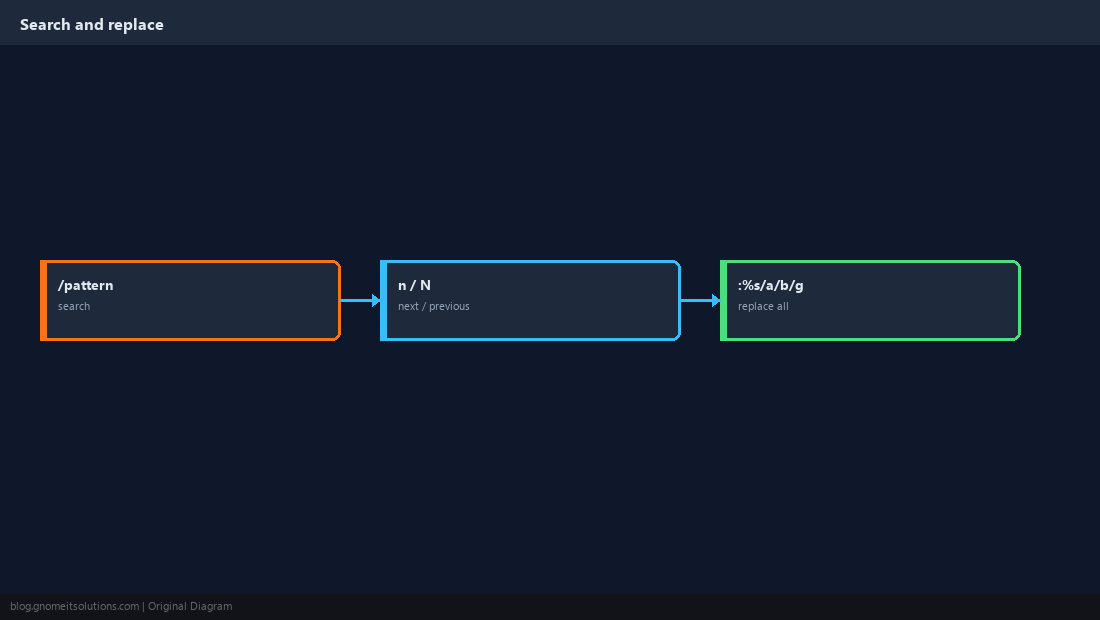
Undo, Redo and a Starter .vimrc
u undoes and Ctrl+r redoes; . repeats the last change. A small ~/.vimrc makes server editing much friendlier.
syntax on
set number          " line numbers
set tabstop=4 shiftwidth=4 expandtab
set hlsearch incsearch
set ignorecase smartcase
set paste " stops auto-indent mangling pasted textvimtutor. It takes about 30 minutes.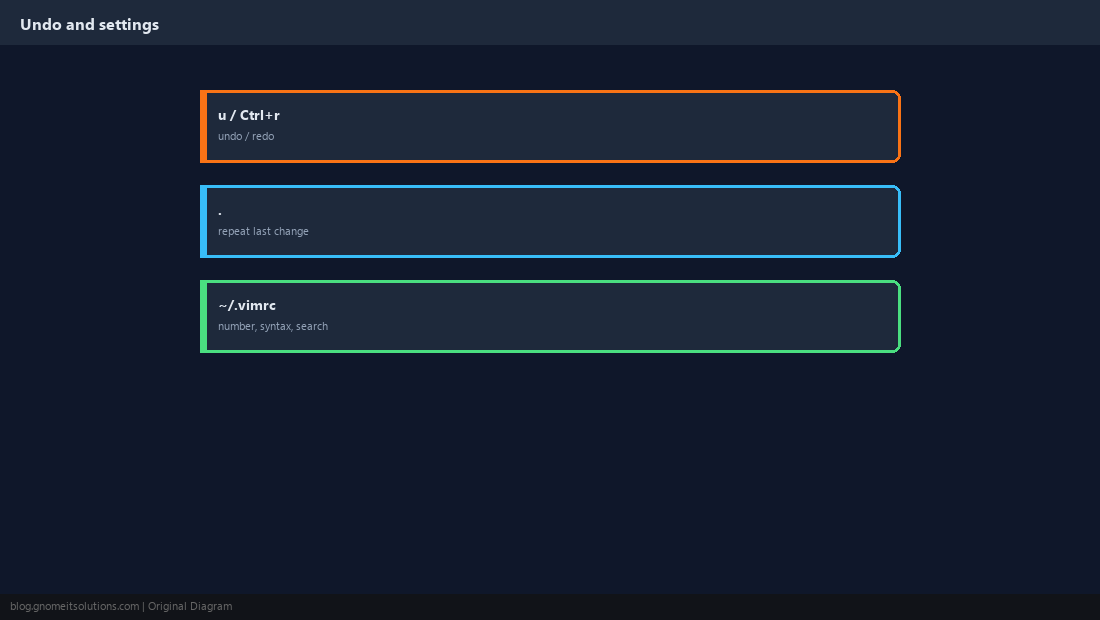
Quick Reference
How do I save and exit Vim?
Press Esc to make sure you are in Normal mode, type :wq and press Enter. :x or ZZ do the same.
How do I quit Vim without saving?
Press Esc, type :q! and press Enter. All changes since the last save are discarded.
What is the difference between vi and vim?
Vim (Vi IMproved) is an enhanced version of vi with syntax highlighting, multi-level undo, visual mode and plugins. On most distributions the vi command actually starts Vim.
How do I search and replace in Vim?
Use :%s/old/new/g to replace every occurrence in the file, or add c (:%s/old/new/gc) to confirm each replacement.
How do I undo in Vim?
Press u in Normal mode to undo and Ctrl+r to redo.
Cheat Sheet
iinsert, Esc normal,:wqsave+quit,:q!discarddddelete line,yycopy,ppaste,uundo,/textsearch,:%s/a/b/greplace
Related tutorials
Diagrams are original illustrations by Gnome IT Solutions. Tutorial text © Gnome IT Solutions.