No space left on device stops databases, prevents SSH logins, and breaks package updates — often with cryptic errors in unrelated apps. The fix starts with
df -h and drilling into the mount that hit 100%.
See also df, du and ncdu,
OOM (different problem), and
journalctl when /var/log/journal grows without bound.
Symptoms
Writes fail, apt/dnf errors, MySQL cannot create temp tables, cron mail spams admins.
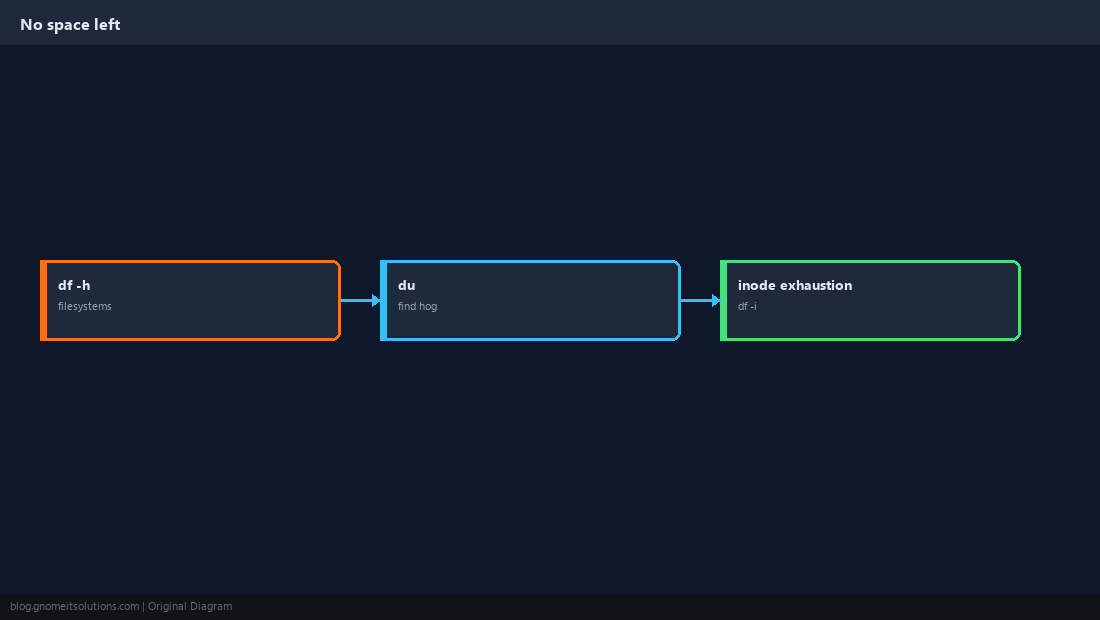
df -h: Which Filesystem?
Check every mount — root, /var, /tmp, and separate data volumes.
df -h
df -i   # inode exhaustion shows here too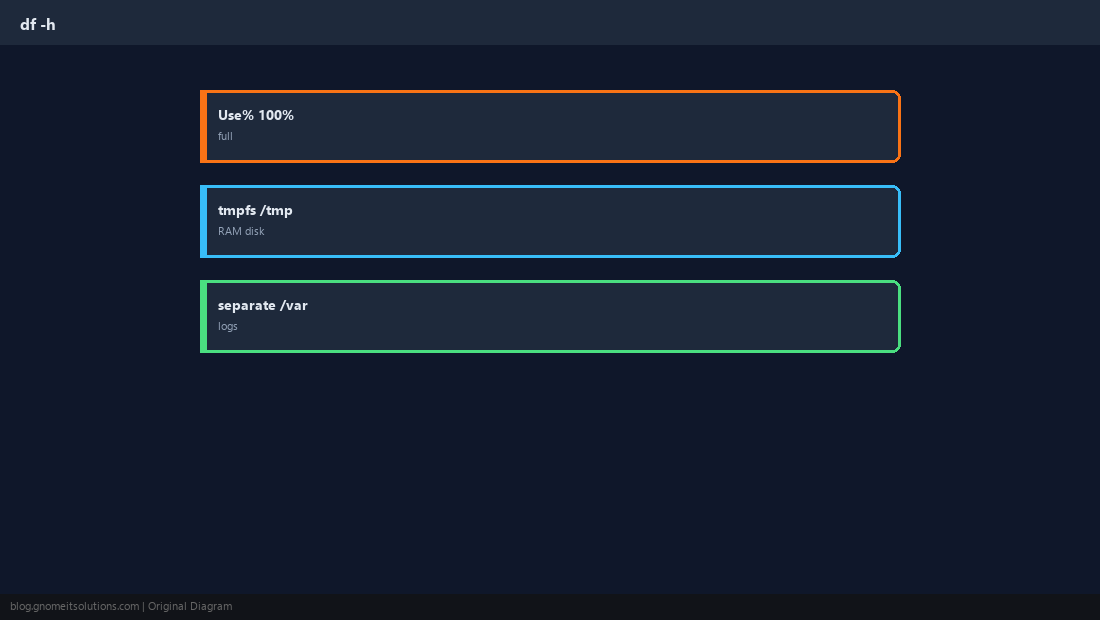
du: Find the Directory Hog
Walk down from the full mount; ncdu is faster interactively.
sudo du -xh --max-depth=1 /var 2>/dev/null | sort -h | tail -15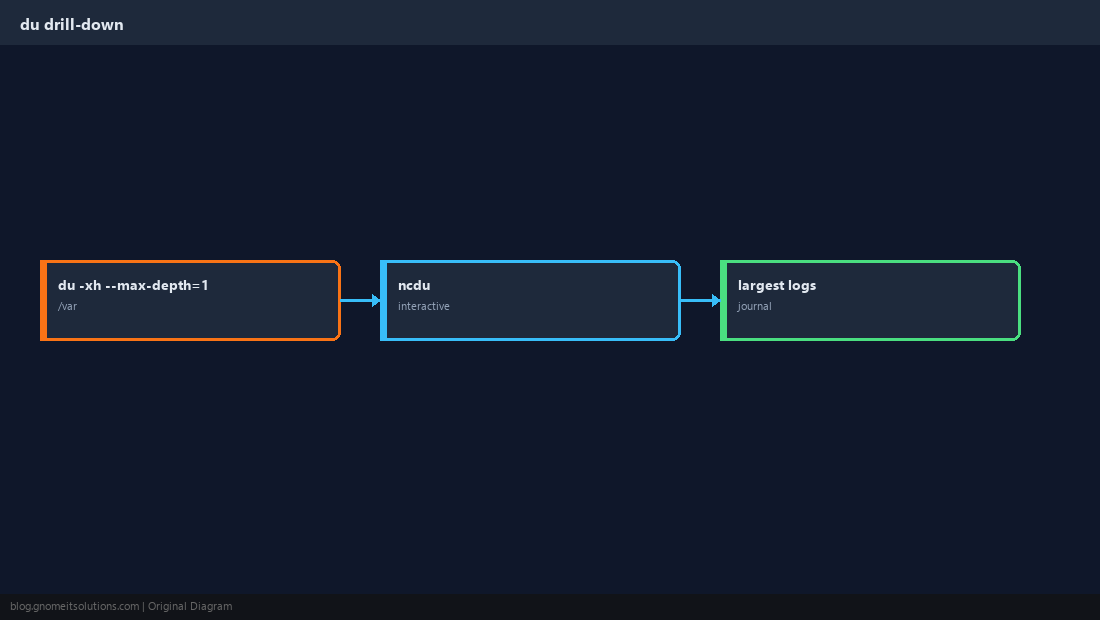
Logs and journald
Unrotated app logs and systemd journals are the usual culprits on busy servers.
sudo journalctl --disk-usage
sudo journalctl --vacuum-size=500M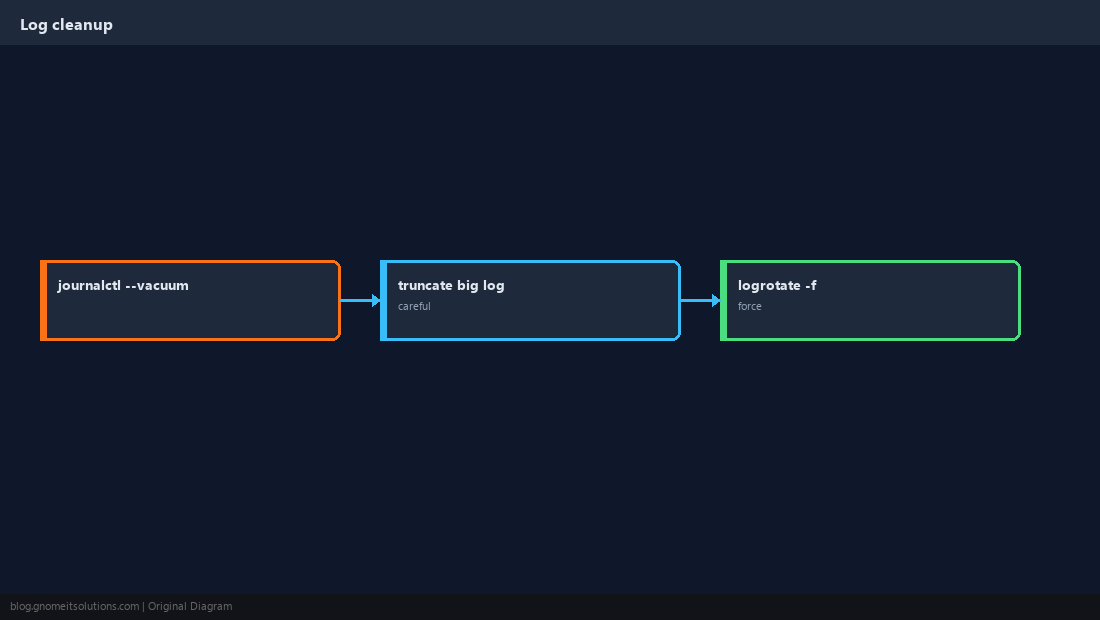
Docker Can Fill the Disk
Images, containers, and volumes accumulate on the same partition as /var/lib/docker.
docker system df
docker system prune -f   # review before -a --volumes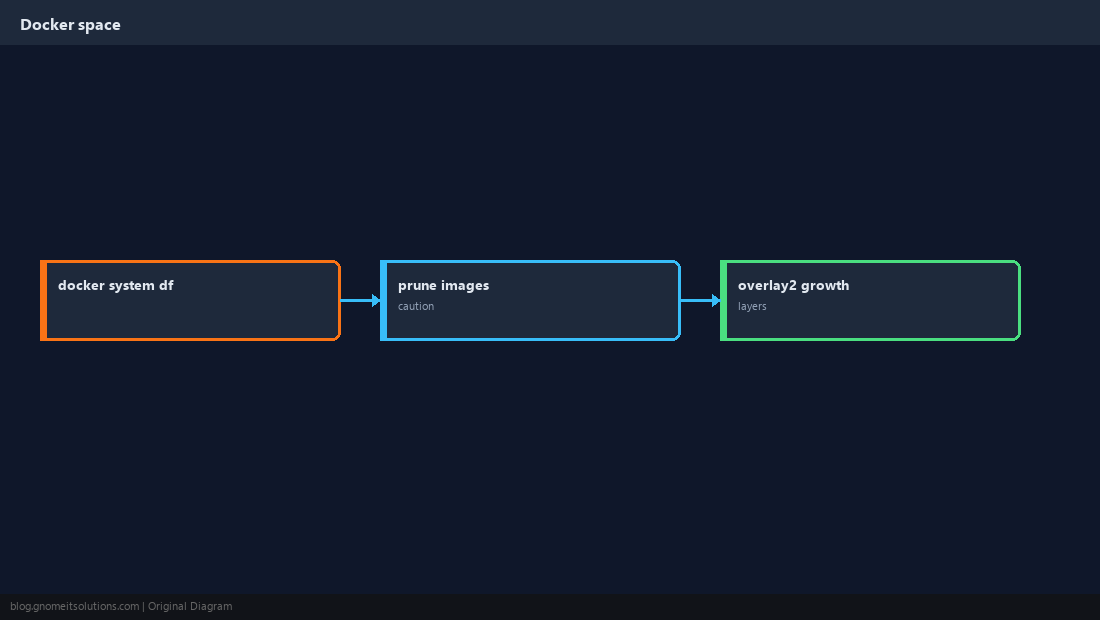
Inode Exhaustion
Millions of tiny files can fill inodes while df -h still shows free space.
df -i /var
df -h /var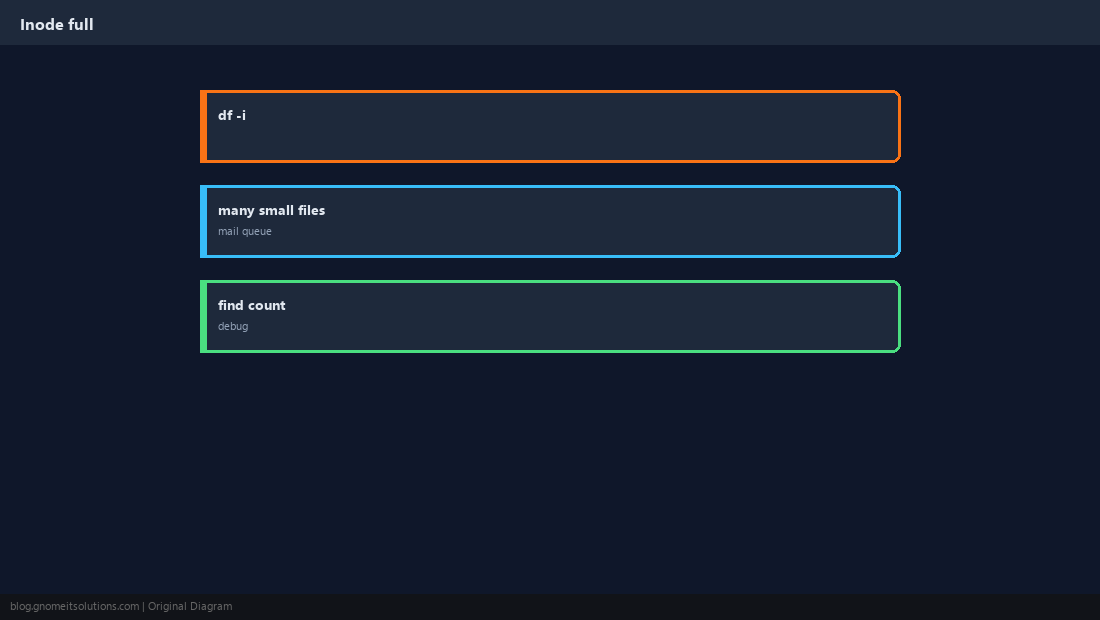
Prevent Recurrence
Alert on disk percentage, separate /var, retention on logs and backups.
du and df disagree, check deleted files still held open — see our lsof guide in this batch.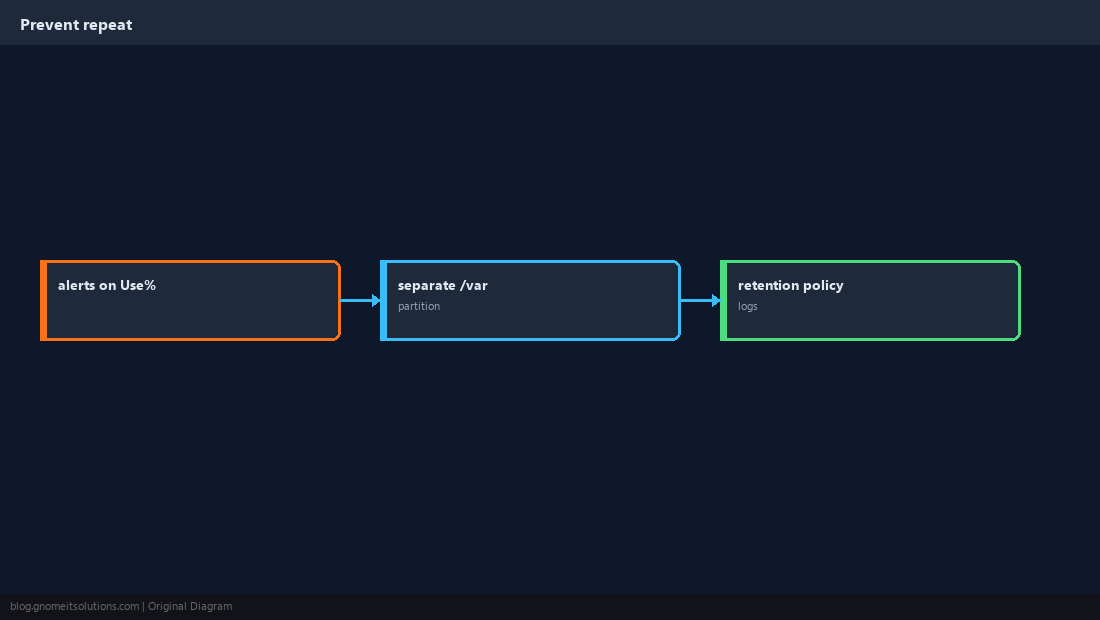
Quick Reference
df -hthenduon the full mountjournalctl --vacuum-size=...on journal bloatdf -iwhen space looks free but writes fail
Related tutorials
Diagrams are original illustrations by Gnome IT Solutions. Tutorial text © Gnome IT Solutions.