On AlmaLinux, Rocky, and RHEL, firewalld is the default host firewall front-end. Debian admins often know UFW first — the ideas are the same (default deny, allow only what you need), but the commands are firewall-cmd.
Pair with nftables basics and
Fail2ban on RHEL (banaction = firewallcmd-ipset).
Zones and Services Model
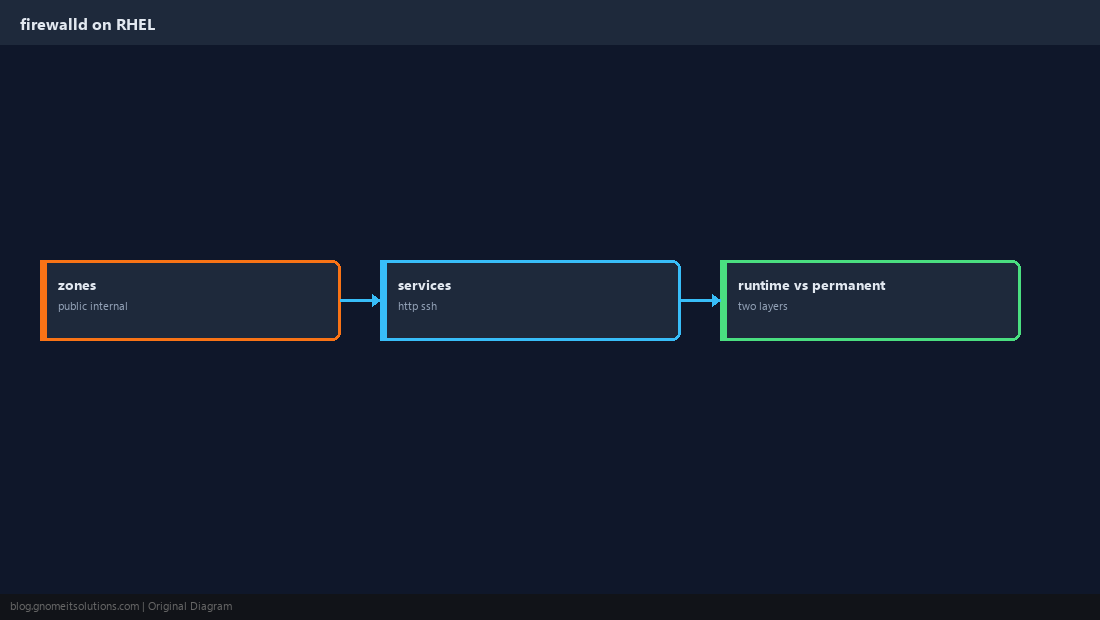
Interfaces land in a zone (usually public). Services like http and ssh are predefined port bundles.
Install and Enable firewalld
Replace legacy iptables-services on new installs if needed.
sudo dnf install -y firewalld
sudo systemctl enable --now firewalld
sudo firewall-cmd --state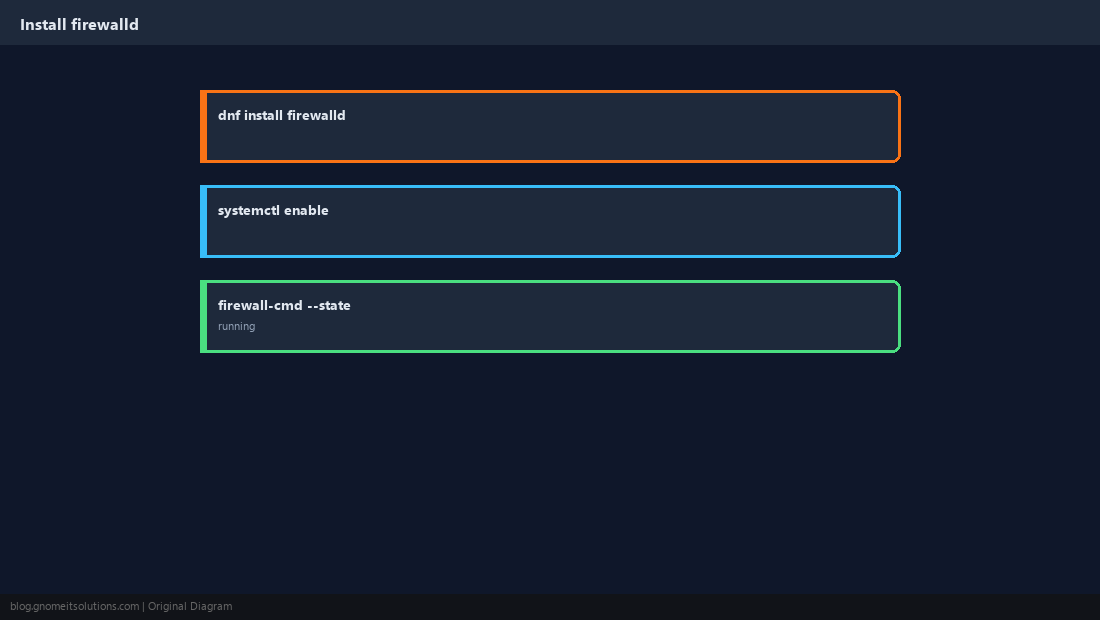
Inspect the Active Zone
See what is already allowed before you open more.
sudo firewall-cmd --get-active-zones
sudo firewall-cmd --list-all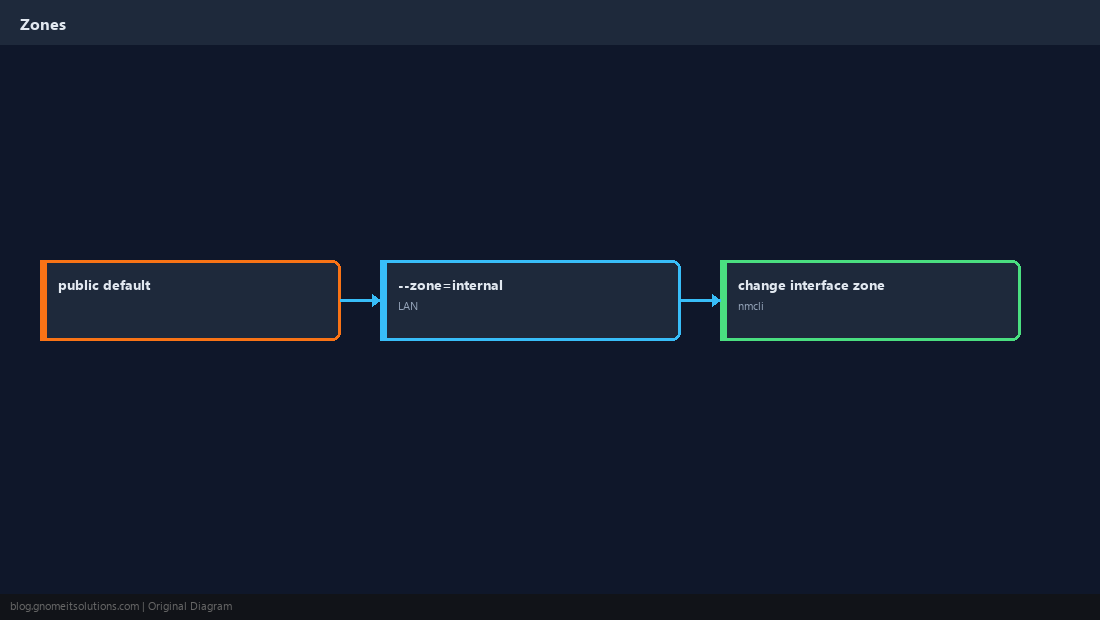
Allow Standard Web and SSH
Use services when possible — clearer than raw ports in runbooks.
sudo firewall-cmd --permanent --add-service=http
sudo firewall-cmd --permanent --add-service=https
sudo firewall-cmd --permanent --add-service=ssh
sudo firewall-cmd --reload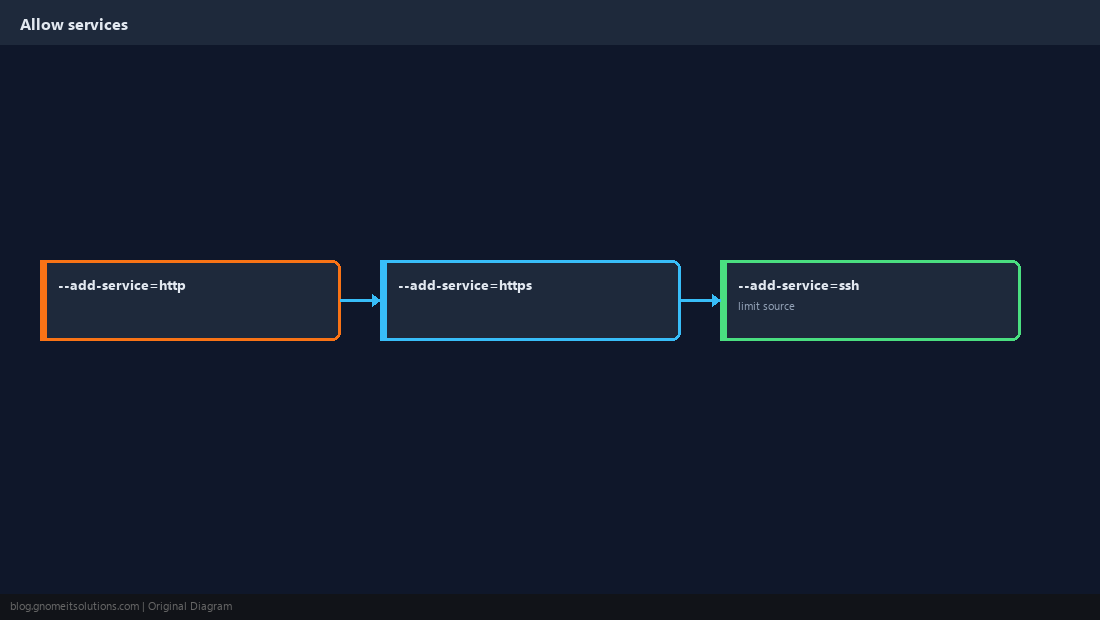
Open a Custom Port
Node apps, metrics, or alternate SSH need explicit ports.
sudo firewall-cmd --permanent --add-port=8080/tcp
sudo firewall-cmd --reload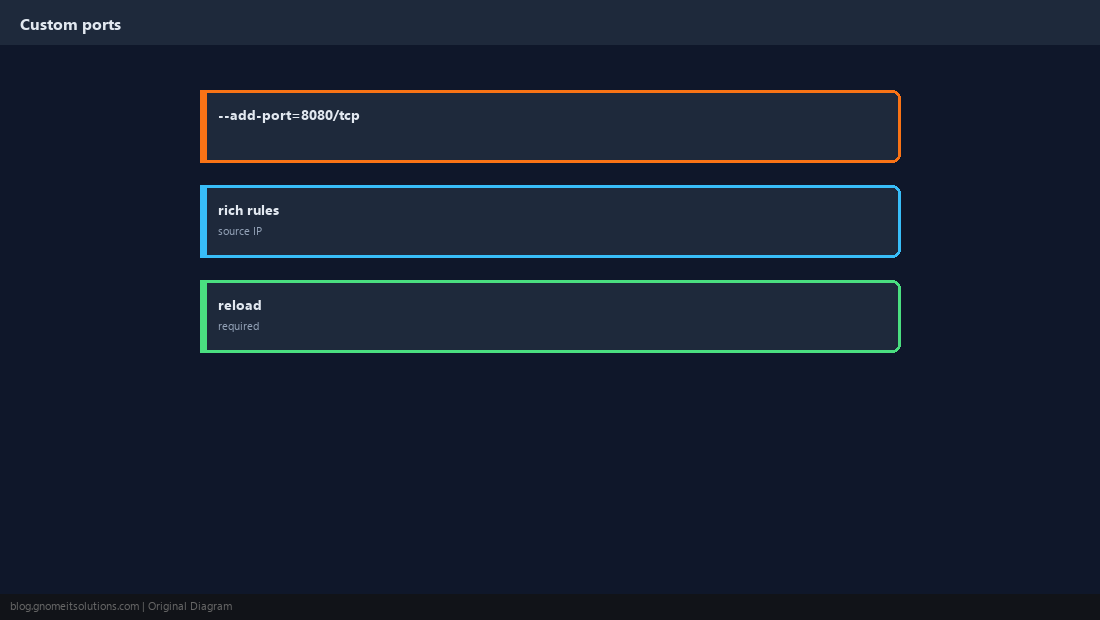
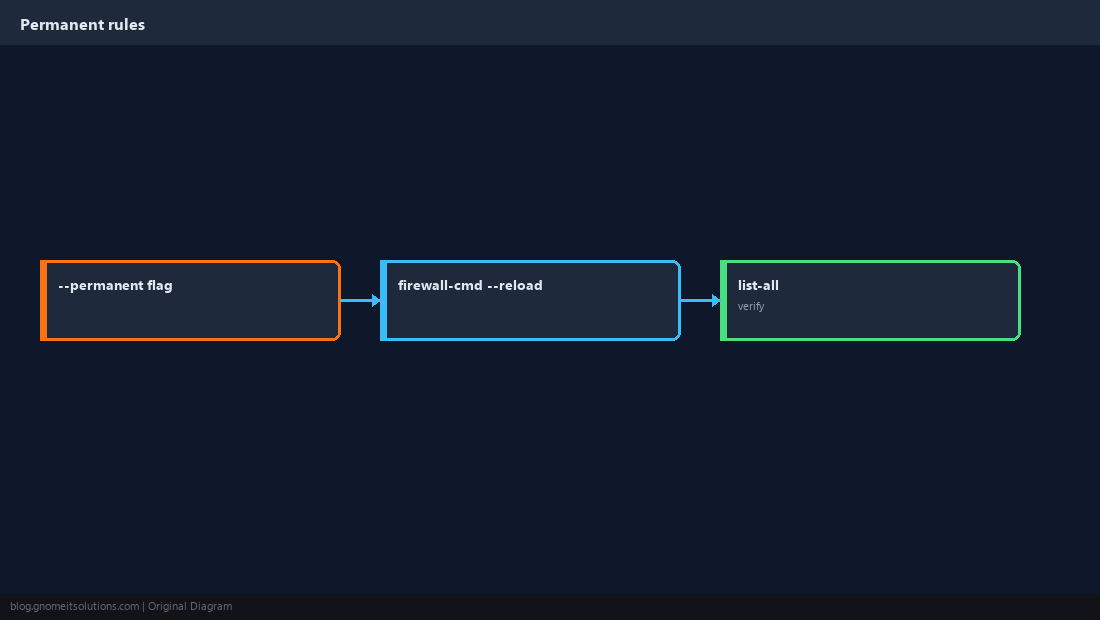
Runtime vs Permanent
Without --permanent, rules disappear on reload/reboot. Always add permanent, then reload.
Verify From Another Host
Local ss plus remote nc or curl confirms the full path.
sudo ss -lntp | grep -E ':80|:443|:22'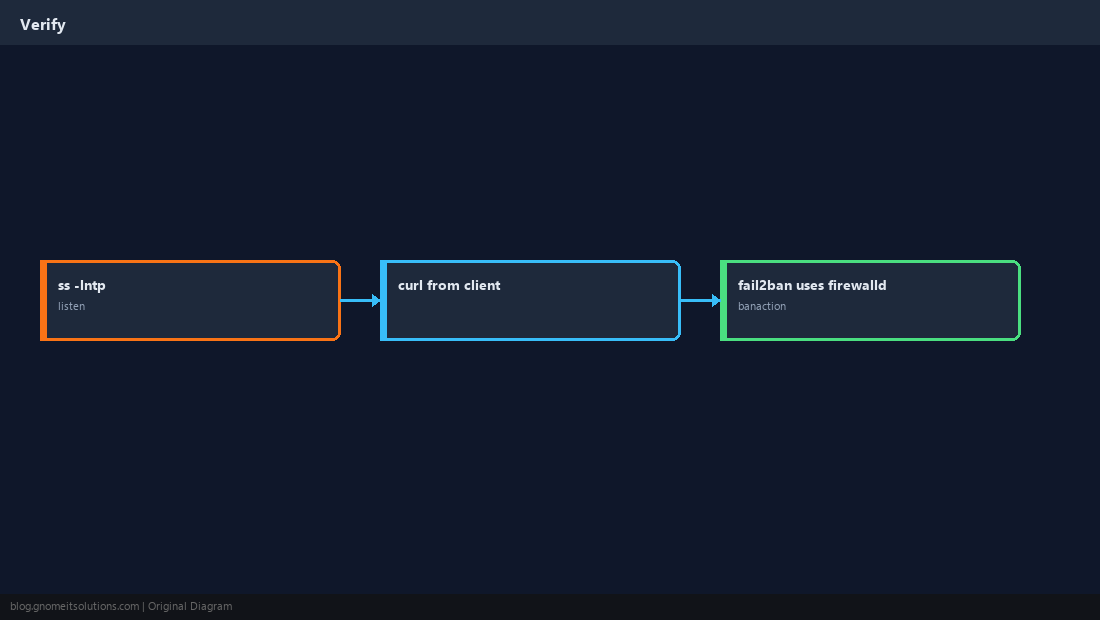
Quick Reference
firewall-cmd --list-allbefore changes- Use
--permanentthen--reload - Debian/Ubuntu: see our UFW guide instead
Related tutorials
Diagrams are original illustrations by Gnome IT Solutions. Tutorial text © Gnome IT Solutions.