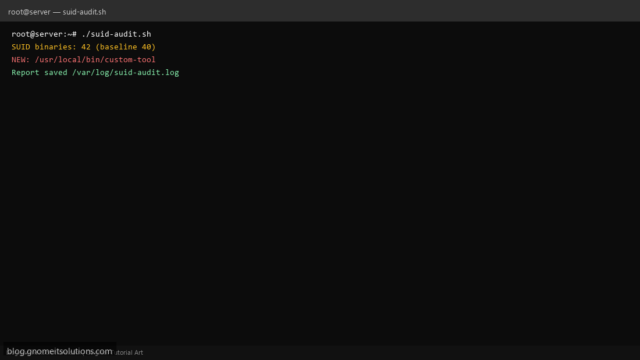
Find SUID SGID Binaries Shell Script (Linux Security Audit)
Audit SUID and SGID files on Linux with a Bash script: find / -perm, compare to baseline, alert…
Read tutorial →Browse step-by-step tutorials in this topic.
Audit SUID and SGID files on Linux with a Bash script: find / -perm, compare to baseline, alert…
Read tutorial →
Set up passwordless SSH with ssh-copy-id: generate ed25519 keys, copy pubkey to remote authorized_keys, test login, and harden…
Read tutorial →
Understand umask on Linux: how 022 and 027 change new file and directory modes, set umask in shell…
Read tutorial →
Configure firewalld on AlmaLinux/Rocky: install, zones, allow http/https/ssh, custom ports, --permanent rules, reload, and verify with firewall-cmd and…
Read tutorial →
Understand /etc/sudoers on Linux: use visudo, sudoers.d drop-ins, wheel group, limit commands with Cmnd_Alias, audit auth logs, and…
Read tutorial →
Set up nftables on Linux: tables, chains, default drop, allow SSH and web ports, persist ruleset to /etc/nftables.conf,…
Read tutorial →
Understand Linux file permissions with ls -l, chmod ugo and 755/644 octal modes, recursive chmod, chown user:group, and…
Read tutorial →
Forward systemd journal logs to a central collector with systemd-journal-upload and systemd-journal-remote, secure with HTTPS, and search with…
Read tutorial →
Configure Fail2ban jails for Nginx: install filters for 404/401 abuse and bad bots, set findtime and bantime, test…
Read tutorial →
Install Redis on Linux, bind to localhost or a private interface, set requirepass and ACLs, firewall port 6379,…
Read tutorial →