Run your own GitLab CI/CD pipelines on a Linux server with GitLab Runner. This guide covers install, registration, and a Docker executor — ideal for homelab and production build agents.
Step 1: Install GitLab Runner Package
Add the official GitLab repository and install on Ubuntu: curl -L https://packages.gitlab.com/install/repositories/runner/gitlab-runner/script.deb.sh | sudo bash then apt install gitlab-runner. On AlmaLinux use the RPM script.
Step 2: Register the Runner
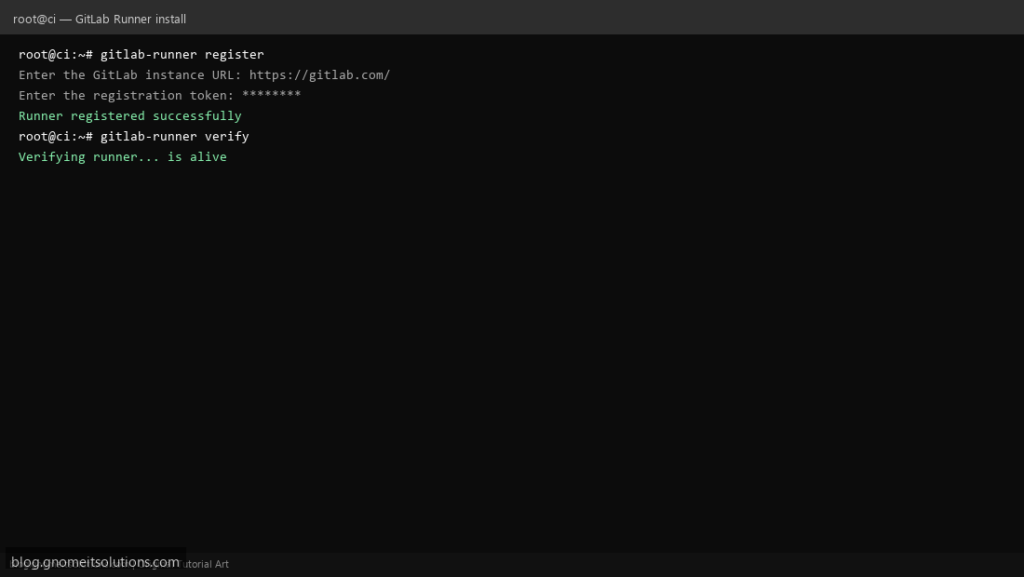
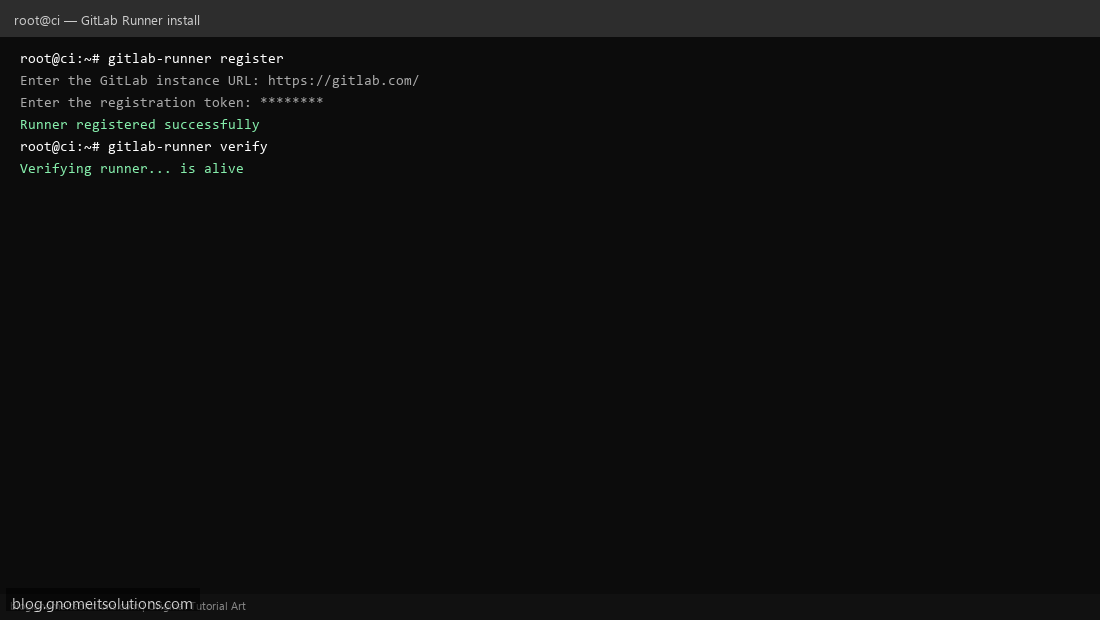
Run gitlab-runner register — enter GitLab URL, registration token (from Settings → CI/CD → Runners), executor docker, and default image docker:24.
Step 3: Verify and Enable Service
Check with gitlab-runner verify and systemctl enable --now gitlab-runner. Push a .gitlab-ci.yml to test your first pipeline job.
Example .gitlab-ci.yml
stages: [test, deploy]

test:
  stage: test
  script:
    - echo "Running tests on Linux runner"

deploy:
  stage: deploy
  script:
    - ./deploy.sh
  only:
    - main
Related tutorials
Terminal screenshots are original illustrations created for Gnome IT Solutions (blog.gnomeitsolutions.com).