Developers search for install Node.js Linux constantly because the Node version in default distro repos is often years old. For APIs and Next.js backends on a VPS you want a current LTS build and a repeatable way to update.
Pair this with Nginx as reverse proxy and
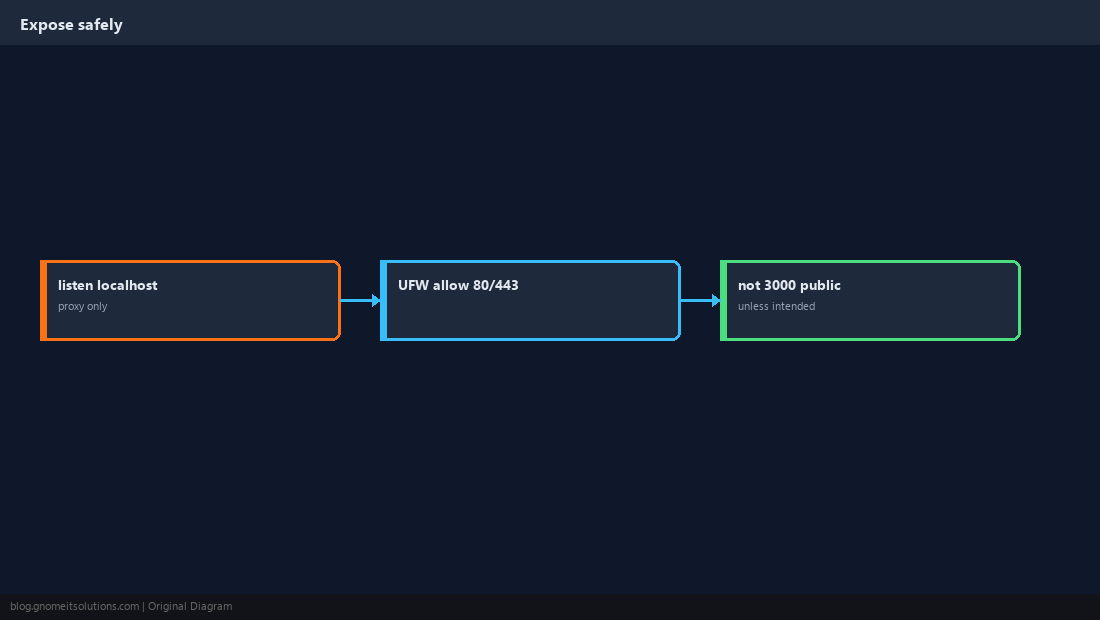
UFW so only ports 80/443 are public.
What You Are Installing
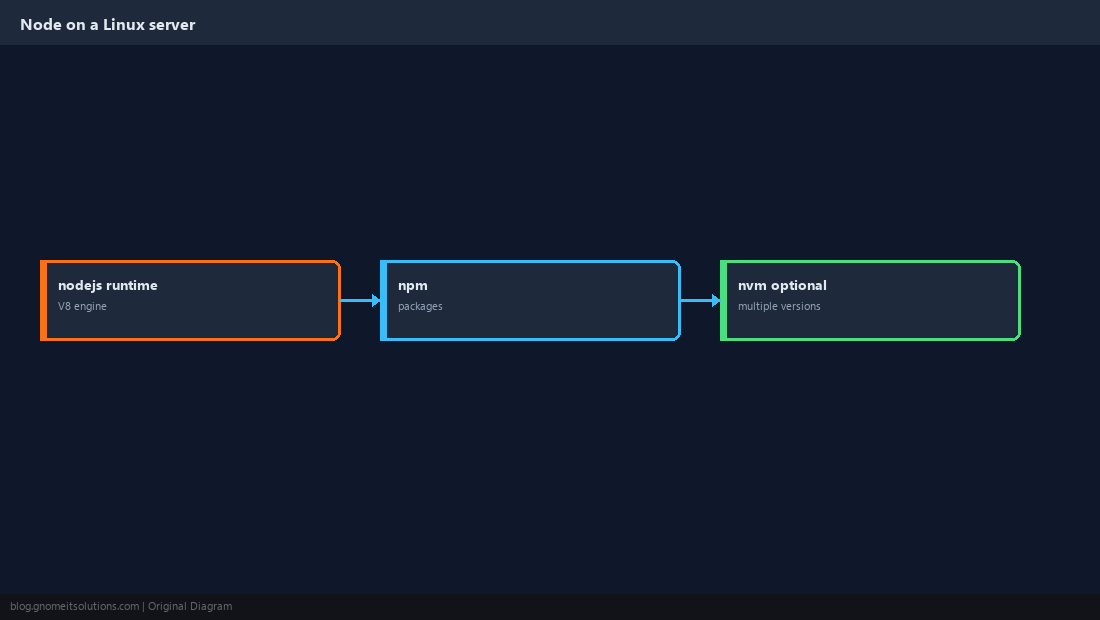
Node.js is the runtime; npm is the package manager bundled with official Node builds. Production servers usually run one LTS major version per machine unless you use nvm per deploy user.
Install LTS from NodeSource (Server Default)
On Ubuntu/Debian, NodeSource setup scripts install maintained packages. On Alma/Rocky, use the equivalent NodeSource or module stream — always check node -v after install.
curl -fsSL https://deb.nodesource.com/setup_lts.x | sudo -E bash -
sudo apt install -y nodejs
node -v && npm -v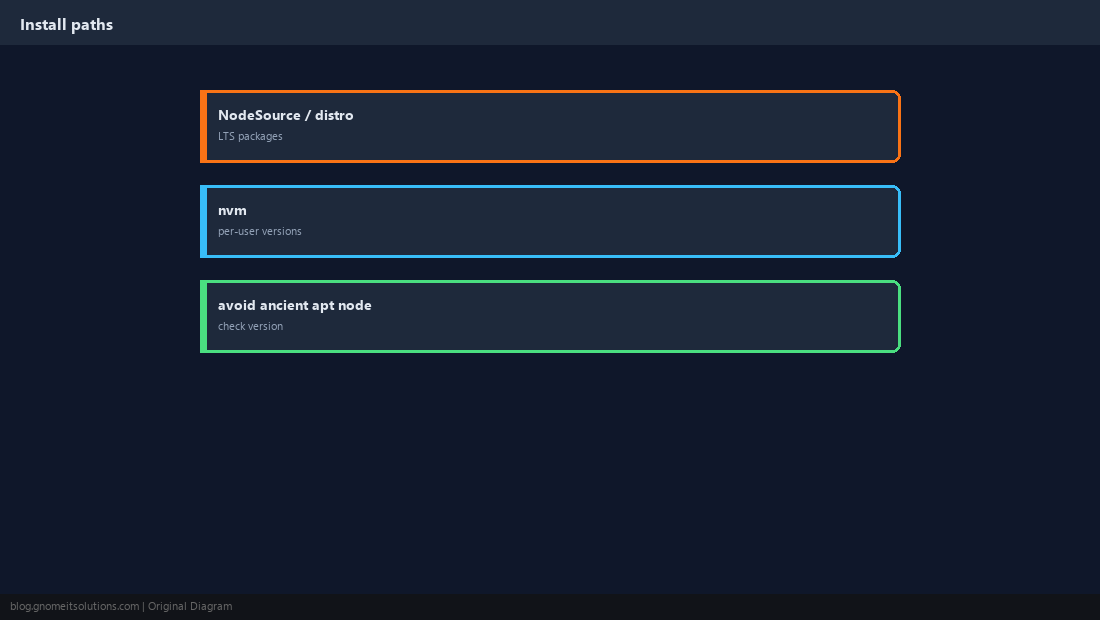
npm init and Local Dependencies
Run npm install inside your project directory. Commit package-lock.json for reproducible builds.
mkdir myapi && cd myapi
npm init -y
npm install express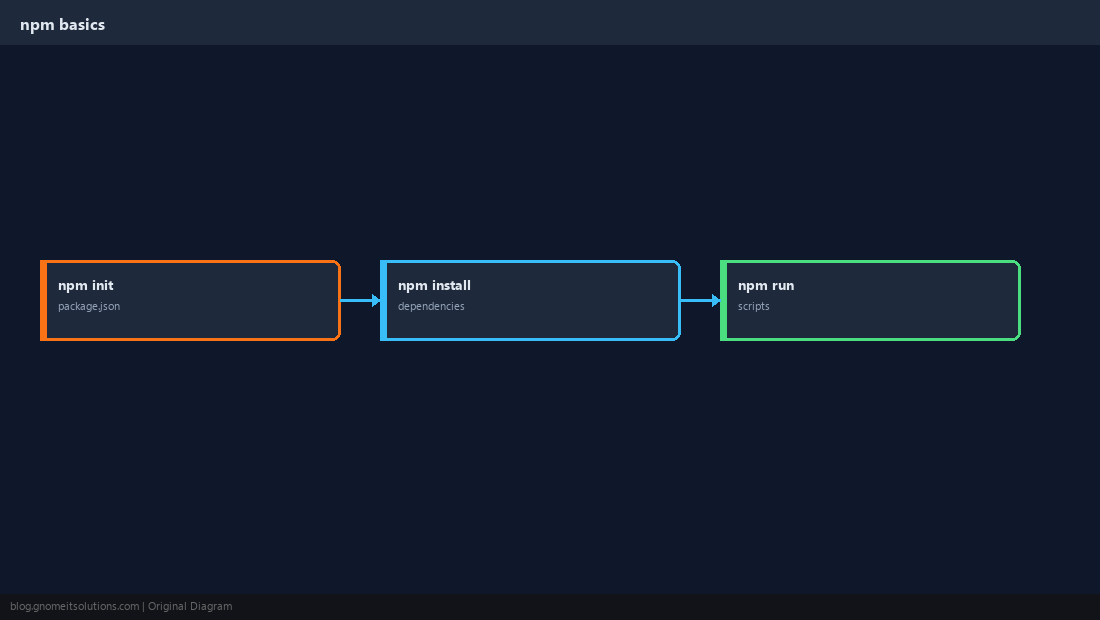
Global CLI Tools
Install CLIs globally only when needed; prefer npx for one-off commands to avoid version conflicts.
npx create-next-app@latest myapp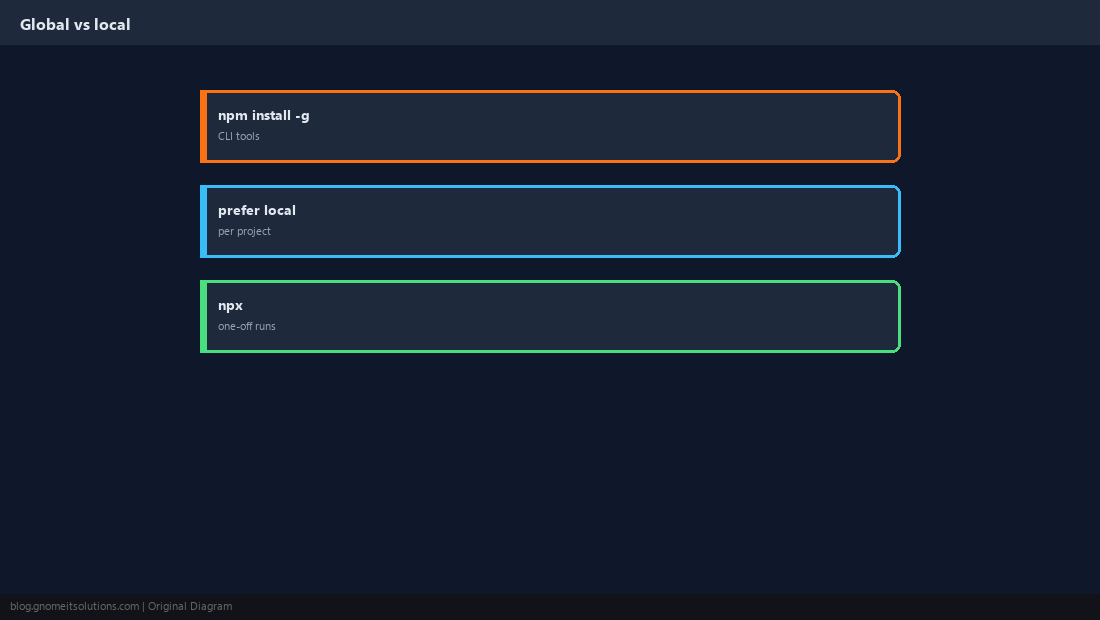
Run as a Service
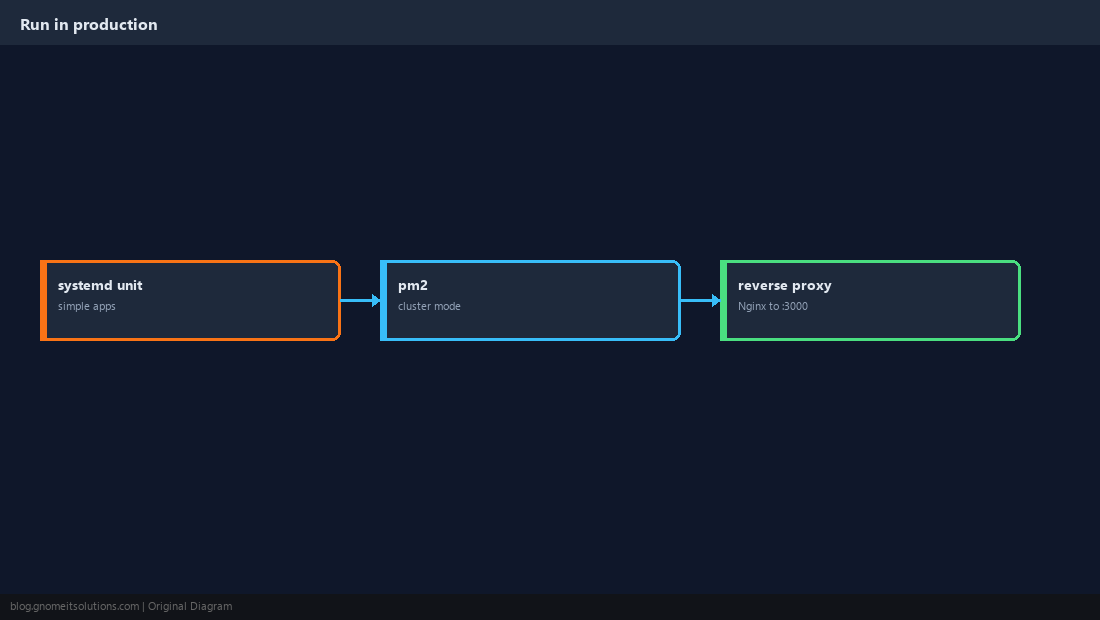
Use systemd for simple Node apps or PM2 for cluster mode. Bind the app to 127.0.0.1 and let Nginx handle TLS.
Firewall and Exposure
Do not expose port 3000 to the internet unless you mean to. Proxy through Nginx on 443.
Verify
Hit the app locally, then through the proxy.
curl -s http://127.0.0.1:3000/health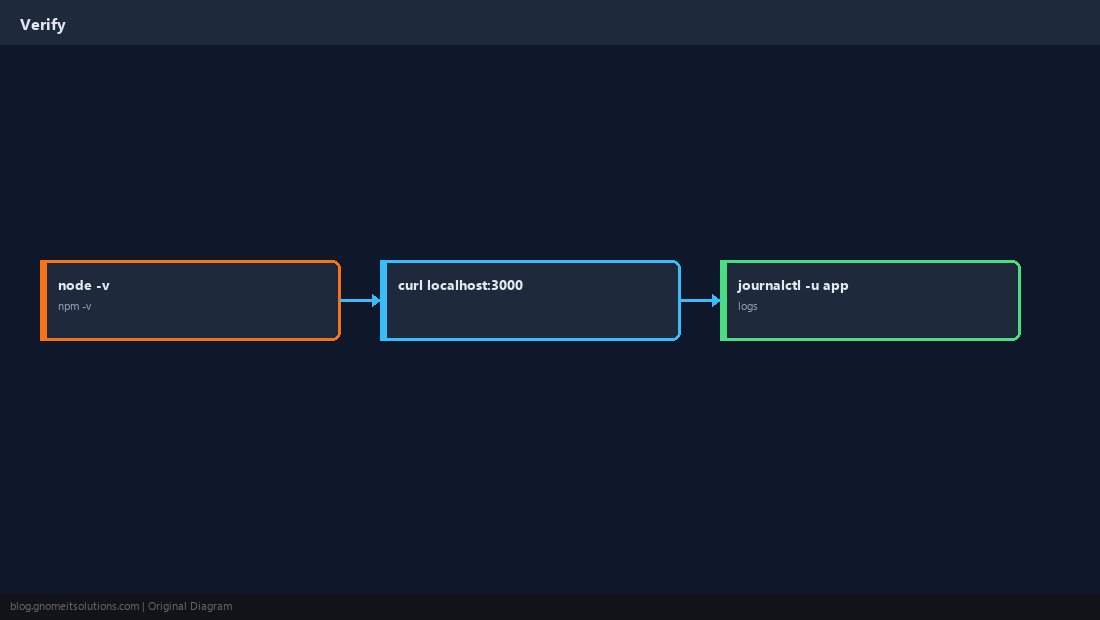
Quick Reference
- Use current LTS — verify with
node -v npm installin project dir; lockfile in git- Bind localhost; Nginx on 443
Related tutorials
Diagrams are original illustrations by Gnome IT Solutions. Tutorial text © Gnome IT Solutions.