A Kubernetes Service gives an app a stable address inside the cluster; an Ingress gives it a public front door.
Instead of one load balancer per app, a single ingress controller accepts HTTP(S) traffic and routes it by hostname and path to the right Service.
This guide assumes a working cluster (see kubeadm setup) and uses
Helm to install the controller. Restrict east-west traffic separately with
NetworkPolicy.
What an Ingress Actually Is
An Ingress is only a set of routing rules. Nothing happens until an ingress controller (here ingress-nginx) watches those rules and configures a real reverse proxy.
  internet --> [ LoadBalancer / NodePort ] --> [ ingress-nginx Pod ]
                                                  |-- app.example.com/     -> svc/app
                                                  |-- app.example.com/api  -> svc/api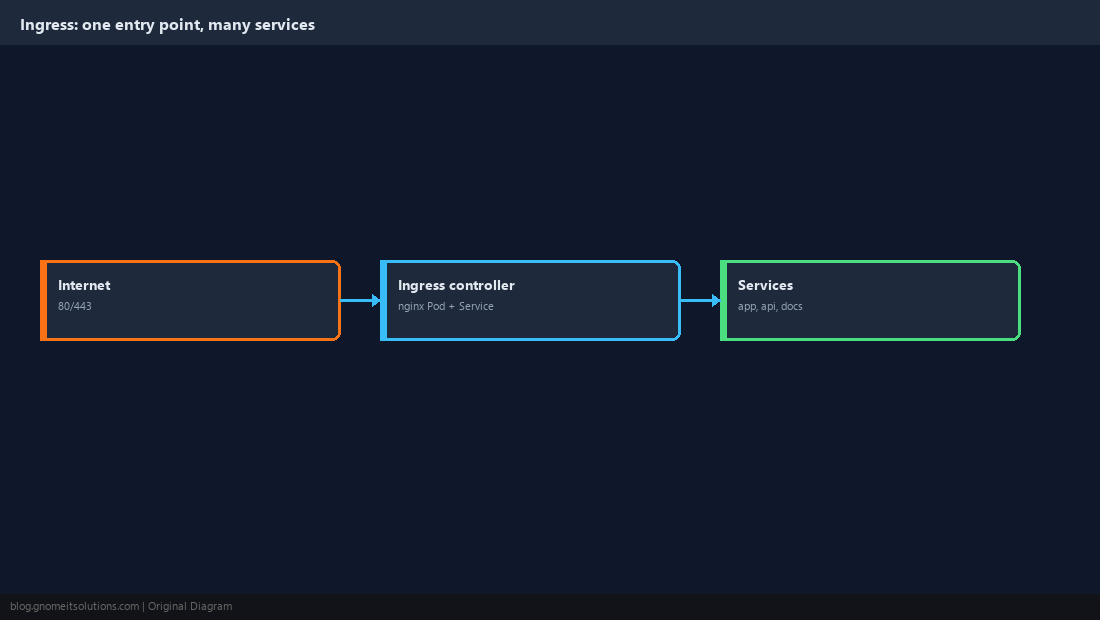
Install the Ingress Controller
Install into its own namespace and note the external address it receives; your DNS records will point there. On bare metal without a cloud load balancer, use MetalLB or a NodePort.
helm repo add ingress-nginx https://kubernetes.github.io/ingress-nginx
helm repo update
helm install ingress-nginx ingress-nginx/ingress-nginx -n ingress-nginx --create-namespacekubectl get svc -n ingress-nginx ingress-nginx-controller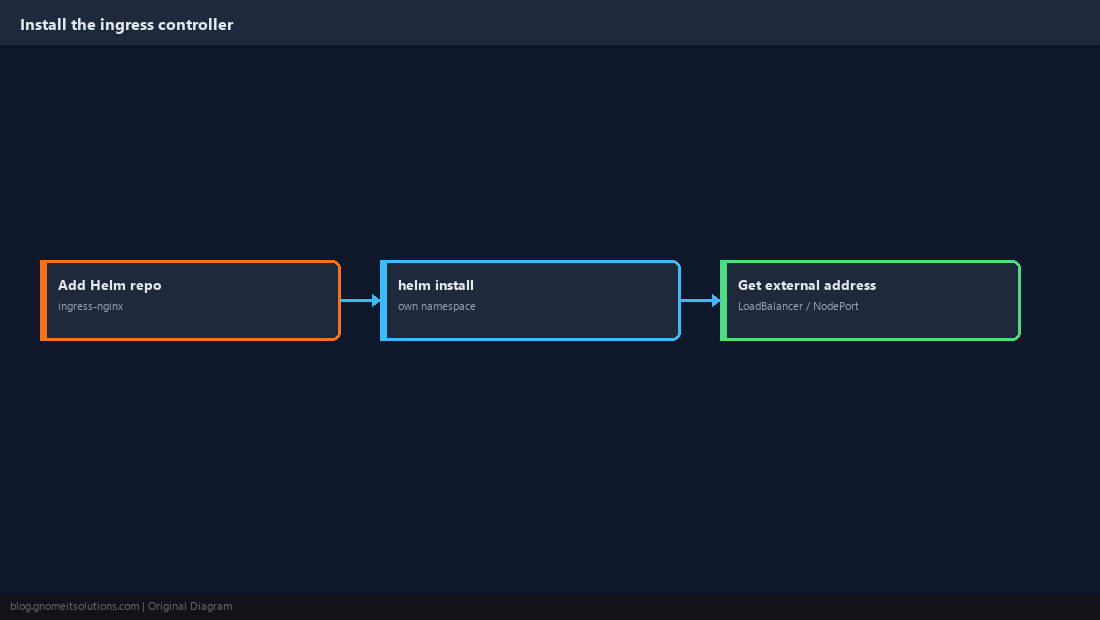
Deploy a Sample App and Service
Ingress routes to Services, so start with a Deployment and a ClusterIP Service.
apiVersion: apps/v1
kind: Deployment
metadata: { name: app }
spec:
  replicas: 2
  selector: { matchLabels: { app: app } }
  template:
    metadata: { labels: { app: app } }
    spec:
      containers:
        - name: web
          image: nginxdemos/hello
          ports: [{ containerPort: 80 }]
---
apiVersion: v1
kind: Service
metadata: { name: app-svc }
spec:
  selector: { app: app }
  ports: [{ port: 80, targetPort: 80 }]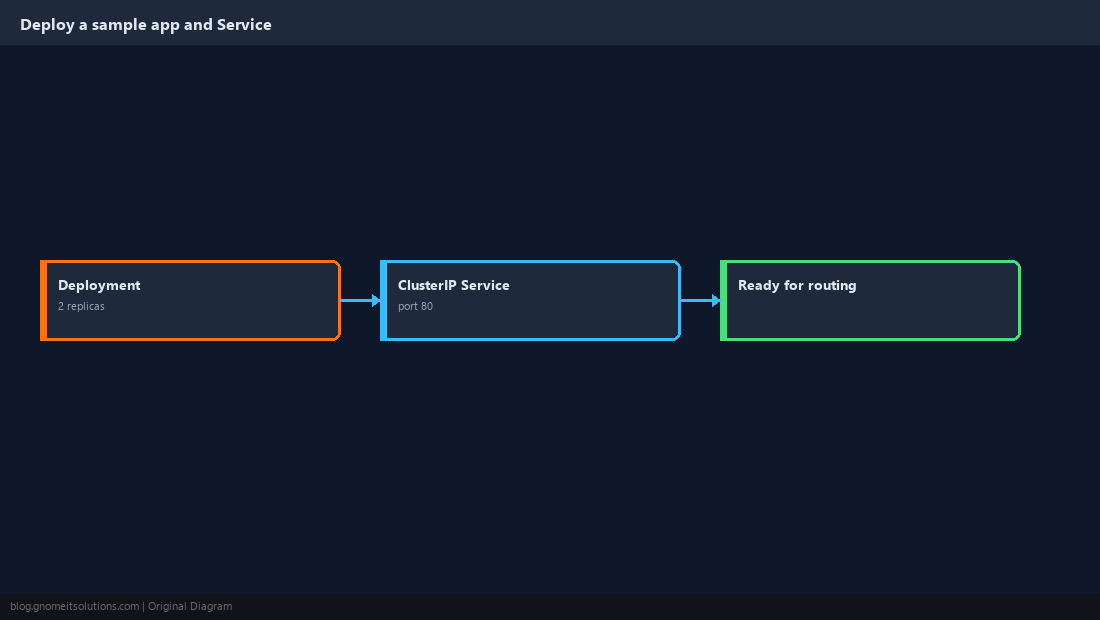
Create a Host-Based Ingress Rule
Point a DNS record for app.example.com at the controller address, then declare the rule.
apiVersion: networking.k8s.io/v1
kind: Ingress
metadata:
  name: app
spec:
  ingressClassName: nginx
  rules:
    - host: app.example.com
      http:
        paths:
          - path: /
            pathType: Prefix
            backend:
service: { name: app-svc, port: { number: 80 } }kubectl apply -f app.yaml -f ingress.yaml
curl -H 'Host: app.example.com' http://<controller-ip>/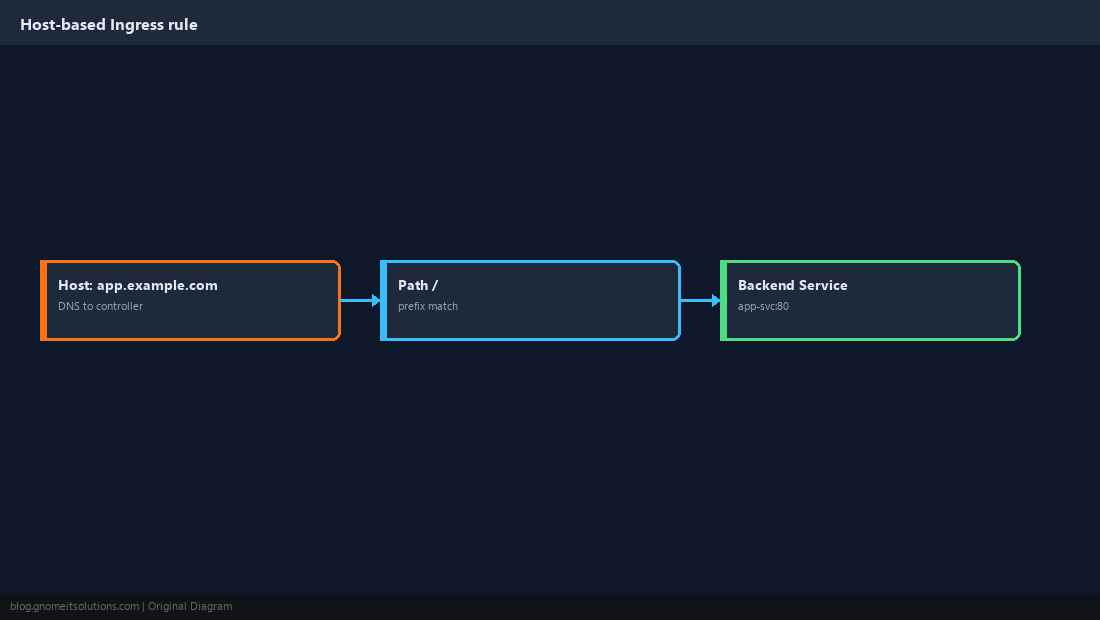
Route Several Paths to Several Services
One hostname can front multiple services. Longer prefixes are more specific and win over shorter ones.
paths:
  - { path: /api,  pathType: Prefix, backend: { service: { name: api-svc,  port: { number: 80 } } } }
  - { path: /docs, pathType: Prefix, backend: { service: { name: docs-svc, port: { number: 80 } } } }
  - { path: /,     pathType: Prefix, backend: { service: { name: web-svc,  port: { number: 80 } } } }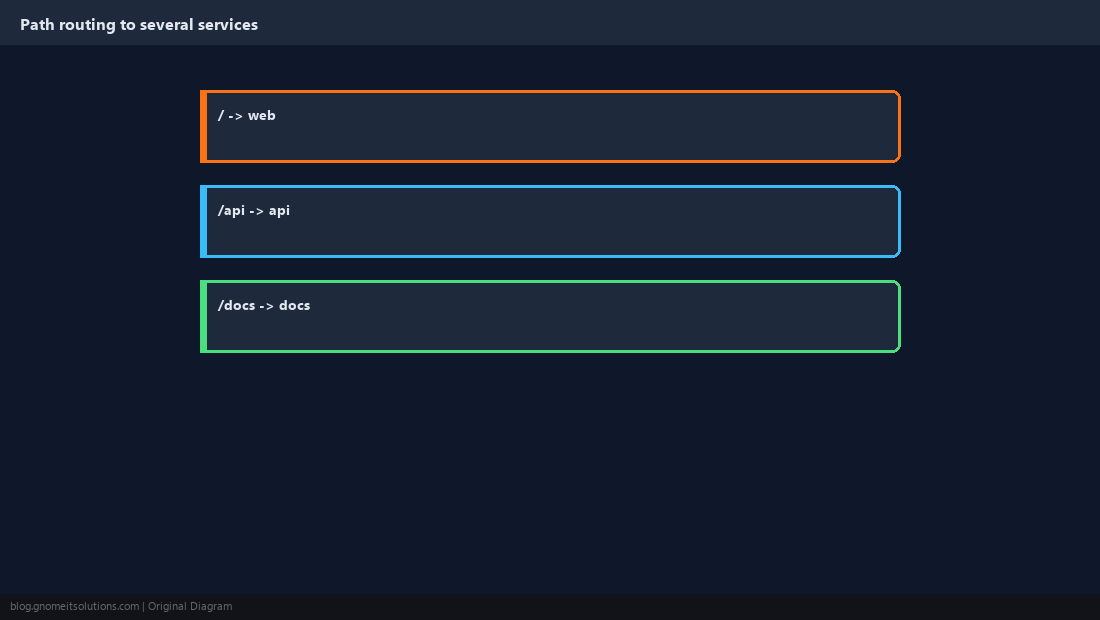
Issue TLS Certificates with cert-manager
cert-manager requests and renews Let’s Encrypt certificates automatically. Create a ClusterIssuer once, then annotate each Ingress.
helm repo add jetstack https://charts.jetstack.io
helm install cert-manager jetstack/cert-manager -n cert-manager --create-namespace --set crds.enabled=trueapiVersion: cert-manager.io/v1
kind: ClusterIssuer
metadata: { name: letsencrypt-prod }
spec:
acme:
server: https://acme-v02.api.letsencrypt.org/directory
email: [email protected]
privateKeySecretRef: { name: letsencrypt-prod-key }
solvers:
- http01: { ingress: { ingressClassName: nginx } }metadata:
annotations:
cert-manager.io/cluster-issuer: letsencrypt-prod
spec:
tls:
- hosts: [app.example.com]
secretName: app-tls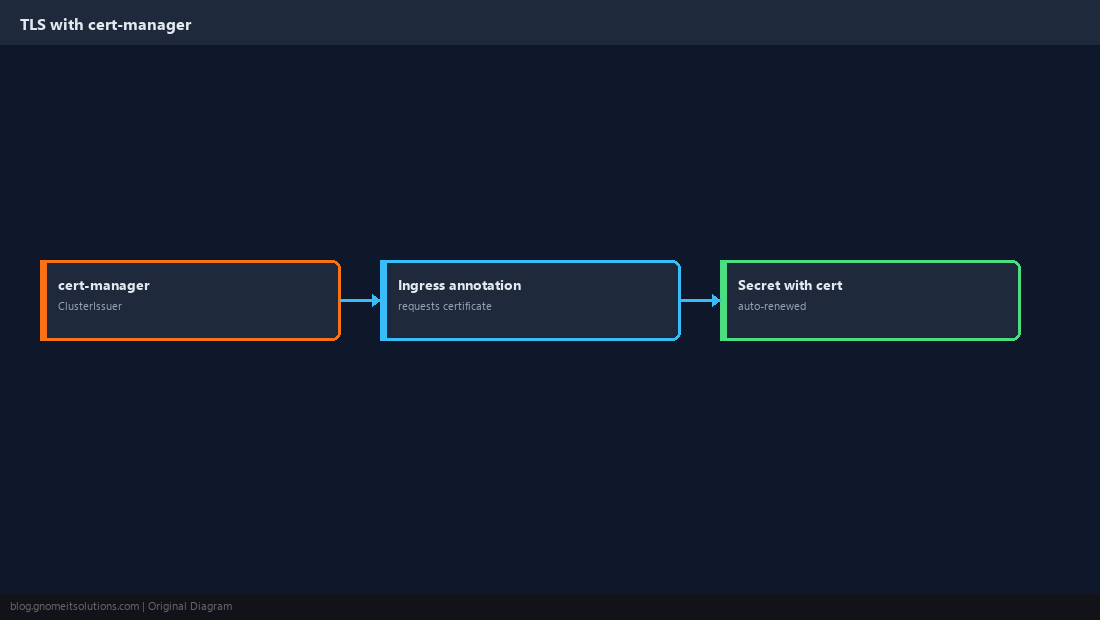
Tune Behaviour with Annotations
Per-Ingress annotations adjust the generated nginx config: upload size, HTTPS redirect, basic rate limiting.
metadata:
  annotations:
    nginx.ingress.kubernetes.io/proxy-body-size: "20m"
    nginx.ingress.kubernetes.io/ssl-redirect: "true"
    nginx.ingress.kubernetes.io/limit-rps: "10"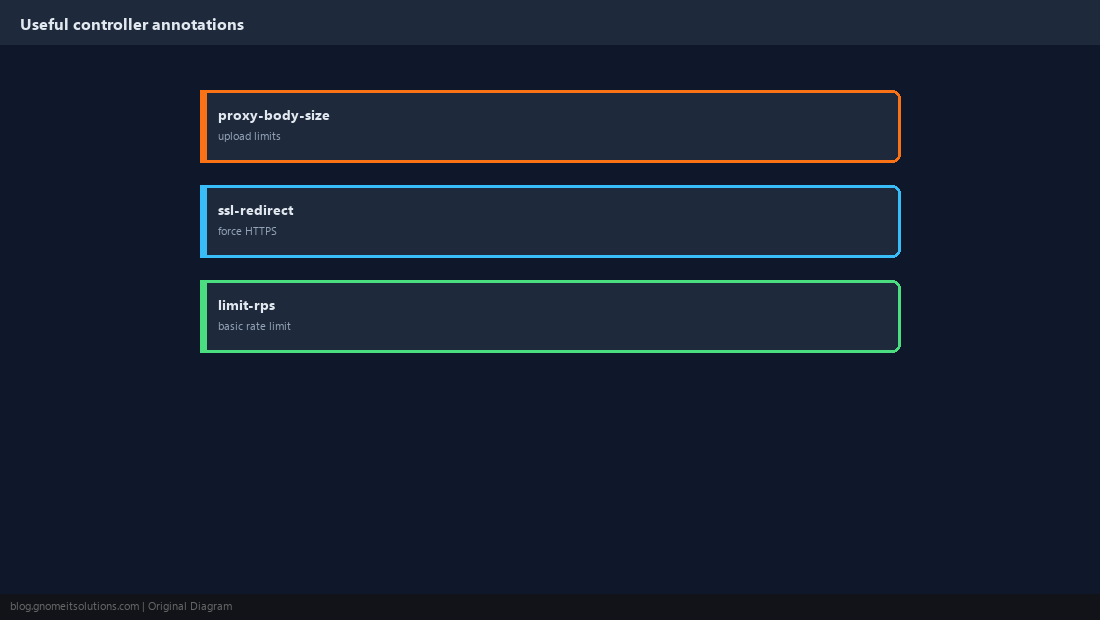
Debug 404 and 502 Errors
A 404 means no rule matched (wrong host or path, or the wrong ingressClassName). A 502/503 means the rule matched but no healthy Pod answered.
kubectl describe ingress app
kubectl get endpoints app-svc
kubectl logs -n ingress-nginx deploy/ingress-nginx-controller --tail=50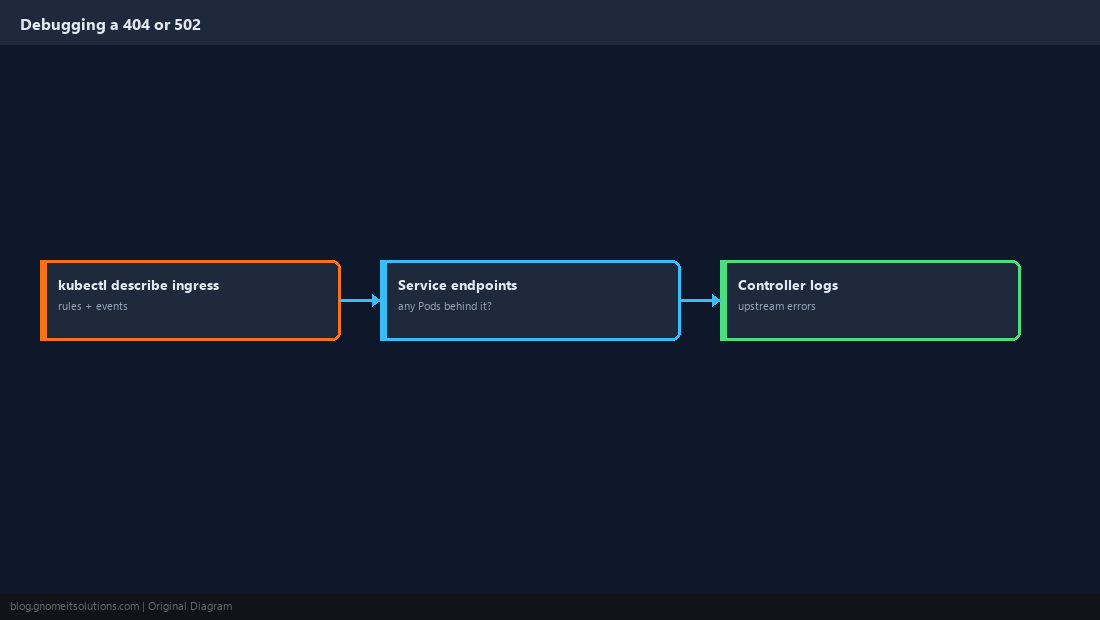
Quick Reference
- Controller + Service + Ingress rule; DNS to the controller address
- cert-manager for TLS; empty
endpointsexplains most 502s
Related tutorials
Diagrams are original illustrations by Gnome IT Solutions. Tutorial text © Gnome IT Solutions.