
head and tail on Linux are the fastest way to peek into huge files without opening an editor — configs, CSV headers, and the last errors after a deploy. This guide covers line counts and bytes; for live follow use tail -f (see our dedicated follow-log tutorial).
See: tail -f follow,
wc,
grep.
First N lines with head
Default is 10 lines — override with -n.
bashhead
head -n 25 /var/log/syslog
head -n 1 data.csv   # header row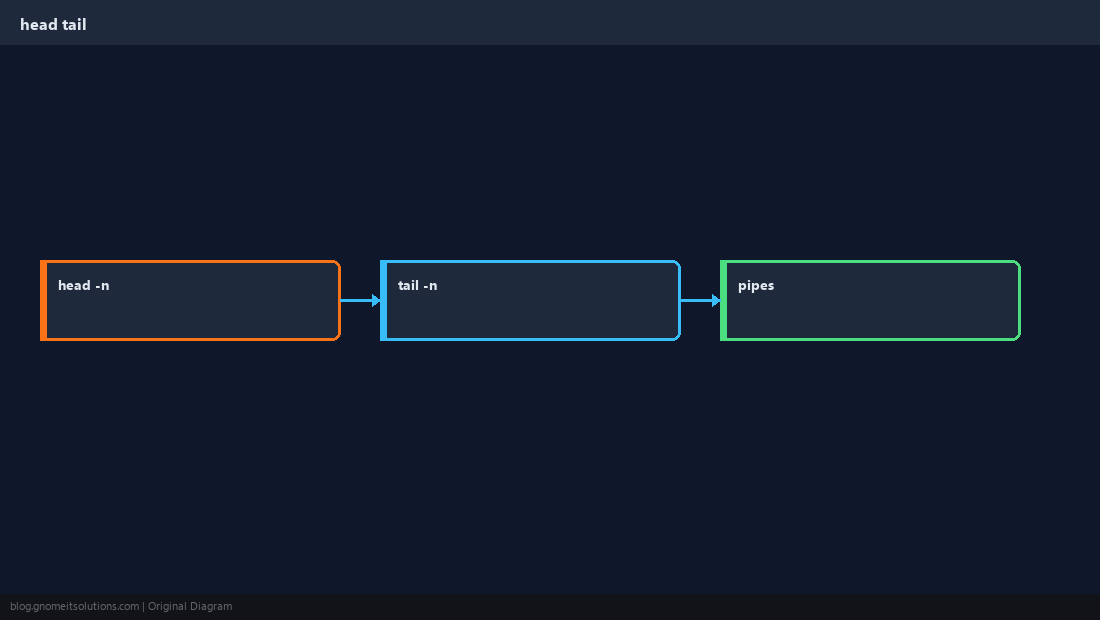
Last N lines with tail
Mirror of head for the end of the file — common before incident review.
bashtail
tail -n 50 /var/log/nginx/error.logBy bytes
-c limits bytes — useful for binary sniffing (small prefix only).
bashbytes
head -c 200 unknown.bin | xxd | headPipelines
head tail with grep reduces noise before you open the full file.
NoteNegative line counts (
tail -n +2) mean “start from line 2” — handy to drop a header before processing.Quick Reference
- Top:
head -n N file - Bottom:
tail -n N file - Follow live:
tail -f(separate guide)
Related tutorials
Diagrams are original illustrations by Gnome IT Solutions. Tutorial text © Gnome IT Solutions.