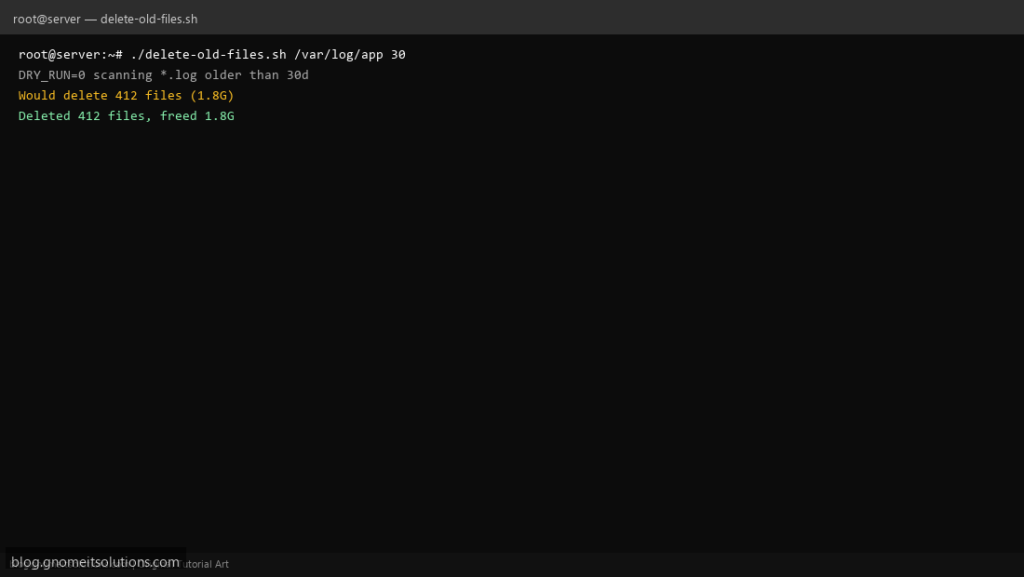
Admins search find delete files older than X days every time a log partition fills up. A one-liner is risky; this script requires an explicit directory, file pattern, retention days, and optional dry-run before rm.
What this script does
- Takes directory, glob pattern, and age in days
- Supports
DRY_RUN=1to list without deleting - Uses
find -mtimeon files only (not directories first) - Logs count and approximate size freed
- Refuses to run on
/or empty path
Prerequisites
- GNU find with -mtime
- Write permission on target directory
- Test with DRY_RUN on production paths
Step 1: Save the script
sudo nano /usr/local/bin/delete-old-files.sh
sudo chmod +x /usr/local/bin/delete-old-files.sh
Step 2: Full script (scroll to read)
delete-old-files.sh
#!/usr/bin/env bash
set -euo pipefail

DIR="${1:?usage: delete-old-files.sh DIR PATTERN DAYS}"
PATTERN="${2:?usage: delete-old-files.sh DIR PATTERN DAYS}"
DAYS="${3:?usage: delete-old-files.sh DIR PATTERN DAYS}"
DRY_RUN="${DRY_RUN:-0}"
LOG="/var/log/delete-old-files.log"

log(){ echo "[$(date '+%F %T')] $*" | tee -a "$LOG"; }

[[ "$DIR" == "/" ]] && { log "Refusing DIR=/"; exit 1; }
[[ -d "$DIR" ]] || { log "Not a directory: $DIR"; exit 1; }
[[ "$DAYS" =~ ^[0-9]+$ ]] || { log "DAYS must be integer"; exit 1; }

log "Scan $DIR pattern=$PATTERN older than ${DAYS}d DRY_RUN=$DRY_RUN"
mapfile -t files < <(find "$DIR" -type f -name "$PATTERN" -mtime +"$DAYS" 2>/dev/null || true)

count=0
bytes=0
for f in "${files[@]}"; do
  [[ -z "$f" ]] && continue
  count=$((count + 1))
  bytes=$((bytes + $(stat -c%s "$f" 2>/dev/null || echo 0)))
  if [[ "$DRY_RUN" == "1" ]]; then
    log "would delete: $f"
  else
    rm -f -- "$f"
  fi
done

log "Processed $count files (~$((bytes/1024/1024))M)"
Scroll inside the box to read the full script.
Step 3: Configure settings
- Related: /tmp cleanup script
- Disk alerts: disk monitor script
- Use cron wrapper to prevent overlap
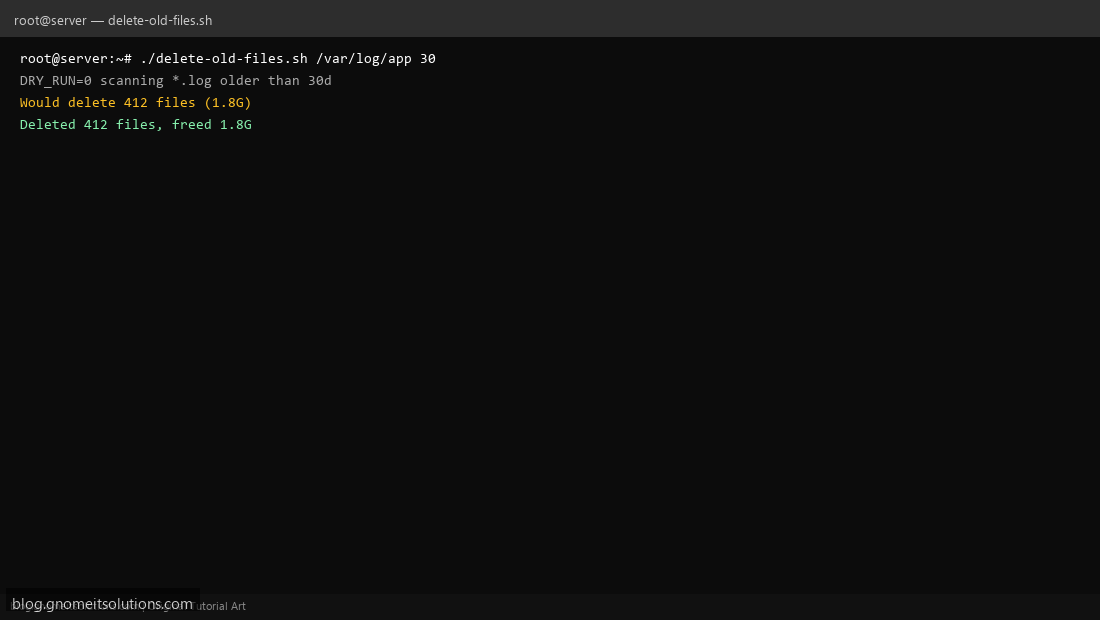
Step 4: Test manually
DRY_RUN=1 ./delete-old-files.sh /var/log/myapp '*.log' 30./delete-old-files.sh /var/log/myapp '*.log' 30Schedule with cron
sudo crontab -eAdd:
15 4 * * * /usr/local/bin/delete-old-files.sh /var/log/myapp '*.log' 45 >> /var/log/delete-old-files.log 2>&1Related tutorials
- Linux Backup Shell Script: Files & Database to Remote Server
- Cron Jobs in Linux: Schedule Tasks with crontab
- SSH Key Authentication on Linux Servers
Terminal screenshot is an original illustration created for Gnome IT Solutions (blog.gnomeitsolutions.com).