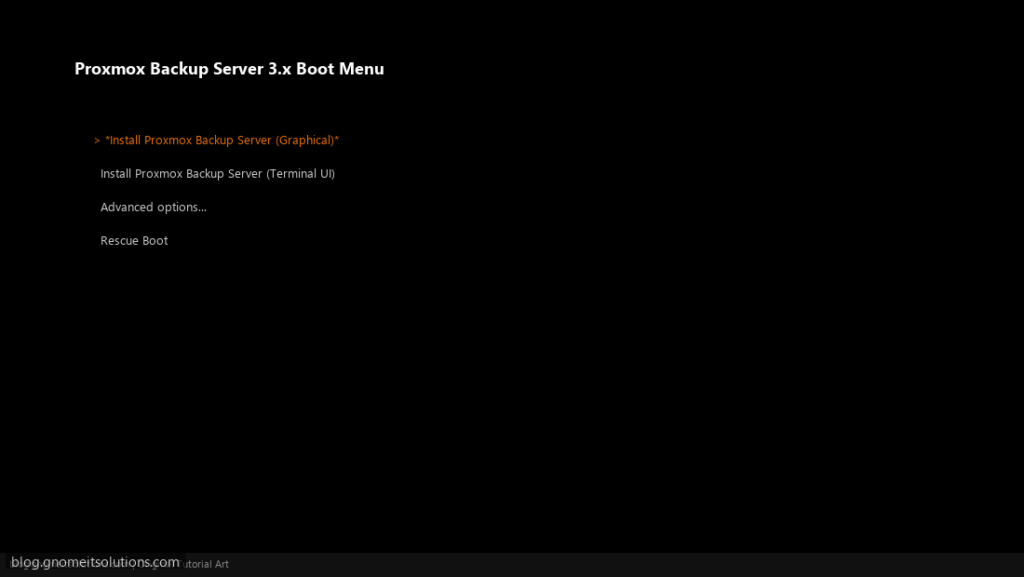
Proxmox Backup Server (PBS) provides deduplicated, incremental backups for Proxmox VE.
Requirements
- Dedicated server or VM for PBS
- Proxmox VE 9.x node(s)
- Port 8007 open between PBS and PVE
Step 1: Install Proxmox Backup Server
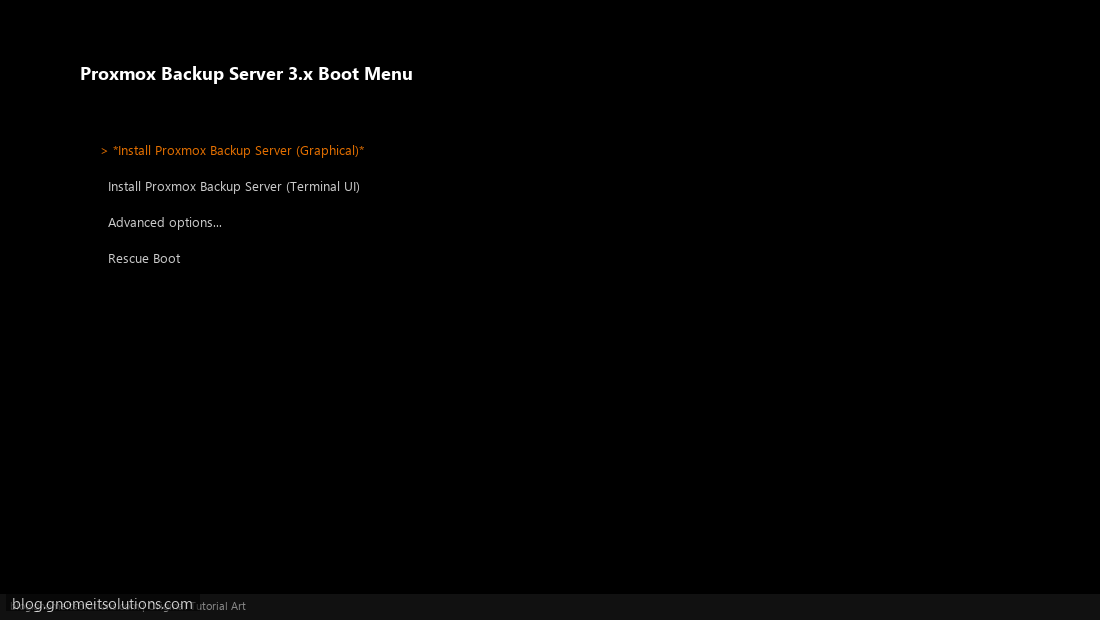
Download PBS ISO from proxmox.com. Boot and select Install Proxmox Backup Server (Graphical).
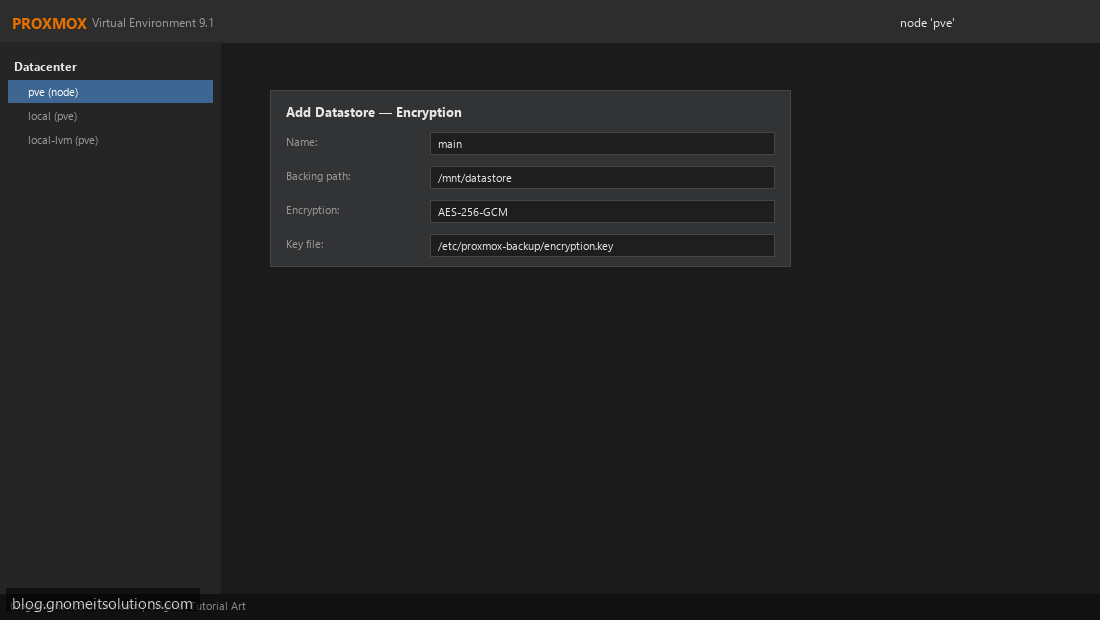
Step 2: Configure PBS Datastore Encryption
Create encrypted datastore for secure backup storage.
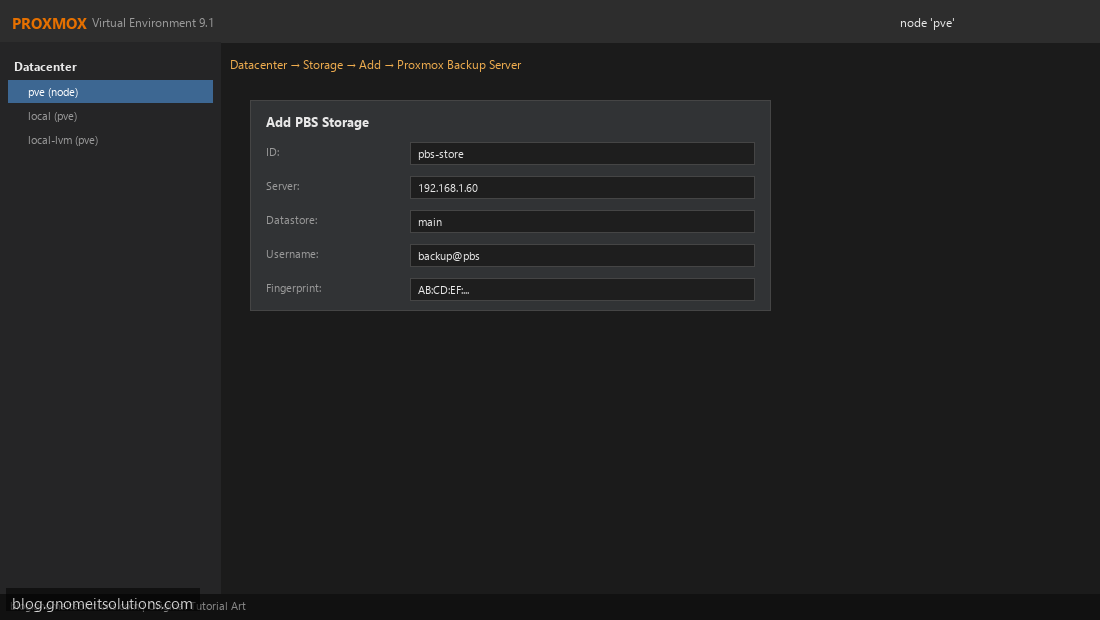
Step 3: Add PBS Storage in Proxmox VE
Datacenter → Storage → Add → Proxmox Backup Server. Enter server IP, datastore, and credentials.
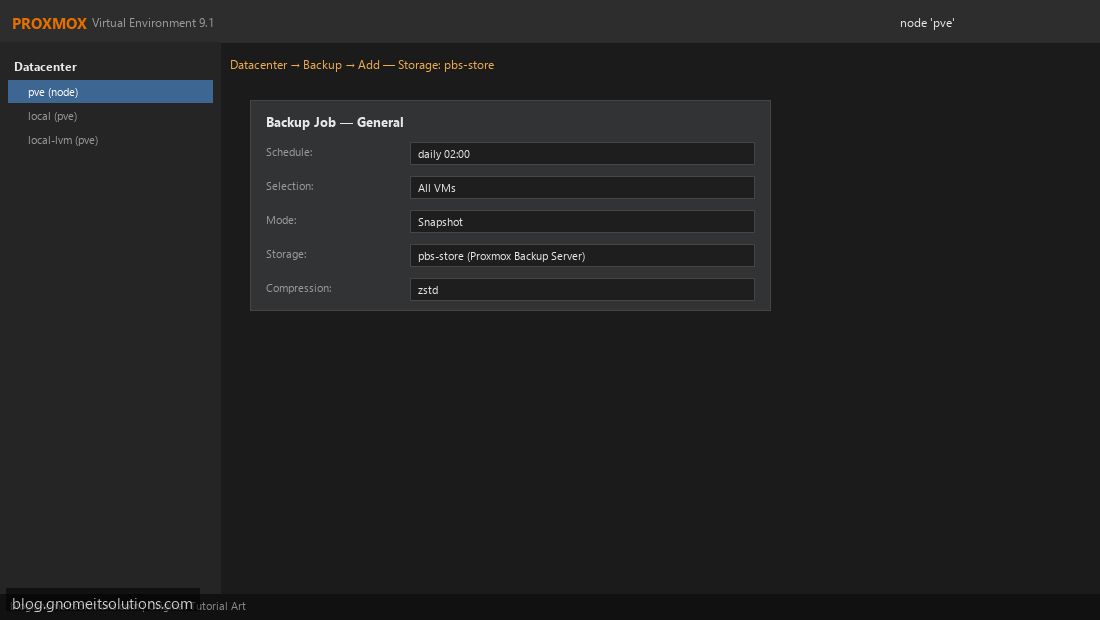
Step 4: Configure Backup Jobs to PBS
Datacenter → Backup → Add. Set schedule and select PBS storage as target.
CLI
pvesm add pbs pbs-store --server 192.168.1.60 --datastore mainImage credits: All screenshots are original Proxmox VE 9.1-style illustrations
created for Gnome IT Solutions. Each image matches its tutorial step. Not copied from third-party sources.
Image credits: Screenshots are from the official
Proxmox VE documentation
(Proxmox GmbH), used under open documentation terms for educational purposes.
Tutorial text and layout © Gnome IT Solutions.