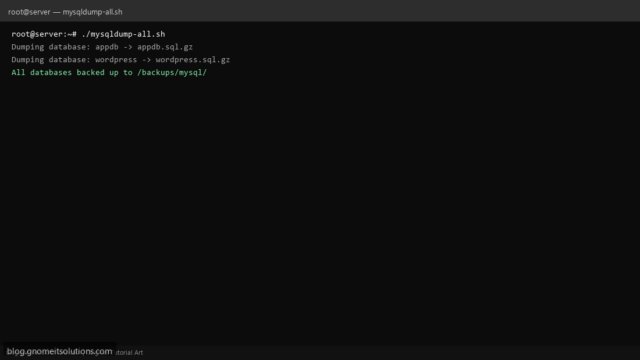
MySQL Dump All Databases Shell Script (mysqldump Loop, gzip, Cron)
Backup every MySQL database on Linux with a Bash loop: list schemas, mysqldump each to gzip, skip system…
Read tutorial →Browse step-by-step tutorials in this topic.
Backup every MySQL database on Linux with a Bash loop: list schemas, mysqldump each to gzip, skip system…
Read tutorial →Backup every MySQL database on Linux with a Bash loop: list schemas, mysqldump each to gzip, skip system…
Read tutorial →
ESXi snapshot best practices: when to snapshot, disk growth risks, revert vs delete, consolidate snapshots, why snapshots are…
Read tutorial →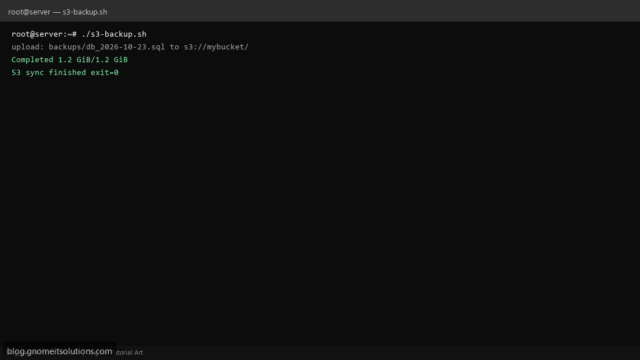
Backup directories to Amazon S3 with a Bash script: aws s3 sync, IAM role or profile, exclude patterns,…
Read tutorial →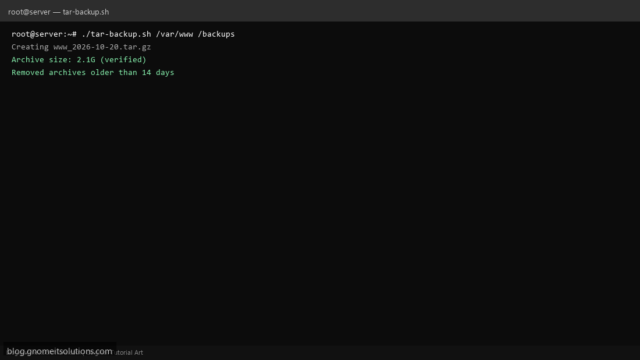
Backup a Linux directory with tar.gz in a shell script: timestamped archives, optional exclude patterns, test tarball integrity,…
Read tutorial →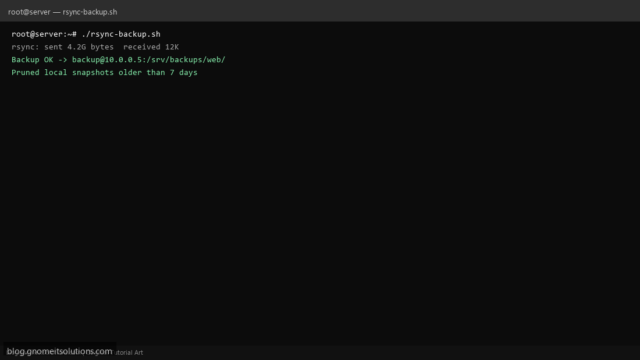
Automate rsync backups on Linux with a Bash script: SSH key auth, --delete mirror option, log each run,…
Read tutorial →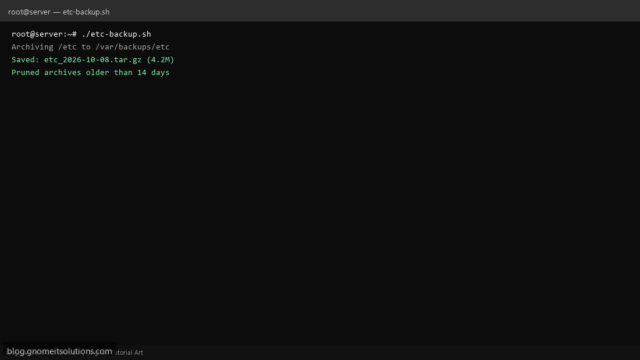
Back up /etc on Linux with a Bash script: compressed tar archives, dated filenames, retention cleanup, and notes…
Read tutorial →
Back up WordPress on Linux: mysqldump wp tables, rsync wp-content, gzip archives, cron/systemd automation, off-site copy, restore order,…
Read tutorial →
Back up MySQL or MariaDB with mysqldump: --single-transaction for InnoDB, compress dumps, schedule with systemd timers, and test…
Read tutorial →
Create .tar.gz archives on Linux, list contents before extracting, use zip and unzip, exclude junk files, preserve permissions…
Read tutorial →