
Searches for proxmox snapshot spike when admins need a quick rollback before patching — not a full Proxmox Backup Server restore. Snapshots are fast but live on the same storage; understand quirks on ZFS and Ceph.
VM snapshot basics
In the UI: select VM → Snapshot → Take snapshot. Name with date and reason.
bashcli optional
qm listsnapshot 100
qm snapshot 100 pre-patch-$(date +%F)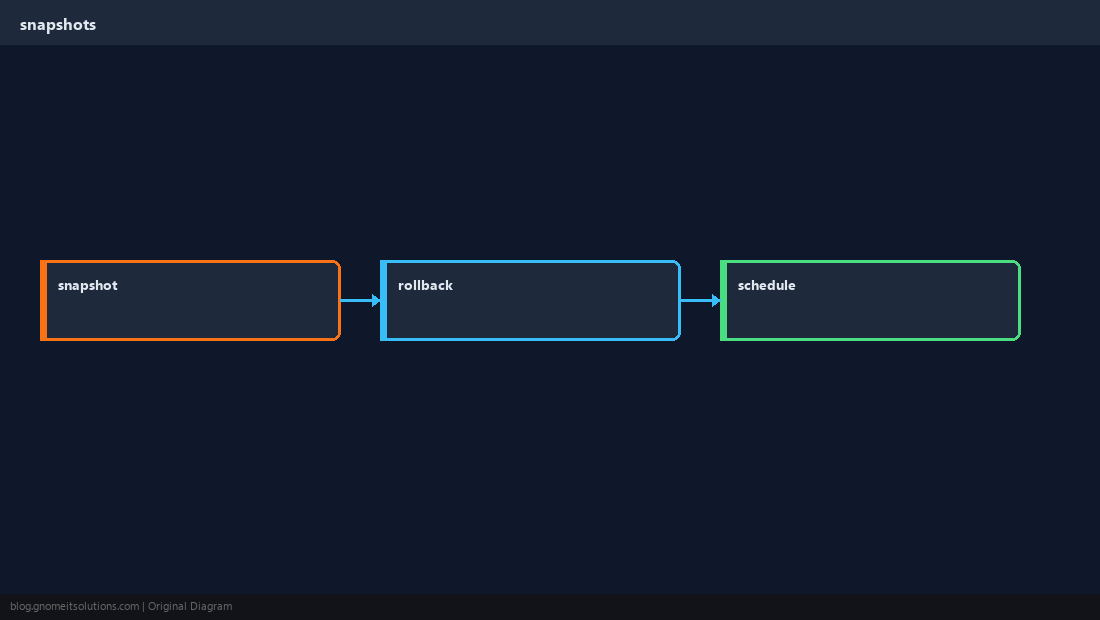
LXC snapshots
Containers snapshot the rootfs — quick, but app-level consistency may still need quiescing.
bashpct
pct listsnapshot 200
pct snapshot 200 before-upgradeRollback cautions
Rolling back disks while the guest thought it wrote data can break databases — stop the service or use PBS for critical DBs.
WarningSnapshots are not off-site backups. Schedule vzdump or PBS for disaster recovery.
Automation
Combine snapshots with maintenance windows documented in change tickets.
bashcron idea
# Example: pre-apt hook snapshot — document VMID per hostQuick Reference
- VM:
qm snapshot VMID name - CT:
pct snapshot CTID name - Critical data → PBS, not snapshot only
Related tutorials
Diagrams are original illustrations by Gnome IT Solutions. Tutorial text © Gnome IT Solutions.