
systemd enable and disable on Linux: Start Services at Boot (systemctl)
Use systemctl enable and disable on Linux to control which services start at boot: enable, disable, start, stop,…
Read tutorial →Browse step-by-step tutorials in this topic.
Use systemctl enable and disable on Linux to control which services start at boot: enable, disable, start, stop,…
Read tutorial →
Reboot or shut down Linux safely: reboot, shutdown -h now, systemctl reboot, schedule maintenance, warn users with wall,…
Read tutorial →
Fix systemd service failed to start: systemctl status, journalctl -u, ExecStart path and permissions, User=, dependencies, daemon-reload, and…
Read tutorial →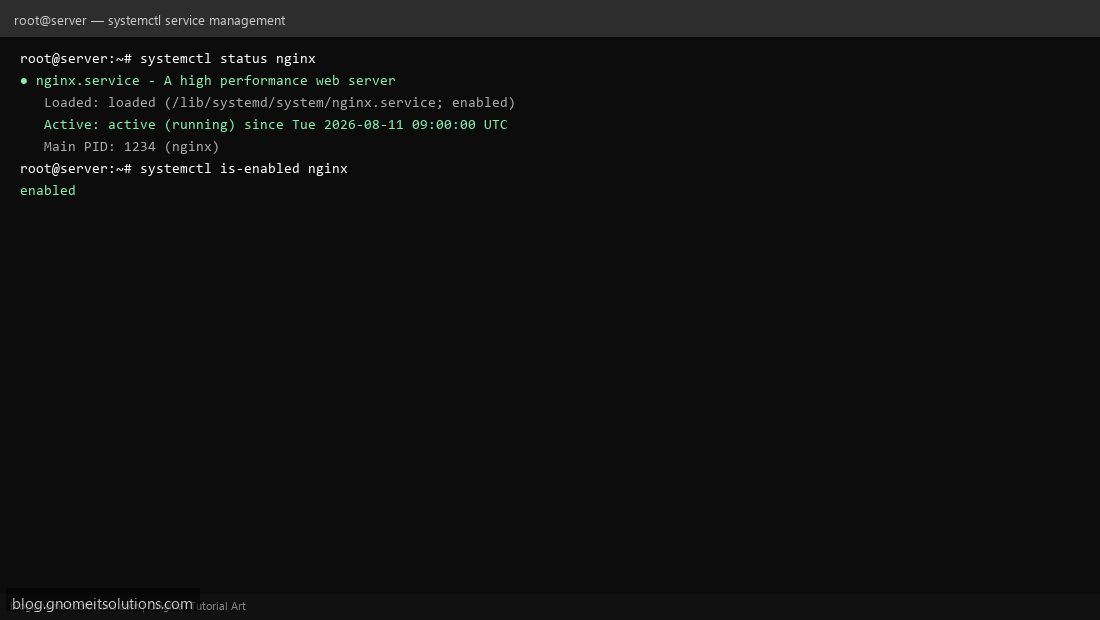
Learn systemctl commands to start, stop, enable, and check Linux services with systemd.
Read tutorial →