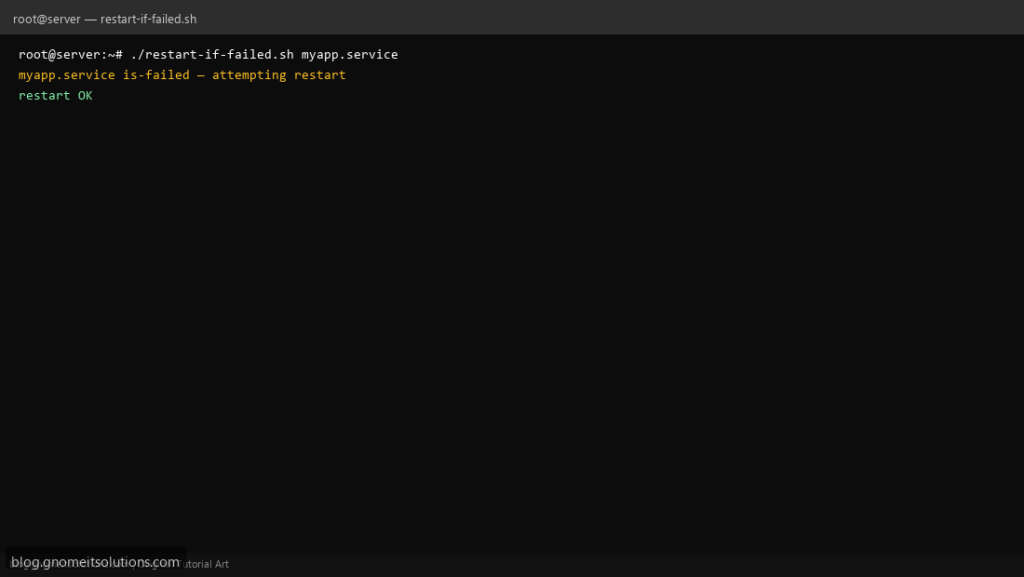
When a vendor service drops after OOM, ops search for a systemd restart failed service shell script with cooldown — not a blind restart loop every minute.
What this script does
- Takes systemd unit name (e.g.
nginx.service) - Runs only when
systemctl is-failed - Calls
systemctl reset-failedthenrestart - Cooldown state file limits restart storms
- Logs to
/var/log/restart-if-failed.log
Prerequisites
- systemd
- Root or sudo for target unit
- Unit should be enabled if you expect it running
Step 1: Save the script
sudo nano /usr/local/bin/restart-if-failed.sh
sudo chmod +x /usr/local/bin/restart-if-failed.sh
Step 2: Full script (scroll to read)
restart-if-failed.sh
#!/usr/bin/env bash
set -euo pipefail

UNIT="${1:?usage: restart-if-failed.sh UNIT.service}"
COOLDOWN_SEC="${COOLDOWN_SEC:-300}"
STATE="/var/run/restart-if-failed-${UNIT//\//_}.state"
LOG="/var/log/restart-if-failed.log"

log(){ echo "[$(date '+%F %T')] $UNIT $*" | tee -a "$LOG"; }

if ! systemctl is-failed --quiet "$UNIT"; then
  log "OK not failed"
  exit 0
fi

now=$(date +%s)
last=$(cat "$STATE" 2>/dev/null || echo 0)
if (( now - last < COOLDOWN_SEC )); then
  log "SKIP cooldown (still failed)"
  exit 0
fi

log "is-failed — attempting restart"
systemctl reset-failed "$UNIT" 2>/dev/null || true
if systemctl restart "$UNIT"; then
  log "restart OK"
  echo "$now" >"$STATE"
  exit 0
fi

log "restart FAILED"
echo "$now" >"$STATE"
exit 1
Scroll inside the box to read the full script.
Step 3: Configure settings
- Prefer
Restart=on-failurein unit file when you control packaging - See failed units report
- Complements service watchdog
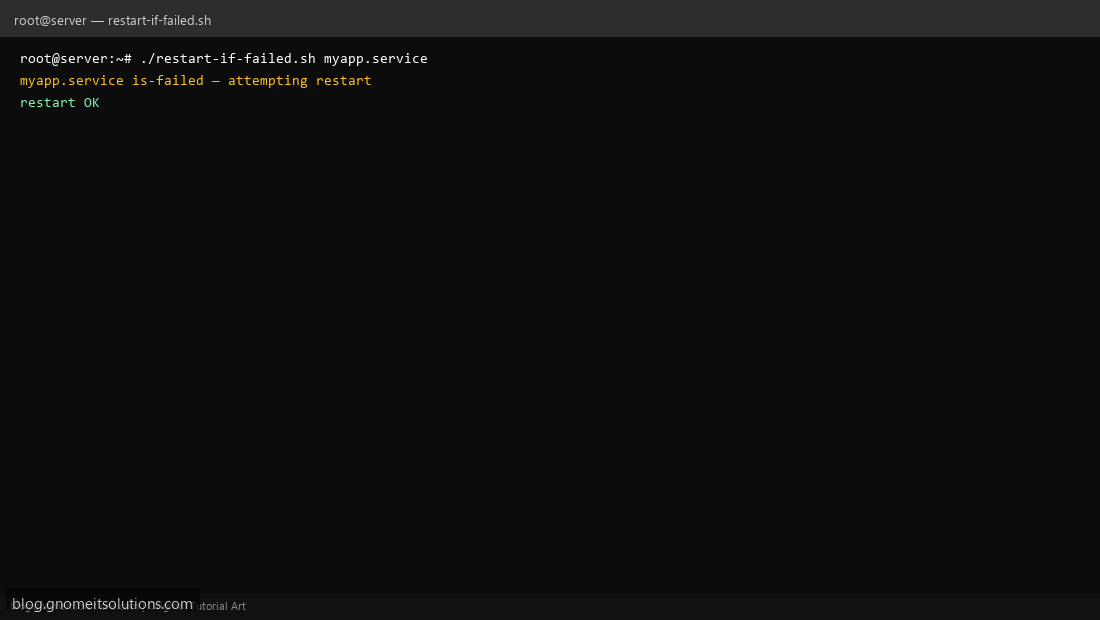
Step 4: Test manually
sudo ./restart-if-failed.sh nginx.servicesystemctl is-failed nginx.serviceSchedule with cron
sudo crontab -eAdd:
*/10 * * * * root /usr/local/bin/restart-if-failed.sh myapp.service >> /var/log/restart-if-failed.log 2>&1Related tutorials
- Linux Backup Shell Script: Files & Database to Remote Server
- Cron Jobs in Linux: Schedule Tasks with crontab
- SSH Key Authentication on Linux Servers
Terminal screenshot is an original illustration created for Gnome IT Solutions (blog.gnomeitsolutions.com).