
systemd enable and disable is searched whenever someone installs nginx, MariaDB, or a custom daemon and wonders why it does not survive a reboot. systemctl enable wires the unit into the boot target; disable removes that link without necessarily stopping the running process today.
Related: systemctl overview,
failed to start,
journalctl.
enable vs start
start runs the service now; enable creates symlinks so it starts on next boot (and typically on manual start policy).
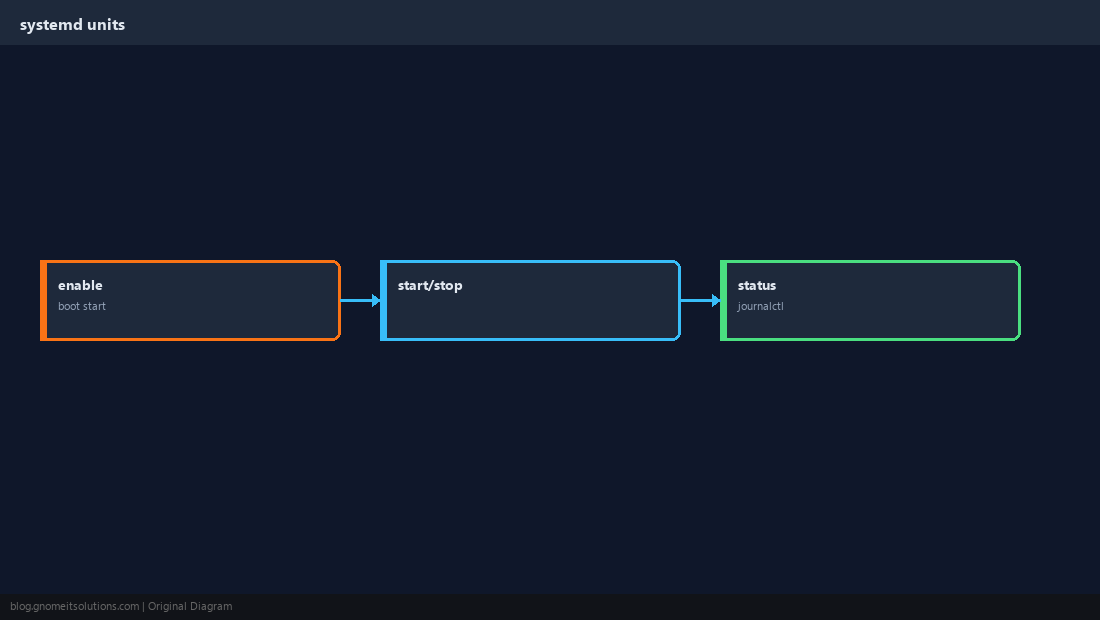
Common commands
Replace nginx with your unit name — use the full unit file name when needed (nginx.service).
sudo systemctl enable nginx
sudo systemctl start nginx
sudo systemctl status nginx --no-pager
sudo systemctl is-enabled nginxdisable safely
Disable before removing software; stop first if you do not want it running until reboot.
sudo systemctl stop nginx
sudo systemctl disable nginx
systemctl is-enabled nginxWhen boot fails
If a enabled service fails, the unit enters failed state — logs are in the journal.
sudo journalctl -u nginx -b --no-pager | tail -40sudo systemctl daemon-reload before restart.Quick Reference
- Boot persistence:
systemctl enable UNIT - Run now:
systemctl start UNIT - Check:
systemctl is-enabled UNIT
Related tutorials
Diagrams are original illustrations by Gnome IT Solutions. Tutorial text © Gnome IT Solutions.