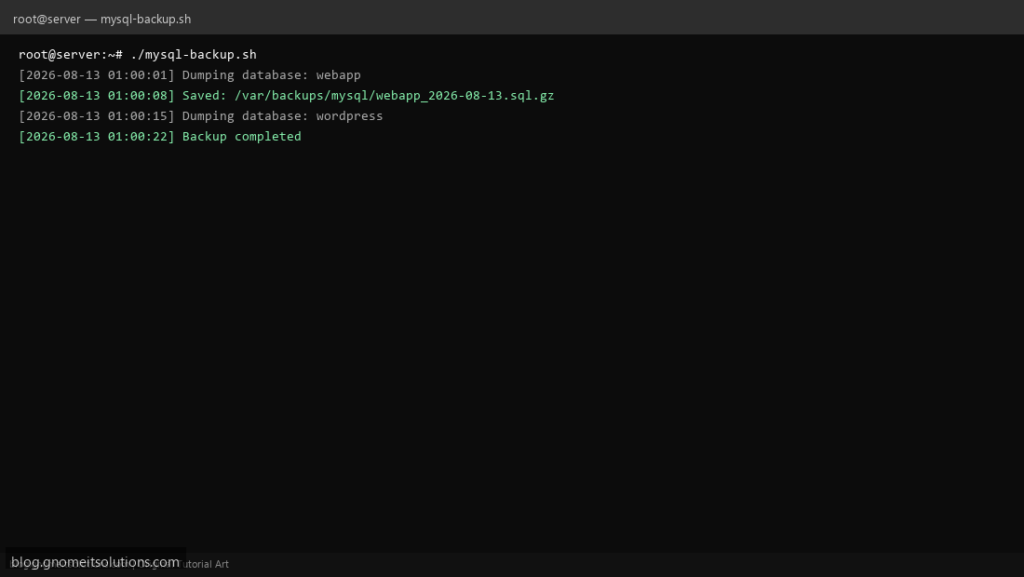
Automate MySQL and MariaDB backups on Linux with a simple Bash script using mysqldump, gzip compression, and retention.
What this script does
- Dumps one or all databases with
mysqldump - Compresses backups to
.sql.gzwith dated filenames - Stores backups in a configurable directory
- Deletes backups older than N days automatically
- Logs every run for auditing
Prerequisites
- MySQL or MariaDB installed
- Backup directory with write access
- DB user with SELECT and LOCK TABLES privileges
Step 1: Save the script
sudo nano /usr/local/bin/mysql-backup.sh
sudo chmod +x /usr/local/bin/mysql-backup.sh
Step 2: Full script (scroll to read)
mysql-backup.sh
#!/usr/bin/env bash
set -euo pipefail

BACKUP_DIR="/var/backups/mysql"
DB_NAME="ALL"                  # or single db name
DB_USER="root"
DB_PASS=""                     # prefer ~/.my.cnf
RETENTION_DAYS=7
DATE=$(date +%F_%H-%M-%S)
LOG="/var/log/mysql-backup.log"

log(){ echo "[$(date '+%F %T')] $*" | tee -a "$LOG"; }
mkdir -p "$BACKUP_DIR"

dump_db(){
  local db="$1"
  local out="${BACKUP_DIR}/${db}_${DATE}.sql.gz"
  log "Dumping database: $db"
  if [[ -n "$DB_PASS" ]]; then
    mysqldump -u"$DB_USER" -p"$DB_PASS" --single-transaction --routines --triggers "$db" | gzip -9 > "$out"
  else
    mysqldump -u"$DB_USER" --single-transaction --routines --triggers "$db" | gzip -9 > "$out"
  fi
  log "Saved: $out"
}

if [[ "$DB_NAME" == "ALL" ]]; then
  dbs=$(mysql -u"$DB_USER" ${DB_PASS:+-p"$DB_PASS"} -N -e "SHOW DATABASES" | grep -Ev '^(information_schema|performance_schema|mysql|sys)$')
  for db in $dbs; do dump_db "$db"; done
else
  dump_db "$DB_NAME"
fi

find "$BACKUP_DIR" -type f -name "*.sql.gz" -mtime +"$RETENTION_DAYS" -delete
log "Backup completed"
Scroll inside the box to read the full script.
Step 3: Configure settings
BACKUP_DIR— where .sql.gz files are storedDB_NAME— single database orALLfor allRETENTION_DAYS— auto-delete old backups- Use
~/.my.cnffor credentials instead of passwords in script
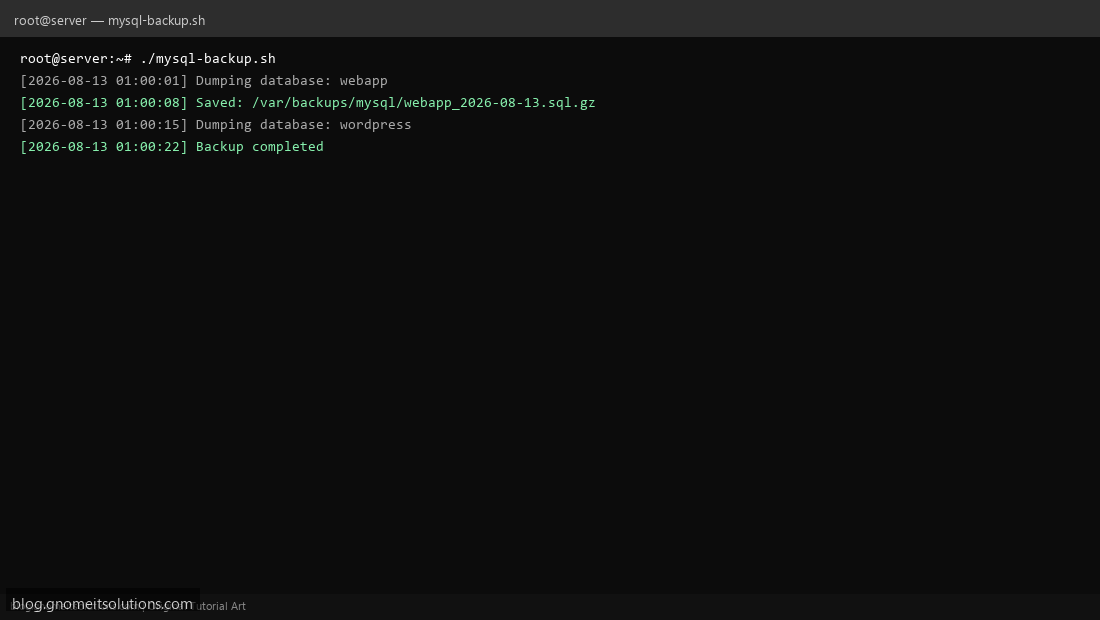
Step 4: Test manually
sudo /usr/local/bin/mysql-backup.shls -lah /var/backups/mysql/Schedule with cron
sudo crontab -eAdd:
0 1 * * * /usr/local/bin/mysql-backup.sh >> /var/log/mysql-backup.log 2>&1Related tutorials
- Linux Backup Shell Script: Files & Database to Remote Server
- Cron Jobs in Linux: Schedule Tasks with crontab
- SSH Key Authentication on Linux Servers
Terminal screenshot is an original illustration created for Gnome IT Solutions (blog.gnomeitsolutions.com).