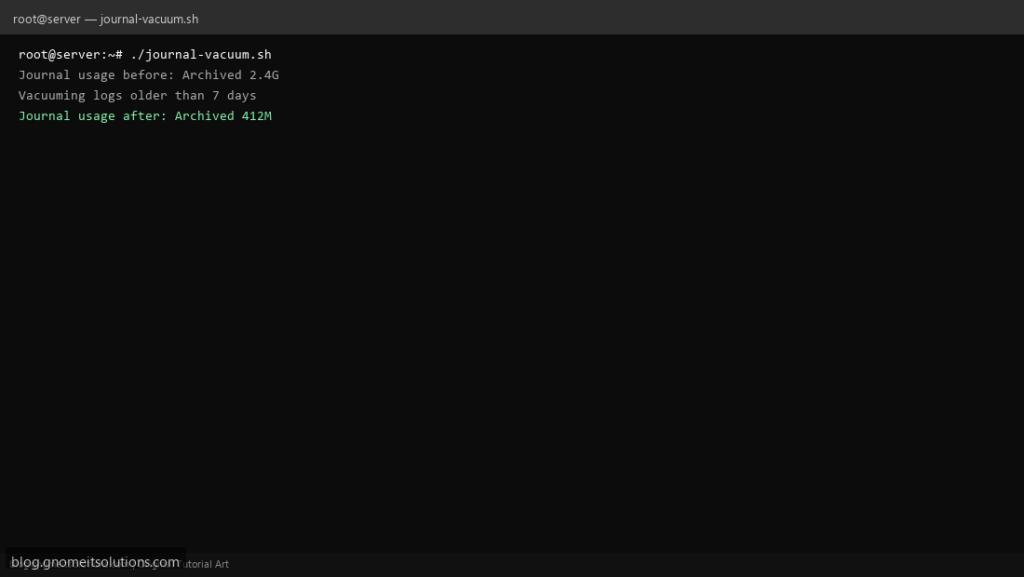
When /var/log/journal fills your disk, this journalctl vacuum script safely trims old logs and enforces size limits.
What this script does
- Shows journal disk usage before and after
- Vacuums logs older than N days
- Optional size cap with –vacuum-size
- Logs actions for audit trail
- Safe to schedule weekly from cron
Prerequisites
- systemd journal
- Root or sudo access
Step 1: Save the script
sudo nano /usr/local/bin/journal-vacuum.sh
sudo chmod +x /usr/local/bin/journal-vacuum.sh
Step 2: Full script (scroll to read)
journal-vacuum.sh
#!/usr/bin/env bash
set -euo pipefail

KEEP_DAYS=7
MAX_SIZE="500M"
LOG="/var/log/journal-vacuum.log"

log(){ echo "[$(date '+%F %T')] $*" | tee -a "$LOG"; }

log "Journal usage before:"
journalctl --disk-usage | tee -a "$LOG"

log "Vacuuming logs older than ${KEEP_DAYS} days"
journalctl --vacuum-time="${KEEP_DAYS}d" >> "$LOG" 2>&1

if [[ -n "$MAX_SIZE" ]]; then
  log "Vacuuming to max size: $MAX_SIZE"
  journalctl --vacuum-size="$MAX_SIZE" >> "$LOG" 2>&1
fi

log "Journal usage after:"
journalctl --disk-usage | tee -a "$LOG"
log "Journal vacuum completed"
Scroll inside the box to read the full script.
Step 3: Configure settings
KEEP_DAYS— keep logs for this many days (default 7)MAX_SIZE— optional max journal size e.g. 500M- Also set SystemMaxUse= in /etc/systemd/journald.conf for permanent limit
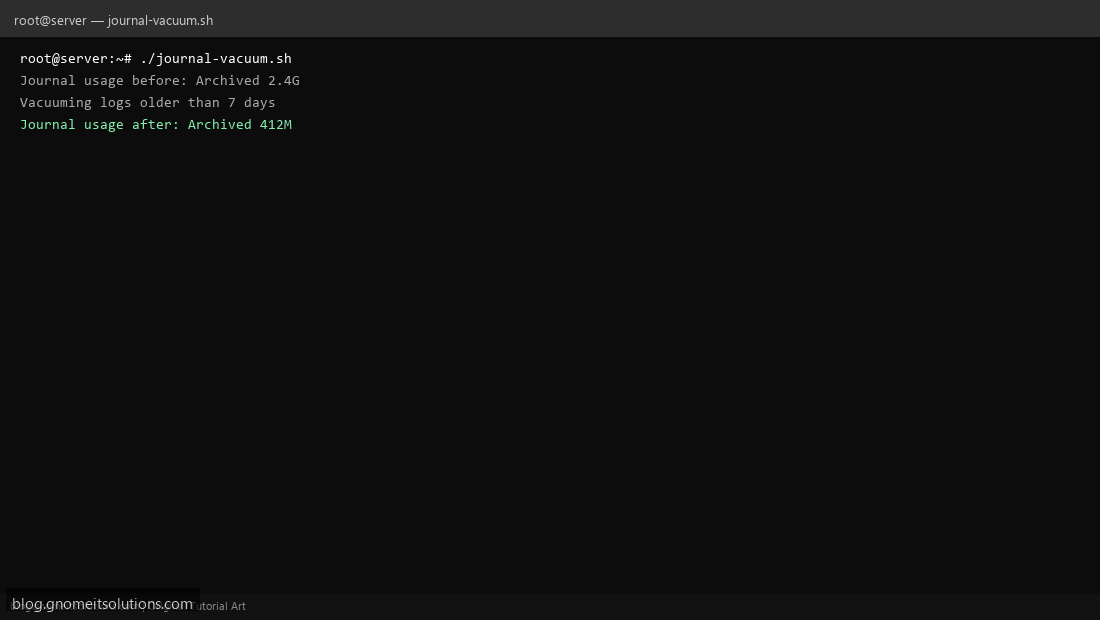
Step 4: Test manually
journalctl --disk-usagesudo /usr/local/bin/journal-vacuum.shSchedule with cron
sudo crontab -eAdd:
0 4 * * 0 /usr/local/bin/journal-vacuum.sh >> /var/log/journal-vacuum.log 2>&1Related tutorials
- Linux Backup Shell Script: Files & Database to Remote Server
- Cron Jobs in Linux: Schedule Tasks with crontab
- SSH Key Authentication on Linux Servers
Terminal screenshot is an original illustration created for Gnome IT Solutions (blog.gnomeitsolutions.com).