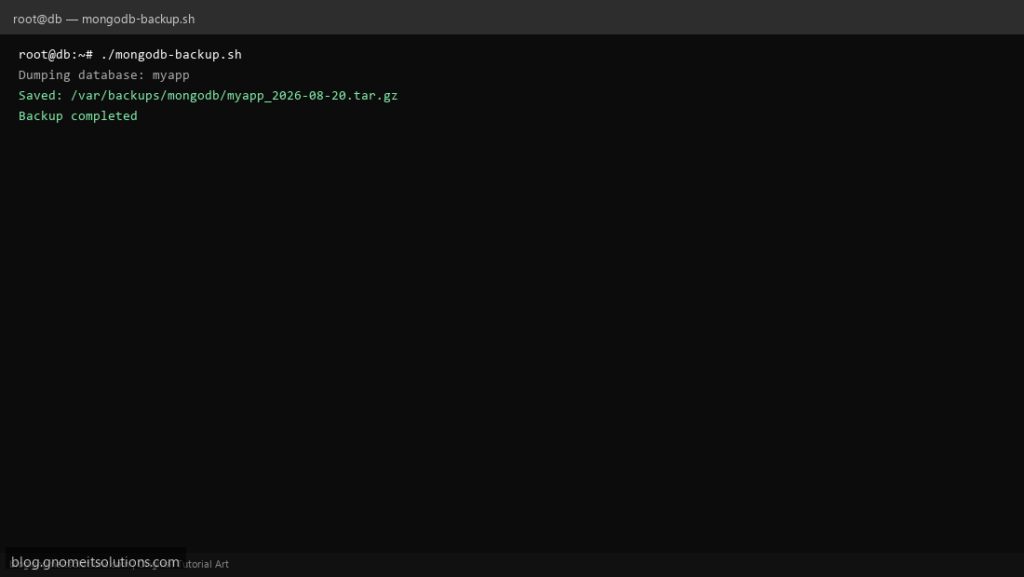
Automate MongoDB backups on Linux with mongodump — gzip archives, dated folders, and retention cleanup for production NoSQL servers.
What this script does
- Dumps one database or all with mongodump
- Creates tar.gz archive with timestamp
- Deletes backups older than retention days
- Supports auth via MONGO_URI environment variable
- Logs every run for monitoring integration
Prerequisites
- MongoDB tools installed (mongodump)
- Read access to target database
- Backup directory writable
Step 1: Save the script
sudo nano /usr/local/bin/mongodb-backup.sh
sudo chmod +x /usr/local/bin/mongodb-backup.sh
Step 2: Full script (scroll to read)
mongodb-backup.sh
#!/usr/bin/env bash
set -euo pipefail

MONGO_URI="${MONGO_URI:-mongodb://127.0.0.1:27017}"
DB_NAME="myapp"
BACKUP_DIR="/var/backups/mongodb"
RETENTION_DAYS=7
DATE=$(date +%F_%H-%M-%S)
LOG="/var/log/mongodb-backup.log"

log(){ echo "[$(date '+%F %T')] $*" | tee -a "$LOG"; }
mkdir -p "$BACKUP_DIR"

if [[ "$DB_NAME" == "ALL" ]]; then
  OUT="${BACKUP_DIR}/all_${DATE}"
  log "Dumping all databases"
  mongodump --uri="$MONGO_URI" --out="$OUT"
else
  OUT="${BACKUP_DIR}/${DB_NAME}_${DATE}"
  log "Dumping database: $DB_NAME"
  mongodump --uri="$MONGO_URI" --db="$DB_NAME" --out="$OUT"
fi

ARCHIVE="${OUT}.tar.gz"
tar -czf "$ARCHIVE" -C "$(dirname "$OUT")" "$(basename "$OUT")"
rm -rf "$OUT"
log "Saved: $ARCHIVE ($(du -h "$ARCHIVE" | awk '{print $1}'))"

find "$BACKUP_DIR" -name '*.tar.gz' -mtime +"$RETENTION_DAYS" -delete
log "Backup completed"
Scroll inside the box to read the full script.
Step 3: Configure settings
MONGO_URI— e.g. mongodb://user:[email protected]:27017DB_NAME— database name or ALL for every DBBACKUP_DIR— destination pathRETENTION_DAYS— auto-delete old archives
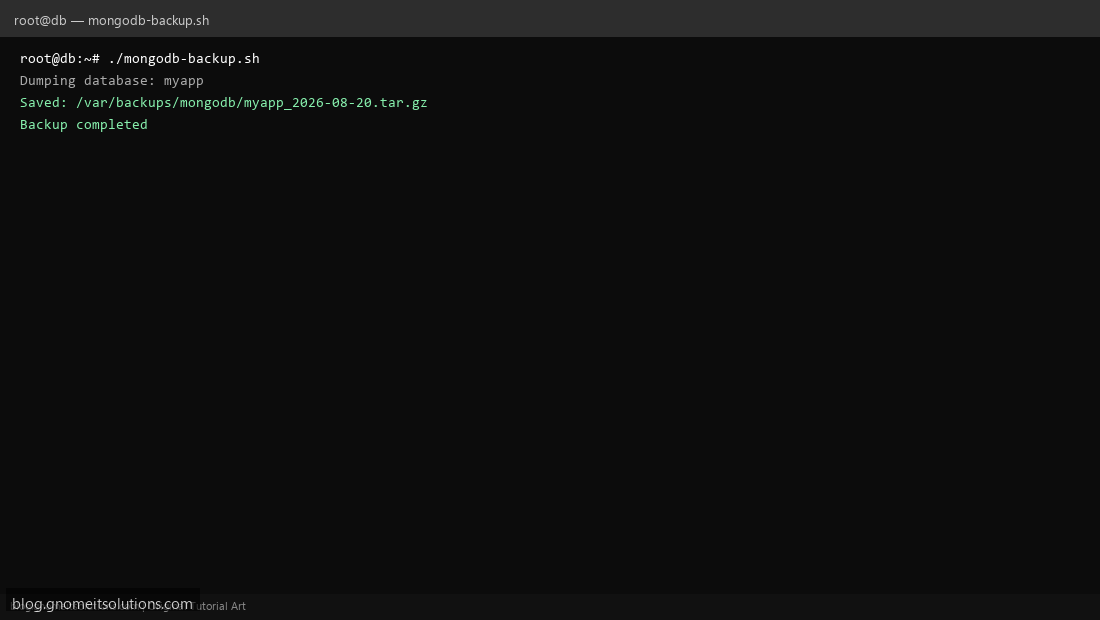
Step 4: Test manually
mongodump --versionsudo /usr/local/bin/mongodb-backup.shls -lah /var/backups/mongodb/Schedule with cron
sudo crontab -eAdd:
0 3 * * * /usr/local/bin/mongodb-backup.sh >> /var/log/mongodb-backup.log 2>&1Related tutorials
- Linux Backup Shell Script: Files & Database to Remote Server
- Cron Jobs in Linux: Schedule Tasks with crontab
- SSH Key Authentication on Linux Servers
Terminal screenshot is an original illustration created for Gnome IT Solutions (blog.gnomeitsolutions.com).