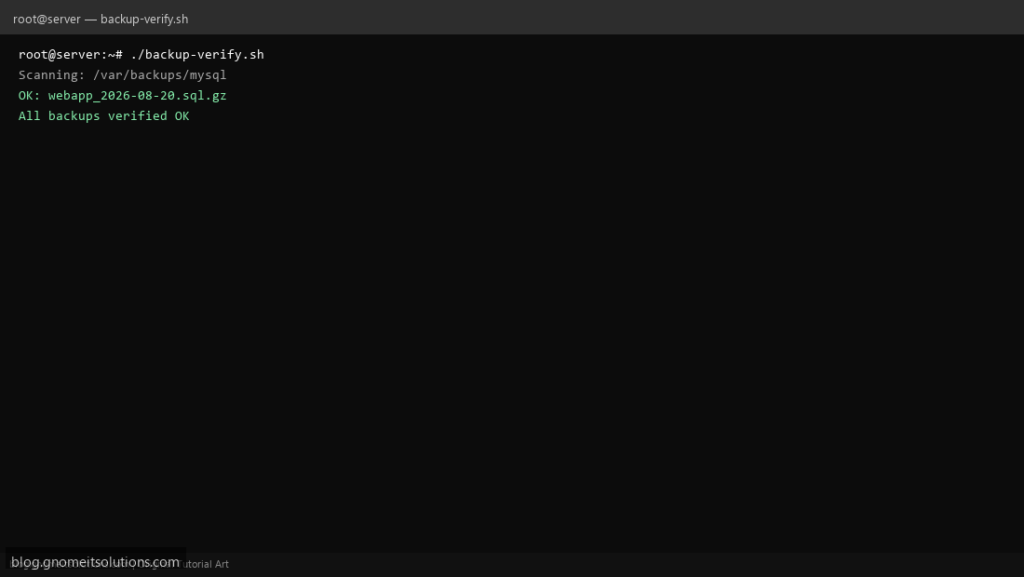
Backups are useless if corrupt — this backup verification script tests gzip, tar, and SQL dump integrity and alerts you before disaster strikes.
What this script does
- Tests .gz files with gzip -t
- Validates .tar.gz with tar -tzf
- Checks SQL dumps for CREATE/INSERT headers
- Reports corrupted files with paths
- Exit code 1 for monitoring hooks on failure
Prerequisites
- Backup directory exists
- gzip, tar installed
- Optional: mail for alerts
Step 1: Save the script
sudo nano /usr/local/bin/backup-verify.sh
sudo chmod +x /usr/local/bin/backup-verify.sh
Step 2: Full script (scroll to read)
backup-verify.sh
#!/usr/bin/env bash
set -euo pipefail

BACKUP_DIRS="/var/backups/mysql /var/backups/postgresql /var/backups/mongodb"
MAX_AGE_DAYS=2
ALERT_EMAIL="[email protected]"
LOG="/var/log/backup-verify.log"

log(){ echo "[$(date '+%F %T')] $*" | tee -a "$LOG"; }
FAIL=0

verify_file(){
  local f="$1"
  case "$f" in
    *.sql.gz|*.gz)
      gzip -t "$f" 2>/dev/null || { log "CORRUPT gzip: $f"; FAIL=1; }
      ;;
    *.tar.gz|*.tgz)
      tar -tzf "$f" >/dev/null 2>&1 || { log "CORRUPT tar.gz: $f"; FAIL=1; }
      ;;
    *.sql)
      grep -qE '^(CREATE|INSERT|--)' "$f" 2>/dev/null || { log "SUSPICIOUS sql: $f"; FAIL=1; }
      ;;
  esac
}

for dir in $BACKUP_DIRS; do
  [[ -d "$dir" ]] || continue
  log "Scanning: $dir"
  while IFS= read -r -d '' f; do
    verify_file "$f"
    log "OK: $f"
  done < <(find "$dir" -type f \( -name '*.gz' -o -name '*.sql' -o -name '*.tar.gz' \) -mtime -"$MAX_AGE_DAYS" -print0)
done

if (( FAIL )); then
  log "Backup verification FAILED"
  [[ -n "$ALERT_EMAIL" ]] && command -v mail >/dev/null && \
    tail -30 "$LOG" | mail -s "Backup verify FAILED: $(hostname -s)" "$ALERT_EMAIL"
  exit 1
fi
log "All backups verified OK"
exit 0
Scroll inside the box to read the full script.
Step 3: Configure settings
BACKUP_DIRS— space-separated paths to scanMAX_AGE_DAYS— only verify files newer than N days (default 2)ALERT_EMAIL— send report on corruption
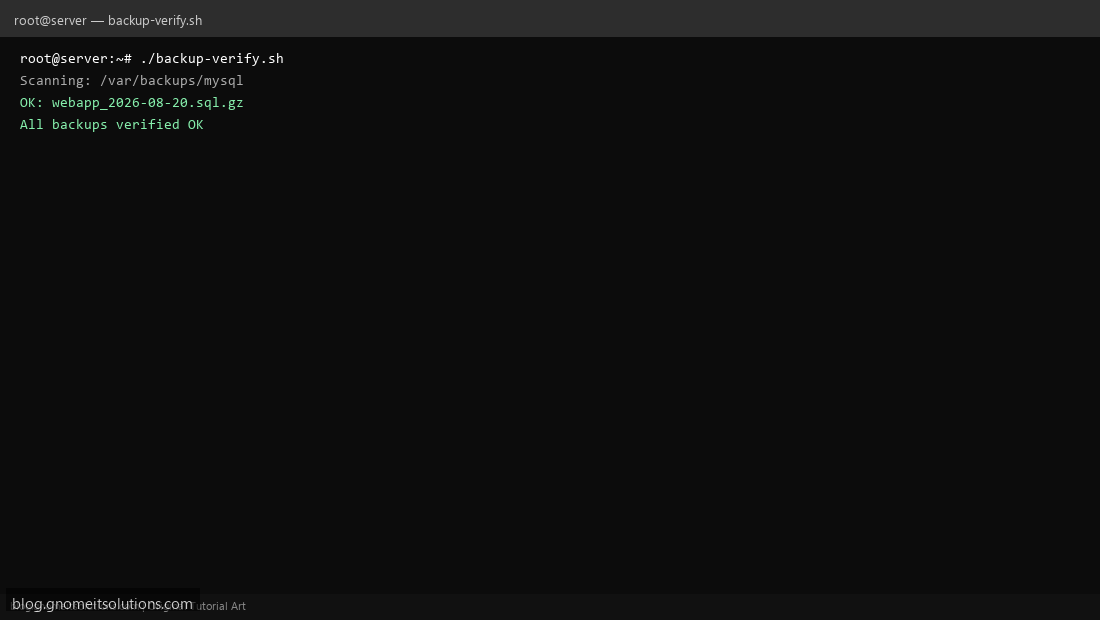
Step 4: Test manually
sudo /usr/local/bin/backup-verify.shecho $?Schedule with cron
sudo crontab -eAdd:
0 6 * * * /usr/local/bin/backup-verify.sh >> /var/log/backup-verify.log 2>&1Related tutorials
- Linux Backup Shell Script: Files & Database to Remote Server
- Cron Jobs in Linux: Schedule Tasks with crontab
- SSH Key Authentication on Linux Servers
Terminal screenshot is an original illustration created for Gnome IT Solutions (blog.gnomeitsolutions.com).