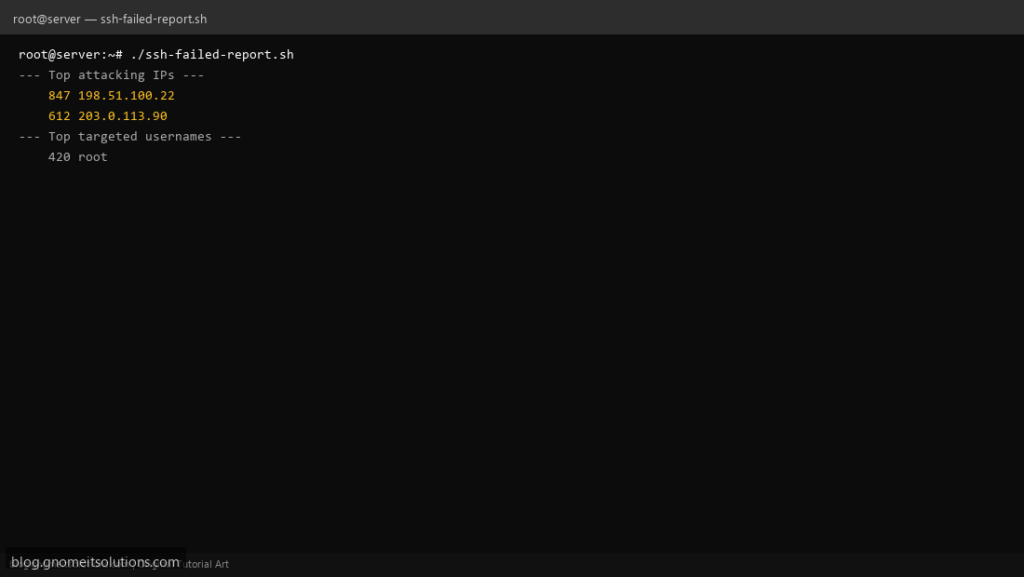
Identify brute-force attacks with a failed SSH login report that parses auth logs and lists top attacking IPs.
What this script does
- Parses
/var/log/auth.logor/var/log/secure - Lists top IPs with failed login attempts
- Shows targeted usernames
- Reports attempts in the last 24 hours
- Pairs well with Fail2ban
Prerequisites
- Root access to read auth logs
- SSH server generating auth log entries
Step 1: Save the script
sudo nano /usr/local/bin/ssh-failed-report.sh
sudo chmod +x /usr/local/bin/ssh-failed-report.sh
Step 2: Full script (scroll to read)
ssh-failed-report.sh
#!/usr/bin/env bash
set -euo pipefail

AUTH_LOG="/var/log/auth.log"
[[ -f /var/log/secure ]] && AUTH_LOG="/var/log/secure"
HOURS=24
MIN_FAILS=5

SINCE=$(date -d "-${HOURS} hours" '+%b %e %H:%M:%S')

echo "=== Failed SSH logins (last ${HOURS}h) ==="
echo "Log: $AUTH_LOG"
echo

grep -E 'Failed password|Invalid user' "$AUTH_LOG" | awk -v since="$SINCE" '$0 >= since' > /tmp/ssh-fails.tmp || true

echo "--- Top attacking IPs ---"
grep -oE '([0-9]{1,3}\.){3}[0-9]{1,3}' /tmp/ssh-fails.tmp | sort | uniq -c | sort -rn | awk -v m="$MIN_FAILS" '$1>=m' | head -15

echo
echo "--- Top targeted usernames ---"
grep -oE 'for (invalid user )?[^ ]+' /tmp/ssh-fails.tmp | awk '{print $NF}' | sort | uniq -c | sort -rn | head -10

rm -f /tmp/ssh-fails.tmp
Scroll inside the box to read the full script.
Step 3: Configure settings
AUTH_LOG— path to auth log (auto-detected)HOURS— lookback windowMIN_FAILS— minimum failures to report
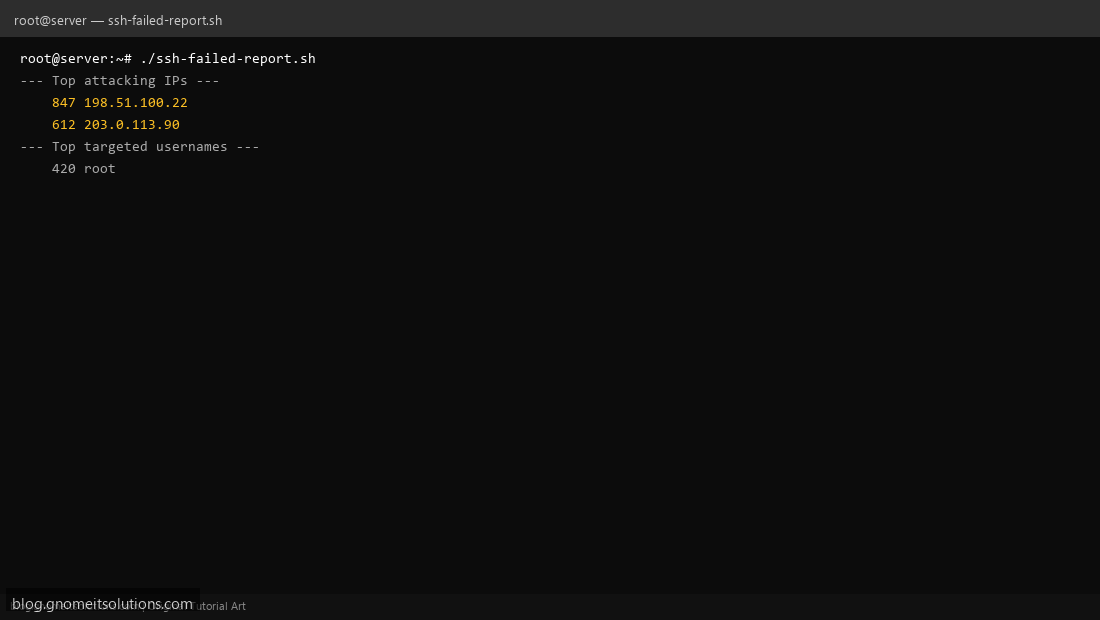
Step 4: Test manually
sudo /usr/local/bin/ssh-failed-report.shsudo grep 'Failed password' /var/log/auth.log | tail -5Schedule with cron
sudo crontab -eAdd:
0 */6 * * * /usr/local/bin/ssh-failed-report.sh >> /var/log/ssh-report.log 2>&1Related tutorials
- Linux Disk Monitor Shell Script
- Linux Backup Shell Script: Files & Database to Remote Server
- Cron Jobs in Linux: Schedule Tasks with crontab
- SSH Key Authentication on Linux Servers
Terminal screenshot is an original illustration created for Gnome IT Solutions (blog.gnomeitsolutions.com).