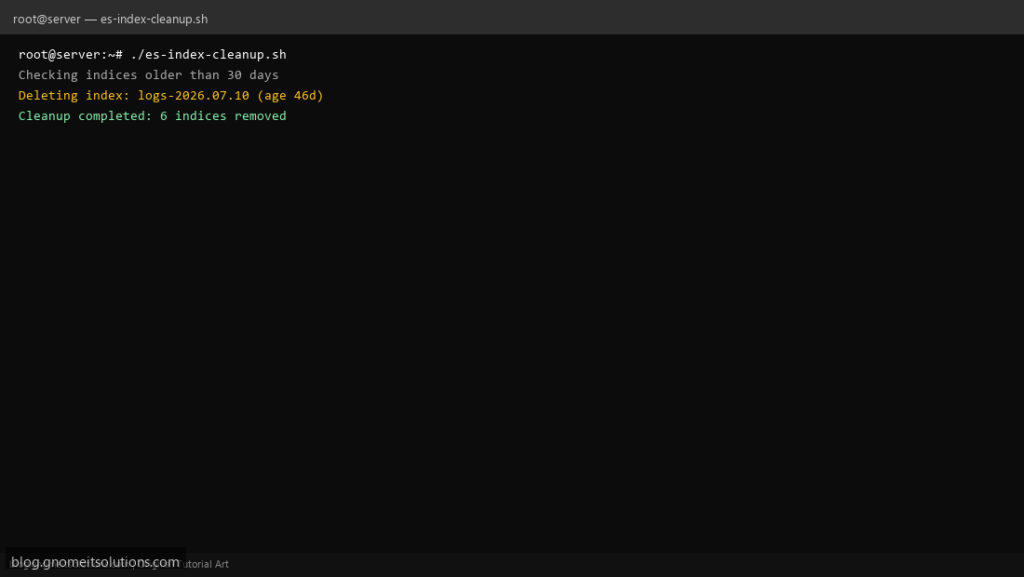
Log-shipping setups (Filebeat, Logstash) typically create one Elasticsearch index per day, like logs-2026.07.10. Left alone, these fill the disk. This script queries the cluster’s index list via the REST API and deletes anything older than your retention window — no Curator install needed.
What this script does
- Lists indices matching a name pattern via the Elasticsearch/OpenSearch REST API
- Parses the date suffix and compares it against a retention window
- Deletes matching indices older than N days with a single curl call each
- Dry-run mode to preview what would be deleted before enabling real deletes
- Works against Elasticsearch or OpenSearch — both expose the same index-delete API
Prerequisites
- curl and jq installed
- Network access to the cluster’s HTTP API (usually port 9200)
- An index naming pattern with a sortable date suffix, e.g. `logs-YYYY.MM.DD`
Step 1: Save the script
sudo nano /usr/local/bin/es-index-cleanup.sh
sudo chmod +x /usr/local/bin/es-index-cleanup.sh
Step 2: Full script (scroll to read)
es-index-cleanup.sh
#!/usr/bin/env bash
set -euo pipefail

ES_HOST="http://localhost:9200"
INDEX_PREFIX="logs-"
RETENTION_DAYS=30
DRY_RUN="${DRY_RUN:-false}"
LOG="/var/log/es-index-cleanup.log"

log(){ echo "[$(date '+%F %T')] $*" | tee -a "$LOG"; }

command -v jq >/dev/null 2>&1 || { log "ERROR: jq not installed"; exit 1; }

cutoff=$(date -d "-${RETENTION_DAYS} days" +%Y.%m.%d 2>/dev/null || date -v-"${RETENTION_DAYS}"d +%Y.%m.%d)

log "Checking indices matching '${INDEX_PREFIX}*' older than ${RETENTION_DAYS} days (cutoff ${cutoff})"

indices=$(curl -s "${ES_HOST}/_cat/indices/${INDEX_PREFIX}*?h=index" | sort)

count=0
while read -r index; do
  [[ -z "$index" ]] && continue
  date_part="${index#"$INDEX_PREFIX"}"
  if [[ "$date_part" < "$cutoff" ]]; then
    age_days=$(( ( $(date +%s) - $(date -d "${date_part//./-}" +%s 2>/dev/null || echo 0) ) / 86400 ))
    if [[ "$DRY_RUN" == "true" ]]; then
      log "[DRY RUN] Would delete index: $index (age ${age_days}d)"
    else
      log "Deleting index: $index (age ${age_days}d)"
      curl -s -X DELETE "${ES_HOST}/${index}" >/dev/null
      count=$((count + 1))
    fi
  fi
done <<< "$indices"

log "Cleanup completed: ${count} indices removed"
Scroll inside the box to read the full script.
Step 3: Configure settings
ES_HOST— cluster endpoint, e.g.http://localhost:9200INDEX_PREFIX— pattern prefix to match, e.g.logs-RETENTION_DAYS— delete indices dated older than thisDRY_RUN— set totrueto log deletions without executing them
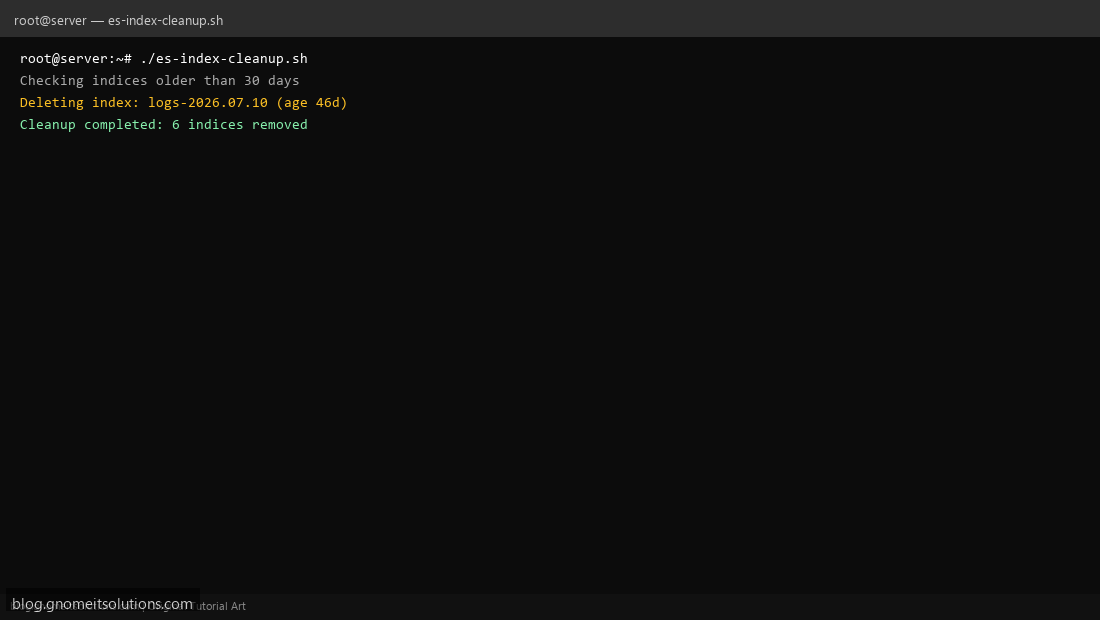
Step 4: Test manually
DRY_RUN=true sudo /usr/local/bin/es-index-cleanup.shsudo /usr/local/bin/es-index-cleanup.shSchedule with cron
sudo crontab -eAdd:
0 3 * * * /usr/local/bin/es-index-cleanup.sh >> /var/log/es-index-cleanup.log 2>&1Related tutorials
- Linux Backup Shell Script: Files & Database to Remote Server
- Cron Jobs in Linux: Schedule Tasks with crontab
- SSH Key Authentication on Linux Servers
Terminal screenshot is an original illustration created for Gnome IT Solutions (blog.gnomeitsolutions.com).