Our Docker install guide covers the standard container runtime most people reach for first. Podman is a drop-in alternative built around two different design choices: no background daemon, and containers that run as your normal user by default instead of requiring root.
This guide installs Podman, runs a rootless container, groups containers with Podman’s pod concept, runs an existing Docker Compose file through Podman, and generates a systemd unit so a rootless container survives reboots.
Step 1: The Architectural Difference
Docker runs a privileged background daemon (dockerd) that every docker command talks to — if that daemon dies, every container it manages is affected. Podman is daemonless: each podman run spawns the container directly as a child process, using the same OCI runtime (runc) under the hood. No single process failure can take down every container at once.
Step 2: Install Podman
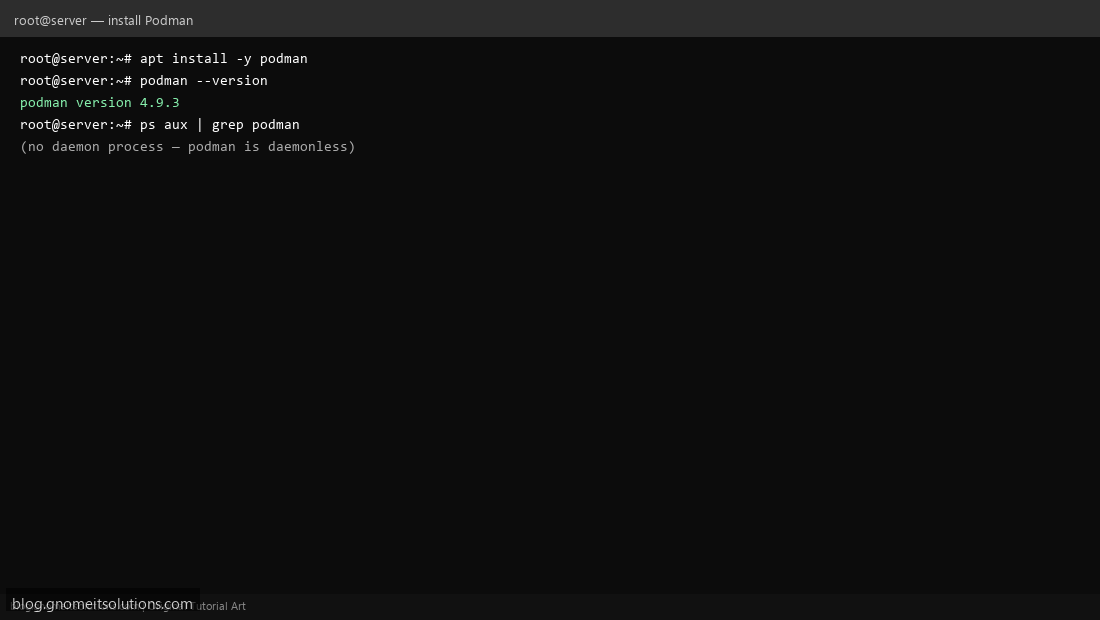
On Ubuntu/Debian: apt install podman. On AlmaLinux/RHEL, it’s often preinstalled or one dnf install podman away. Confirm with podman --version — unlike Docker, you won’t find a dockerd-style process in ps aux because there isn’t one.
Step 3: Run Your First Rootless Container
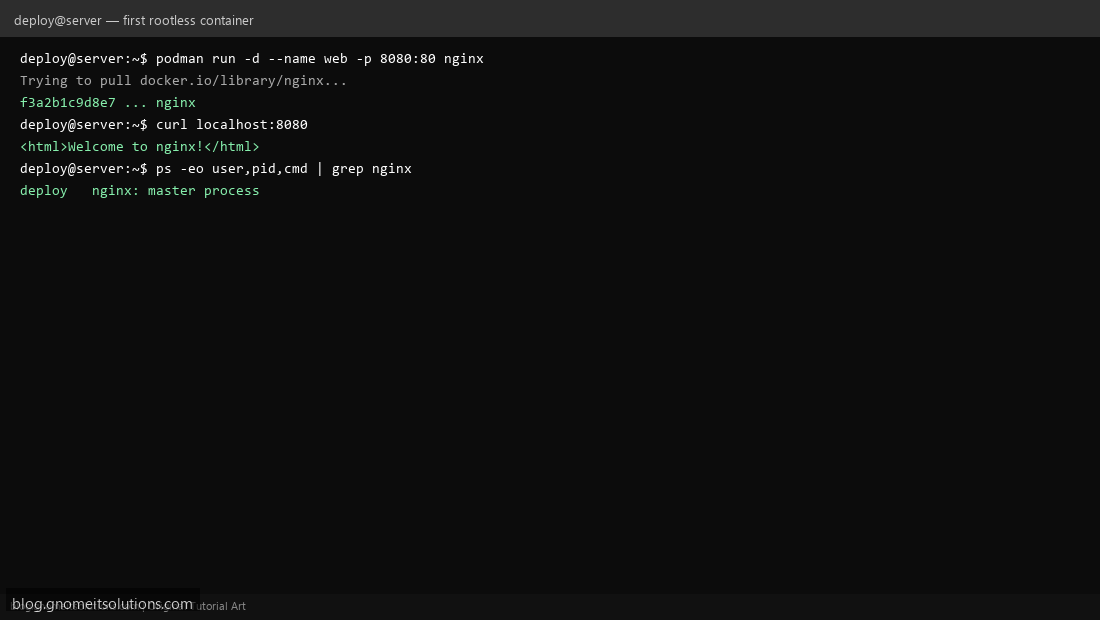
As a non-root user (not root, and without sudo): podman run -d --name web -p 8080:80 nginx. Podman maps this to your user’s namespace — the container thinks it’s running as root internally, but on the host it’s just an unprivileged process owned by your regular user. Confirm with ps -eo user,pid,cmd | grep nginx — the owning user is you, not root.
Step 4: Group Containers With a Pod
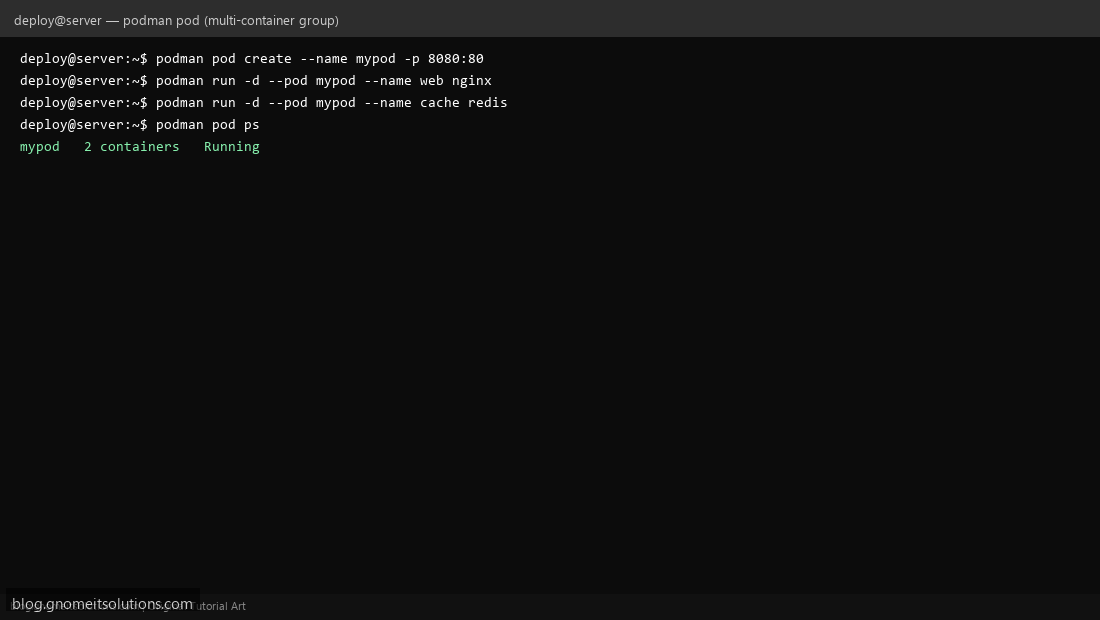
Podman’s pod concept (borrowed from Kubernetes terminology) groups containers that share a network namespace: podman pod create --name mypod -p 8080:80, then podman run -d --pod mypod --name web nginx and podman run -d --pod mypod --name cache redis — both containers can reach each other over localhost, the same way containers in a Kubernetes pod do.
Step 5: Run an Existing Docker Compose File
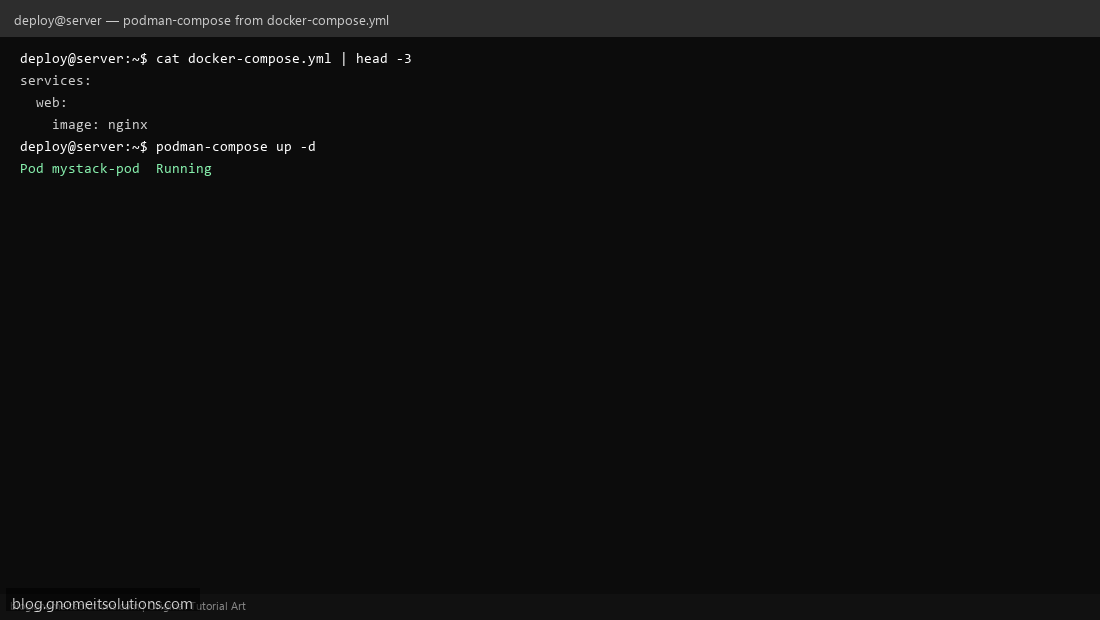
Most docker-compose.yml files work unchanged with the podman-compose tool (pip install podman-compose or your distro’s package): podman-compose up -d. Podman also has native podman compose support in recent versions that shells out to Docker Compose or podman-compose automatically — check podman compose version to see what’s wired up on your system.
Step 6: Generate a systemd Unit for Auto-Start
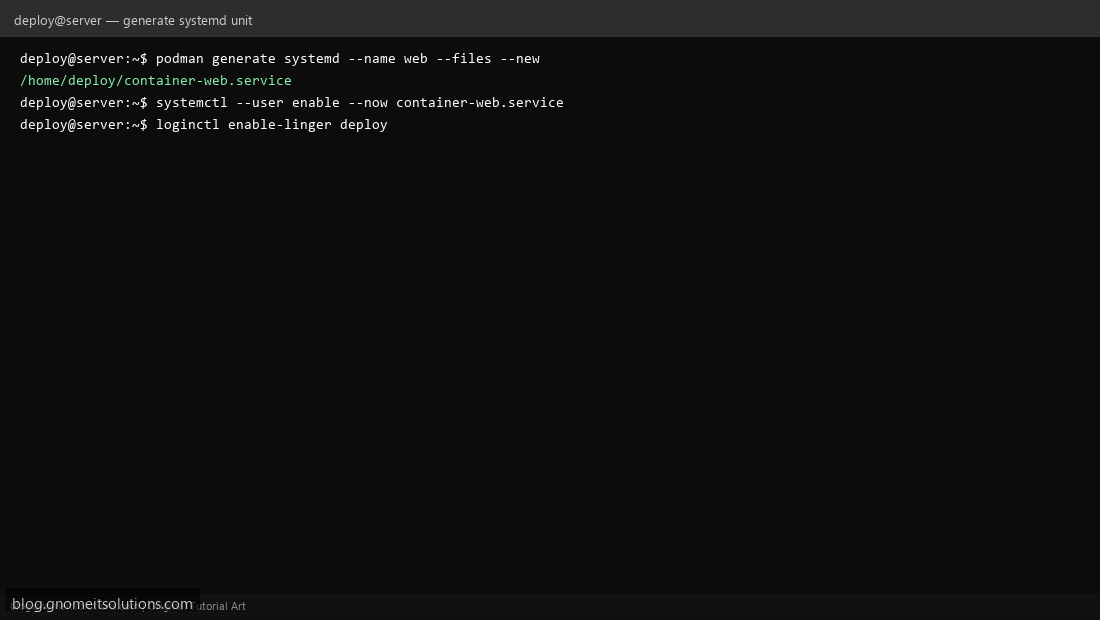
Since there’s no daemon keeping containers running across reboots, use Podman’s built-in generator: podman generate systemd --name web --files --new writes a proper .service file. Enable it as your user (systemctl --user enable --now container-web.service), and run loginctl enable-linger deploy so the user service keeps running even when that user isn’t logged in interactively.
Step 7: When to Still Use Docker
Podman is close to a drop-in replacement, but Docker still wins when you need Docker Desktop’s GUI on a workstation, rely on Docker Swarm specifically, or work with CI tooling/tutorials that assume the Docker CLI/socket exists verbatim. For servers where the security benefit of rootless-by-default matters more than ecosystem familiarity, Podman is the better default.
Quick command mapping
# Podman aliases nearly every Docker command 1:1
alias docker=podman   # works for most day-to-day usage

podman ps
podman images
podman logs -f web
podman exec -it web bash
Security note
Rootless containers still aren’t a complete security boundary — don’t treat them as a substitute for not running untrusted code at all. But compared to Docker’s daemon (which runs as root and whose socket access is effectively root-equivalent), Podman’s rootless mode meaningfully shrinks the blast radius of a container escape.
Related tutorials
Terminal screenshots are original illustrations created for Gnome IT Solutions (blog.gnomeitsolutions.com).