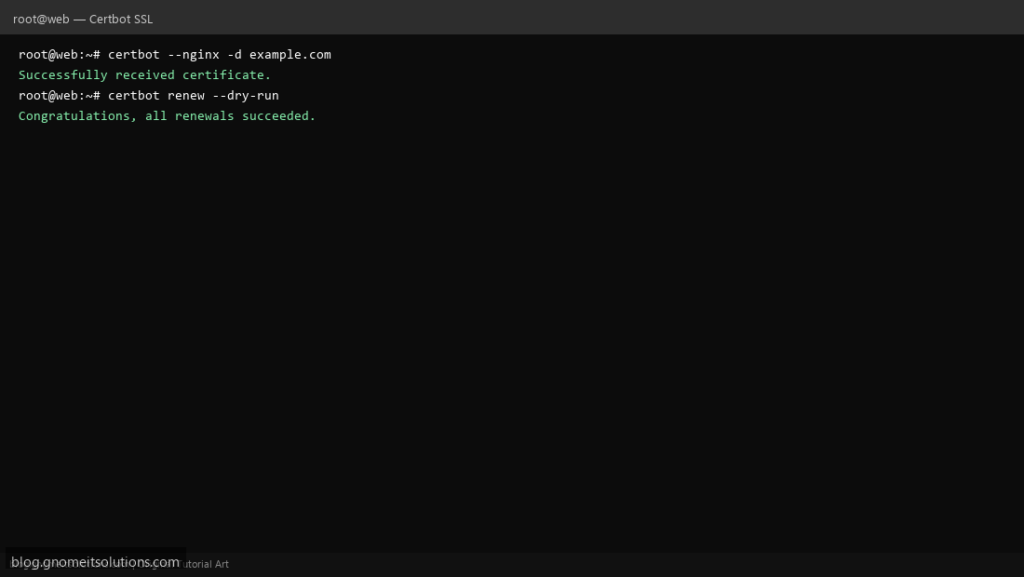
Enable HTTPS on your Linux web server with Certbot and Let’s Encrypt — free SSL certificates with automatic renewal.
Step 1: Install Certbot
On Ubuntu: apt install certbot python3-certbot-nginx (or python3-certbot-apache). On AlmaLinux: use snap or EPEL package.
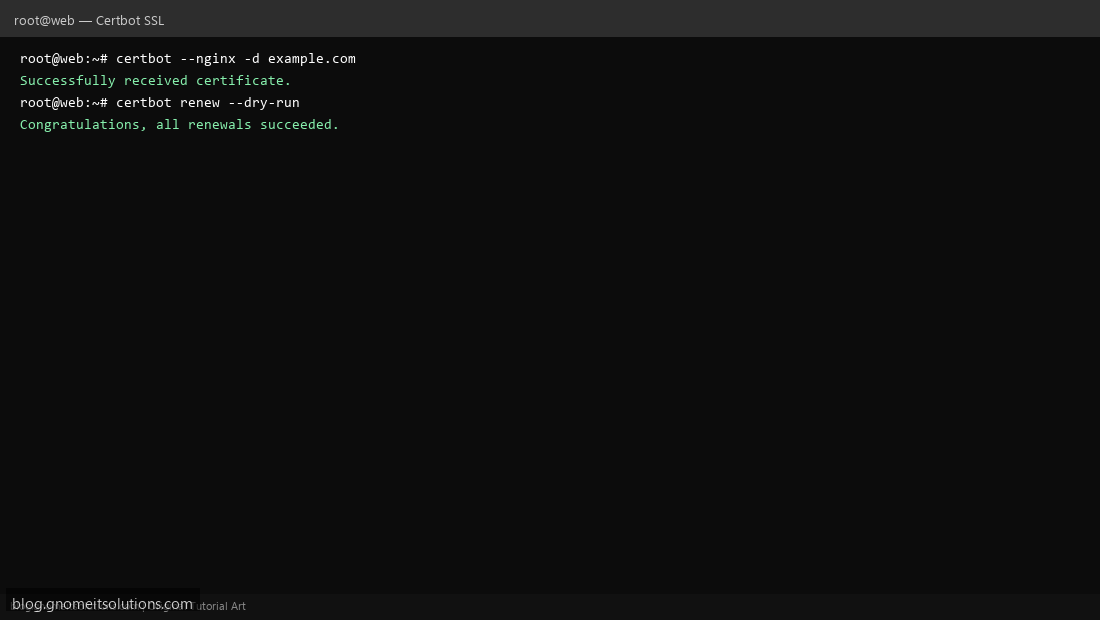
Step 2: Obtain Certificate
Run certbot --nginx -d example.com -d www.example.com for Nginx, or certbot --apache for Apache. Certbot configures HTTPS automatically.
Step 3: Test Auto-Renewal
Verify with certbot renew --dry-run. Systemd timer or cron handles renewal — check with systemctl list-timers | grep certbot.
Related tutorials
Terminal screenshots are original illustrations created for Gnome IT Solutions (blog.gnomeitsolutions.com).