A VM’s default Proxmox configuration lets the Linux scheduler place its vCPU threads on whatever
physical cores are free at any given moment, which works fine for most workloads and is the right default
for a general-purpose host. On a dual-socket server, though, that flexibility has a real cost for
latency-sensitive workloads: if a VM’s vCPU thread runs on a core attached to one NUMA node while its memory
was allocated on the other node, every memory access pays a cross-node latency penalty that a purely
CPU-bound benchmark won’t show but a real database or low-latency application absolutely will. CPU
and NUMA pinning trades away some of the scheduler’s flexibility in exchange for guaranteeing a VM’s
compute and memory stay local to the same node.
This guide covers reading a host’s actual NUMA topology before touching any configuration, pinning a
VM’s vCPUs to a specific core range, enabling NUMA-aware placement in the VM config itself, and the optional
hugepages setup that removes another layer of memory-management overhead for workloads sensitive enough to
justify it.
Read the Host’s Actual NUMA Topology First
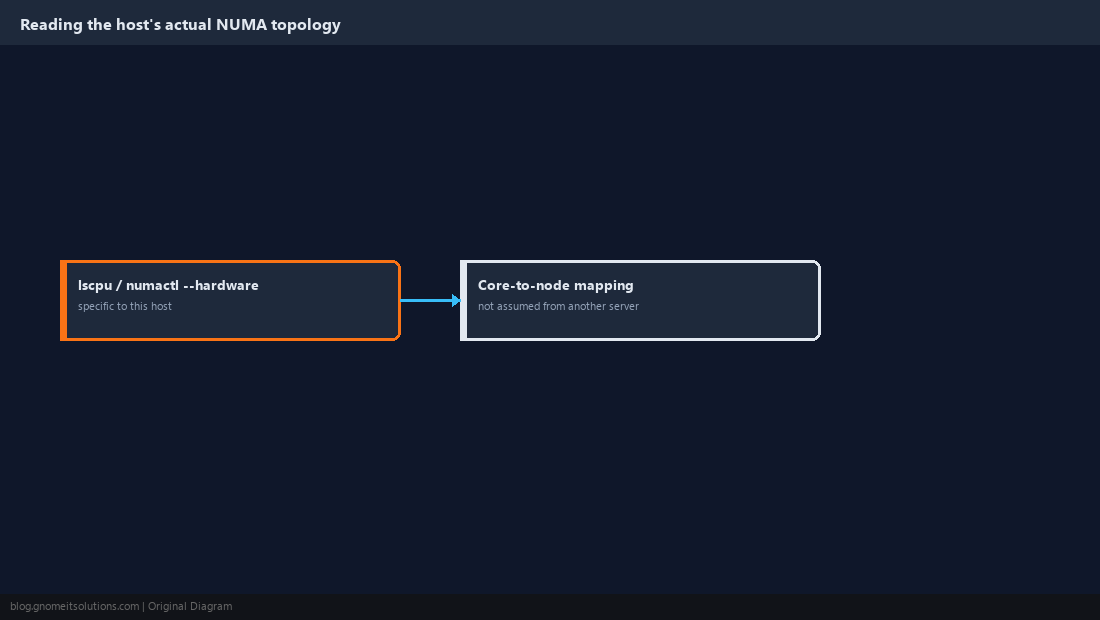
Pinning configuration is meaningless without knowing the physical layout it’s being pinned against — a single-socket host has no NUMA penalty to solve in the first place, and a dual-socket host’s core-to-node mapping is rarely as simple as “first half of the cores are node 0.” Check both before deciding whether pinning is even worth doing on this specific host:
# Inspect NUMA topology before pinning anything
lscpu | grep -i numa
numactl --hardware
Note which physical core numbers belong to which NUMA node from the numactl --hardware output — this mapping is what every later step in this guide references, and it’s specific to this exact host, not a value to copy from a different server.
Enable NUMA Awareness in the VM Configuration
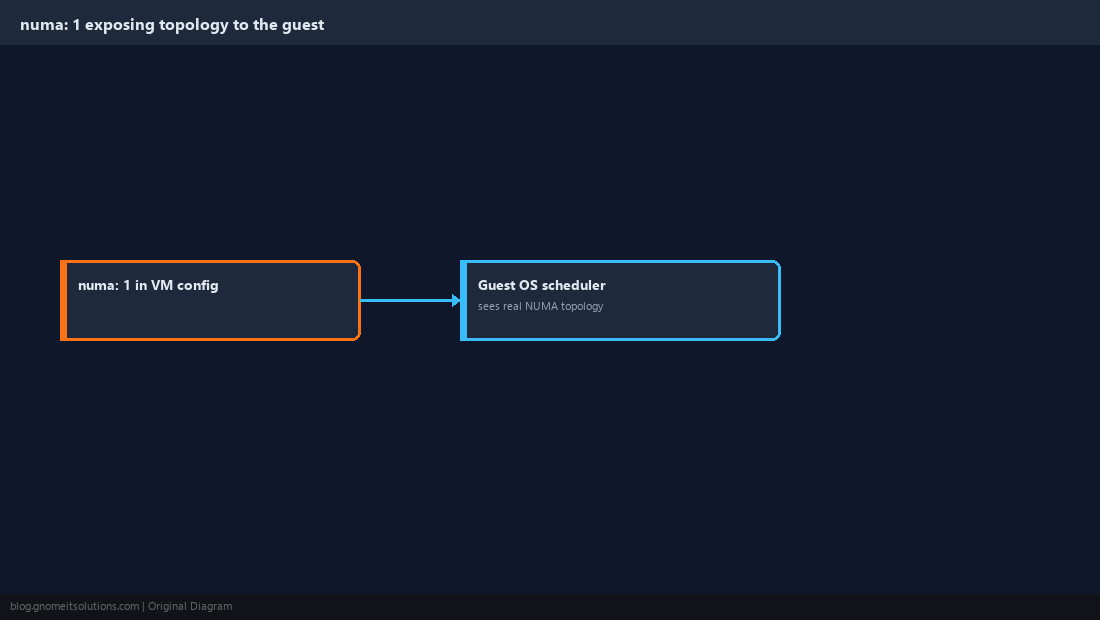
Set numa: 1 in the VM’s configuration so QEMU exposes a NUMA-aware virtual topology to the guest OS itself, letting the guest’s own scheduler make better placement decisions rather than seeing a flat, undifferentiated set of vCPUs:
# /etc/pve/qemu-server/<vmid>.conf -- pin the VM to NUMA node 0's CPUs/memory
cores: 8
sockets: 1
numa: 1
cpuset: 0-7
memory: 16384
# In Proxmox's own NUMA-aware config, prefer setting affinity via the CLI below
# rather than hand-editing cpuset for anything beyond a quick single-VM pin.
This flag alone helps guest-side scheduling even before any host-side pinning is added, since a NUMA-blind guest OS can otherwise spread its own workload across virtual cores in a way that fights whatever physical placement the host eventually applies.
Pin vCPUs to a Physical Core Range on the Right Node
Use Proxmox’s affinity setting (available from Proxmox VE 8.x onward) to restrict a VM’s vCPU threads to the core range identified in Step 1 as belonging to a single NUMA node:
# Proxmox 8.x CPU affinity flag (per-VM, applied at start)
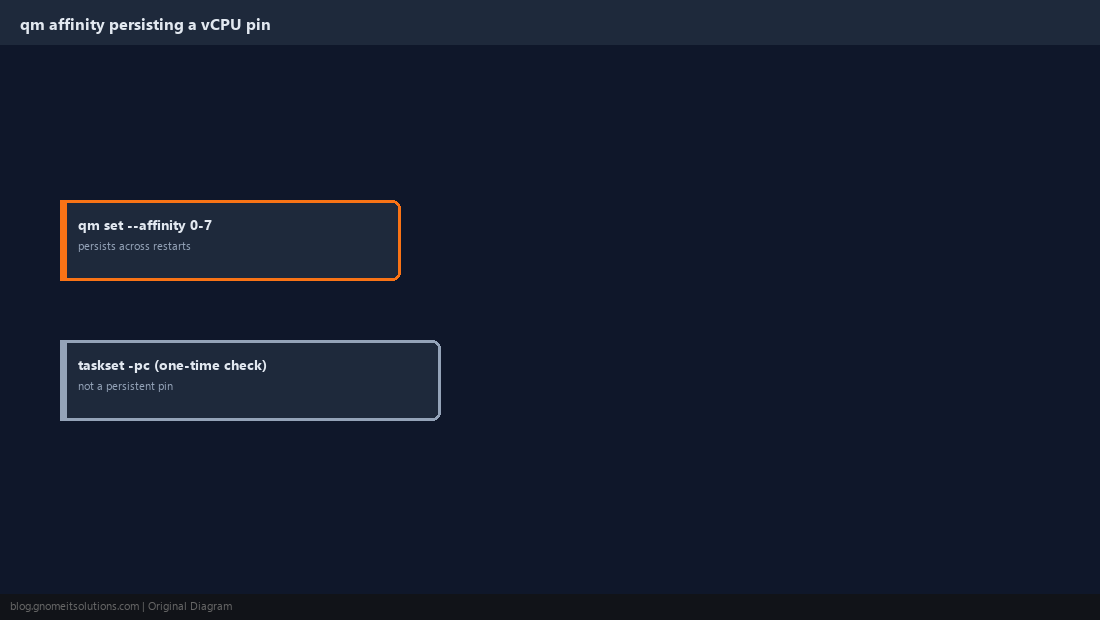
qm set 101 --affinity 0-7
qm start 101
taskset -pc 0-7 $(cat /var/run/qemu-server/101.pid)
The taskset line confirms the running QEMU process’s threads actually landed on the intended cores — useful as a one-time verification, though the qm set --affinity flag is what persists the setting across VM restarts, not a manual taskset run against a process that will be replaced on next boot.
Match Memory Allocation to the Same NUMA Node
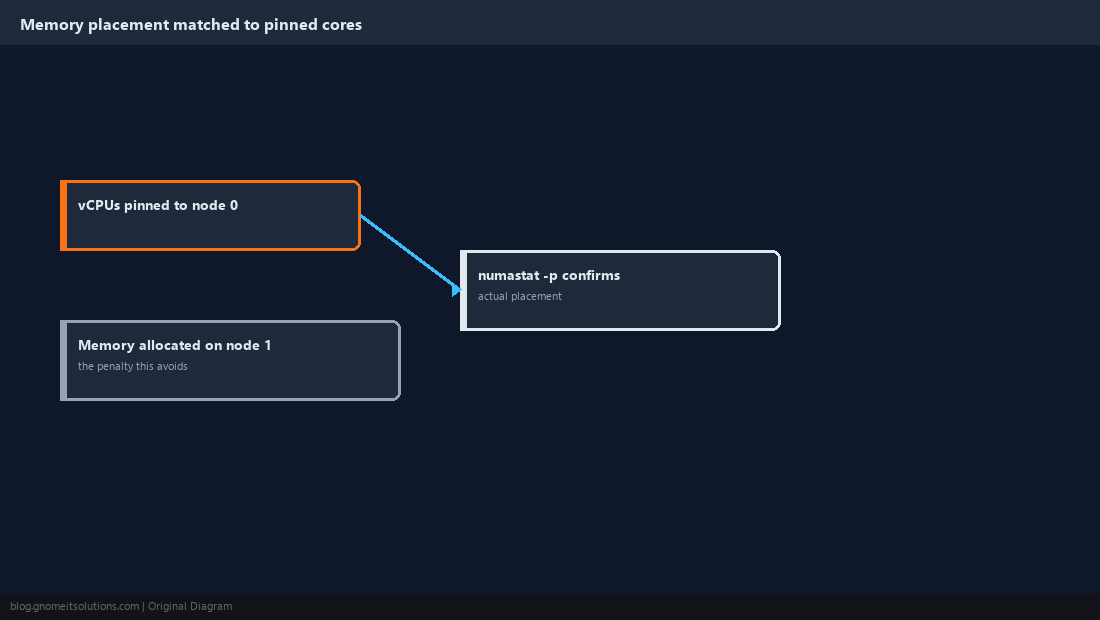
Pinning vCPUs to node 0’s cores while the VM’s memory gets allocated from node 1’s RAM produces exactly the cross-node penalty this whole exercise exists to avoid — the numa: 1 flag from Step 2 combined with Proxmox’s NUMA-aware memory allocation generally keeps a single-node-sized VM’s memory local automatically, but confirm this rather than assume it on a host running many VMs, since memory fragmentation over time can force an allocation onto the “wrong” node even with the flag set correctly. Check actual placement with the host-side numastat -p command against the VM’s QEMU process ID.
Add Hugepages for Workloads Sensitive Enough to Justify It
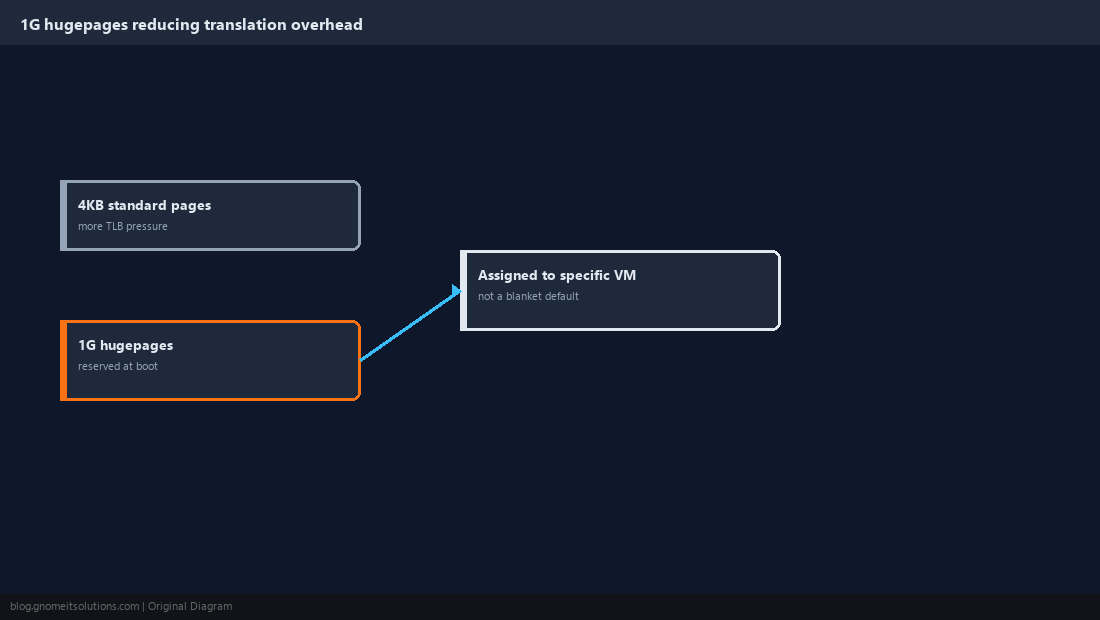
Standard 4KB memory pages mean more page-table entries and more TLB pressure than larger pages for memory-intensive workloads — 1GB hugepages, reserved at boot and assigned to a VM, remove a layer of address-translation overhead that shows up measurably in latency-sensitive database and real-time workloads, though it’s real added complexity not worth adopting for every VM on a host:
# /etc/pve/qemu-server/<vmid>.conf -- back this VM's RAM with 1G hugepages
hugepages: 1024
# /etc/default/grub -- reserve hugepages at boot (example: 32 x 1G pages)
GRUB_CMDLINE_LINUX_DEFAULT="quiet default_hugepagesz=1G hugepagesz=1G hugepages=32"
Reserving hugepages at boot removes that memory from the general-purpose pool permanently until the next reboot with a different kernel parameter, so size the reservation deliberately against actual VM memory needs rather than reserving more than will ever be used.
Leave Headroom for the Host and Other VMs
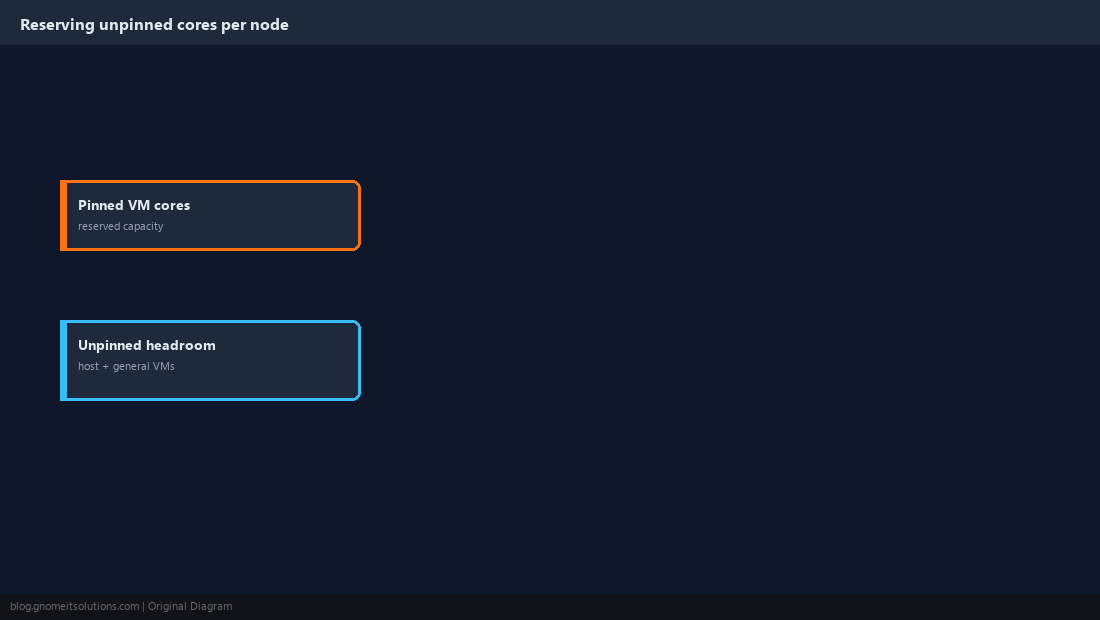
Pinning a VM to a specific core range removes those cores from the pool the general scheduler uses for everything else on the host — the hypervisor’s own housekeeping threads, other unpinned VMs, and storage/network interrupt handling all still need cores to run on. Reserve at least a handful of cores per NUMA node outside of any pinned VM’s range specifically for this, since a host where every core is pinned to some VM often shows worse overall performance than one with sensible headroom left for the host itself.
Benchmark Before and After, Not Just Once
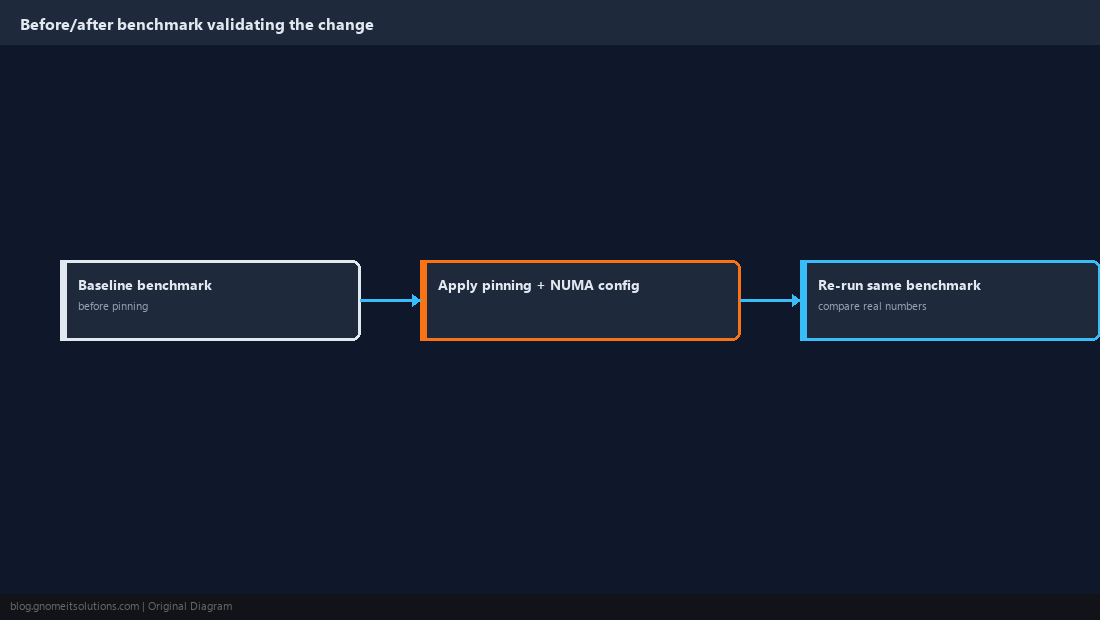
Pinning and NUMA tuning are exactly the kind of change that can look correct in configuration while producing no measurable improvement, or occasionally a regression, for a specific workload — run the same representative benchmark or real workload sample before applying any of this guide’s changes and again afterward, comparing actual latency or throughput numbers rather than trusting the configuration alone. A workload that isn’t actually memory-latency sensitive gains little from any of this and just adds operational complexity for no measured benefit.
Document Pinned VMs So Future Capacity Planning Doesn’t Break Them
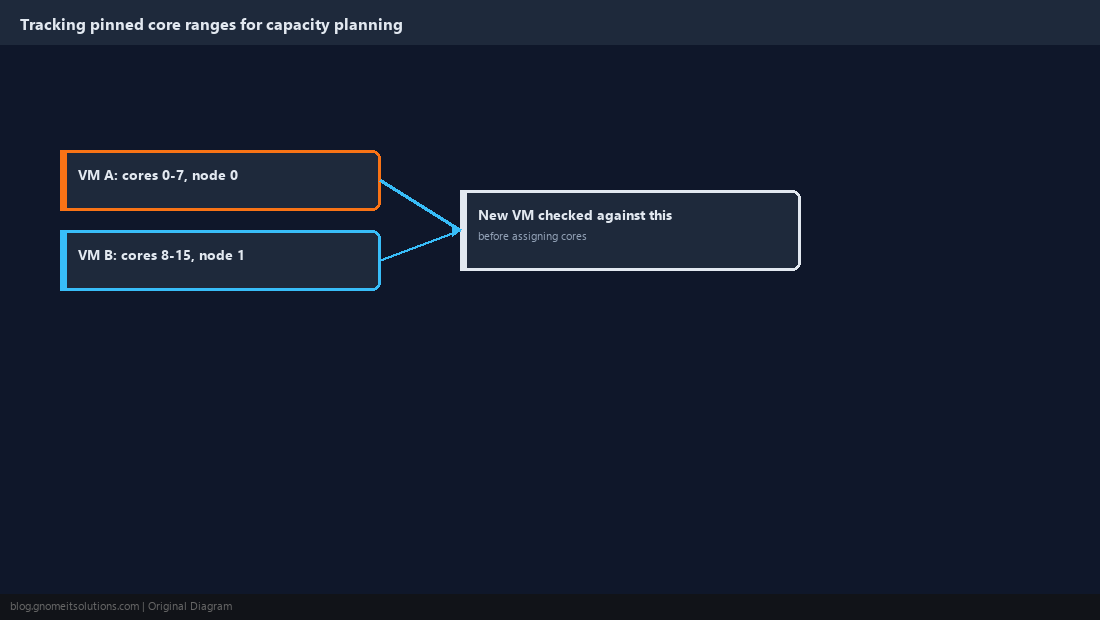
A pinned VM’s core range needs to be treated as reserved capacity in any future planning for that host — adding a new VM without checking which cores are already pinned elsewhere can result in two VMs contending for the same physical cores despite both configurations looking individually correct. Keep a simple record of which VMs are pinned to which core ranges and NUMA nodes on each host, the same discipline our vGPU allocation guide recommends for shared GPU instances, since both are finite physical resources that silently misbehave when two configurations overlap.
Pinning Checklist
Topology       lscpu / numactl --hardware, specific to this exact host
numa: 1        exposes NUMA topology to the guest OS's own scheduler
Affinity       qm set --affinity, persists across restarts (not taskset alone)
Memory         verify with numastat -p, don't just trust the numa flag
Hugepages      1G pages for workloads that actually justify the complexity
Headroom       leave unpinned cores per node for host + general VMs
Benchmark      measure before/after, don't assume the config alone helps
Documentation  track pinned ranges so future VMs don't silently overlap
Related tutorials
Image credits: Screenshots are from the official
Proxmox VE documentation
(Proxmox GmbH), used under open documentation terms for educational purposes.
Tutorial text and layout © Gnome IT Solutions.