When you outgrow a mini PC homelab, the first serious hardware decision is often
AMD EPYC versus Intel Xeon for a Proxmox VE host. Both run Proxmox
excellently — the choice comes down to core density, PCIe expansion, NUMA layout, used-market pricing,
and whether your workloads need Intel-specific features.
Proxmox is CPU-vendor neutral (KVM + Debian). This comparison focuses on what matters in real
virtualization deployments, not synthetic benchmark bragging rights.
Step 1: Core Density and Licensing Context
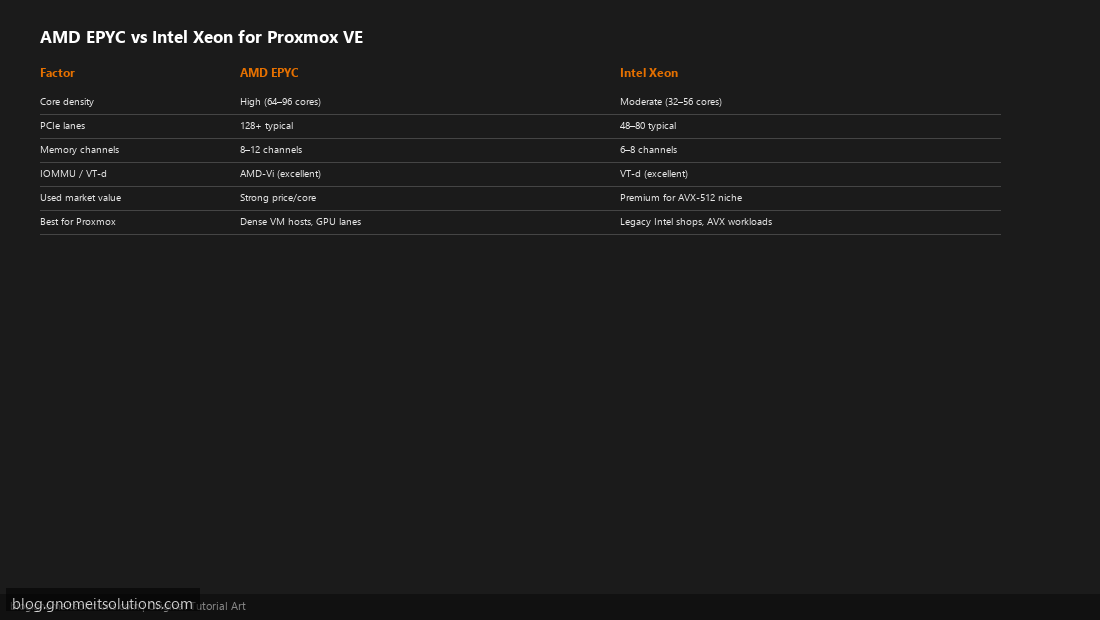
EPYC Rome/Milan/Genoa often delivers more cores per socket at lower used-market prices — a 24–48 core EPYC single-socket board can replace a dual Xeon setup for VM density. Intel Xeon Scalable still wins in some enterprise procurement and legacy vendor support contracts. Proxmox has no per-core hypervisor tax, so more physical cores directly means more VM capacity.
Step 2: PCIe Lanes — Storage, NICs, and GPUs
Each VM host needs lanes for NVMe, 10/25 GbE, and optionally a passed-through GPU. EPYC platforms commonly expose 128 PCIe 4.0/5.0 lanes on single socket — ideal for multi-NVMe ZFS and GPU passthrough without PCIe bifurcation headaches. Intel Xeon often provides fewer lanes per socket; dual-socket may be required for the same expansion.
Step 3: NUMA and VM Placement
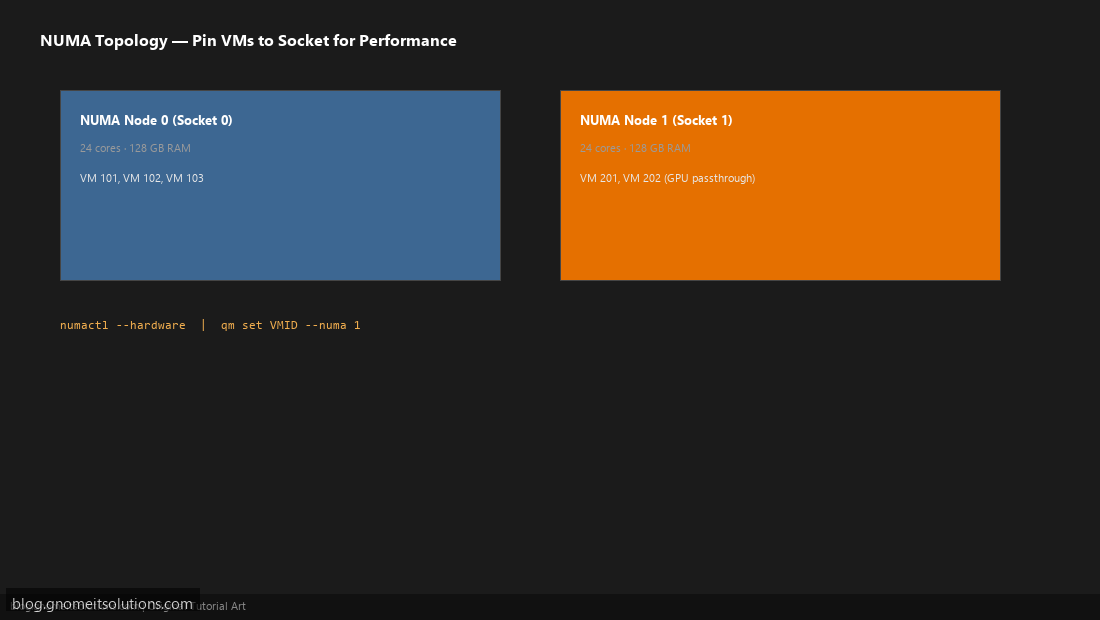
Dual-socket systems create two NUMA nodes. VMs should stay NUMA-local to their allocated RAM for best performance — cross-socket memory access adds latency. In Proxmox use qm set VMID --numa 0|1 or CPU affinity for heavy databases. Single-socket EPYC avoids NUMA complexity for many SMB deployments.
Step 4: ECC Memory and Platform Stability
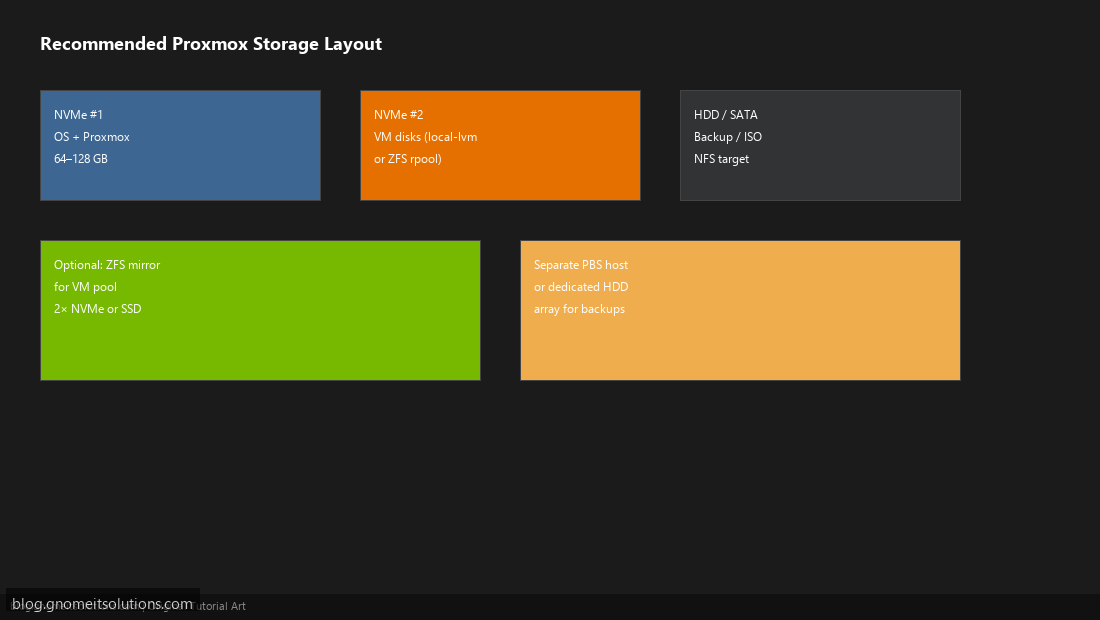
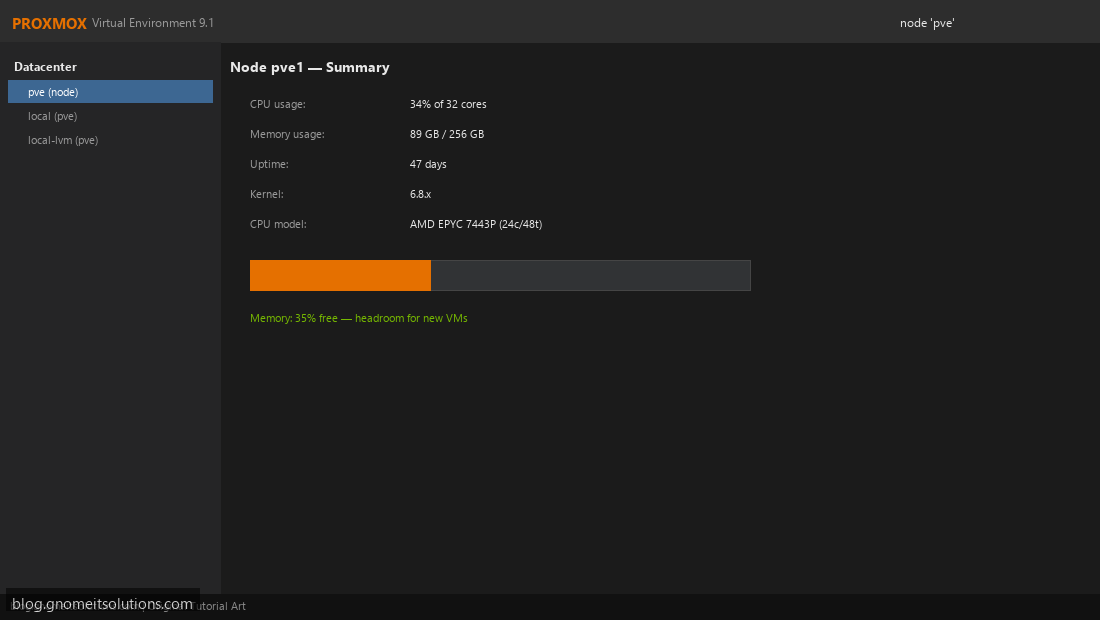
Both EPYC and Xeon server platforms support ECC RDIMM/LRDIMM — non-negotiable for 24/7 hypervisors holding many VM disks. Verify the motherboard CPU compatibility list (QVL) before buying used RAM. Proxmox itself uses relatively little RAM; your VM sum drives the purchase.
Step 5: IOMMU / VT-d for GPU Passthrough
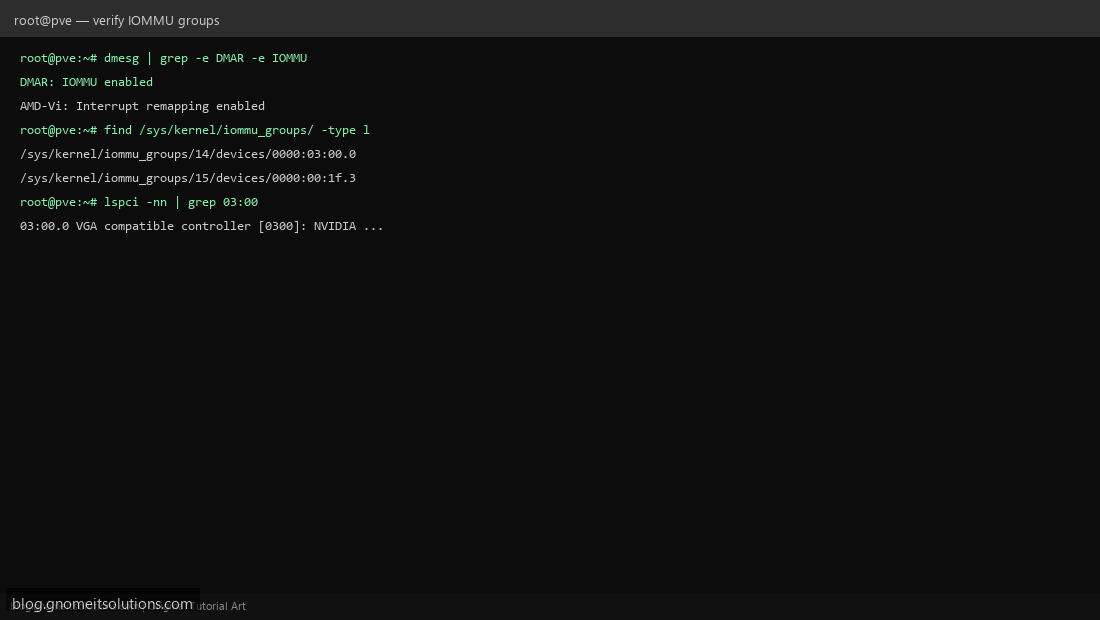
Both AMD-Vi and Intel VT-d work with Proxmox PCI passthrough. Verify the GPU sits in an isolated IOMMU group and the platform supports ACS if groups are messy. EPYC’s lane count helps dedicate x16 to a GPU while keeping NVMe on separate roots. Intel works equally well when IOMMU groups are clean — common on Supermicro and Dell boards.
Step 6: Workload-Based Recommendations
Choose EPYC when: maximizing VMs per dollar, single-socket simplicity, many NVMe devices, homelab/SMB used-market builds (7443P, 7543, Genoa).
Choose Xeon when: existing Intel fleet, specific AVX-512 numeric workloads, vendor support contracts, or staff expertise on Intel tooling.
Either for general Linux/Windows VMs, containers, and PBS backup targets.
Sample SKU comparison (single socket, used market 2026)
| CPU | Cores/Threads | TDP | Typical use |
|---|---|---|---|
| AMD EPYC 7443P | 24 / 48 | 200W | SMB Proxmox all-rounder |
| AMD EPYC 7543P | 32 / 64 | 225W | Dense VM host |
| Intel Xeon Gold 5318Y | 24 / 48 | 150W | Efficient dual-socket node |
| Intel Xeon Silver 4314 | 16 / 32 | 135W | Entry production / lab |
Check before you buy
- CPU generation supported by motherboard BIOS (EPYC Rome vs Milan mix-ups are common used)
- IPMI/iDRAC license included (some Dell iDRAC are limited without license)
- NVMe backplane or PCIe adapter plan
- PSU wattage for CPU TDP + GPU if passthrough planned
Related tutorials
Image credits: All illustrations use original Proxmox VE branded artwork created
for Gnome IT Solutions — not copied from vendor marketing assets or third-party screenshots.
Tutorial text © Gnome IT Solutions.
Image credits: Screenshots are from the official
Proxmox VE documentation
(Proxmox GmbH), used under open documentation terms for educational purposes.
Tutorial text and layout © Gnome IT Solutions.