
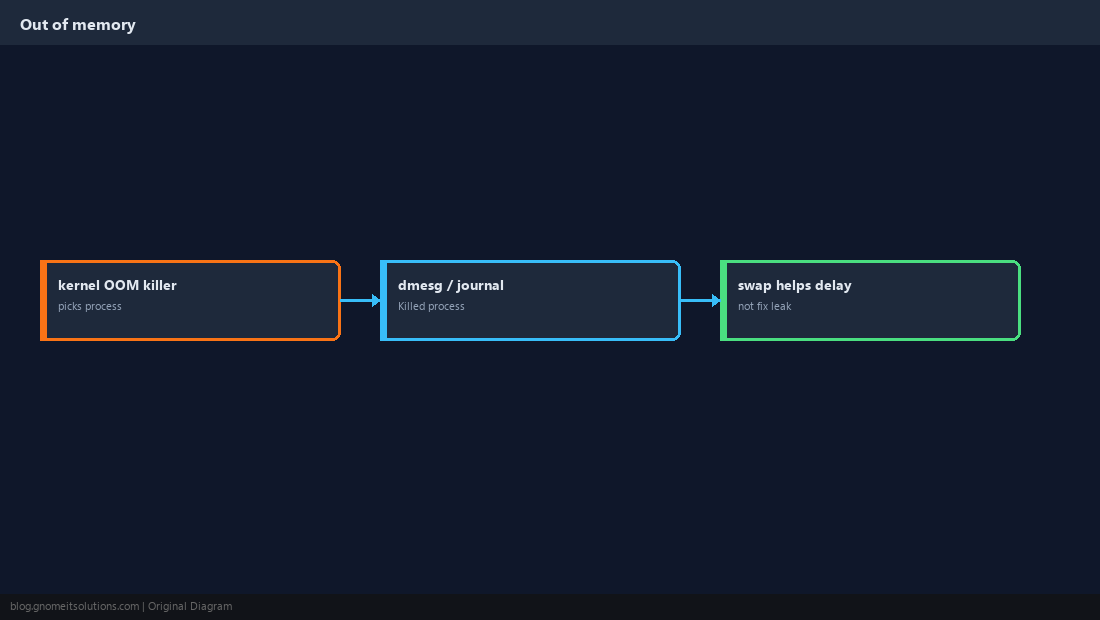
When the kernel runs out of RAM and swap, the OOM killer terminates a process to keep the system alive. Symptoms include random service deaths, SSH lag, and
Killed in logs without a clean application stack trace.
Start with htop and free and
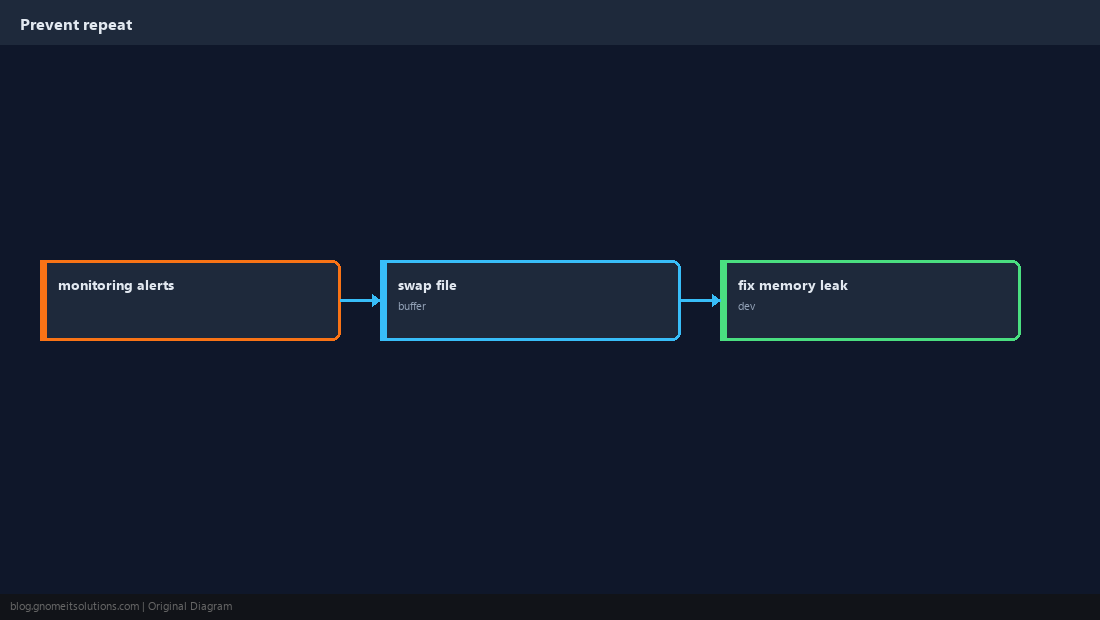
swap if you need short-term headroom while you fix the leak.
What OOM Looks Like
Apps disappear, load spikes, database connections drop. The kernel log names the victim process.
Check Memory Now
Use available in free -h; watch swap I/O.
free -h
swapon --show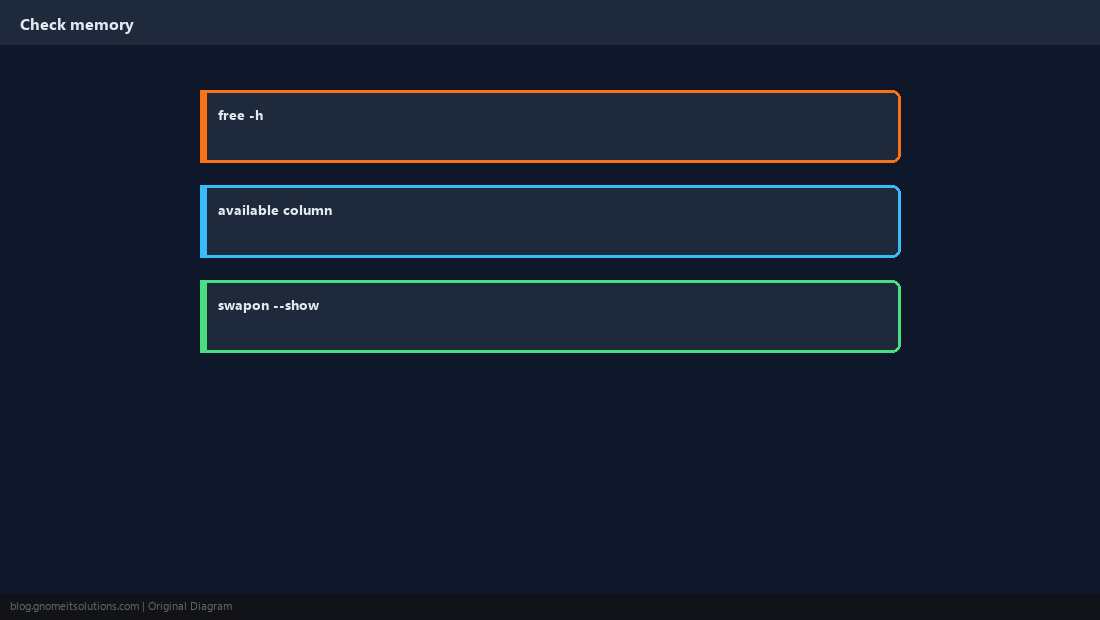
Find the Memory Hog
Sort processes by RSS before and during incidents.
ps aux --sort=-%mem | head -15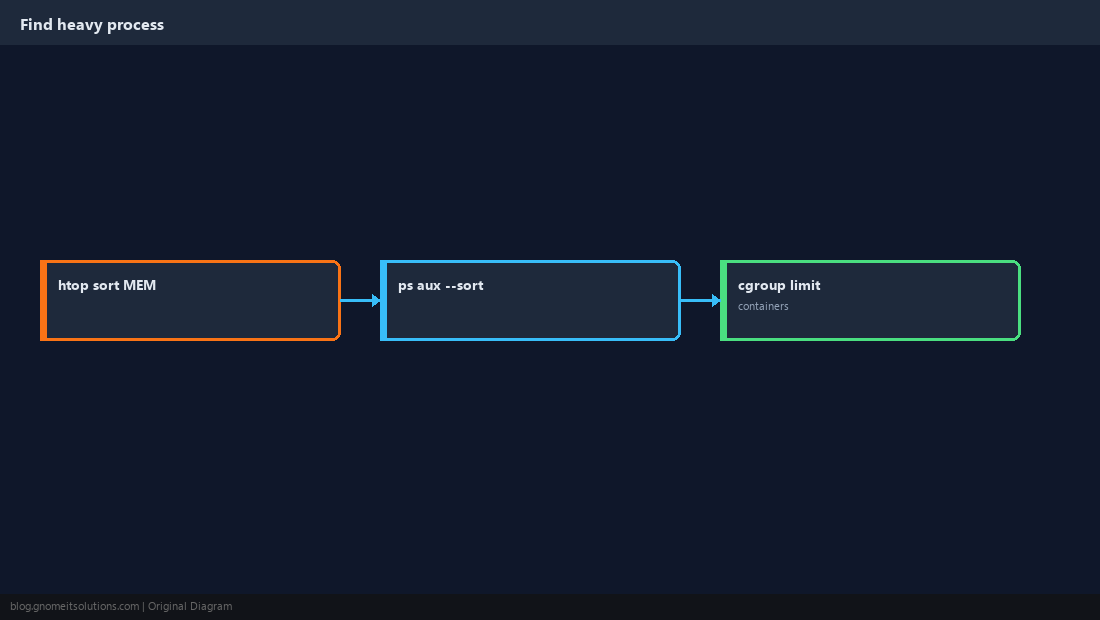
Read OOM Killer Lines
Kernel messages include the score and chosen PID.
sudo dmesg -T | grep -i 'out of memory\|Killed process' | tail -20
sudo journalctl -k --since today | grep -i oom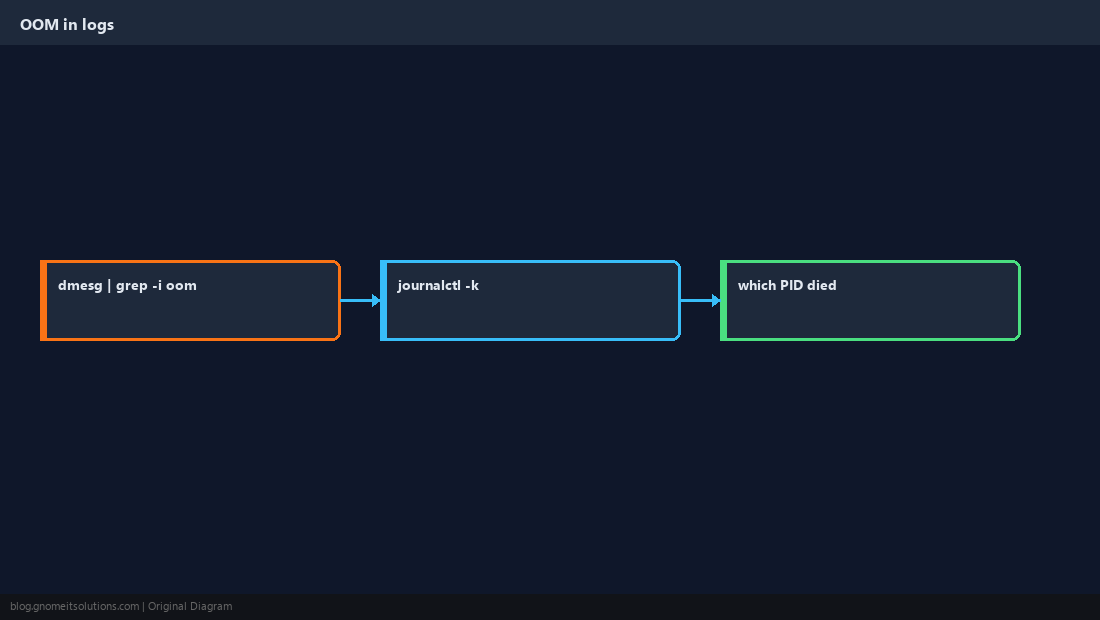
Limits with systemd and ulimit
Cap runaway services with MemoryMax= so one unit cannot take the whole box.
[Service]
MemoryMax=2G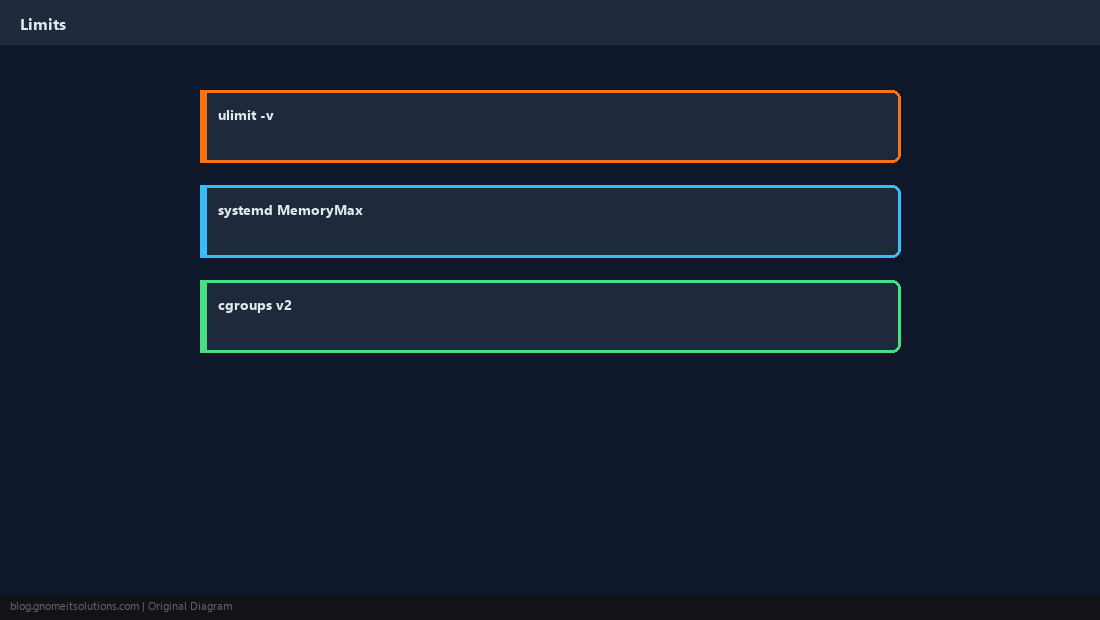
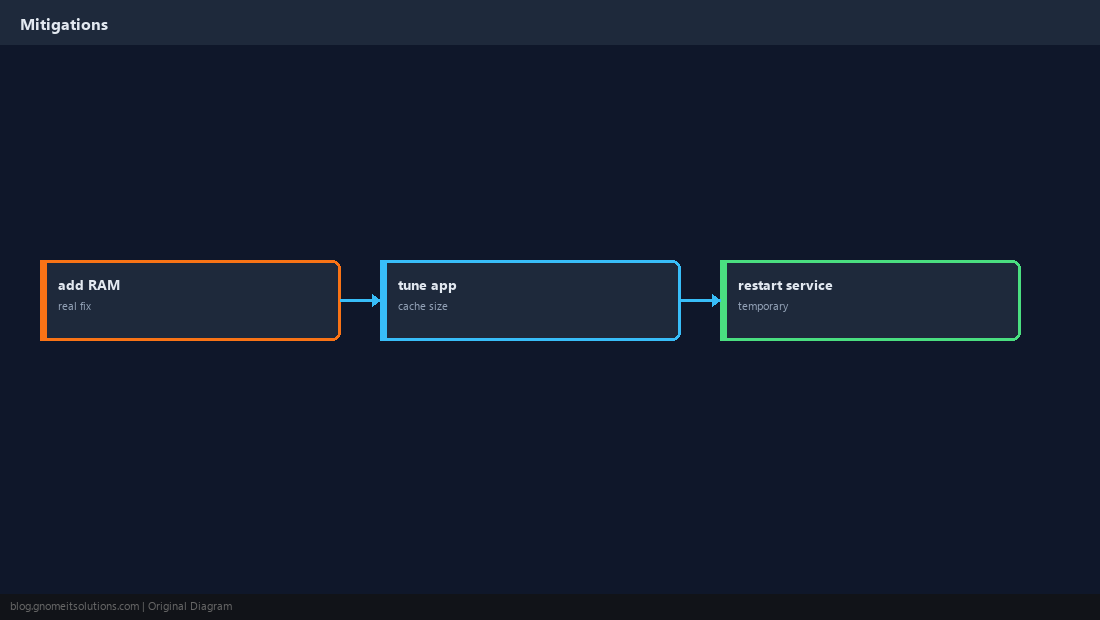
Short-Term Relief vs Real Fix
Restarting frees RAM; adding swap buys time; adding RAM or fixing the leak solves it.
Prevent Next Time
Alert on memory percentage; graph trends in Prometheus/Grafana if you have it.
Quick Reference
- Grep
Killed processindmesg/journalctl -k ps aux --sort=-%memfor suspectsMemoryMax=on heavy systemd services
Related tutorials
Diagrams are original illustrations by Gnome IT Solutions. Tutorial text © Gnome IT Solutions.