Git is the default version control system for almost every tutorial, CI pipeline, and open-source project. On a fresh VPS you need the package, your identity in
git config, and usually an SSH key for passwordless pushes.
Deploying code often continues with SSH keys and
Ansible on the same host.
Git in the Workflow
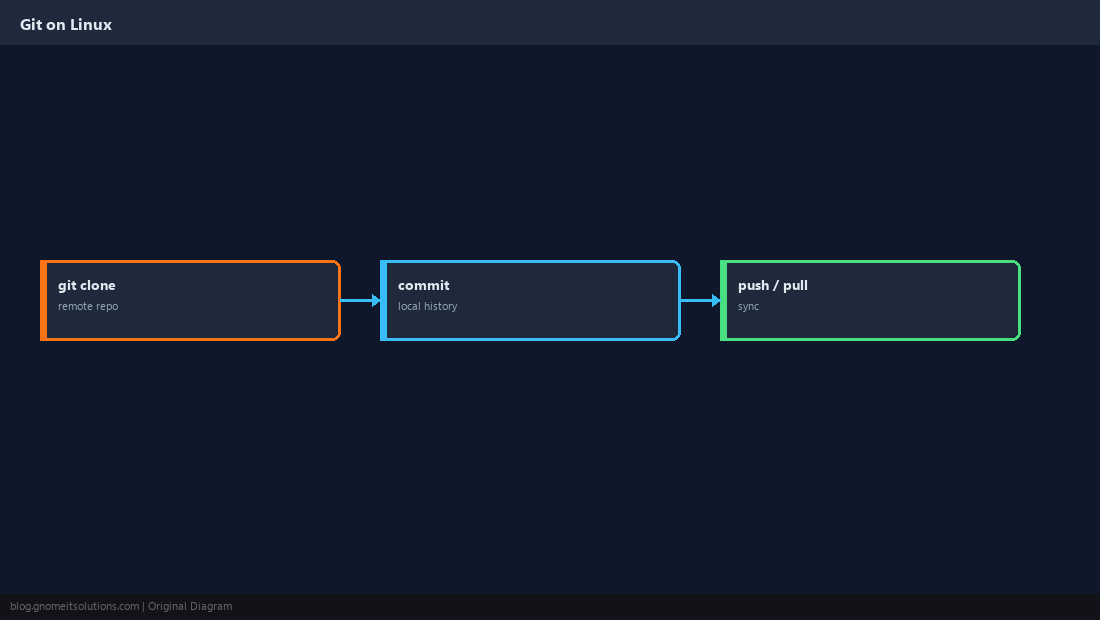
Git stores snapshots (commits) locally; remotes like GitHub hold shared copies. You pull updates, push your commits.
Install Git
Package name is git on all major distributions.
sudo apt install -y git    # or: sudo dnf install -y git
git --version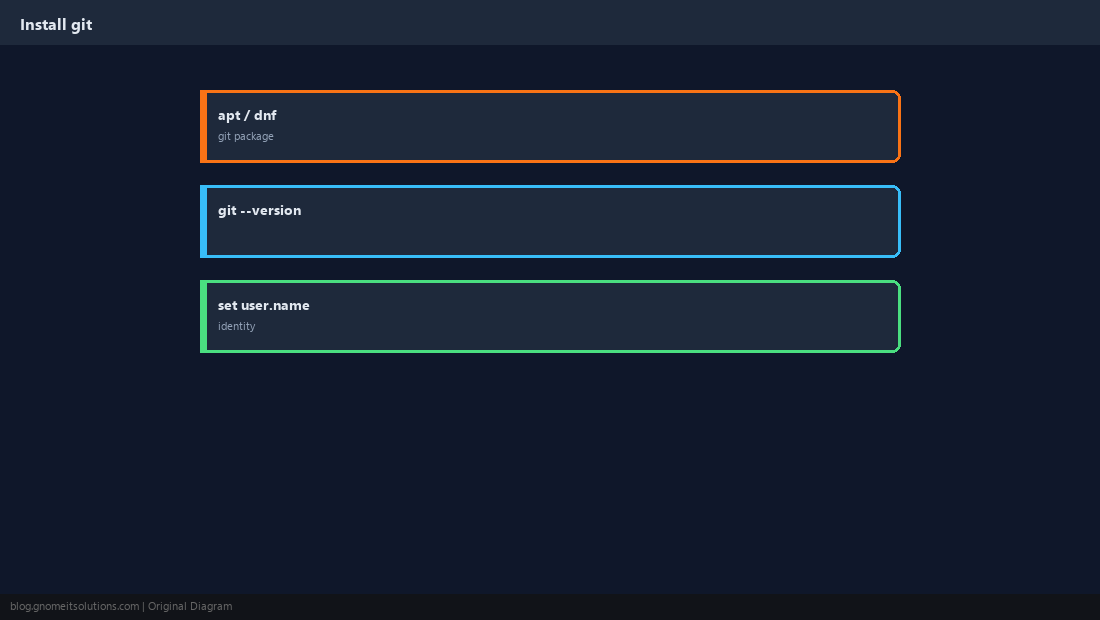
Set Your Identity
Commits record name and email — set them once per user.
git config --global user.name "Your Name"
git config --global user.email "[email protected]"
git clone [email protected]:org/repo.git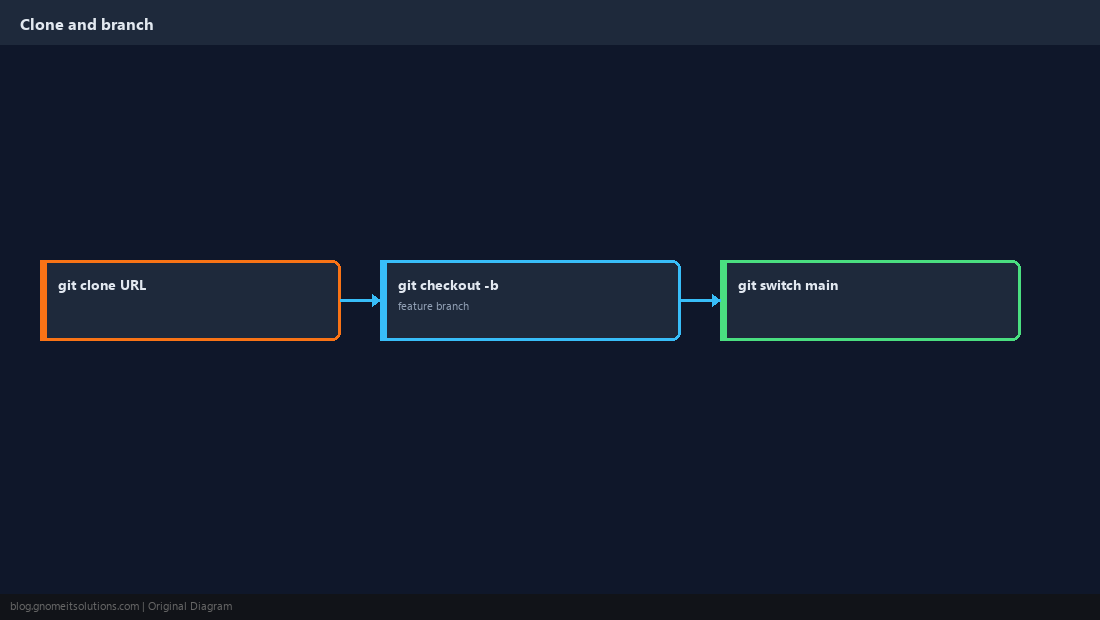
Stage and Commit
Check status before you commit. Write messages that explain why, not only what.
git status
git add .
git commit -m "Add health check endpoint"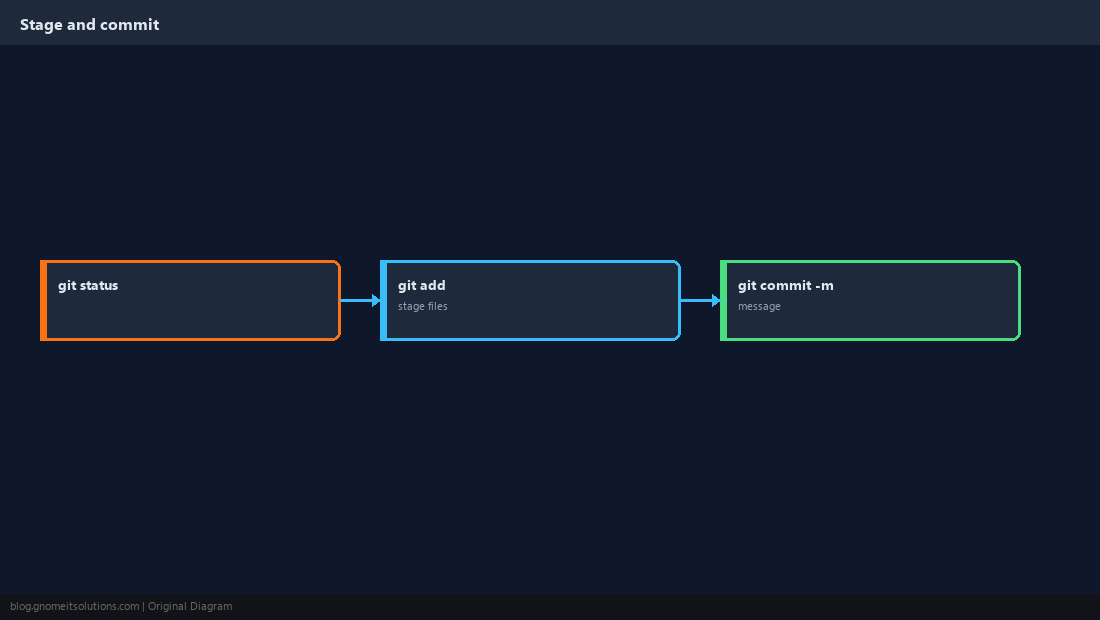
Pull and Push
Update from remote before pushing to reduce merge pain.
git pull --rebase origin main
git push origin main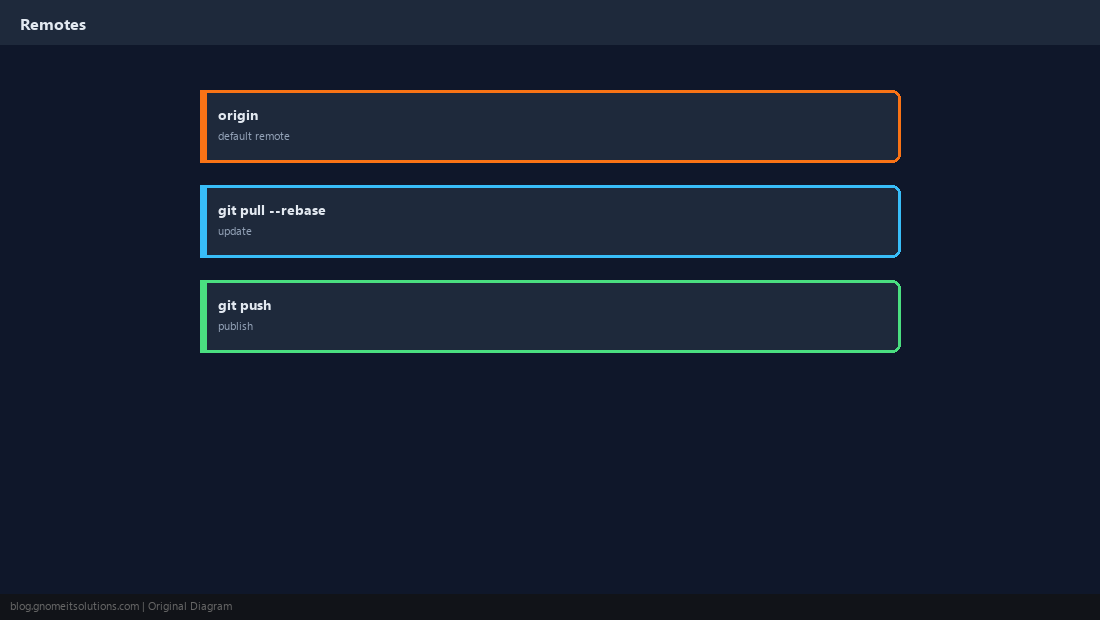
SSH Keys for Git Hosting
Use the same ed25519 key mindset as server SSH — add the public key to GitHub/GitLab.
ssh -T [email protected]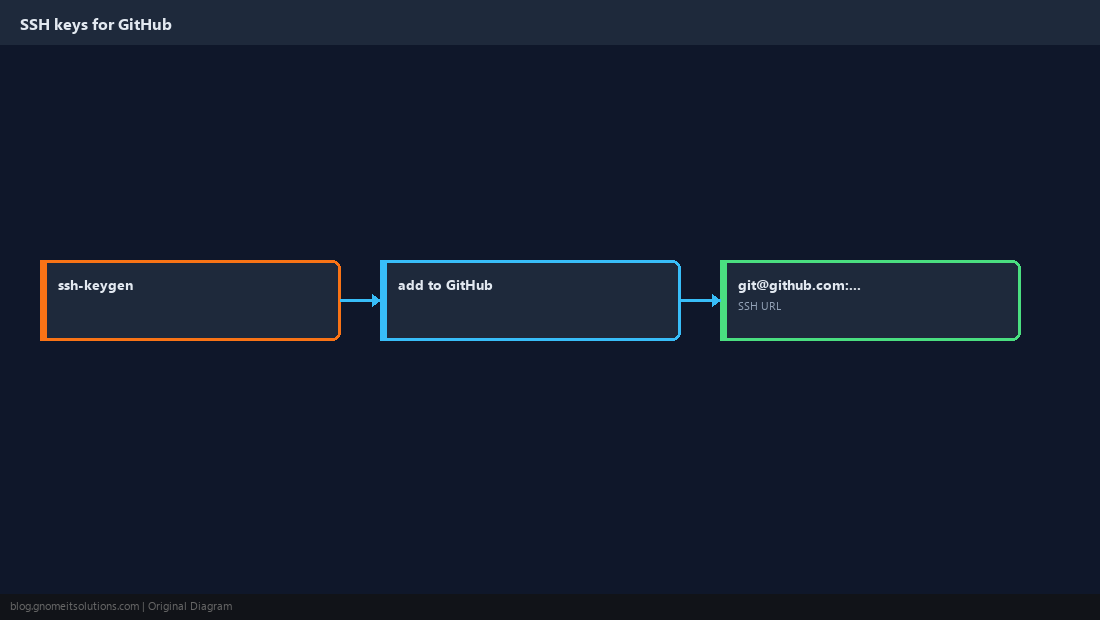
Quick Fixes
Stash uncommitted work before switching branches; never force-push shared branches unless the team expects it.
git stash push -m "wip"
git stash pop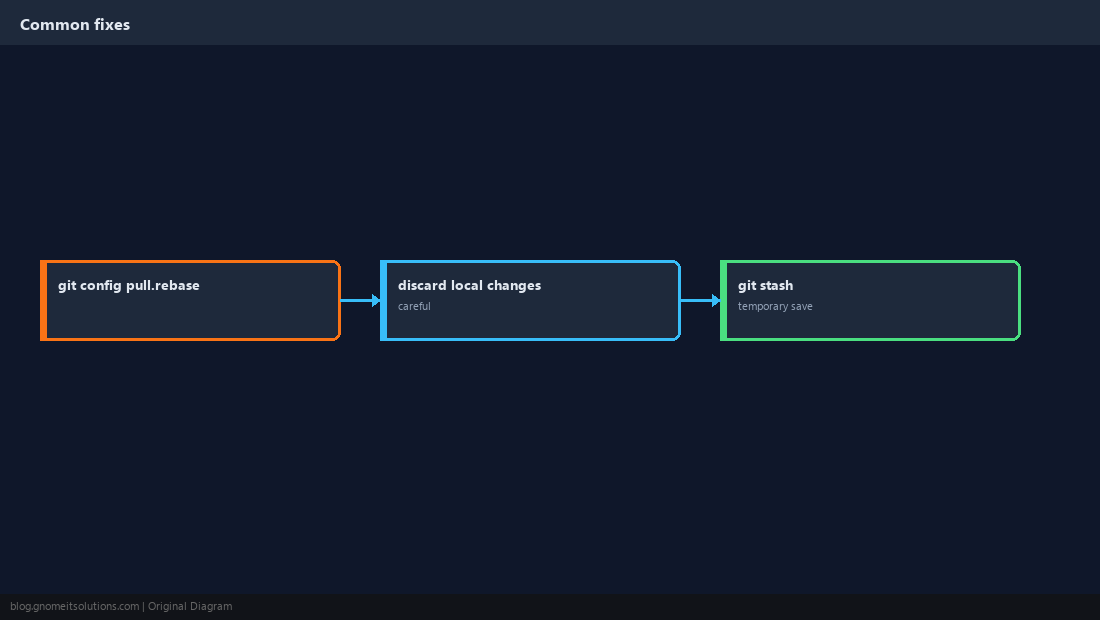
Quick Reference
git config --global user.name/emailfirst- Prefer SSH remotes for servers
git pull --rebasebefore push on shared branches
Related tutorials
Diagrams are original illustrations by Gnome IT Solutions. Tutorial text © Gnome IT Solutions.