sudo lets approved users run commands as root (or another user) without sharing the root password. Rules live in /etc/sudoers and
/etc/sudoers.d/ — syntax errors can lock out every admin, so always use visudo.
Combine with chmod and chown and
SSH keys instead of password-based root login.
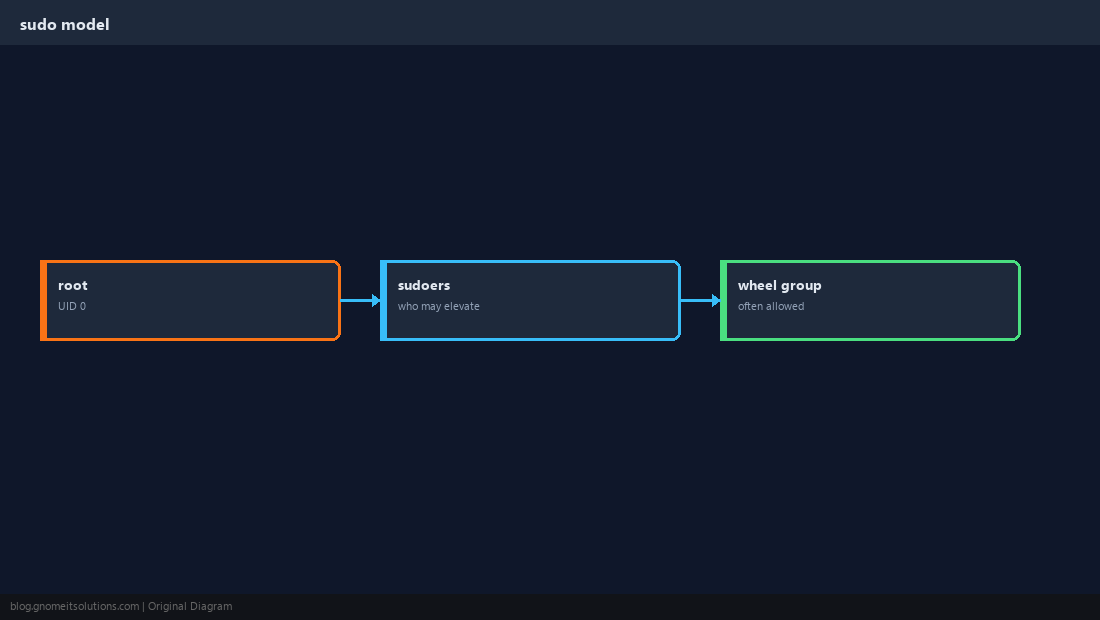
How sudo Decides
The sudoers file lists who may run what as which user. PAM and logging record each elevation.
Always Use visudo
visudo validates syntax before saving. Prefer drop-in files under /etc/sudoers.d/ with mode 0440.
sudo visudo
sudo visudo -f /etc/sudoers.d/deploy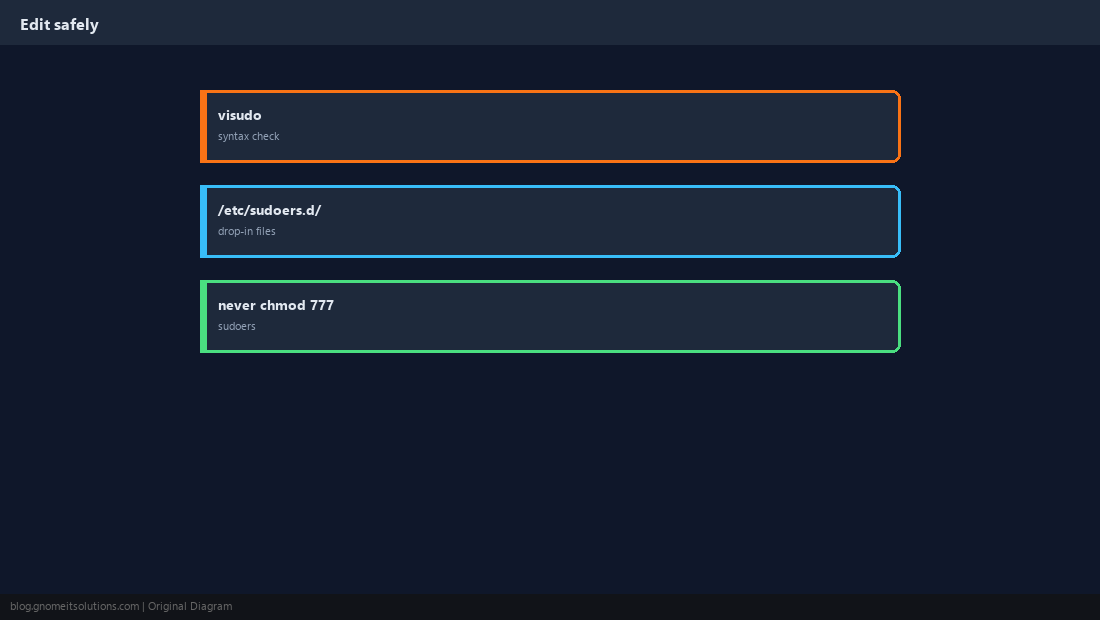
wheel / sudo Group
Distro packages often grant full sudo to members of wheel (RHEL) or sudo (Debian).
sudo usermod -aG sudo deploy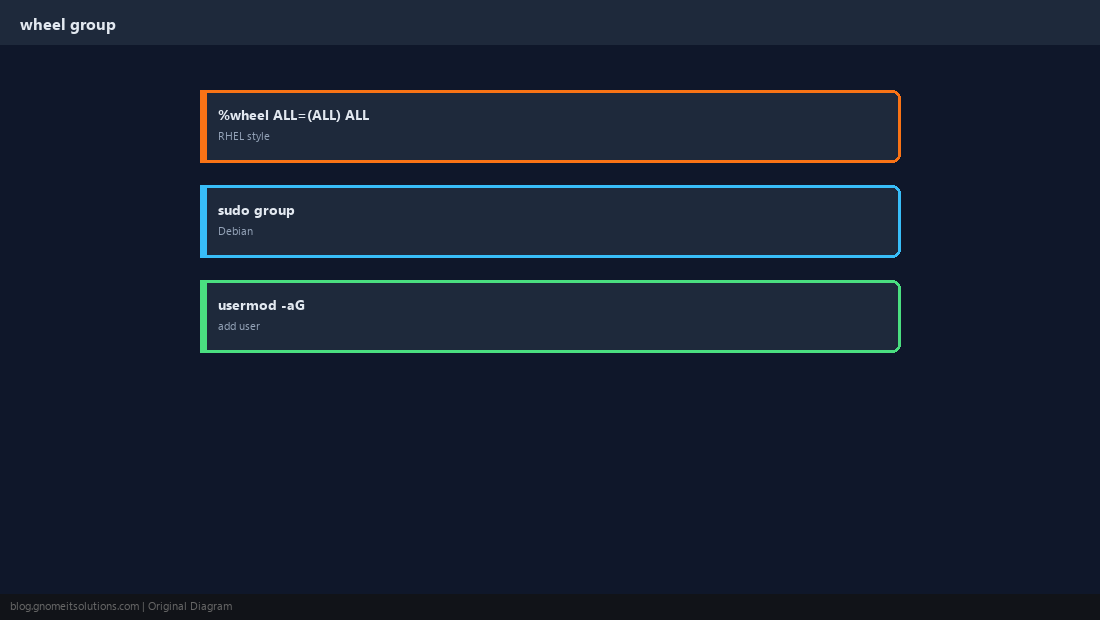
NOPASSWD for Automation
CI deploy users sometimes need passwordless sudo for specific commands only — never for unrestricted ALL.
deploy ALL=(ALL) NOPASSWD: /usr/bin/systemctl reload nginx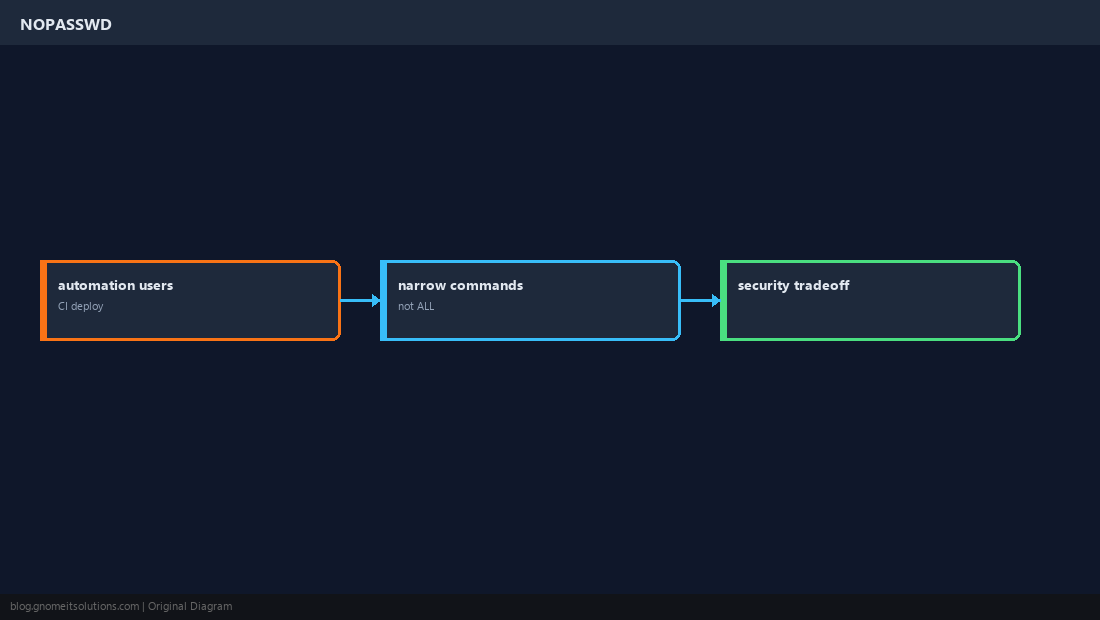
Command Aliases
Group related commands with Cmnd_Alias to keep rules readable.
Cmnd_Alias SERVICES = /bin/systemctl reload nginx, /bin/systemctl restart myapp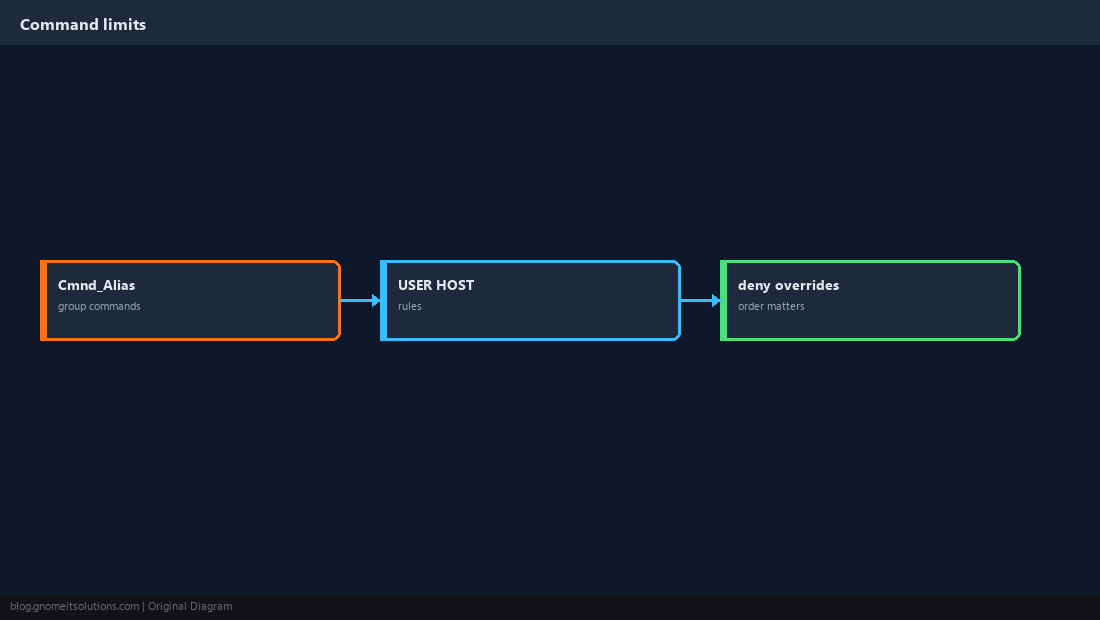
Audit sudo Usage
grep auth logs during incident response.
sudo grep sudo /var/log/auth.log | tail -20
journalctl -t sudo --since today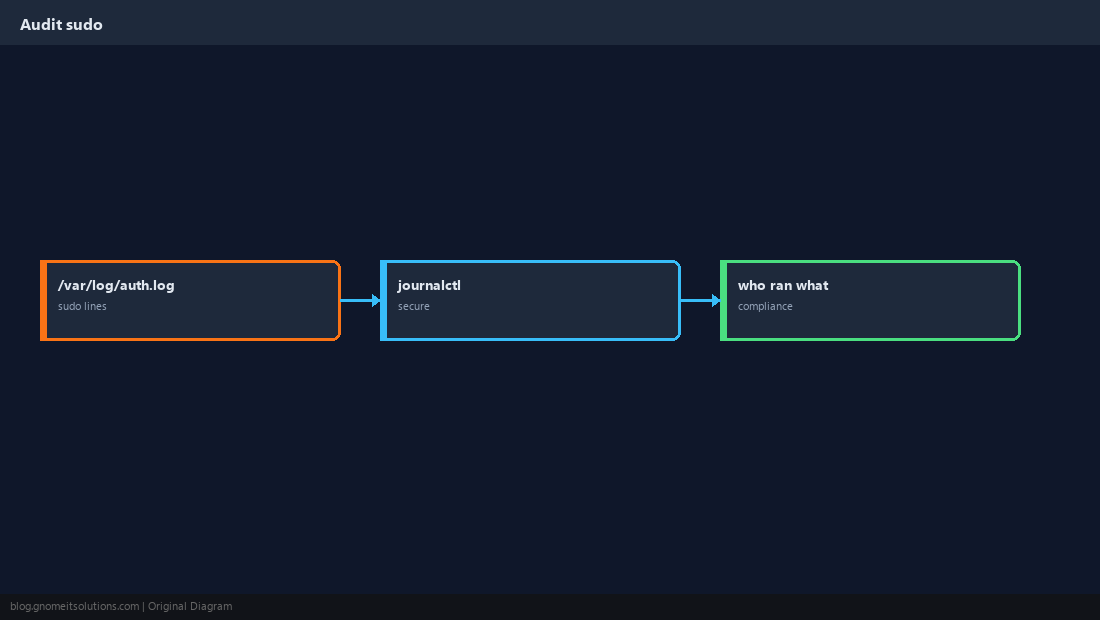
Mistakes That Hurt
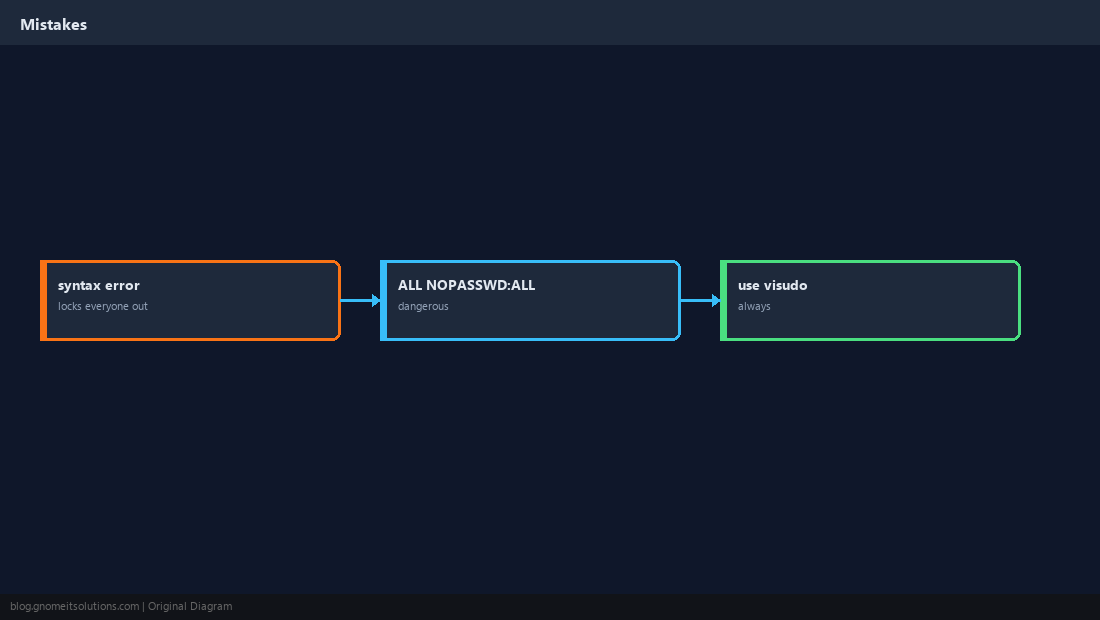
Giving NOPASSWD:ALL to a compromised deploy key equals root. Keep backups and serial console access before risky sudoers edits.
Quick Reference
- Edit with
visudoonly - Prefer
/etc/sudoers.d/drop-ins - NOPASSWD: limit to specific commands
Related tutorials
Diagrams are original illustrations by Gnome IT Solutions. Tutorial text © Gnome IT Solutions.