
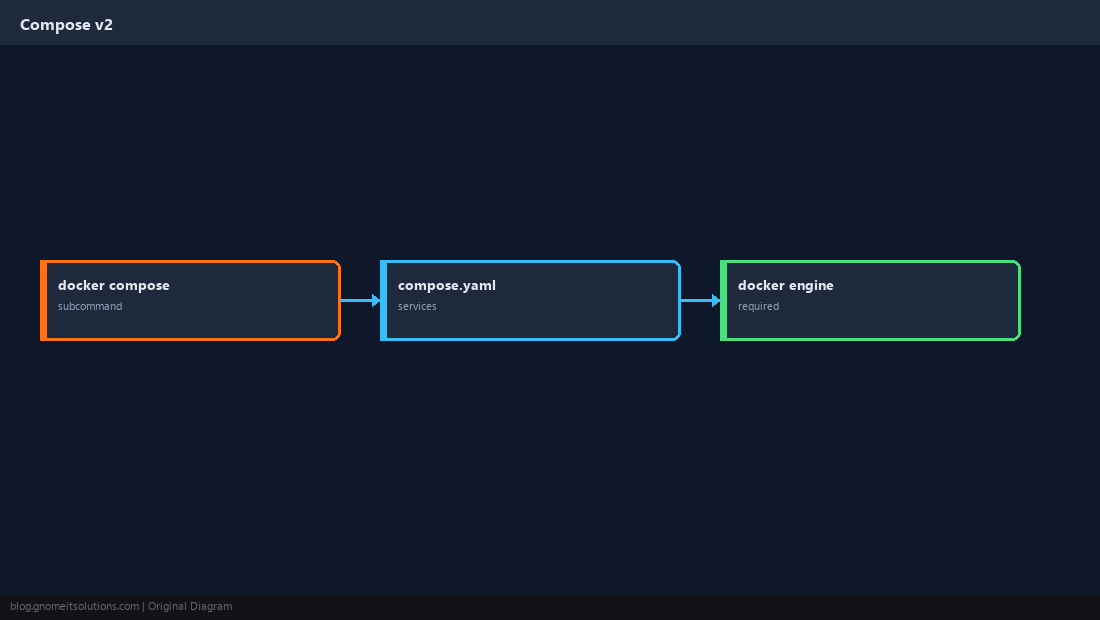
Searches for docker compose install still spike because the old docker-compose (v1, hyphen) was replaced by docker compose (v2, plugin). New tutorials should only teach v2.
Install Docker Engine first — Docker on AlmaLinux/Ubuntu — then add the Compose plugin and follow
production stack patterns when you go beyond a laptop demo.
Compose v2 vs docker-compose v1
v2 is integrated: docker compose up. The standalone Python v1 binary is legacy.
Install the Plugin Package
On official Docker repos the package is usually docker-compose-plugin.
docker compose version
docker compose ls 2>/dev/null || true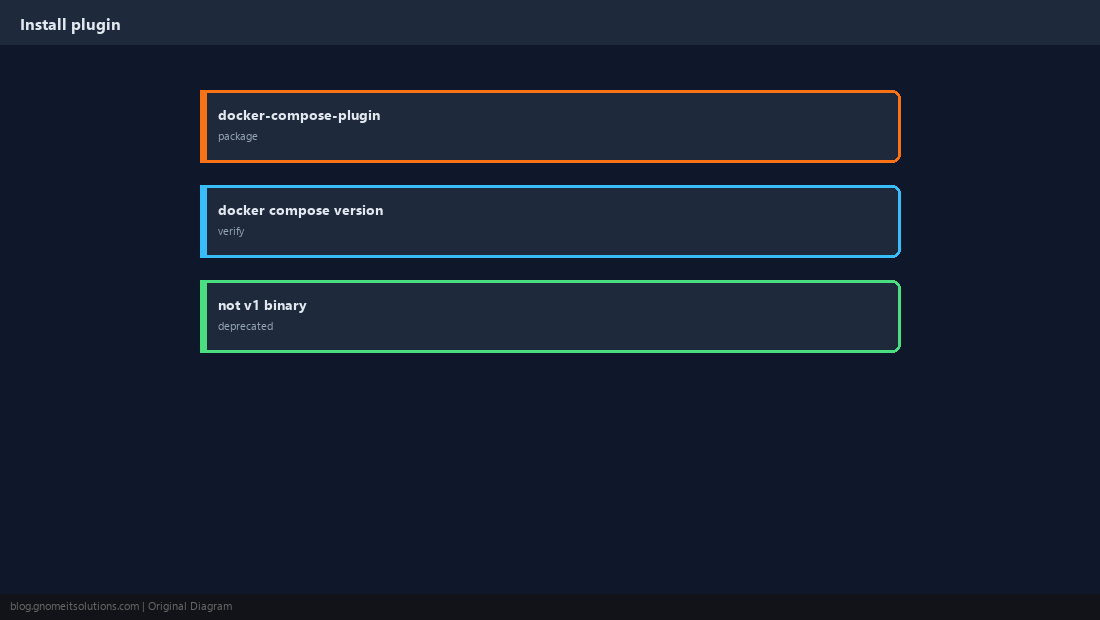
Minimal compose.yaml
Define services, images or builds, ports, and volumes in one file.
services:
  web:
    image: nginx:alpine
    ports:
      - "8080:80"
    restart: unless-stopped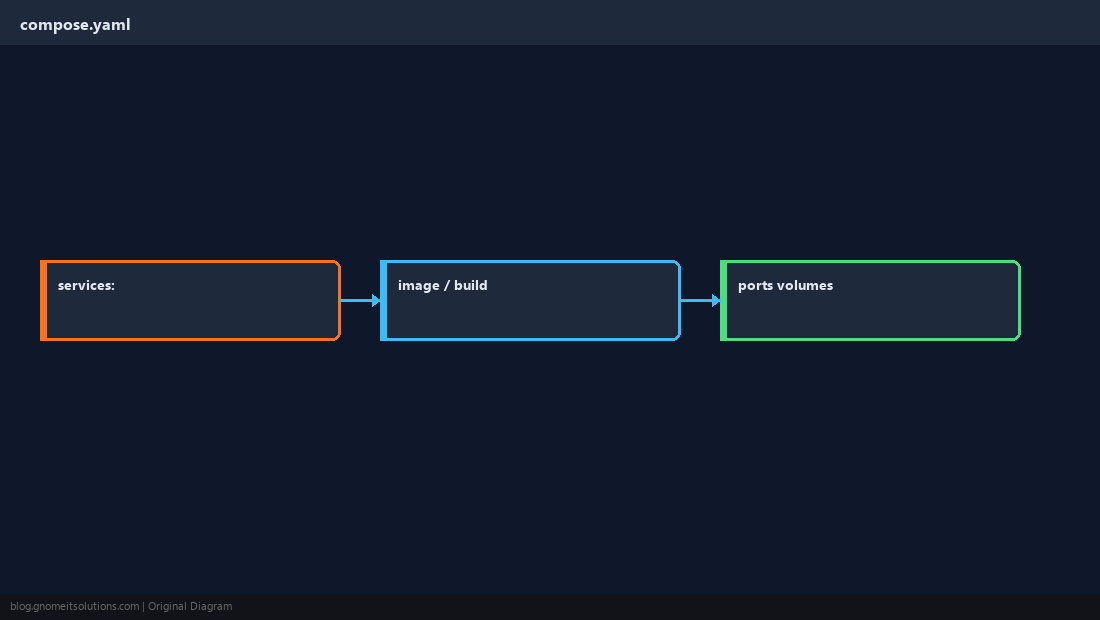
docker compose up -d
Detached mode starts containers in the background.
docker compose up -d
docker compose ps
docker compose logs -f --tail=50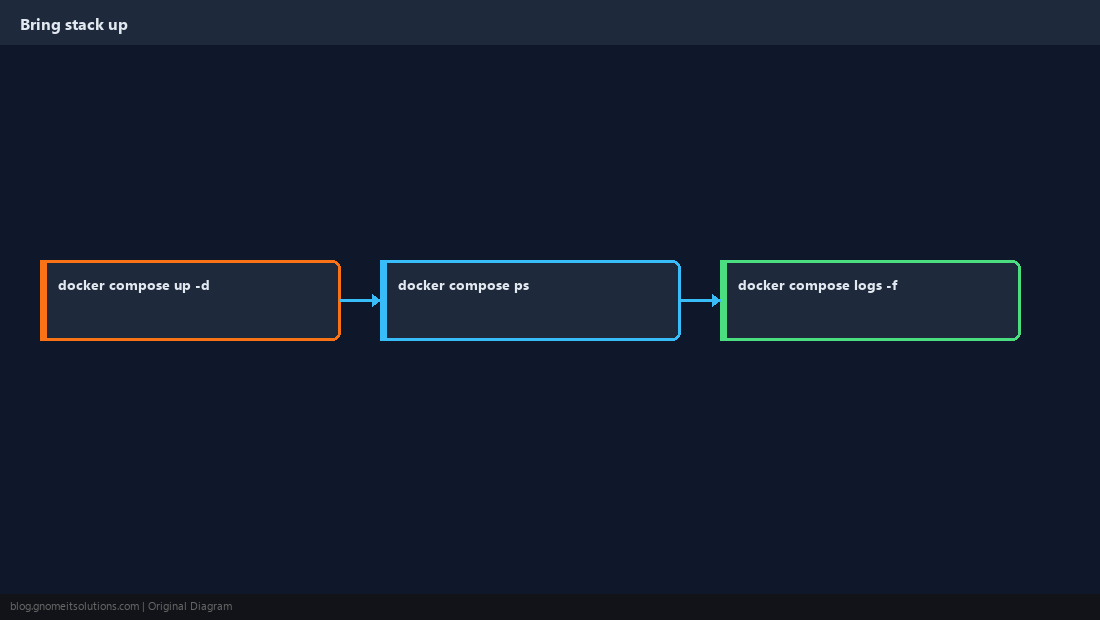
Stop and Remove
down -v deletes named volumes — data loss risk.
docker compose down
docker compose down -v   # only if you mean to wipe volumes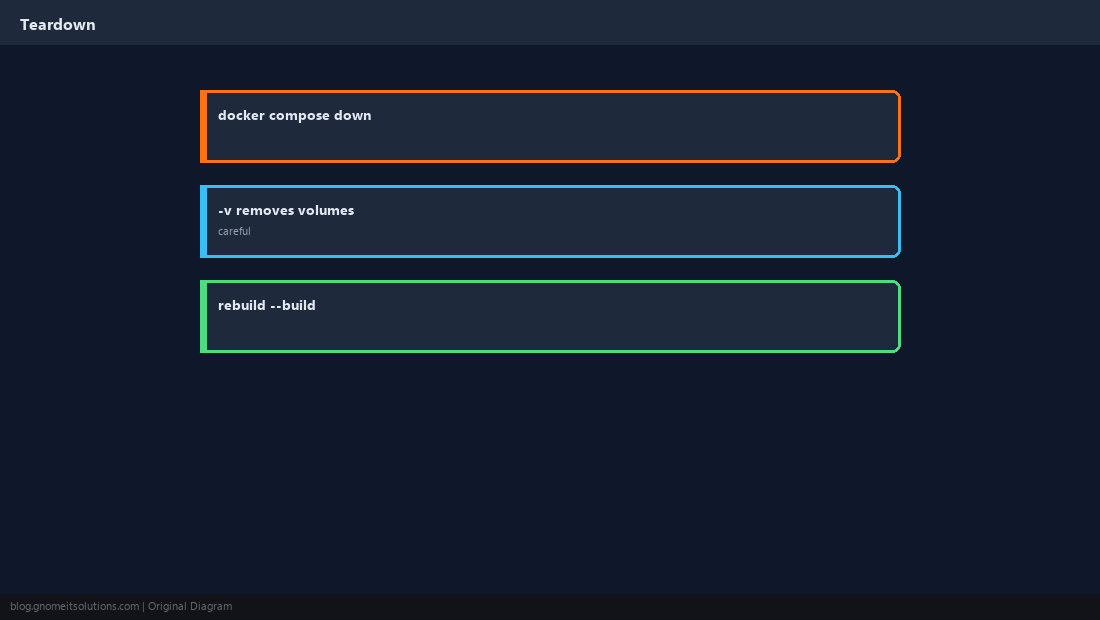
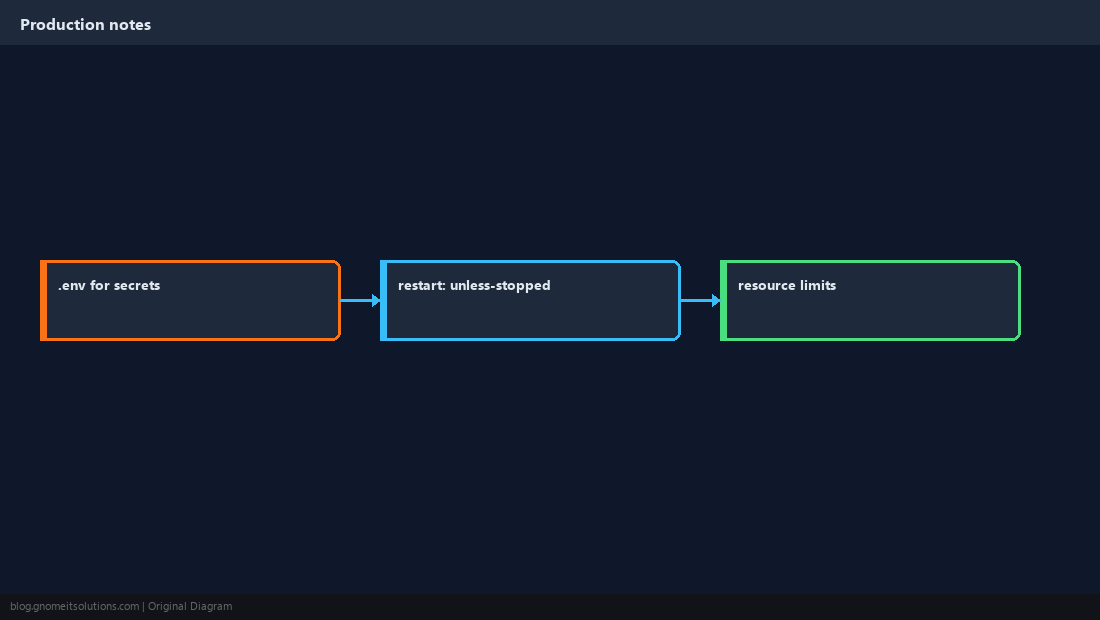
Production Habits
Use restart: unless-stopped, pin image tags, keep secrets in .env not in git.
Verify the Stack
Hit published ports and check container health if defined.
curl -sI http://127.0.0.1:8080/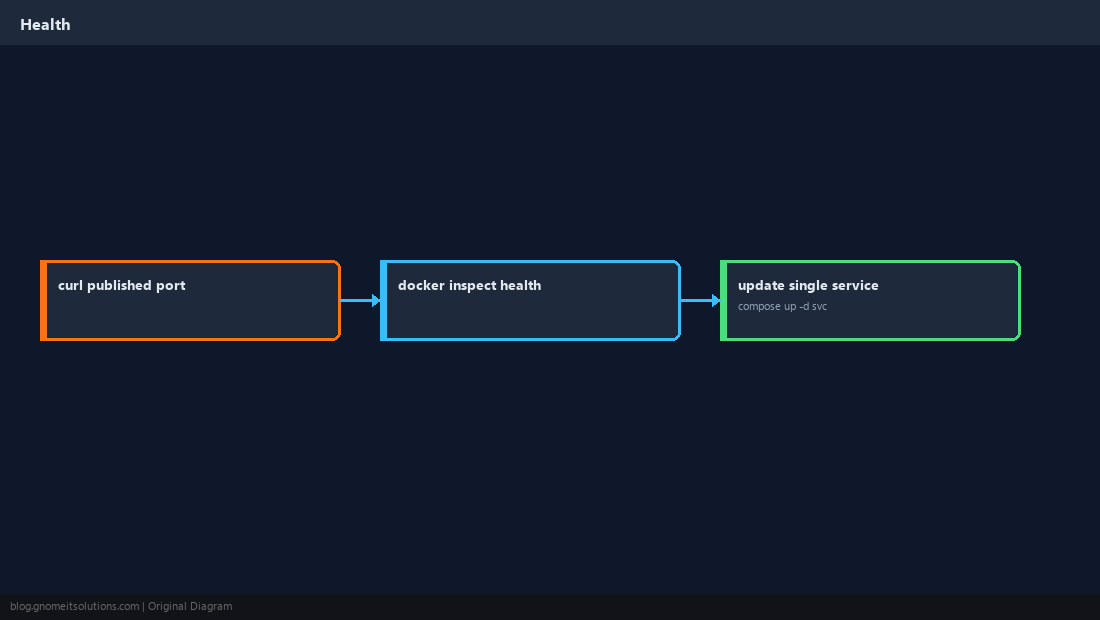
Quick Reference
- Use
docker compose(space), not legacydocker-compose - Package:
docker-compose-plugin - Careful with
docker compose down -v
Related tutorials
Diagrams are original illustrations by Gnome IT Solutions. Tutorial text © Gnome IT Solutions.