
Before panels like cPanel abstract everything away, every Linux admin learned Apache VirtualHost blocks — mapping a domain to a directory and log files.
The same concept applies on AlmaLinux (httpd) and Ubuntu (apache2).
Compare with Nginx vs Apache and
Nginx as reverse proxy if you only need a static edge.
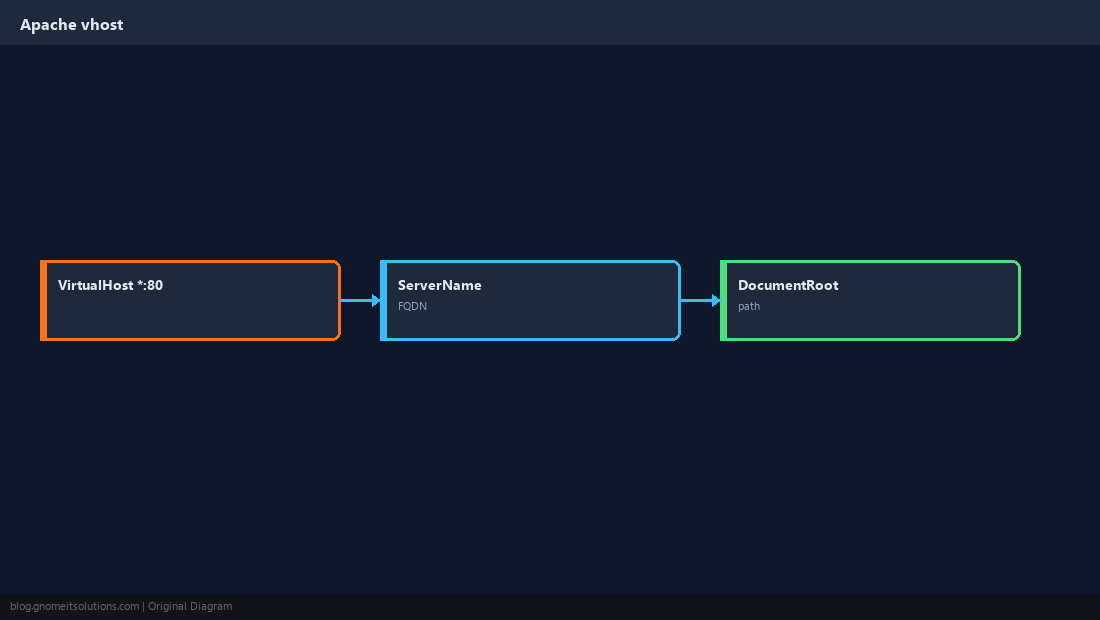
VirtualHost Anatomy
One file (or snippet) per site: port, hostname, document root, logs.
Install Apache
Package name differs; enable the service and confirm port 80 listens.
sudo apt install -y apache2          # Debian/Ubuntu
sudo dnf install -y httpd            # AlmaLinux/Rocky
sudo systemctl enable --now apache2 || sudo systemctl enable --now httpd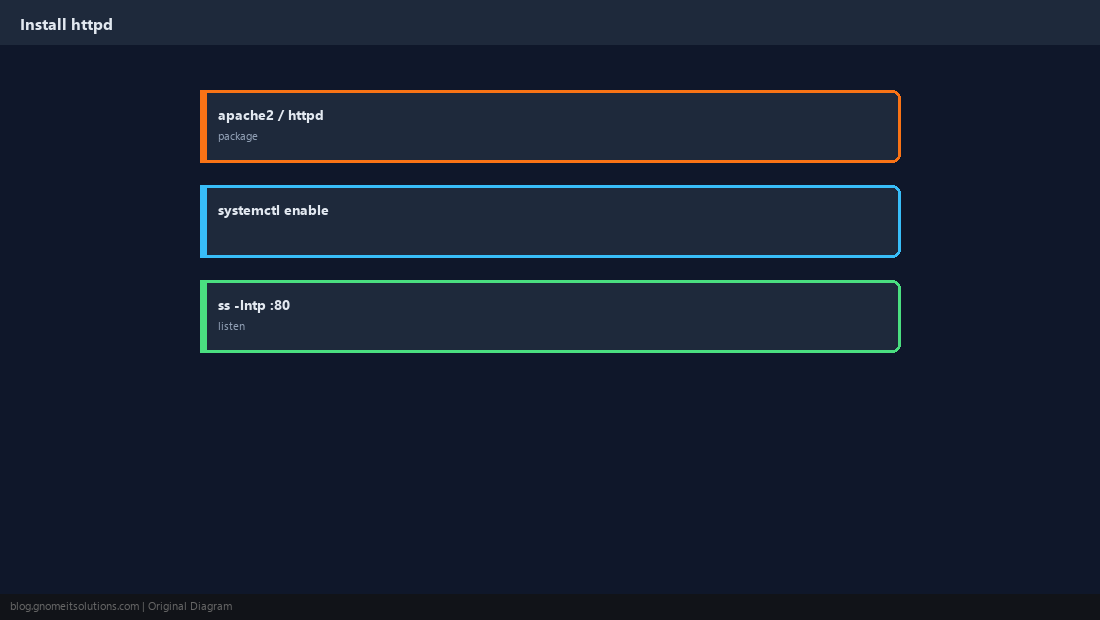
Create the Site Definition
Debian uses sites-available + a2ensite; RHEL drops files in /etc/httpd/conf.d/.
<VirtualHost *:80>
    ServerName www.example.com
    DocumentRoot /var/www/example/public
    ErrorLog ${APACHE_LOG_DIR}/example-error.log
    CustomLog ${APACHE_LOG_DIR}/example-access.log combined
</VirtualHost>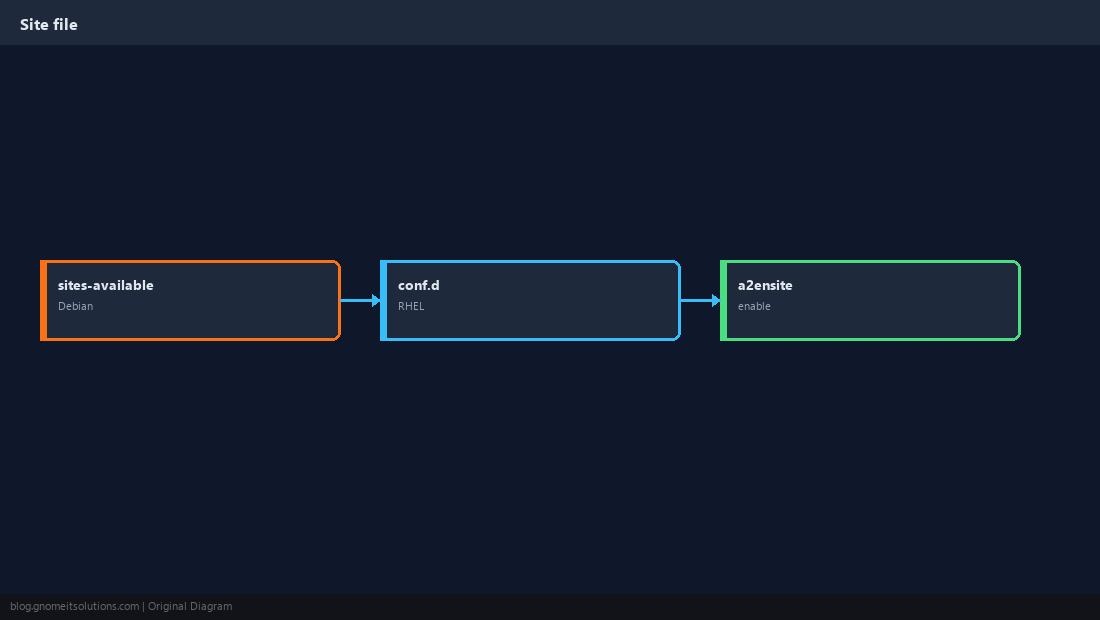
PHP via php-fpm (Recommended)
Proxy PHP requests to the FPM socket instead of mod_php.
<FilesMatch \.php$>
    SetHandler "proxy:unix:/run/php/php8.3-fpm.sock|fcgi://localhost"
</FilesMatch>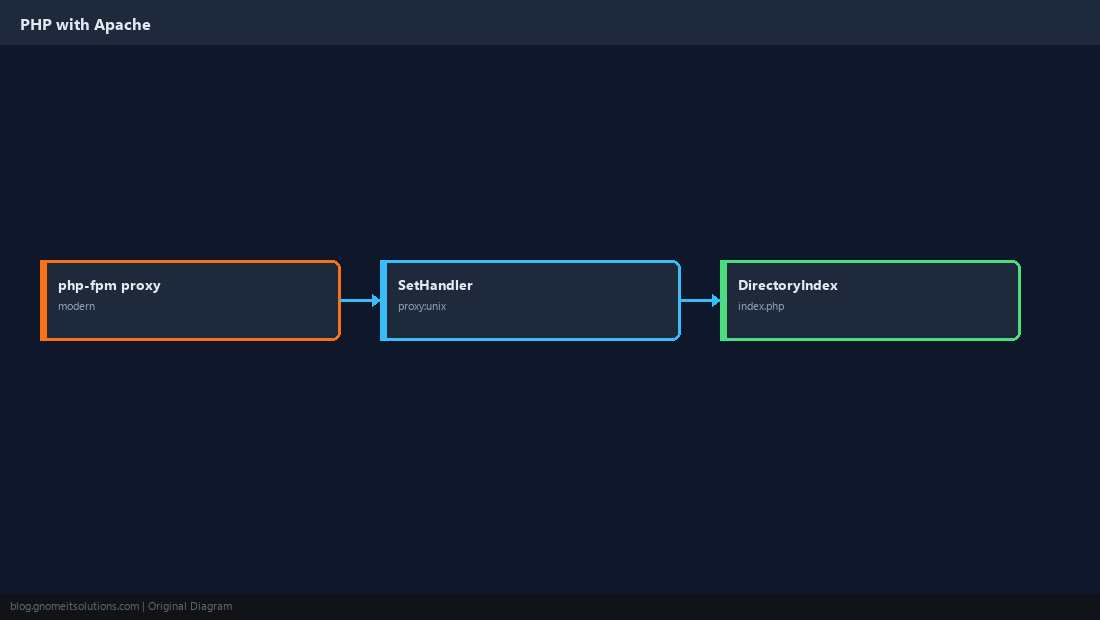
Logs and Rotation
Separate ErrorLog/CustomLog per vhost simplifies troubleshooting.
sudo tail -f /var/log/apache2/example-error.log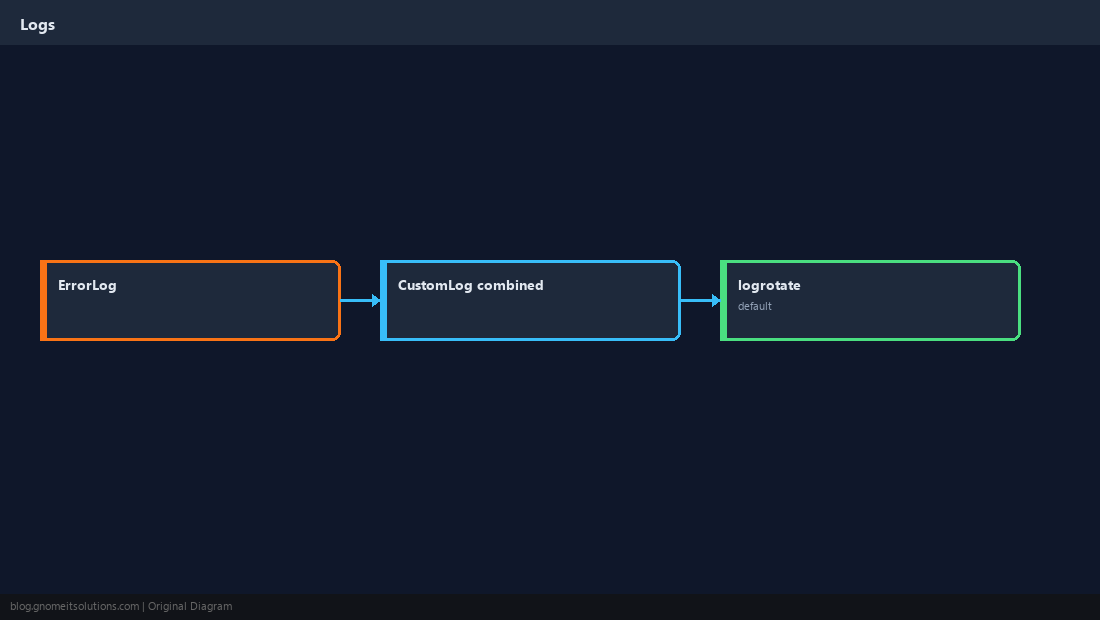
SELinux on RHEL Family
A correct vhost can still return 403 until file contexts match httpd_sys_content_t.
sudo semanage fcontext -a -t httpd_sys_content_t '/var/www/example(/.*)?'
sudo restorecon -Rv /var/www/example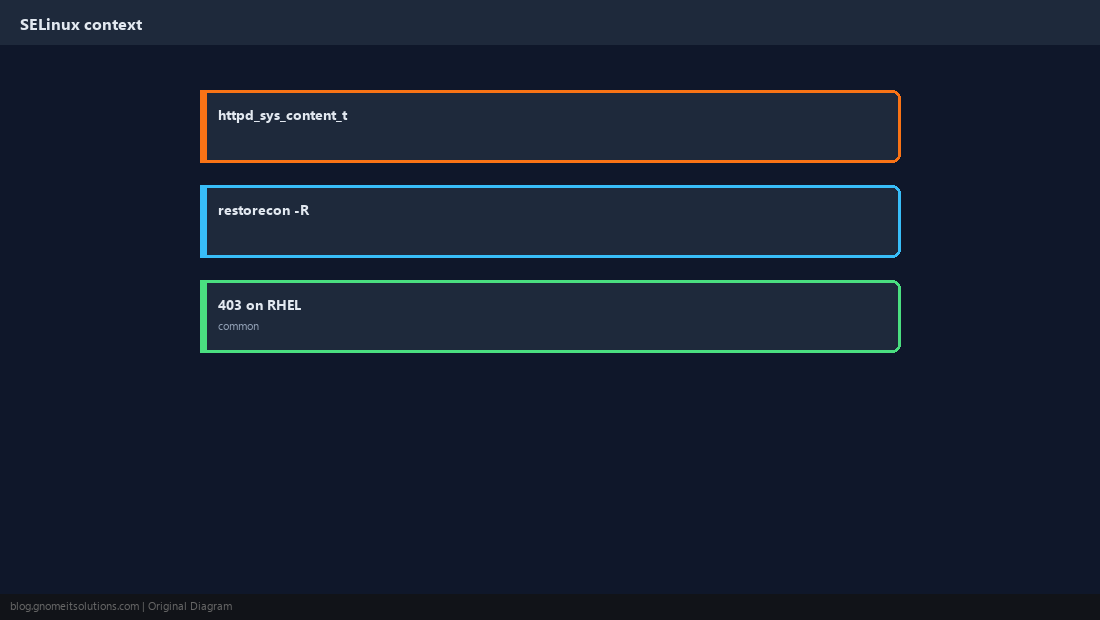
Test Before Reload
Always run apachectl configtest (or apache2ctl) after edits.
sudo apachectl configtest
sudo systemctl reload httpd || sudo systemctl reload apache2
curl -sI -H 'Host: www.example.com' http://127.0.0.1/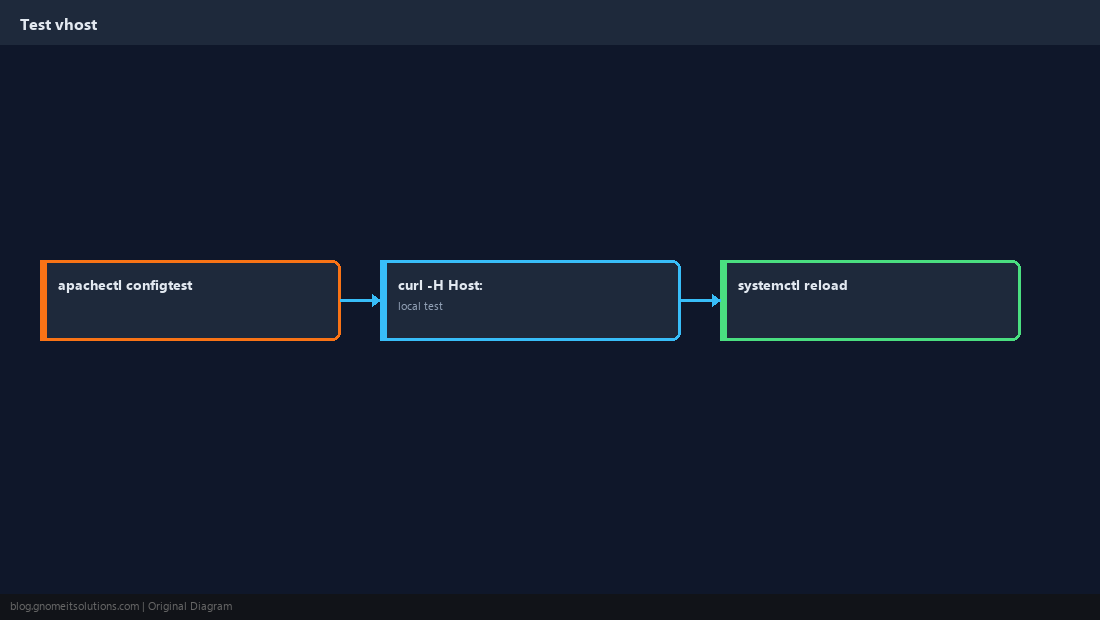
Quick Reference
ServerName+DocumentRootper site- PHP: proxy to php-fpm socket
- RHEL: check SELinux if you see 403
Related tutorials
Diagrams are original illustrations by Gnome IT Solutions. Tutorial text © Gnome IT Solutions.