lsof (list open files) answers two classic production questions: which process is listening on this port? and why can't I delete or unmount this file?
It complements ss — many admins use both.
Pair with disk full troubleshooting when space is tied up by deleted log files still held open.
What lsof Shows
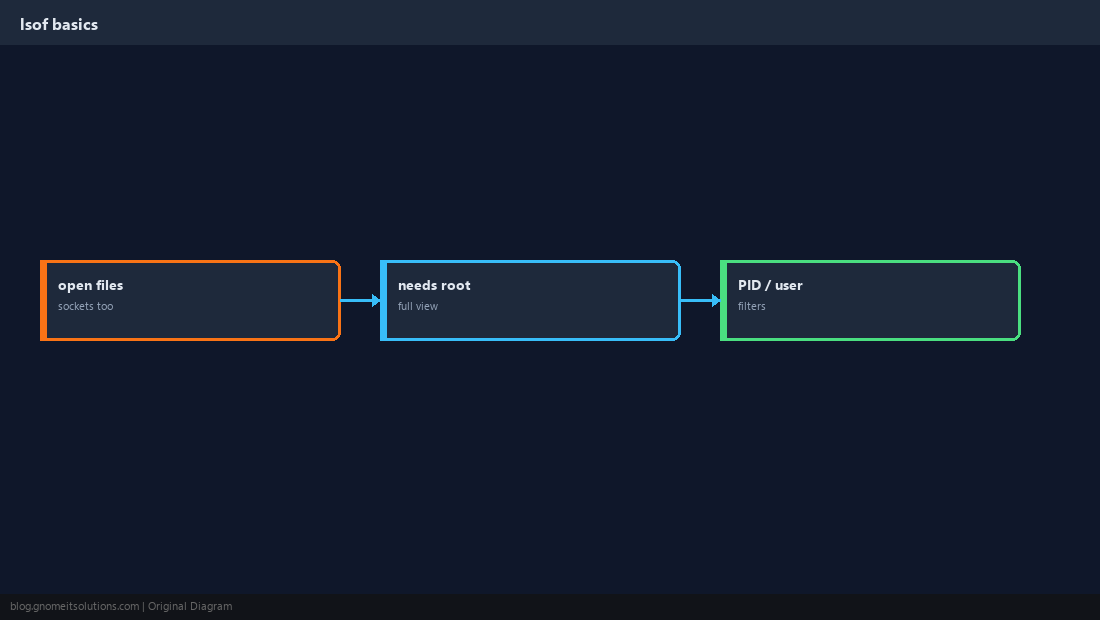
Regular files, directories, sockets, pipes — anything open in a process table entry.
Port Already in Use
When a service fails to bind, find the owner before killing blindly.
sudo lsof -iTCP:8080 -sTCP:LISTEN
sudo ss -tlnp | grep ':8080'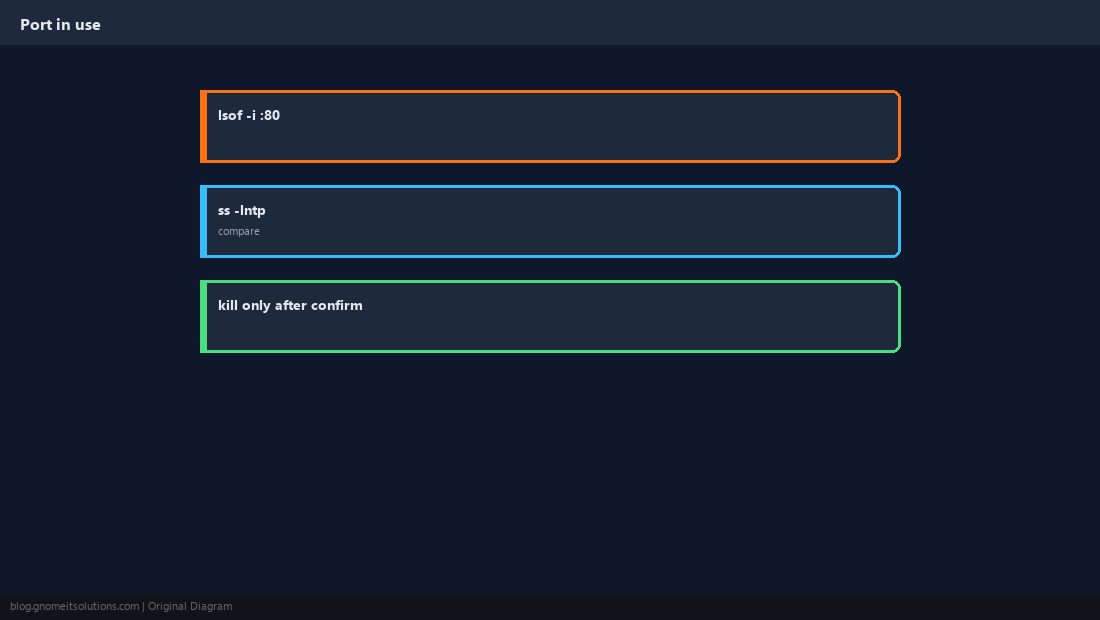
File or Mount Busy
Cannot umount or replace a file? Something still has it open.
sudo lsof /var/log/myapp/app.log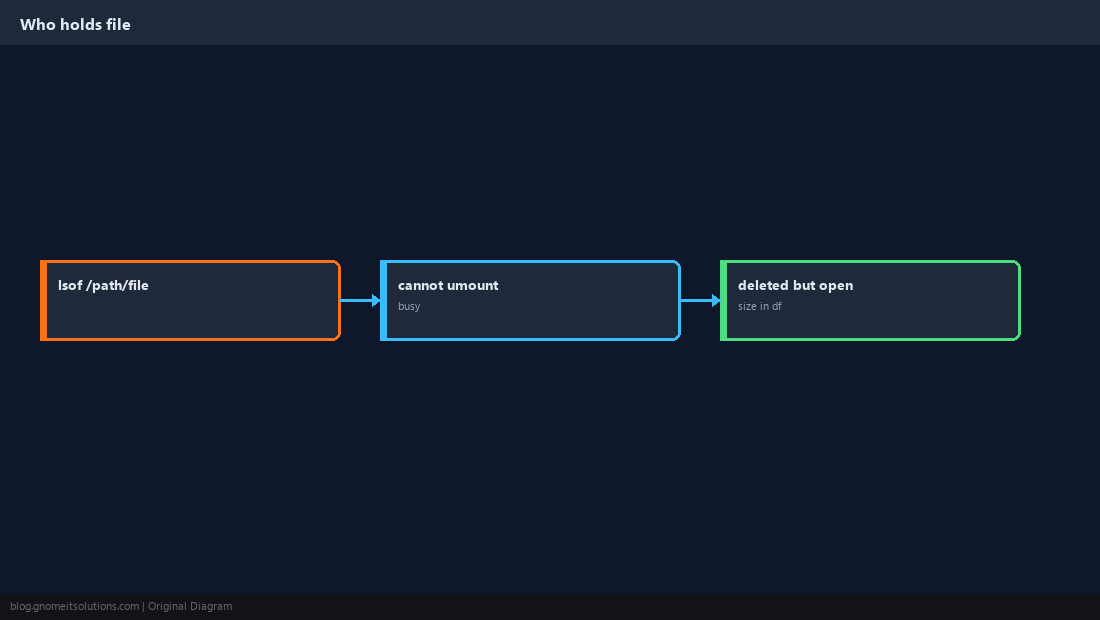
Inspect One Process
Useful during incident response — see cwd, binaries, and network handles for a PID.
sudo lsof -p $(pgrep -n nginx)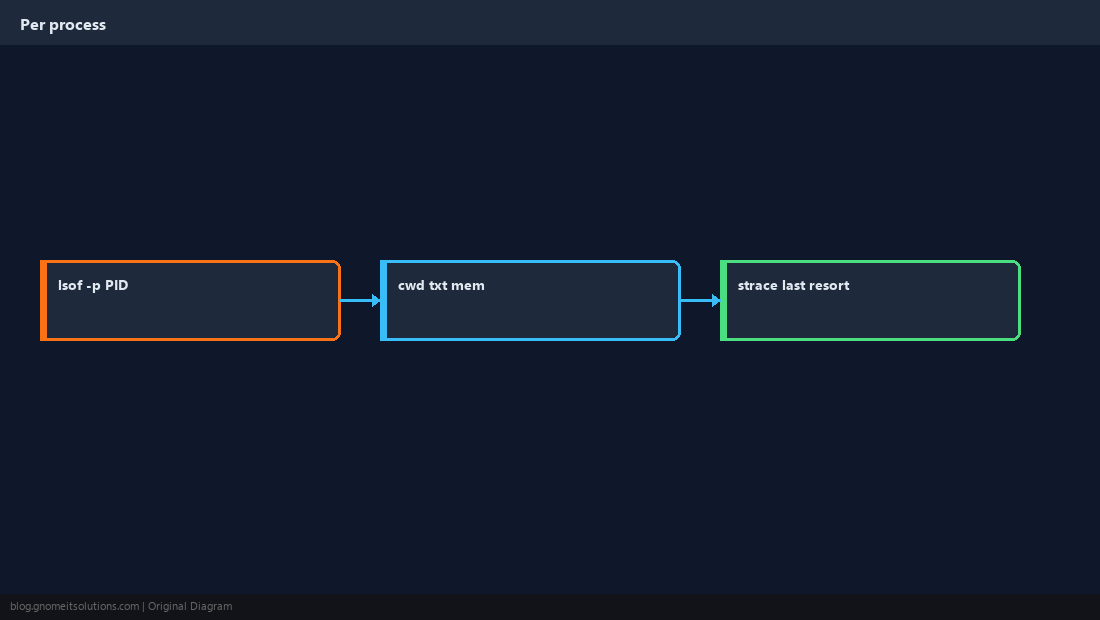
Listening and Established Sockets
Filter TCP listeners separately from outbound connections.
sudo lsof -iTCP -sTCP:LISTEN -P -n | head -20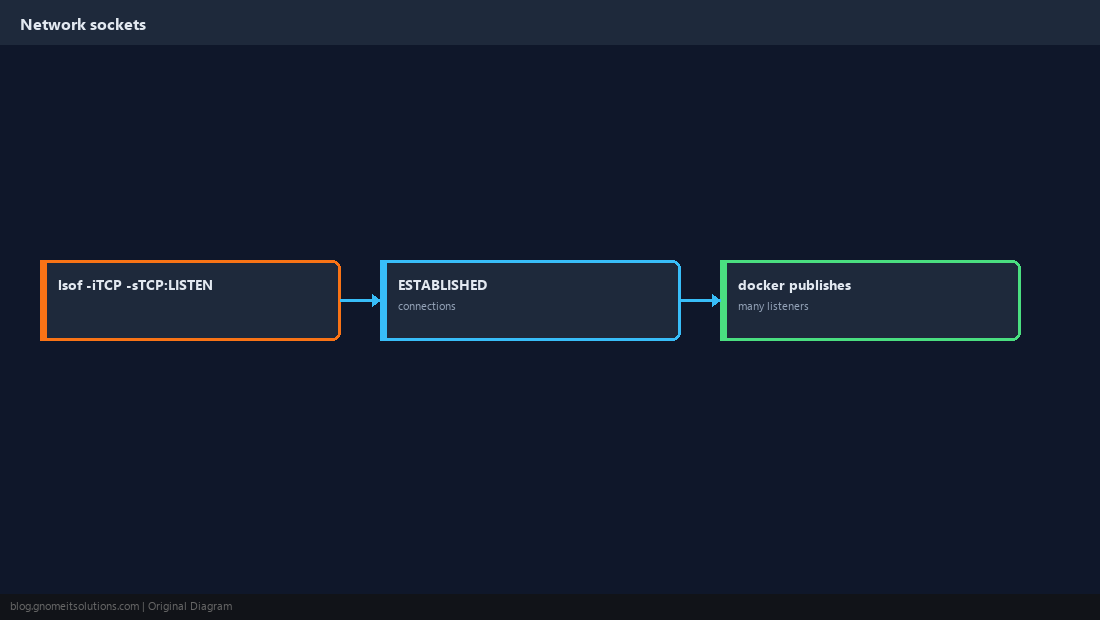
Deleted Files Still Using Space
A log rotated with mv but not restarted can show as (deleted) in lsof while consuming GB on disk.
sudo lsof | grep deleted | head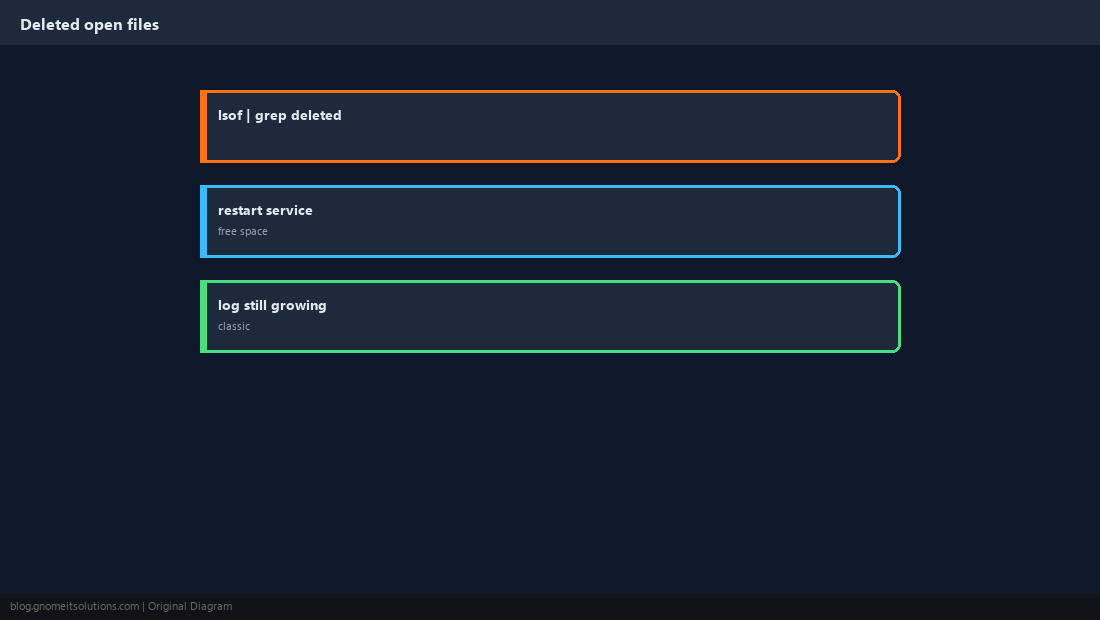
Install and Daily Habits
Package name is usually lsof; run with sudo for full process names.
sudo apt install -y lsof # or: sudo dnf install -y lsof
Quick Reference
- Port:
lsof -iTCP:PORT -sTCP:LISTEN - File:
lsof /path/to/file - Disk mystery: grep
deletedin lsof output
Related tutorials
Diagrams are original illustrations by Gnome IT Solutions. Tutorial text © Gnome IT Solutions.