
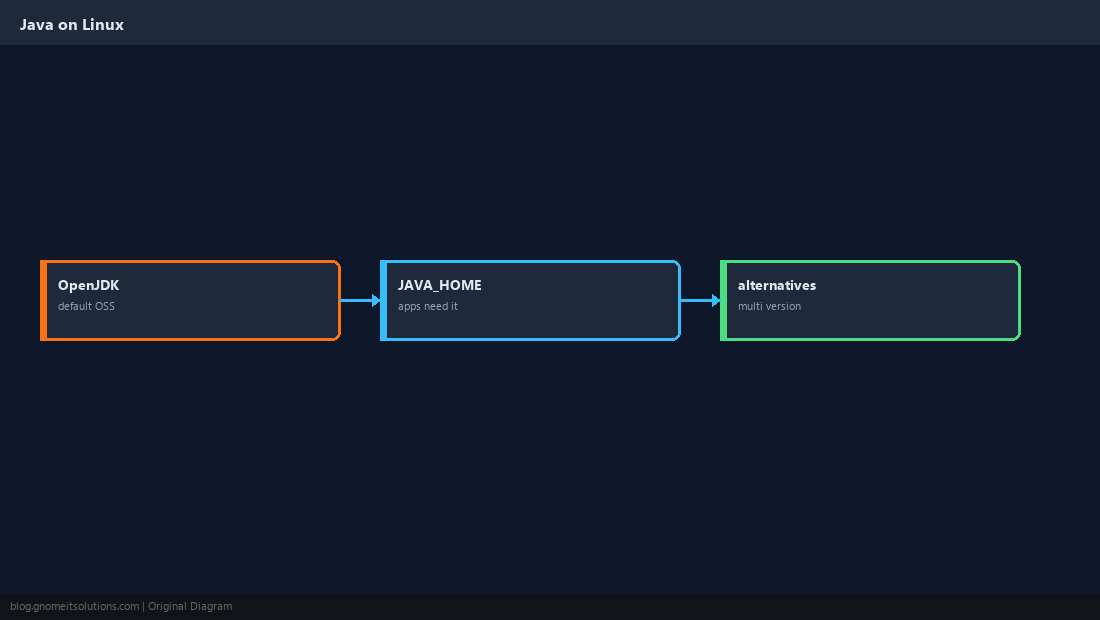
Install Java on Linux backs Tomcat, Jenkins, Elasticsearch, Kafka, Minecraft servers, and countless enterprise apps. On servers you usually want OpenJDK from distro repos or a vendor build — then set JAVA_HOME so services find the same JDK.
CI: Jenkins on Linux. Compare runtimes with
Node.js install for polyglot stacks.
JDK vs JRE vs Headless
Servers often need only -headless packages without GUI libraries.
Ubuntu / Debian Install
LTS releases ship OpenJDK 17 or 21 in main repos.
sudo apt update
sudo apt install -y openjdk-17-jdk
java -version
javac -version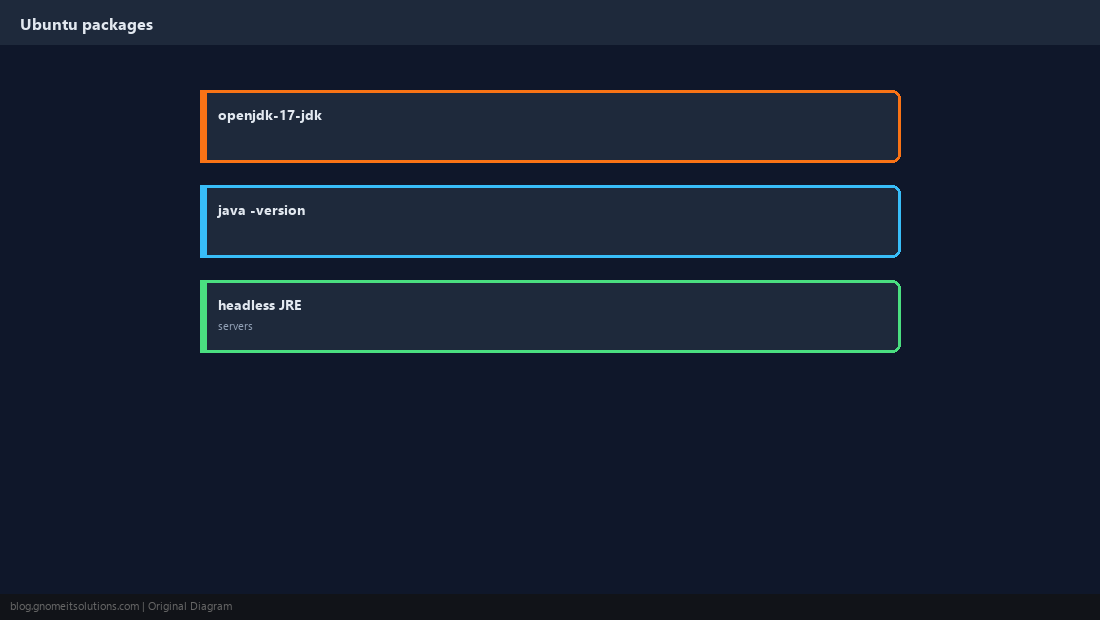
AlmaLinux / Rocky Install
AppStream provides multiple Java streams.
sudo dnf install -y java-17-openjdk java-17-openjdk-devel
java -version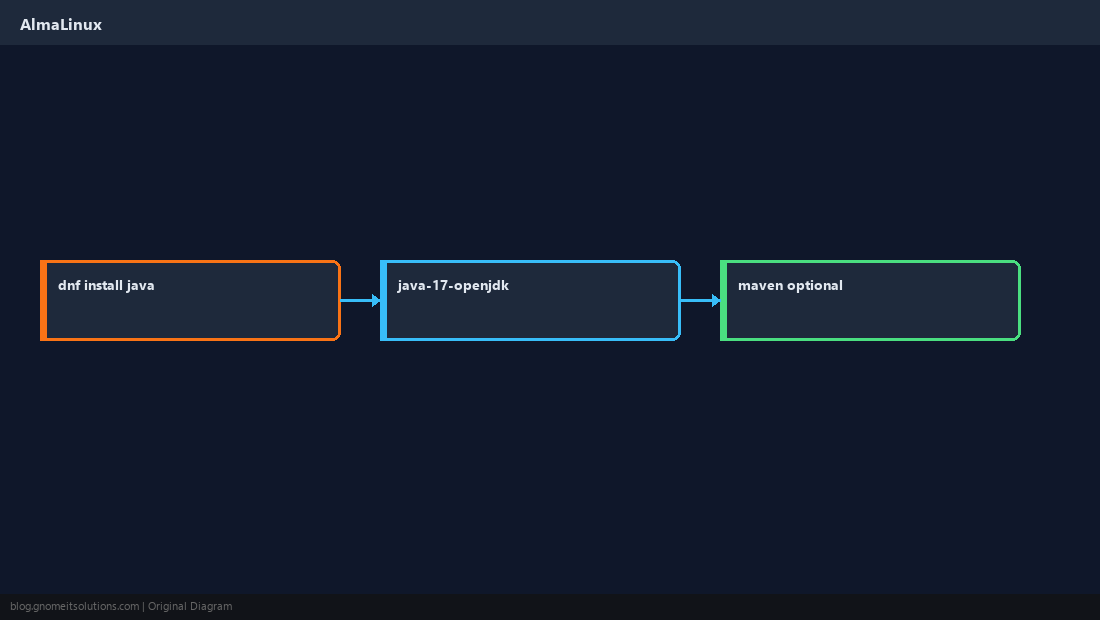
Set JAVA_HOME
Apps and Tomcat startup scripts expect JAVA_HOME pointing at the JDK root.
echo 'export JAVA_HOME=/usr/lib/jvm/java-17-openjdk-amd64' | sudo tee /etc/profile.d/java.sh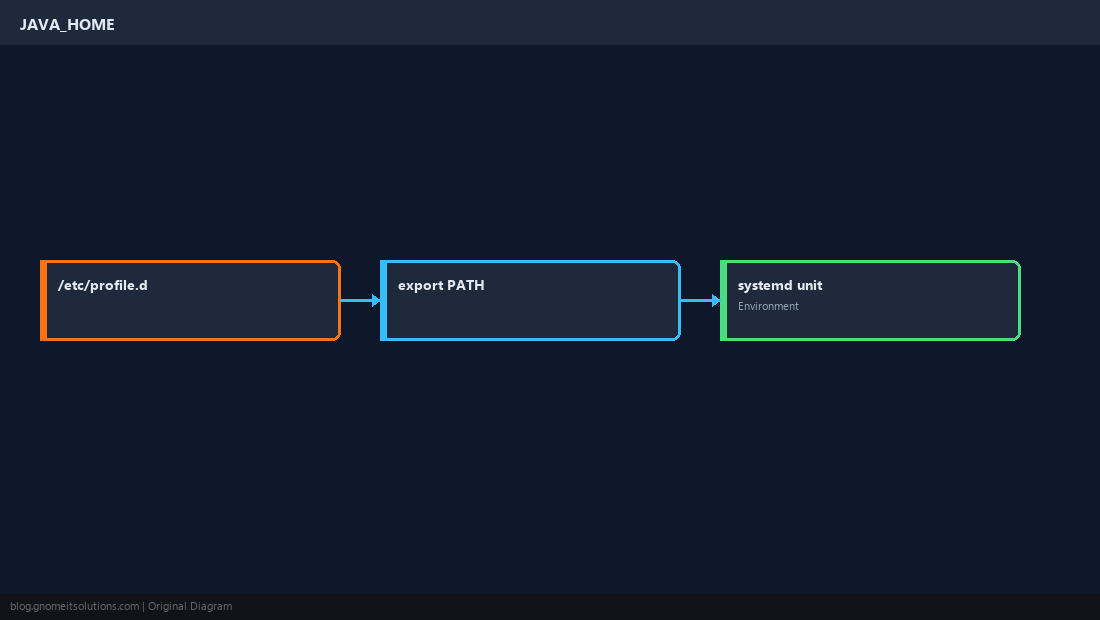
Multiple Versions
Use update-alternatives on Debian or alternatives on RHEL to switch default java.
sudo update-alternatives --config java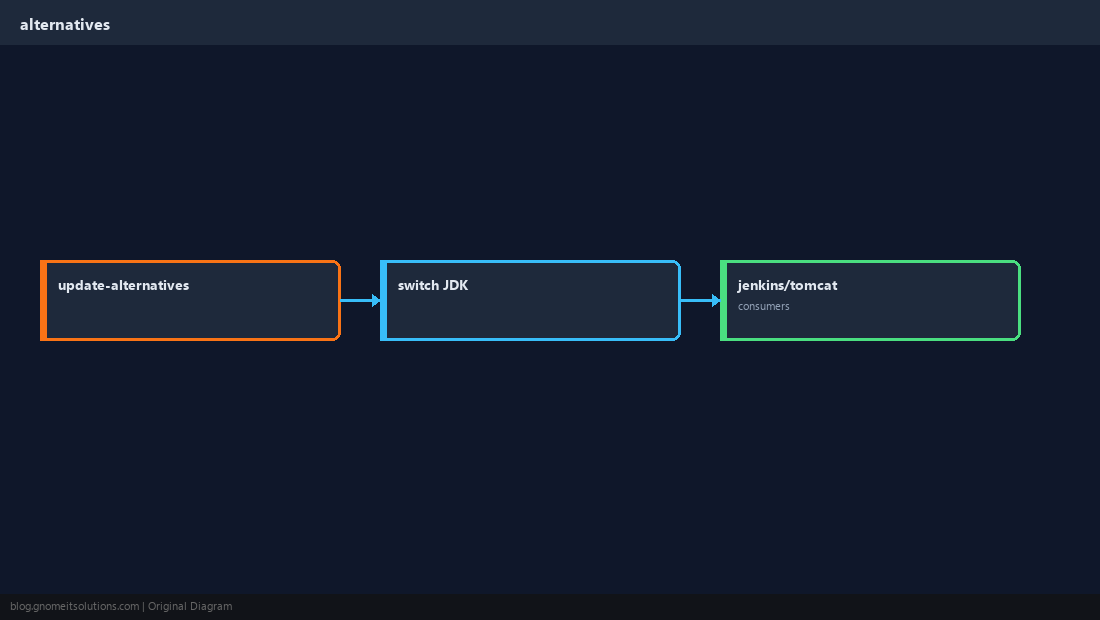
Headless on Minimal Servers
Smaller footprint for containers and CI runners.
sudo apt install -y openjdk-17-jre-headless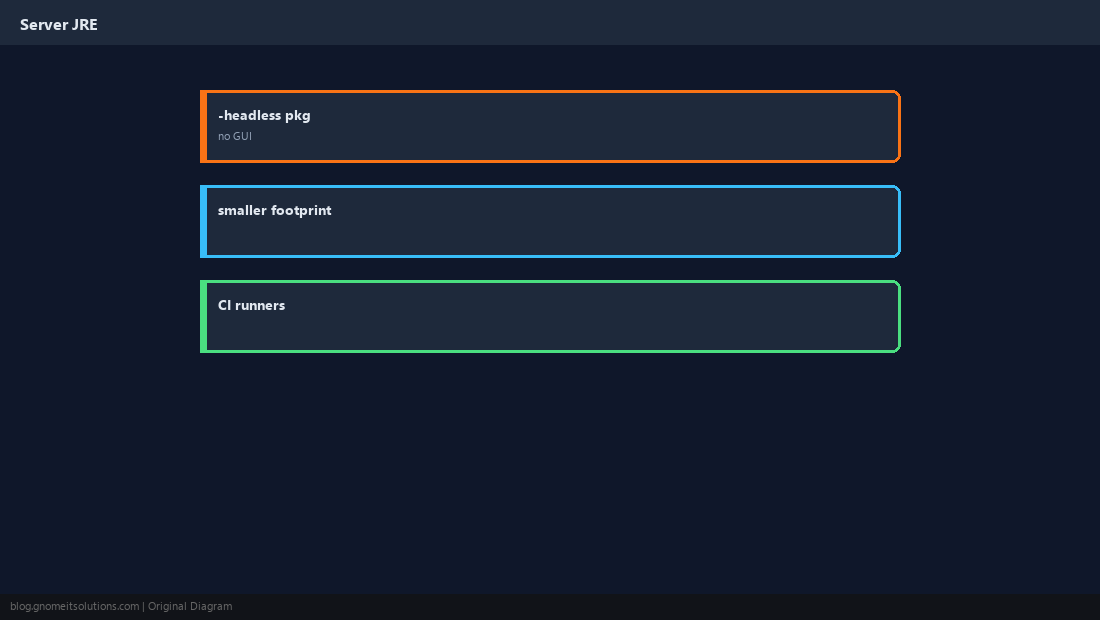
Verify for Your App
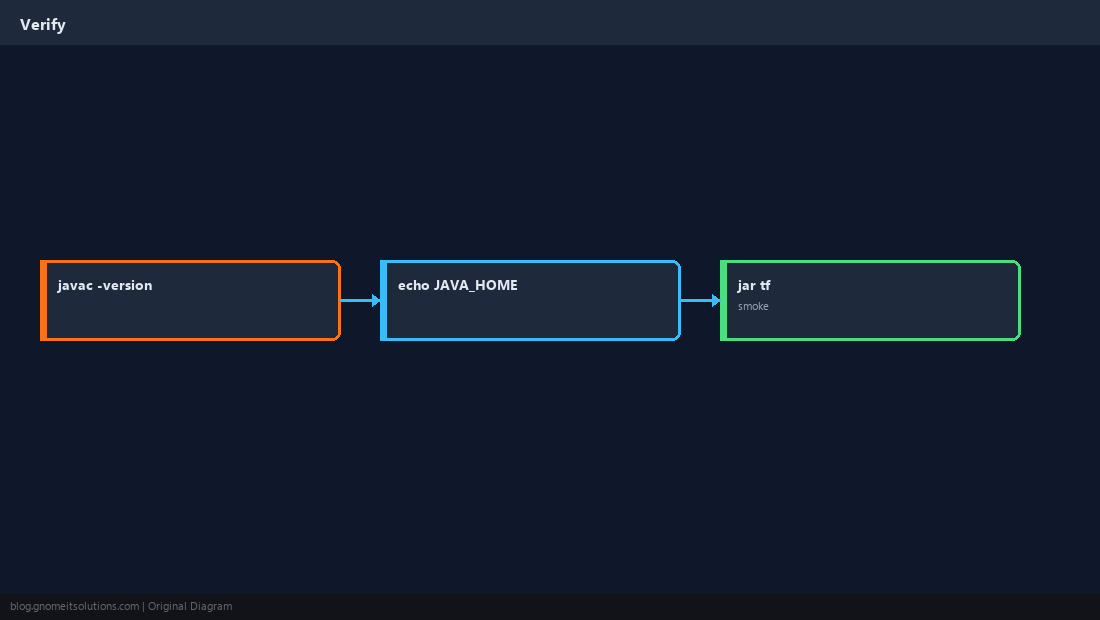
Run the same user systemd uses; check echo $JAVA_HOME in that context.
Quick Reference
- Servers:
openjdk-*-jdkor-jre-headless - Set
JAVA_HOMEin/etc/profile.d/ - Multiple JDKs:
update-alternatives
Related tutorials
Diagrams are original illustrations by Gnome IT Solutions. Tutorial text © Gnome IT Solutions.