
Find large files on Linux spikes whenever disks hit 100% — databases stop, apt fails, and logs stop rotating. Start with df -h, then drill into the full mount with du and find.
Related: df, du & ncdu,
no space left on device,
lsof.
df Then du
Identify the full filesystem, then measure directories on that mount.
bashstart
df -h
sudo du -xh --max-depth=1 /var 2>/dev/null | sort -h | tail -15
du Drill-Down
Walk into the largest subdirectory until you hit a file or dataset.

find by Size
Locate individual huge files anywhere under a path.
bashbig files
sudo find /var -xdev -type f -size +500M -printf '%s %p
' 2>/dev/null | sort -n | tail -10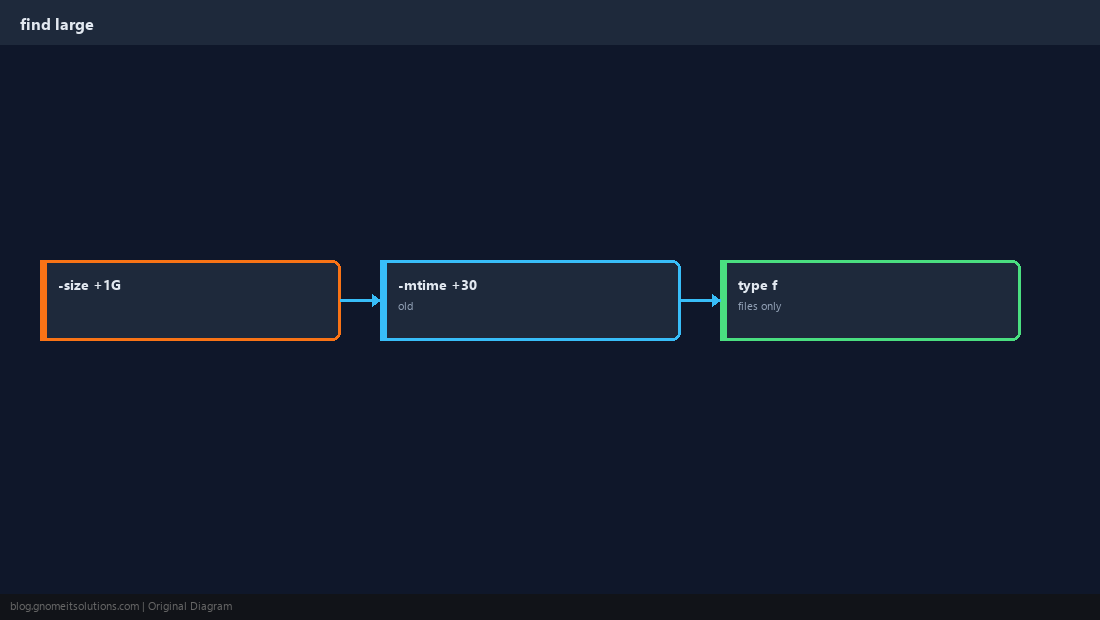
Docker and Containers
Images and volumes often live under /var/lib/docker.
bashdocker
docker system df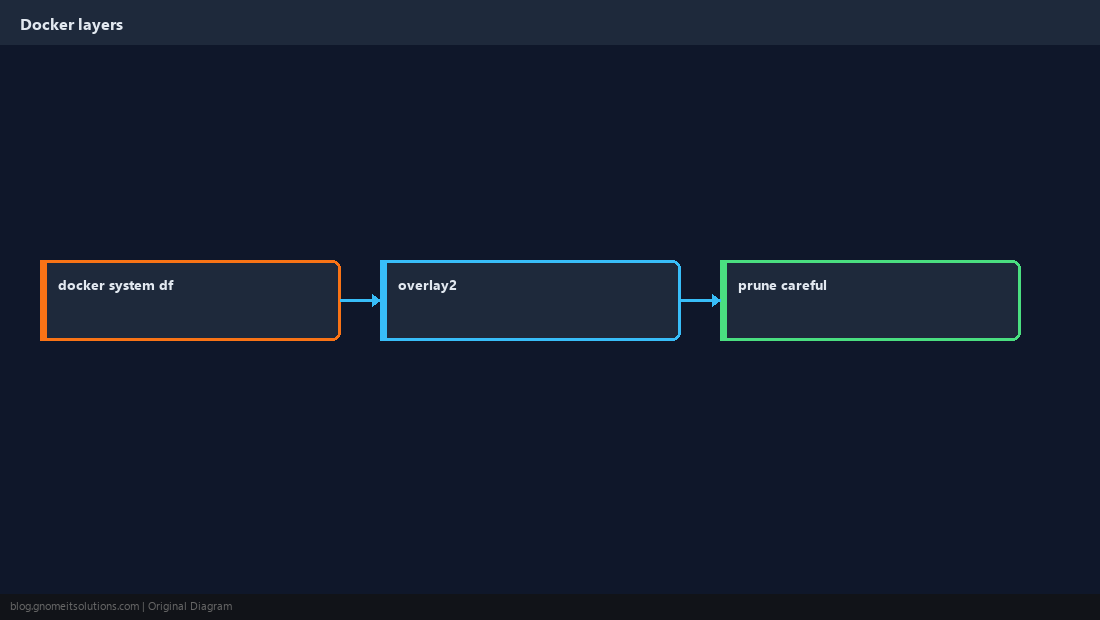
Logs and journald
Unbounded journals and app logs are common culprits.
bashjournal
sudo journalctl --disk-usage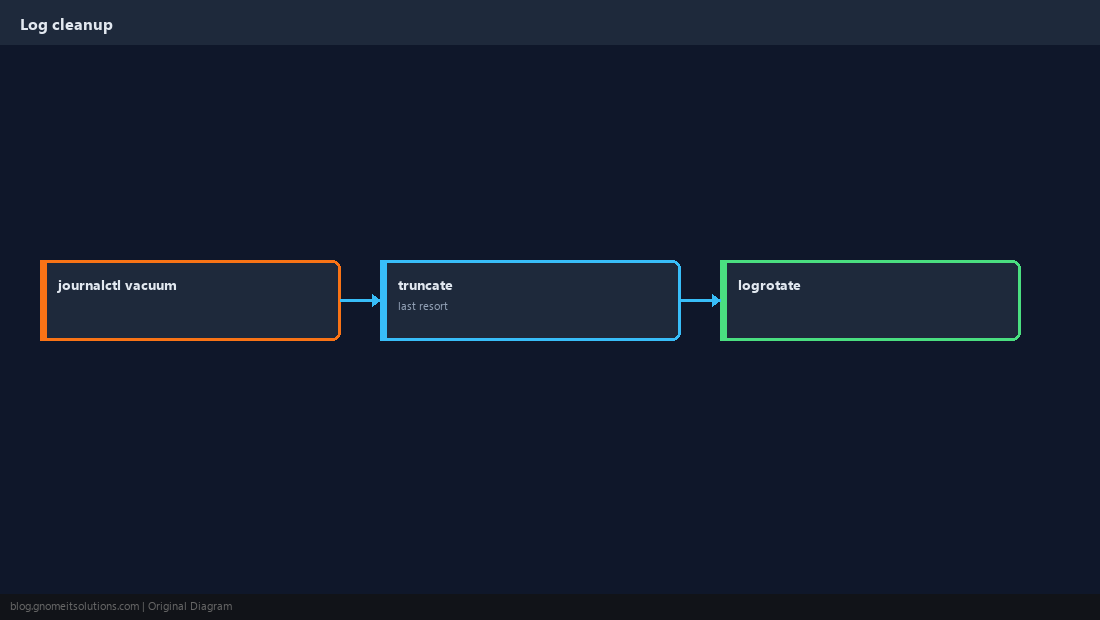
Delete Safely
Double-check path; ensure files are not held open after delete.
WarningNever
rm -rf a path you have not typed twice from pwd and ls.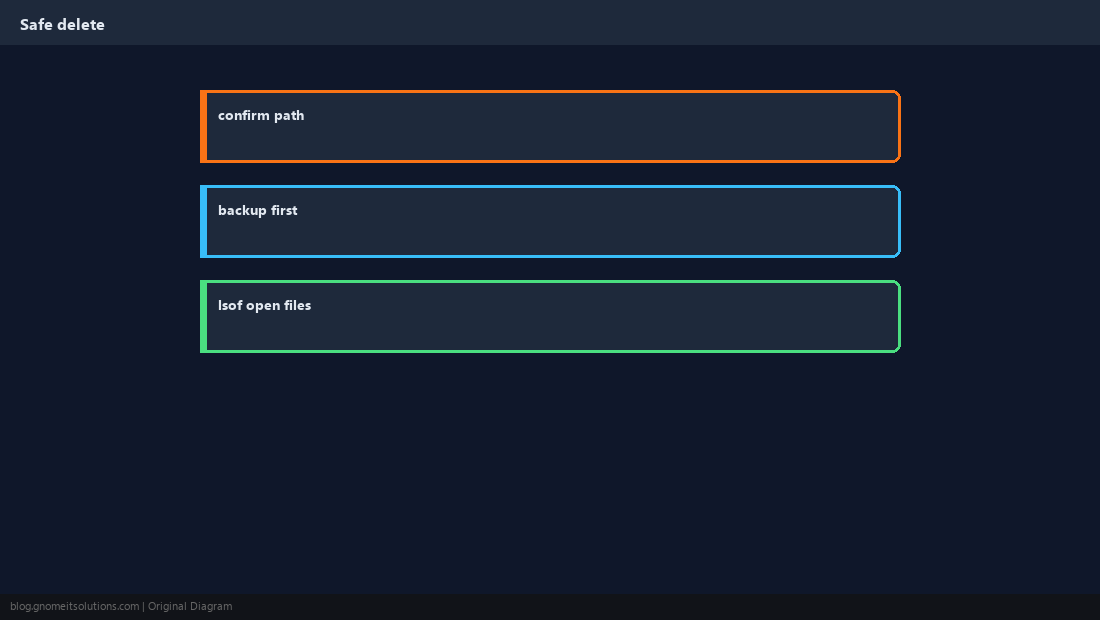
Verify Freed Space
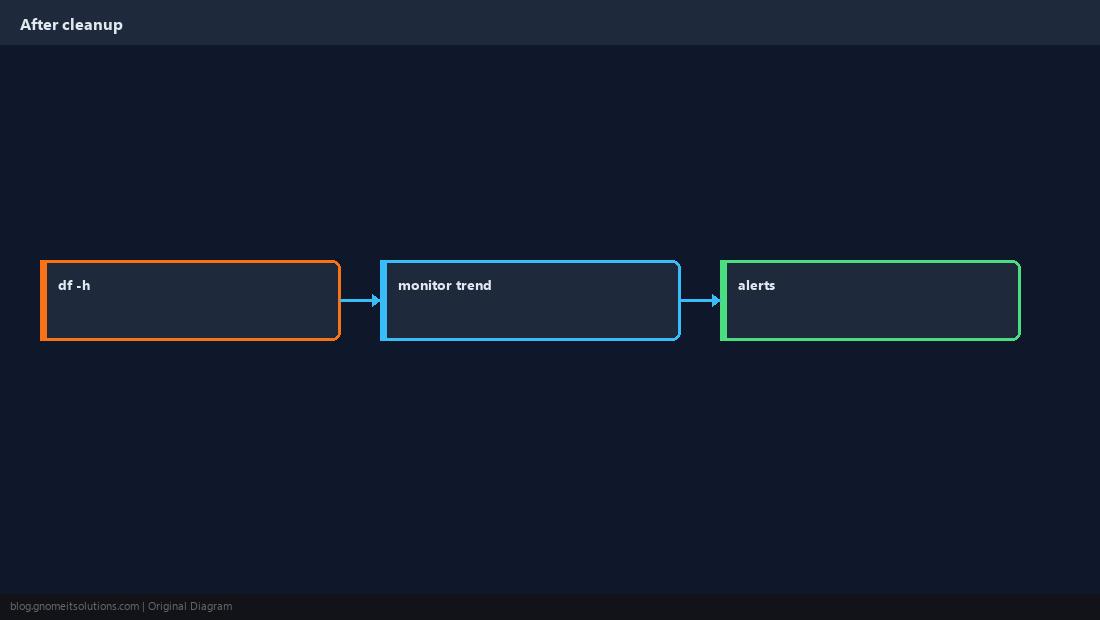
df -h again; set alerts before the next crisis.
Quick Reference
du -xh --max-depth=1 PATH | sort -hfind ... -size +500Mfor huge files- Check Docker + journal before deleting data
Related tutorials
Diagrams are original illustrations by Gnome IT Solutions. Tutorial text © Gnome IT Solutions.