open-vm-tools on Linux is the supported replacement for old VMware Tools tar installers on open-source guests. Without tools, you lose clean power operations, accurate memory balloons in some setups, and best network drivers — the Host Client shows Tools not installed.
On Proxmox you use qemu-guest-agent instead — QEMU guest agent guide.
ESXi guests: this article. Fresh VM walkthrough: create VM on ESXi.
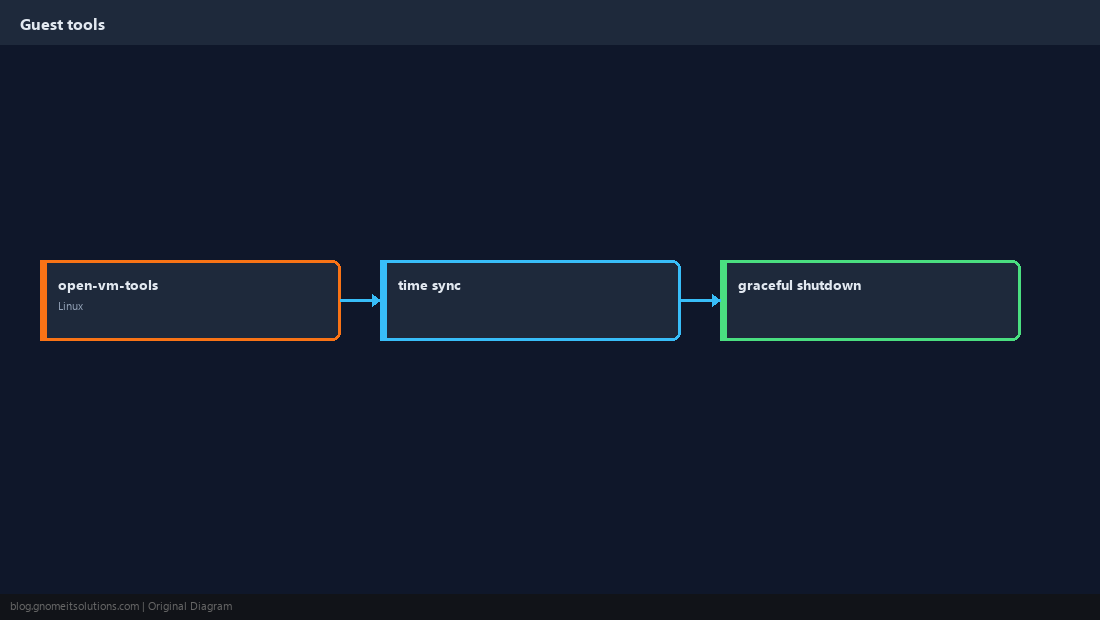
What Guest Tools Provide
Heartbeat to the hypervisor, graceful shutdown/reboot signals, time sync hooks, and optimized drivers when using VMXNET3.
Install on Debian/Ubuntu
Package name is open-vm-tools on most distros; desktop variants add open-vm-tools-desktop for GUI.
sudo apt update
sudo apt install -y open-vm-tools
sudo systemctl enable --now open-vm-tools.service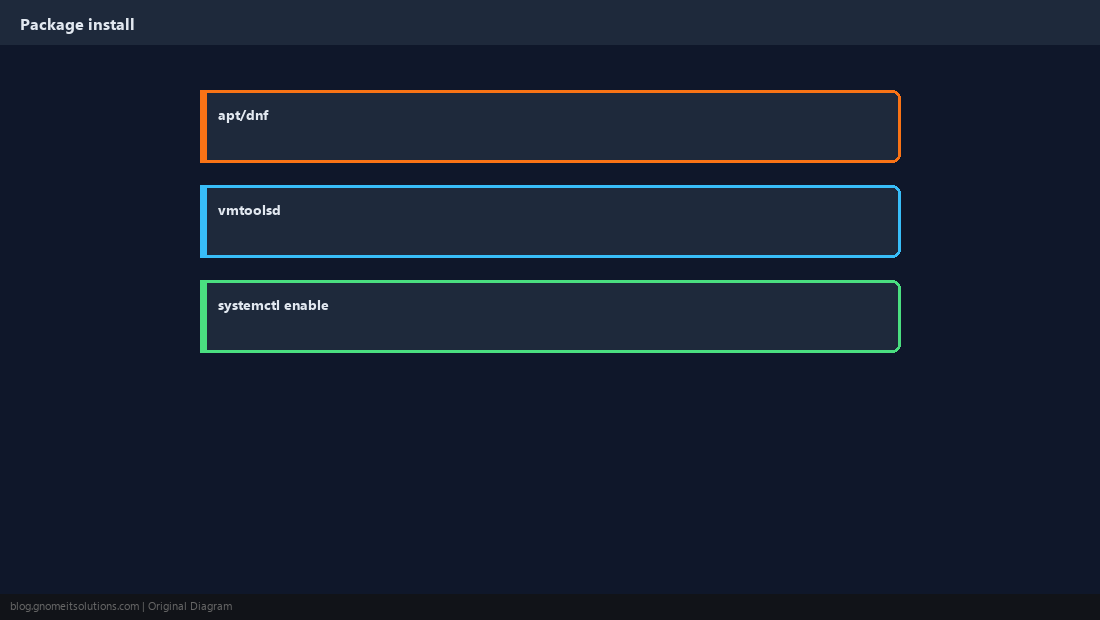
Install on RHEL / Alma / Rocky
Use dnf; reboot once if the kernel module path was updated.
sudo dnf install -y open-vm-tools
sudo systemctl enable --now vmtoolsdVerify from the Guest
Toolbox commands confirm version and running state.
vmware-toolbox-cmd -v
systemctl status open-vm-tools vmtoolsd 2>/dev/null | head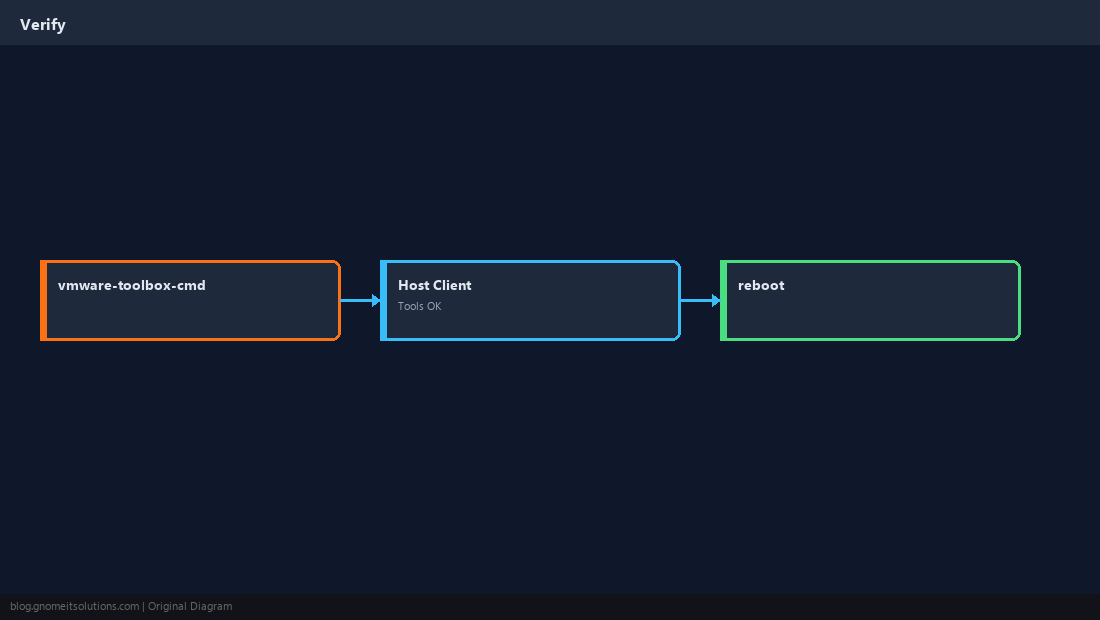
Confirm in Host Client
VM summary should report VMware Tools running (open-source version).
Networking: VMXNET3
After tools, switch to VMXNET3 adapter in VM settings for best throughput; confirm driver with ethtool.
ethtool -i eth0 2>/dev/null || ip link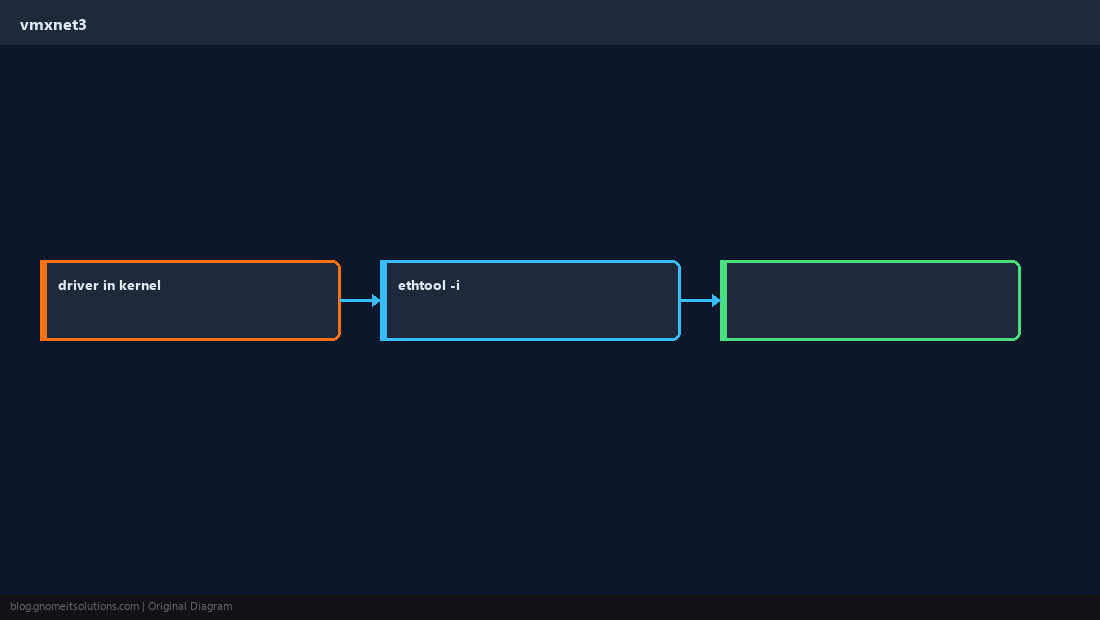
Shutdown Etiquette
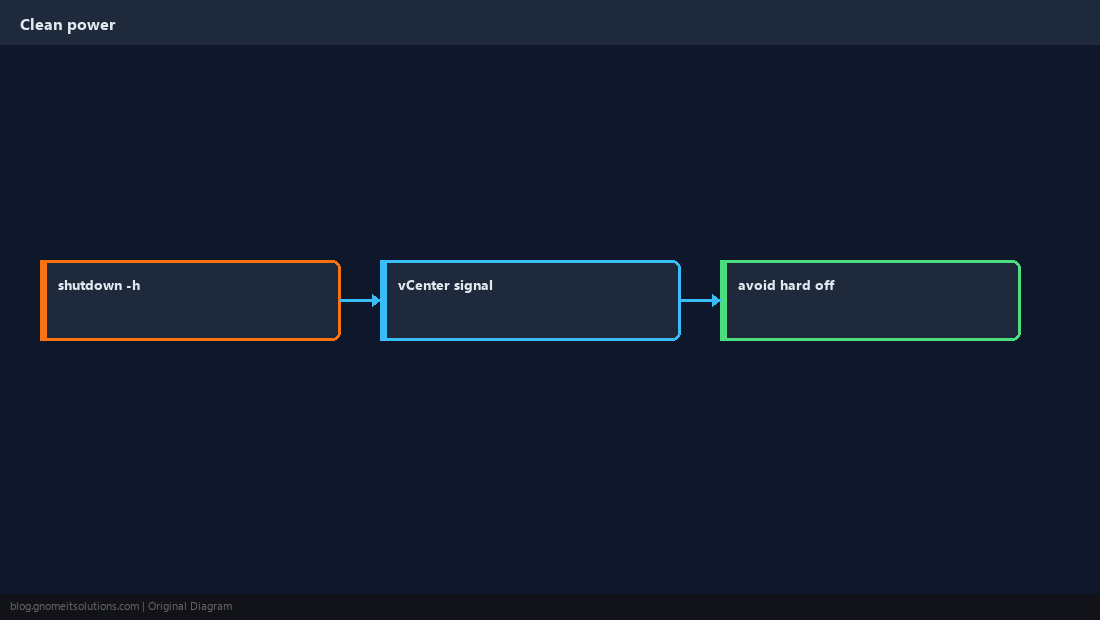
Use shutdown -h now from the guest so ESXi does not see a surprise power-off.
Quick Reference
apt install open-vm-toolsordnf install open-vm-tools- Enable
vmtoolsd/open-vm-tools.service - Confirm in ESXi Host Client → Tools running
Related tutorials
Diagrams are original illustrations by Gnome IT Solutions. Tutorial text © Gnome IT Solutions.