Every Ubuntu admin searches apt update and apt upgrade — often in the same breath. On servers, the goal is predictable maintenance: know what will change, avoid surprise reboots during business hours, and confirm services after a kernel bump.
On AlmaLinux/Rocky the equivalent is dnf update — see distro comparisons in our
Alma vs Ubuntu guide. This tutorial focuses on Debian-family apt.
The apt Workflow
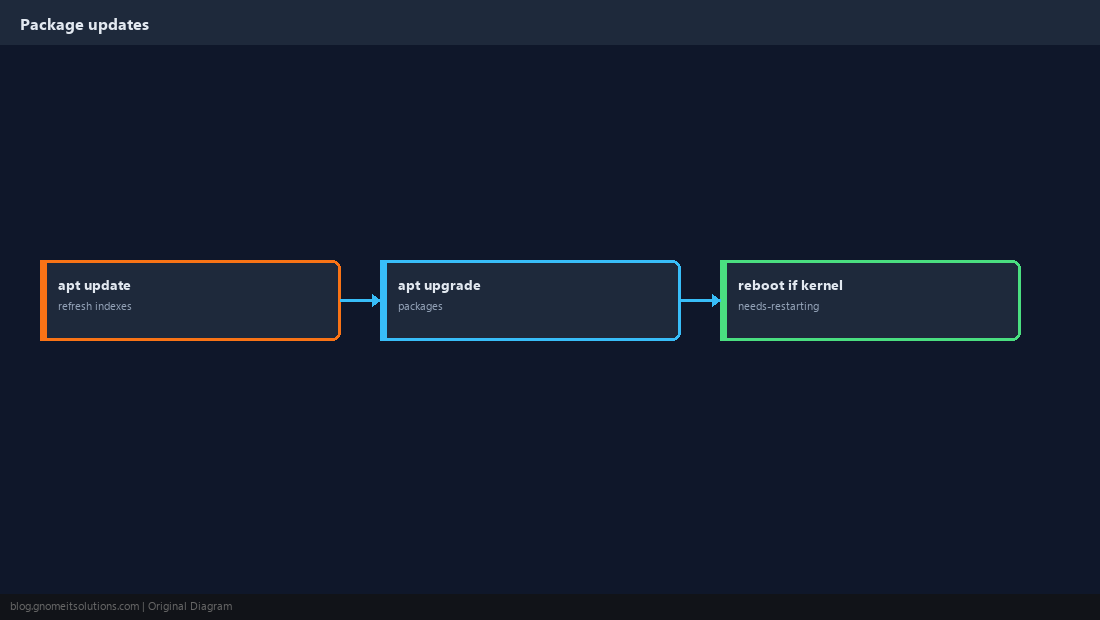
update refreshes package lists from mirrors; upgrade installs newer versions of installed packages. Neither is optional on internet-facing servers for long.
apt update
Run this first. Fix mirror or GPG errors before upgrading — a broken sources.list blocks everything downstream.
sudo apt update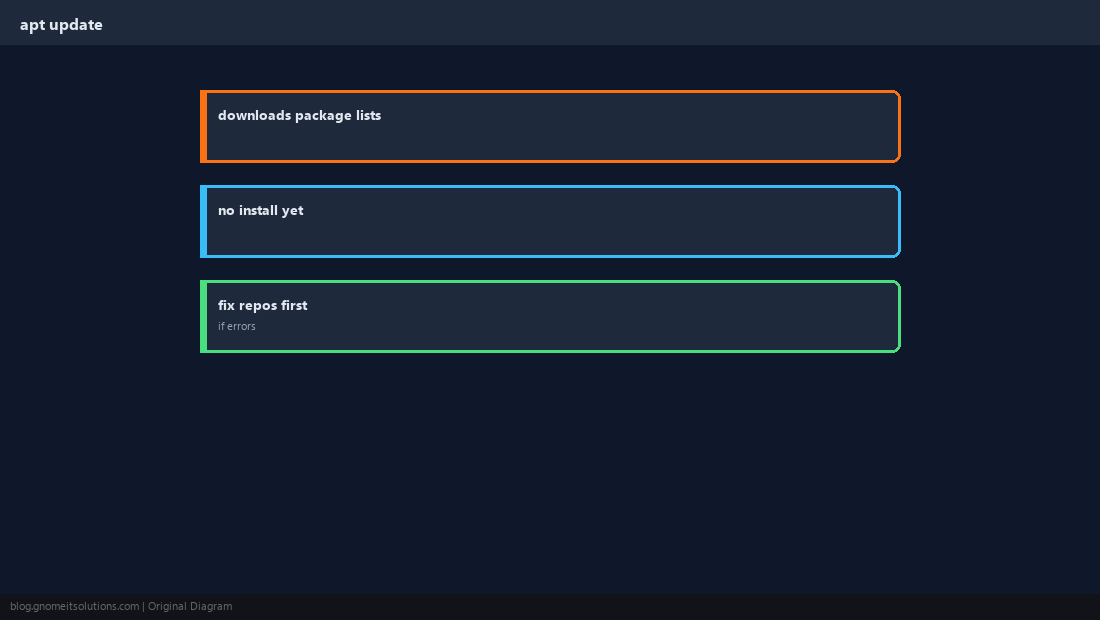
apt upgrade
Installs newer versions of packages already on the system. Keeps dependency changes conservative compared to full-upgrade.
sudo apt upgrade -y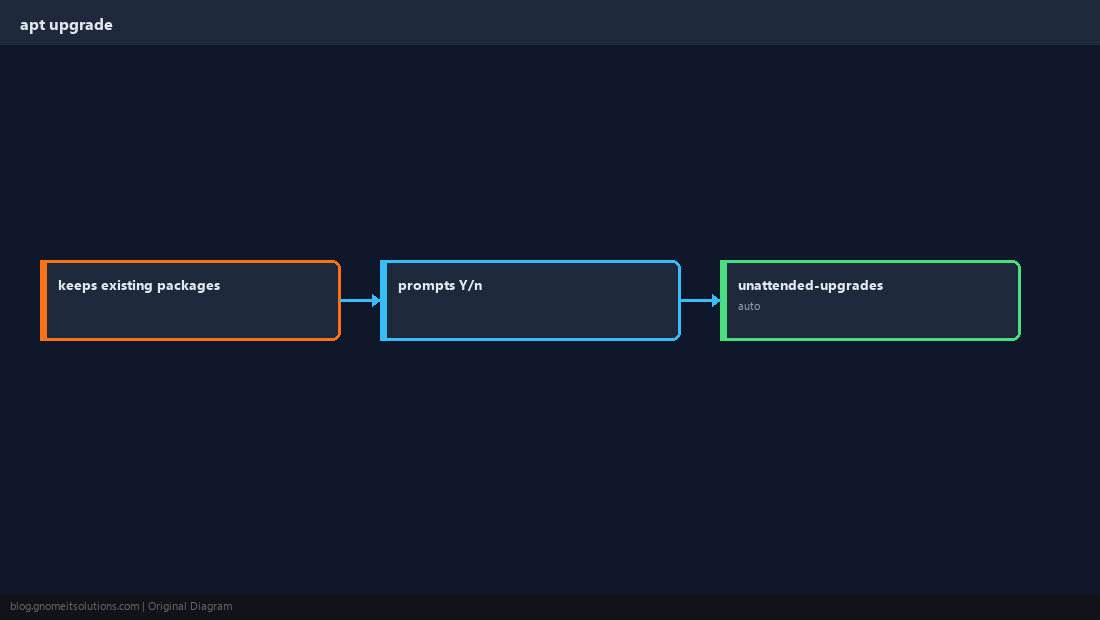
apt full-upgrade
Allows dependency changes required for new versions — use during release upgrades or when upgrade reports held-back packages.
sudo apt full-upgrade -y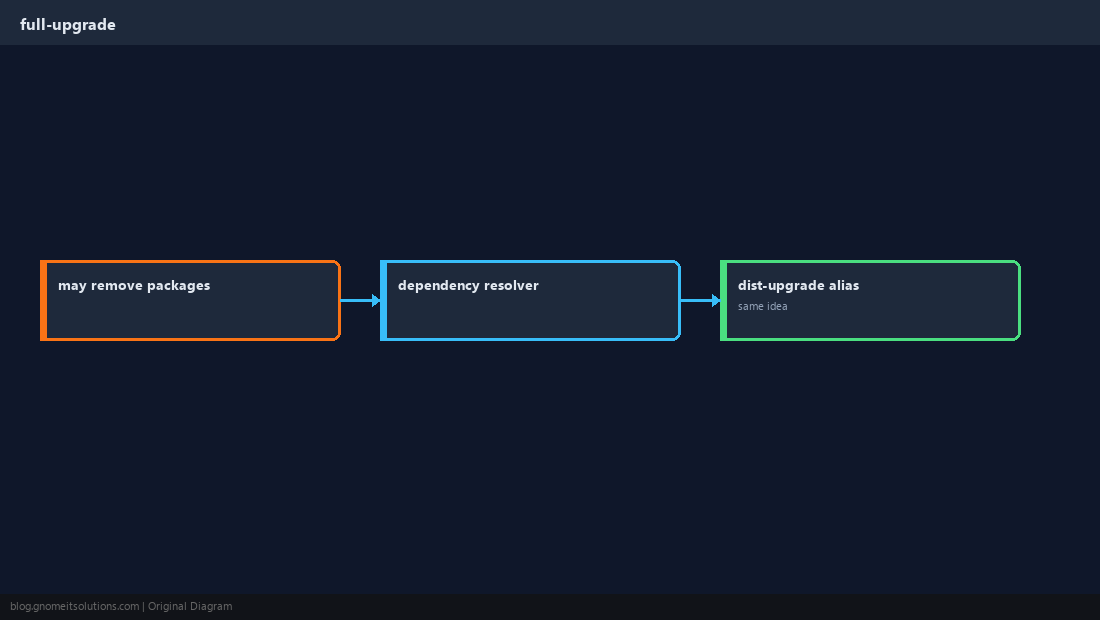
apt autoremove and autoclean
Removes packages installed only as dependencies for something you removed; frees disk on small VPS disks.
sudo apt autoremove -y
sudo apt autoclean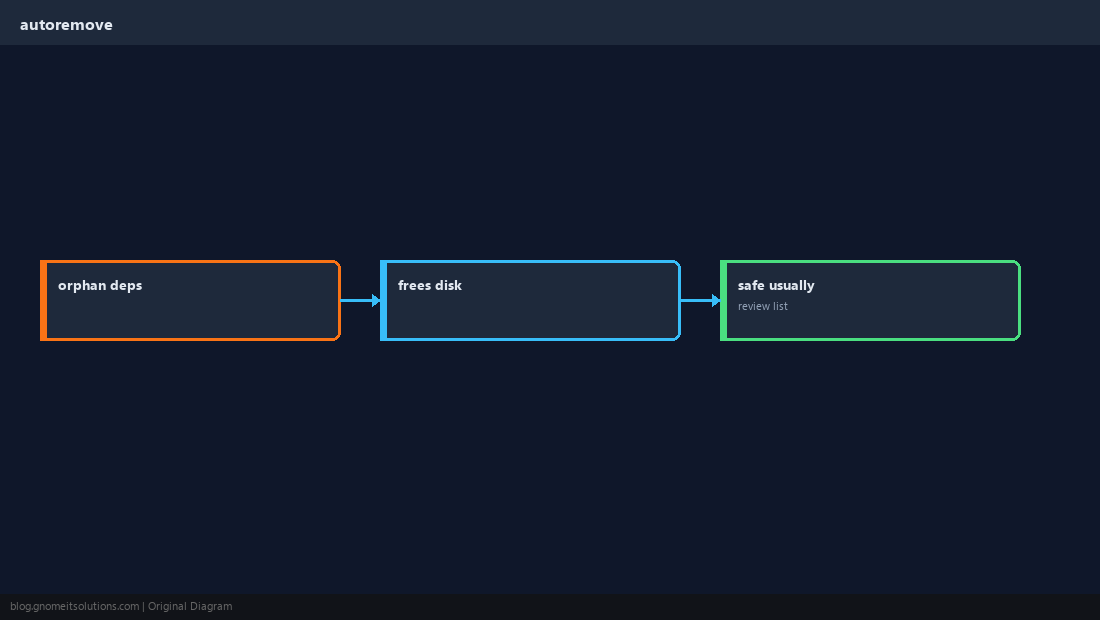
Hold Packages When Needed
Pin kernels or database engines during incident response with apt-mark hold.
sudo apt-mark hold linux-image-generic
apt-mark showhold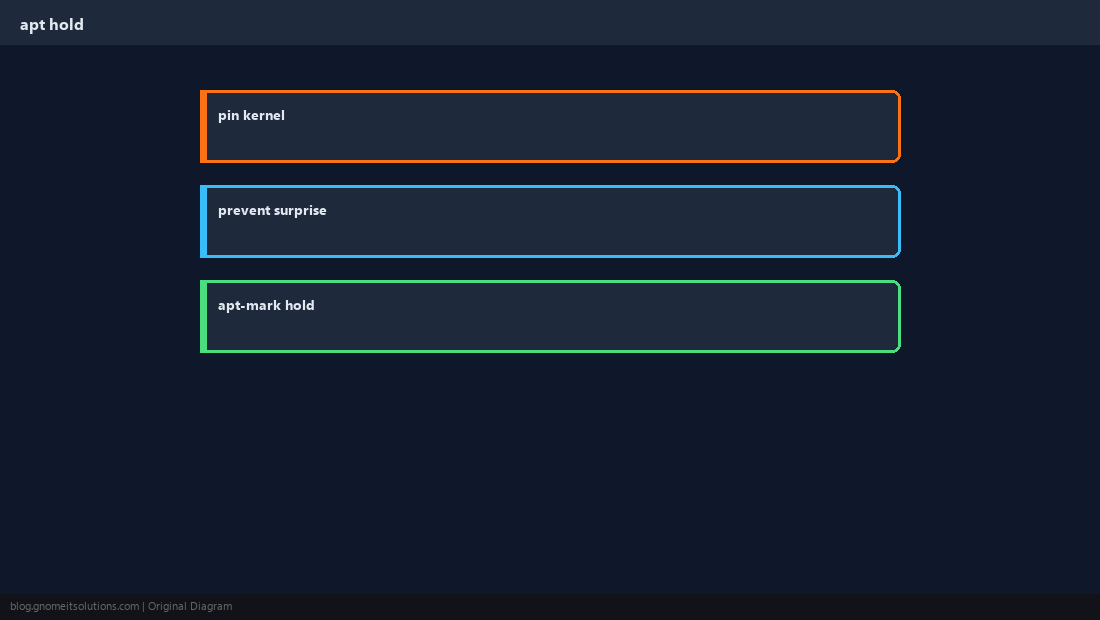
Preview Changes
List upgradable packages before you commit; read changelogs for database or web stack updates.
apt list --upgradable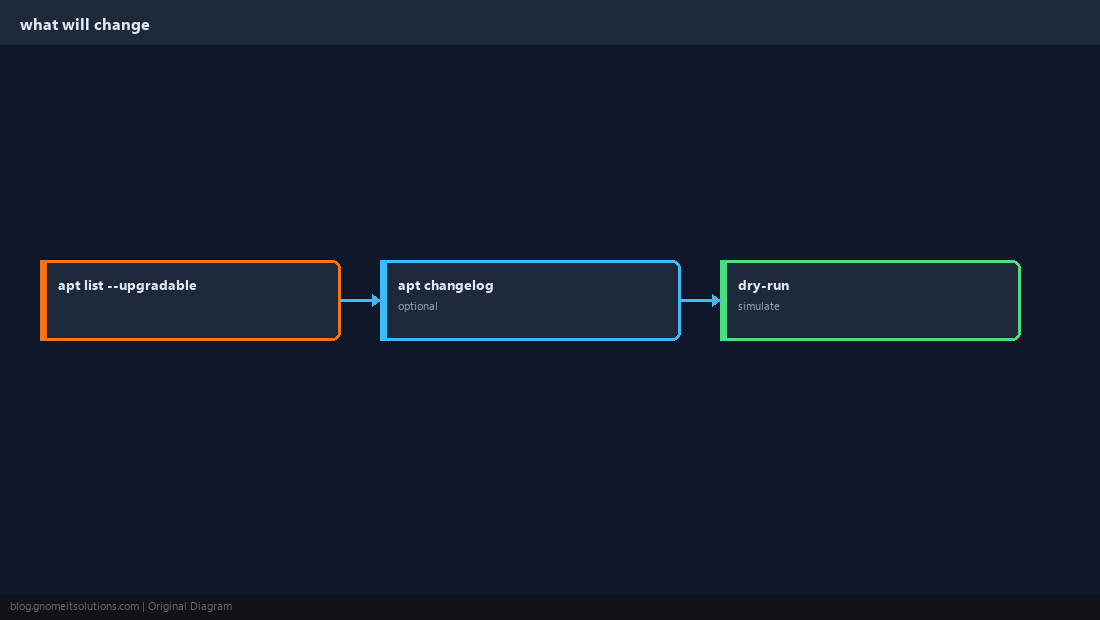
Kernel Updates and Reboot
A new kernel is not active until reboot. Use needrestart or check /var/run/reboot-required on Ubuntu.
[ -f /var/run/reboot-required ] && cat /var/run/reboot-required
uname -r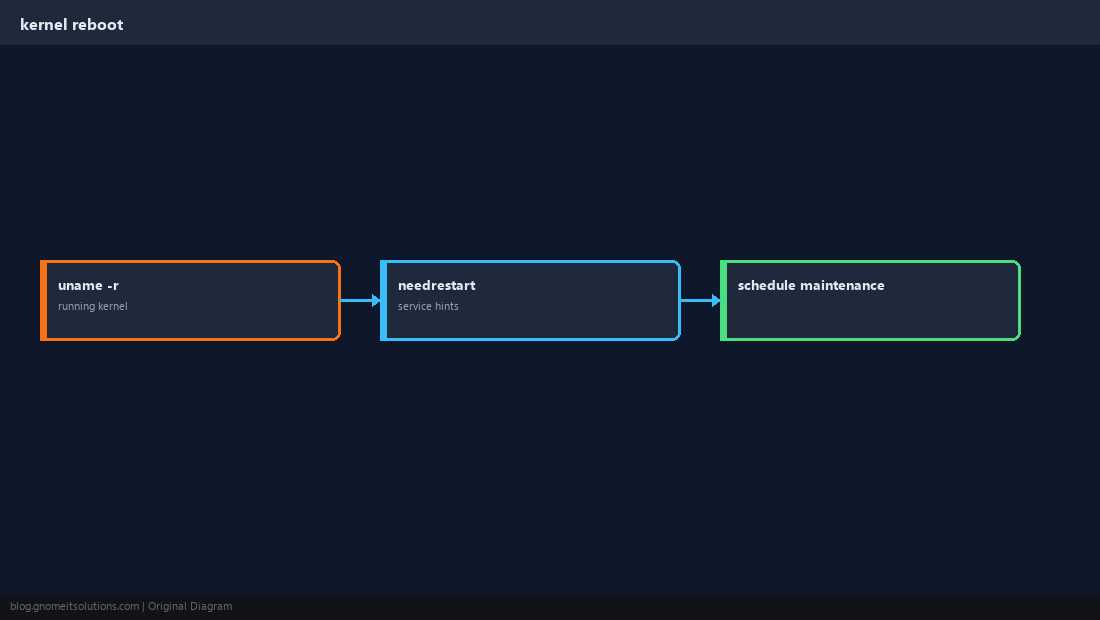
After Updates: Verify Services
Check for failed systemd units and smoke-test web apps and databases before closing the change ticket.
systemctl --failed
sudo nginx -t 2>/dev/null; sudo systemctl is-active mariadb 2>/dev/null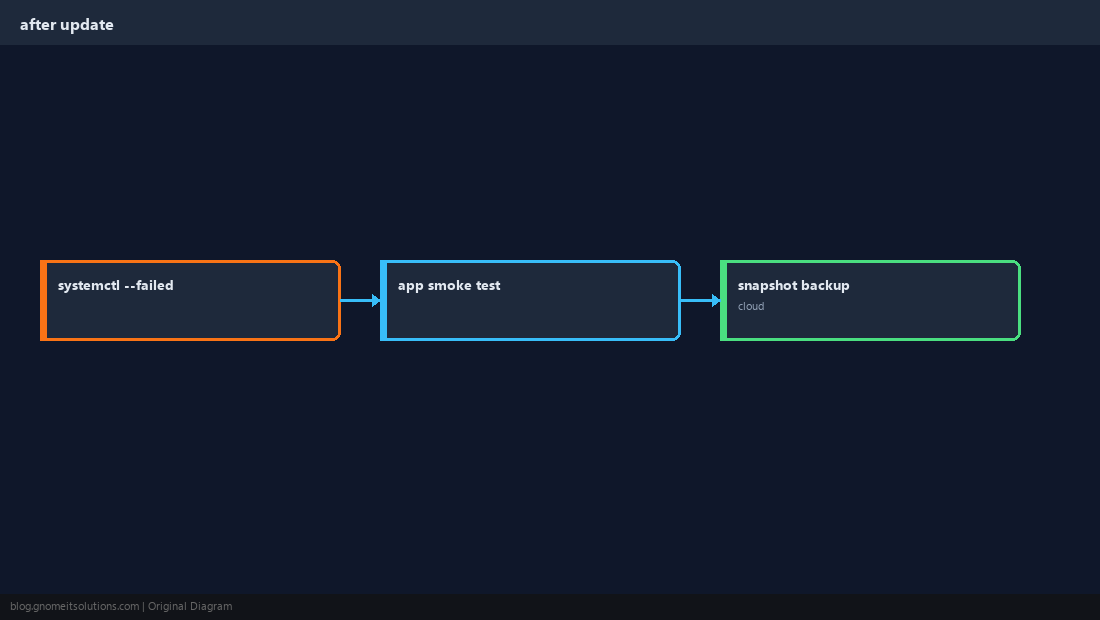
Quick Reference
sudo apt update && sudo apt upgrade -yfor routine patchesfull-upgradewhen packages are kept back- Reboot when a new kernel is installed
Related tutorials
Diagrams are original illustrations by Gnome IT Solutions. Tutorial text © Gnome IT Solutions.