VMware ESXi snapshots are searched when someone is afraid to patch a VM — or when a forgotten snapshot filled the datastore. Snapshots are useful for short rollback windows; they are terrible long-term storage and they are not backups.
Migration context: migrate VM ESXi to Proxmox (snapshot before export),
verify backups,
rsync backup guide.
What a Snapshot Really Does
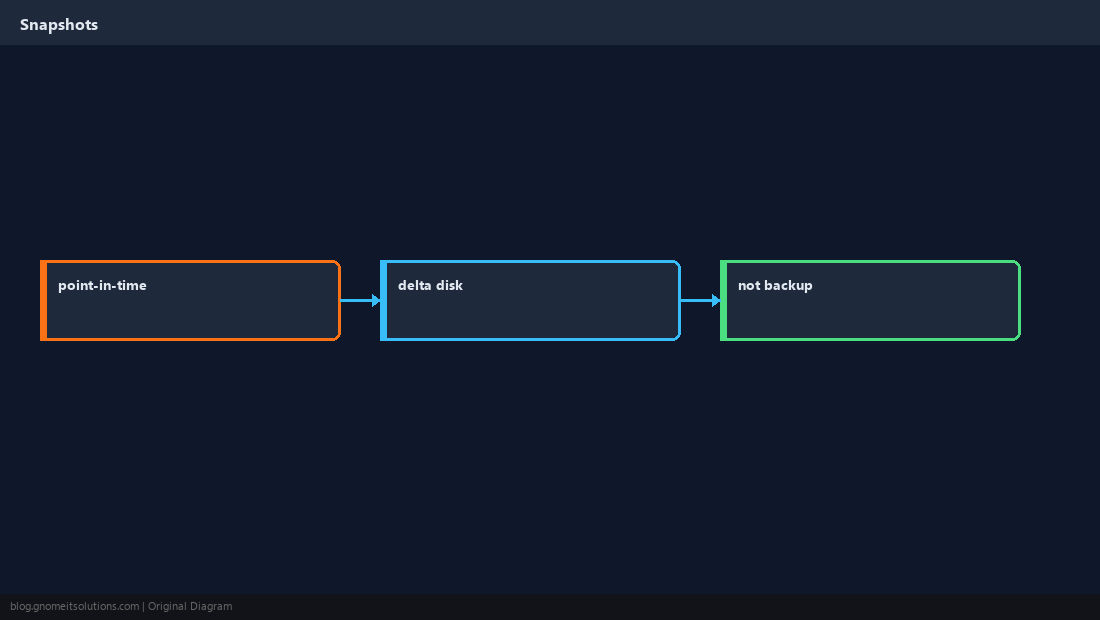
Creates a delta disk — writes after the snapshot go to the child disk; parent stays frozen in time.
Good Use Cases
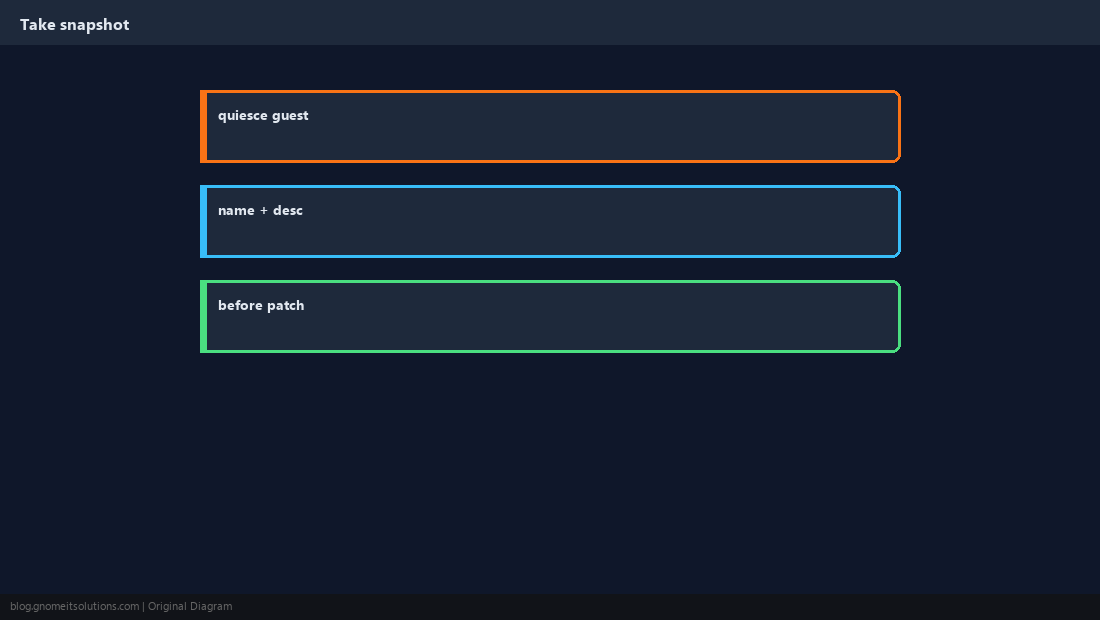
Before OS patch, before risky app upgrade, before config change — with a ticket and a delete date.
Bad Use Cases
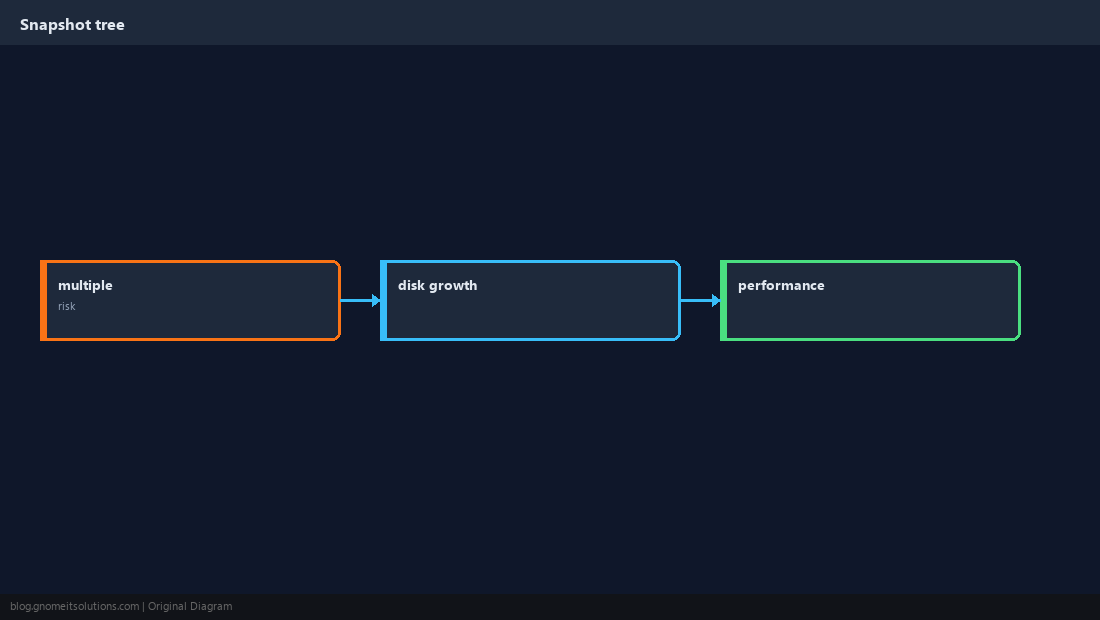
Long-term backup, compliance archive, or “we’ll delete later” for months — datastore usage and performance suffer.
Revert vs Delete
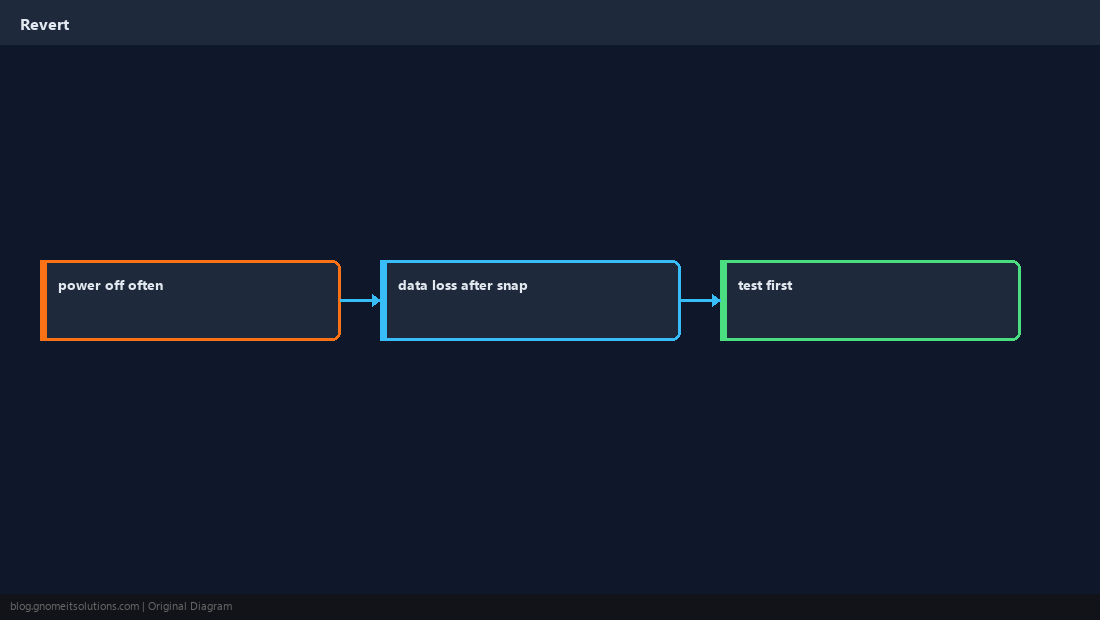
Revert rolls the VM back to snapshot state (loses newer data). Delete removes snapshot points and merges/consolidates disks — plan downtime.
Delete and Consolidate
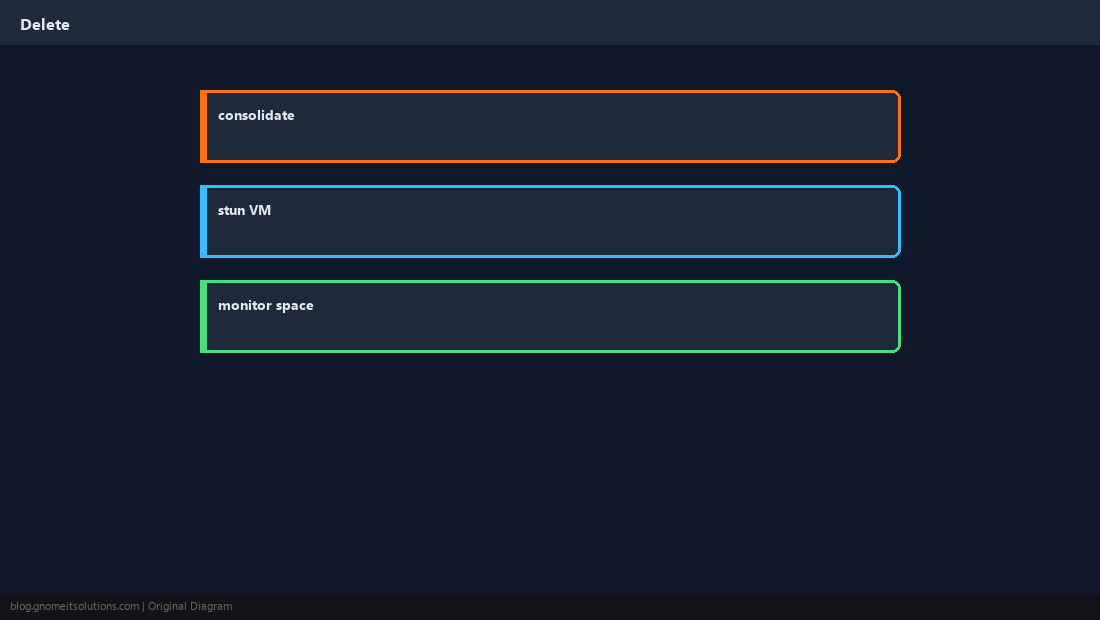
In Host Client: Snapshots → Delete All / Consolidate. Monitor task progress; ensure free space for merge.
Use Real Backups
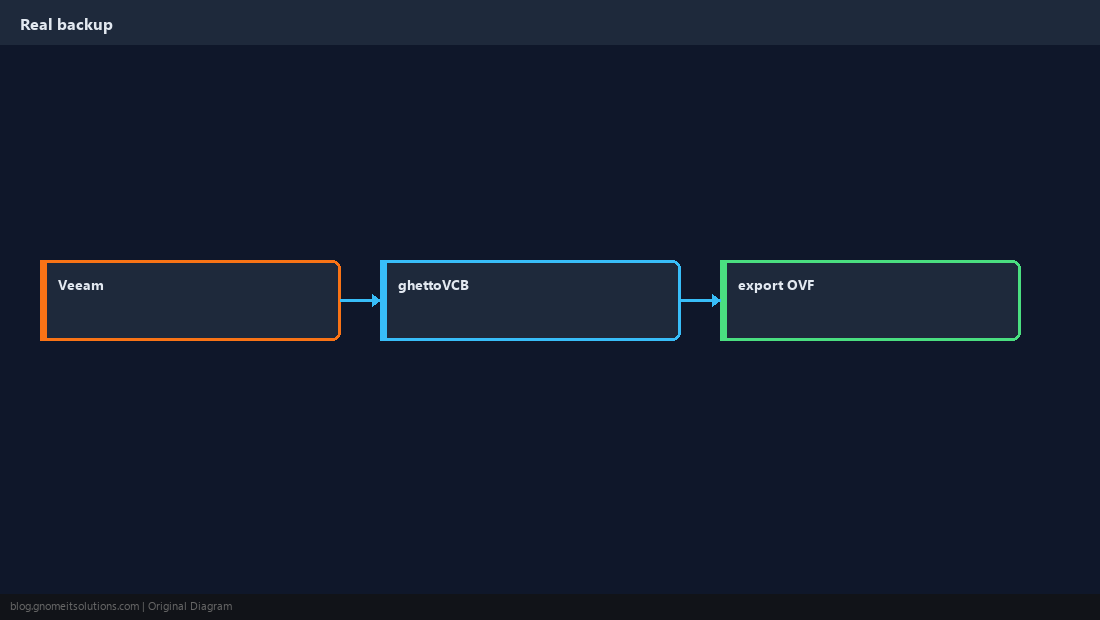
Image-level backup, OVF export for occasional moves, or backup software — not endless snapshots.
Operational Hygiene
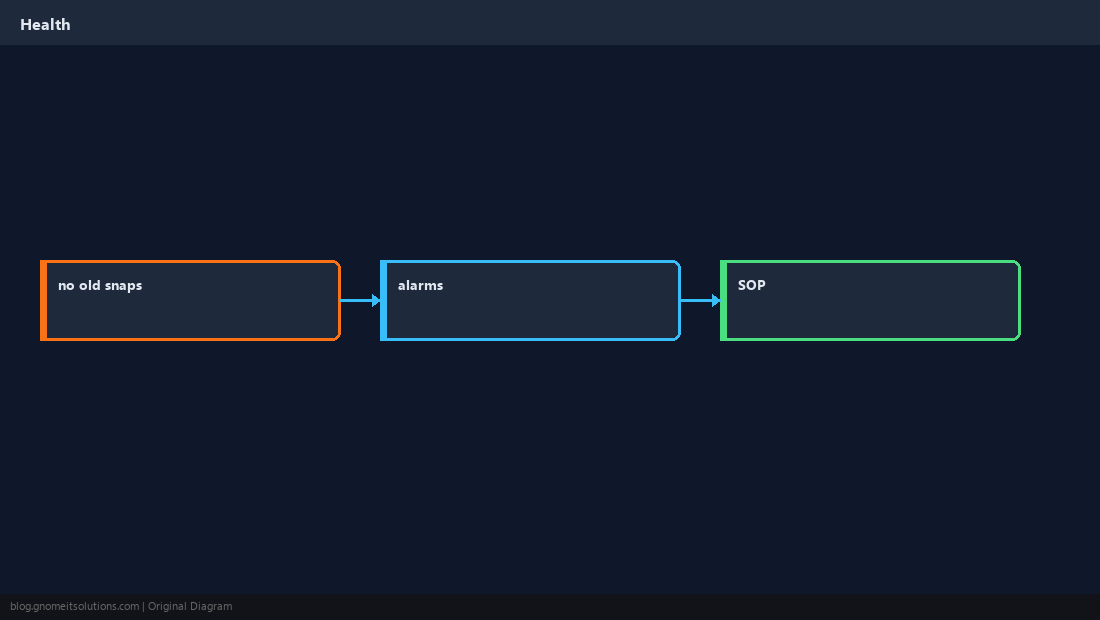
Weekly report for VMs with snapshots older than 72 hours; alarm in vCenter if available.
Quick Reference
- Snapshots = short-term rollback, not backup
- Delete snapshots to consolidate and reclaim space
- Before migration: snapshot → export → delete snapshot
Related tutorials
Diagrams are original illustrations by Gnome IT Solutions. Tutorial text © Gnome IT Solutions.