
The cut command on Linux is one of the most searched text tools — fast column extraction without opening a spreadsheet. It works on delimited files (CSV, TSV, /etc/passwd) and fixed-width logs when you know character positions.
Related: awk & sed,
grep,
read CSV in bash.
Delimiter fields
Use -d for the separator and -f for field numbers (1-based).
bashpasswd usernames
cut -d: -f1 /etc/passwd | head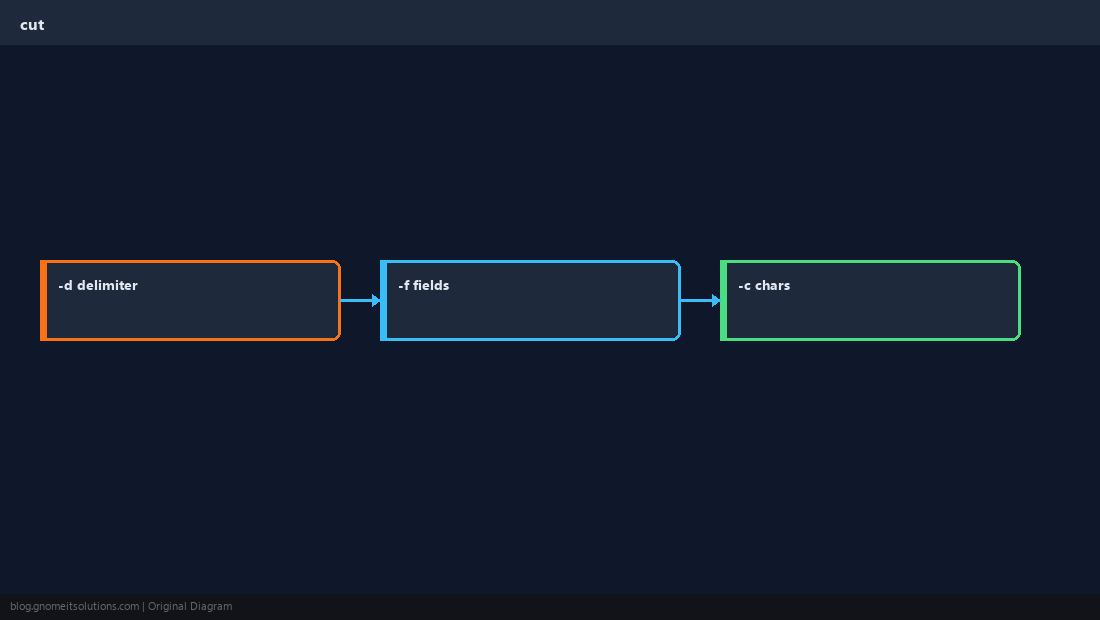
CSV columns
Quote handling is limited — for messy CSV prefer csvkit or a small Python script.
bashcsv
cut -d, -f1,3 report.csvCharacter ranges
-c cuts by position; useful for legacy fixed-width exports.
bashchars
echo 'ABCDEF' | cut -c1-3Pipeline tips
Pair with sort and uniq -c for top-N reports from access logs.
TipUse
--complement to keep all fields except those listed when you need “everything but column 2”.Quick Reference
- Fields:
cut -dDELIM -fN - Chars:
cut -cN-M - Logs: pipe from
grepfirst to shrink input
Related tutorials
Diagrams are original illustrations by Gnome IT Solutions. Tutorial text © Gnome IT Solutions.