bash history on Linux is one of the most used features — and a common leak vector when passwords are typed on the command line. Learn to search efficiently and set sane HIST* variables in ~/.bashrc.
Related: bash aliases,
environment variables,
shell scripting guide.
List and re-run
history numbers commands; !N re-executes entry N.
bashexamples
history | tail
!!   # repeat last command
!ssh  # last command starting with ssh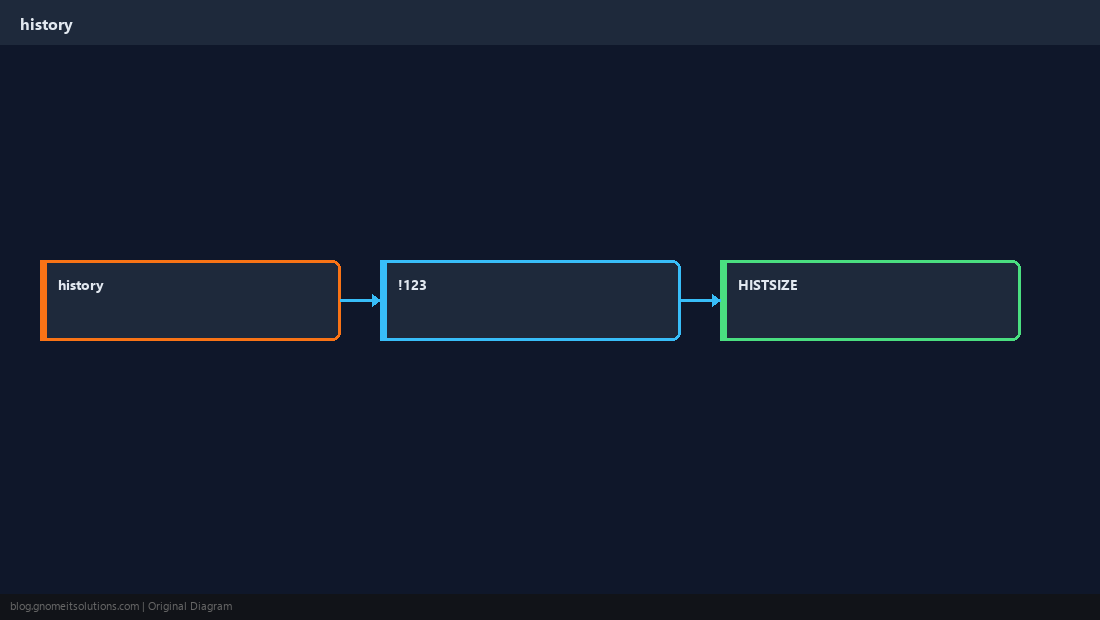
Interactive search
Ctrl+R searches backward through history — fastest way to find a long docker or kubectl line.
Size and file
Control memory and disk use with HISTSIZE and HISTFILESIZE.
bashbashrc
export HISTSIZE=5000
export HISTFILESIZE=10000
export HISTCONTROL=ignoredups:erasedupsSecurity habit
Avoid putting secrets on the command line; use env files or prompts.
WarningSpace-prefixed commands (with
HISTCONTROL=ignorespace) skip logging — do not rely on that for secrets.Quick Reference
historyand!!/!prefix- Search: Ctrl+R
- Tune
HISTSIZEin~/.bashrc
Related tutorials
Diagrams are original illustrations by Gnome IT Solutions. Tutorial text © Gnome IT Solutions.