lsblk on Linux is the first command after attaching a volume in AWS, Azure, or Proxmox — it shows block devices, partition tree, and mount points without the risk of writing to the wrong disk like a blind fdisk.
Related: mount & fstab,
growpart resize,
df & du.
Default tree view
Shows NAME, MAJ:MIN, RM, SIZE, RO, TYPE, MOUNTPOINTS — enough for most checks.
bashlist
lsblk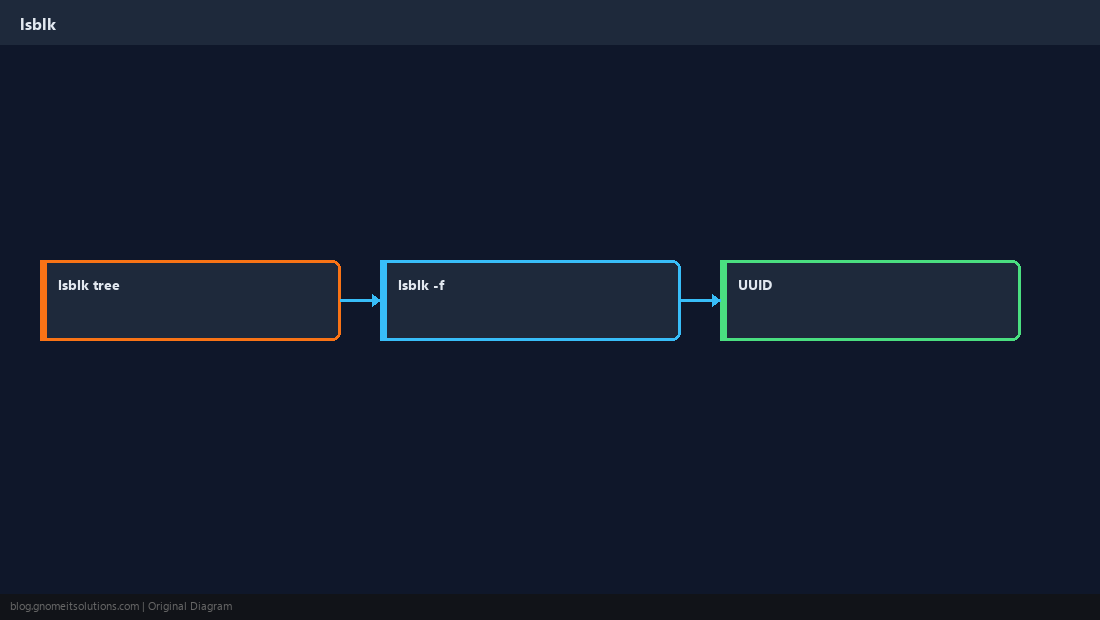
Filesystem columns
-f adds FSTYPE, FSUUID, and LABEL — matches what you put in fstab.
bashfilesystems
lsblk -fCustom columns
Script-friendly output with -o and -P key=value pairs.
bashcustom
lsblk -o NAME,SIZE,TYPE,FSTYPE,MOUNTPOINTBefore destructive ops
Confirm serial/size in cloud console matches lsblk — especially NVMe device names.
WarningNever run
mkfs or wipefs until device identity is double-checked.Quick Reference
- Quick:
lsblk - UUIDs:
lsblk -f - Before
fdisk: match SIZE to cloud panel
Related tutorials
Diagrams are original illustrations by Gnome IT Solutions. Tutorial text © Gnome IT Solutions.