Mount a Disk on Linux: Partition, ext4, mount and fstab (UUID)
Mount a new disk on Linux: lsblk, partition with fdisk, mkfs.ext4, mount, persist with /etc/fstab UUID and defaults,nofail,…
Read tutorial →Browse step-by-step tutorials in this topic.
Mount a new disk on Linux: lsblk, partition with fdisk, mkfs.ext4, mount, persist with /etc/fstab UUID and defaults,nofail,…
Read tutorial →
Tune Proxmox VM disk performance: VirtIO SCSI single, iothread, cache modes, discard and SSD emulation, async I/O, and…
Read tutorial →
Set up an NFS server on Linux: install packages, configure /etc/exports, open the right firewall ports, and mount…
Read tutorial →
Understand Kubernetes storage: PersistentVolumes, PersistentVolumeClaims, StorageClasses for dynamic provisioning, and what happens to data when a pod restarts.
Read tutorial →
Manage ViciDial call recording growth: storage location, format choice, sizing disk, automating offsite archival, and compliance-driven retention policy.
Read tutorial →
Partition disks on Linux with fdisk, gdisk, and parted: MBR vs GPT, creating and formatting partitions, safe fstab…
Read tutorial →
Set up Linux software RAID with mdadm: choose a RAID level, create the array, persist the config, monitor…
Read tutorial →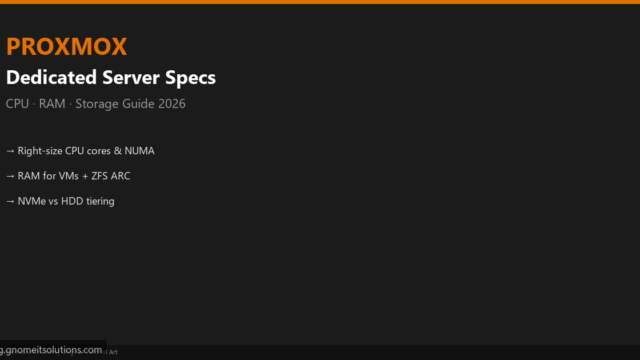
Choose the right dedicated server for Proxmox VE: CPU core counts, ECC RAM sizing, NVMe vs HDD storage…
Read tutorial →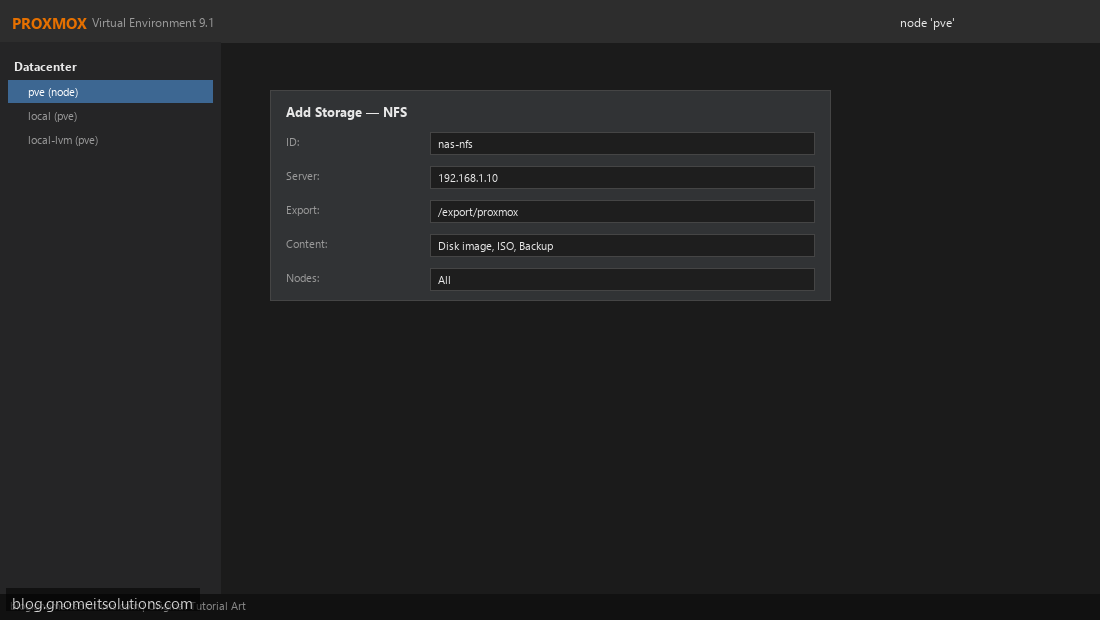
Add NFS storage to Proxmox VE for VM disks, ISO files, and backups. Mount NAS shares and configure…
Read tutorial →