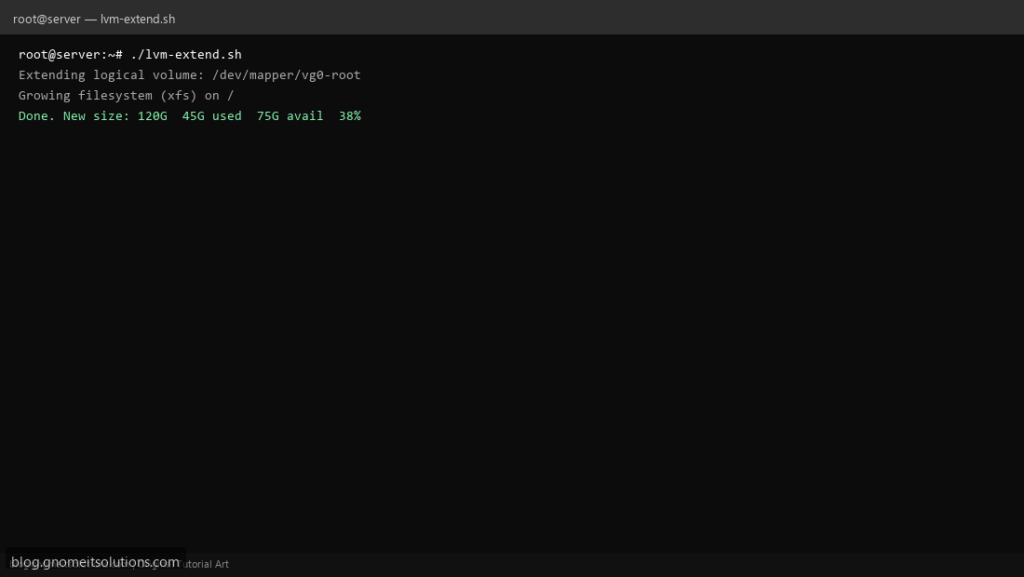
Safely extend LVM disk space on Linux with a script that runs pvresize, lvextend, and filesystem grow in the correct order.
What this script does
- Rescan SCSI/SATA disks for new space
- Extends physical volume (PV) and logical volume (LV)
- Grows XFS or ext4 filesystem online
- Pre-flight checks before making changes
- Logs every step for audit trail
Prerequisites
- LVM setup on server
- Unallocated space on disk or new disk added
- Root access
- Backup before resizing
Step 1: Save the script
sudo nano /usr/local/bin/lvm-extend.sh
sudo chmod +x /usr/local/bin/lvm-extend.sh
Step 2: Full script (scroll to read)
lvm-extend.sh
#!/usr/bin/env bash
set -euo pipefail

LV_PATH="/dev/mapper/vg0-root"
PV="/dev/sda3"
FS_TYPE="xfs"
MOUNT="/"
LOG="/var/log/lvm-extend.log"

log(){ echo "[$(date '+%F %T')] $*" | tee -a "$LOG"; }
die(){ log "ERROR: $*"; exit 1; }

[[ $EUID -eq 0 ]] || die "Run as root"
log "Starting LVM extend for $LV_PATH"

log "Rescanning block devices"
echo 1 > /sys/class/block/$(basename "$(dirname "$PV")")/device/rescan 2>/dev/null || true
partprobe 2>/dev/null || true

log "Extending physical volume: $PV"
pvresize "$PV"

log "Extending logical volume: $LV_PATH (100% FREE)"
lvextend -l +100%FREE "$LV_PATH"

log "Growing filesystem ($FS_TYPE) on $MOUNT"
if [[ "$FS_TYPE" == "xfs" ]]; then
  xfs_growfs "$MOUNT"
else
  resize2fs "$LV_PATH"
fi

log "Done. New size:"
df -h "$MOUNT" | tee -a "$LOG"
lvs "$LV_PATH" | tee -a "$LOG"
Scroll inside the box to read the full script.
Step 3: Configure settings
LV_PATH— e.g. /dev/mapper/vg0-rootFS_TYPE— xfs or ext4PV— physical volume device
Step 4: Test manually
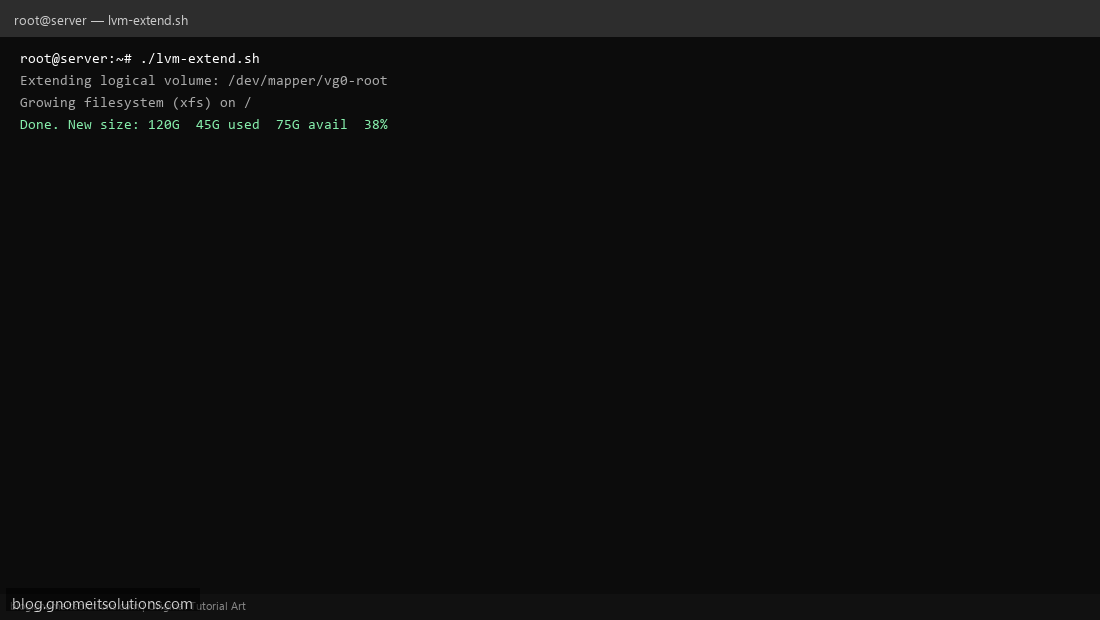
sudo lvs && sudo df -hsudo /usr/local/bin/lvm-extend.shRelated tutorials
- Linux Backup Shell Script: Files & Database to Remote Server
- Cron Jobs in Linux: Schedule Tasks with crontab
- SSH Key Authentication on Linux Servers
Terminal screenshot is an original illustration created for Gnome IT Solutions (blog.gnomeitsolutions.com).