
uname on Linux is the quick answer to “what kernel am I running?” and “is this box amd64 or arm64?” — essential before installing drivers, DKMS modules, or matching package architectures.
Related: apt upgrade,
hostnamectl,
journalctl.
Kernel release
uname -r is what support forums ask for first — compare with /var/run/reboot-required on Debian/Ubuntu.
bashkernel
uname -r
uname -m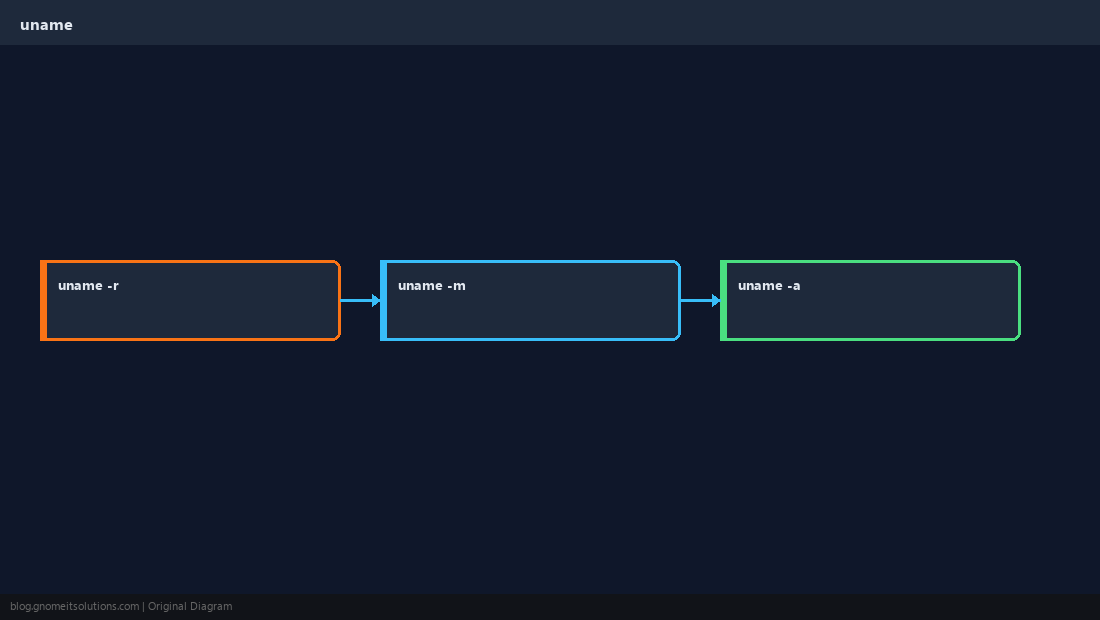
All details
uname -a prints kernel, hostname, date string, and architecture in one line.
bashall
uname -aArchitecture flags
-m machine hardware; -p processor type — verify before downloading binaries.
basharch
uname -m
uname -p 2>/dev/null || trueOS name vs kernel
Distribution name lives in /etc/os-release; uname is about the kernel, not whether you run Ubuntu vs AlmaLinux.
TipAfter kernel updates, reboot when
needs-restarting or /var/run/reboot-required says so — uname will not change until then.Quick Reference
- Kernel:
uname -r - Arch:
uname -m - Distro name:
/etc/os-release
Related tutorials
Diagrams are original illustrations by Gnome IT Solutions. Tutorial text © Gnome IT Solutions.