
dmesg on Linux surfaces what the kernel saw: new disks, link up/down, driver failures, and the infamous Out of memory: Killed process line. It complements application logs when the problem is below userspace.
See also: journalctl,
OOM fixes,
free & memory.
Kernel Ring Buffer
dmesg prints messages since boot (subject to buffer size and sysctl restrictions).
sudo dmesg -T | tail -30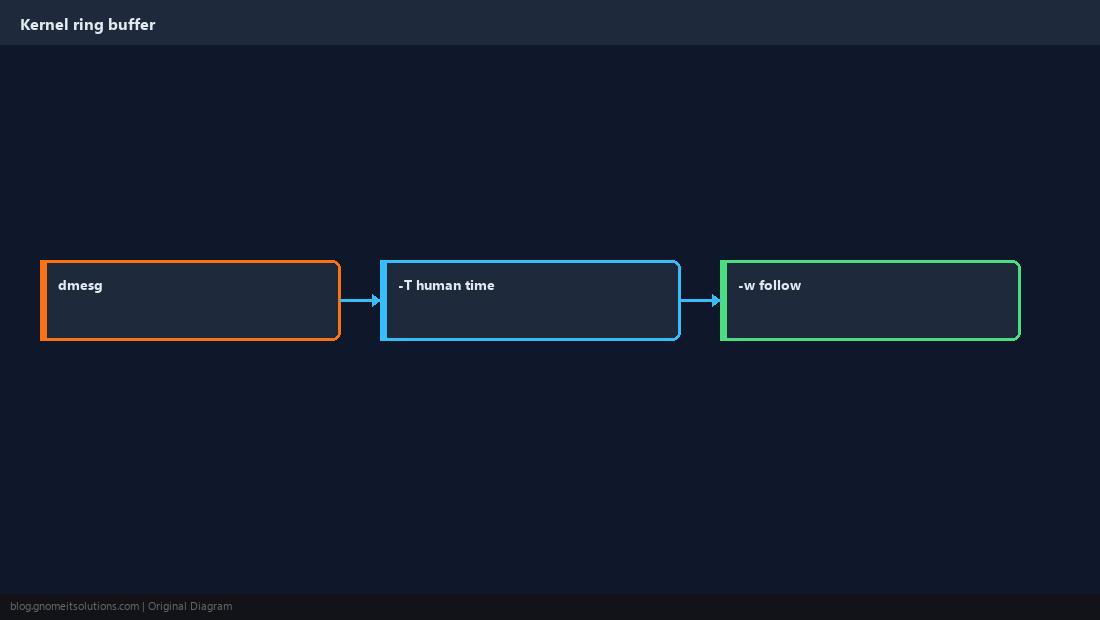
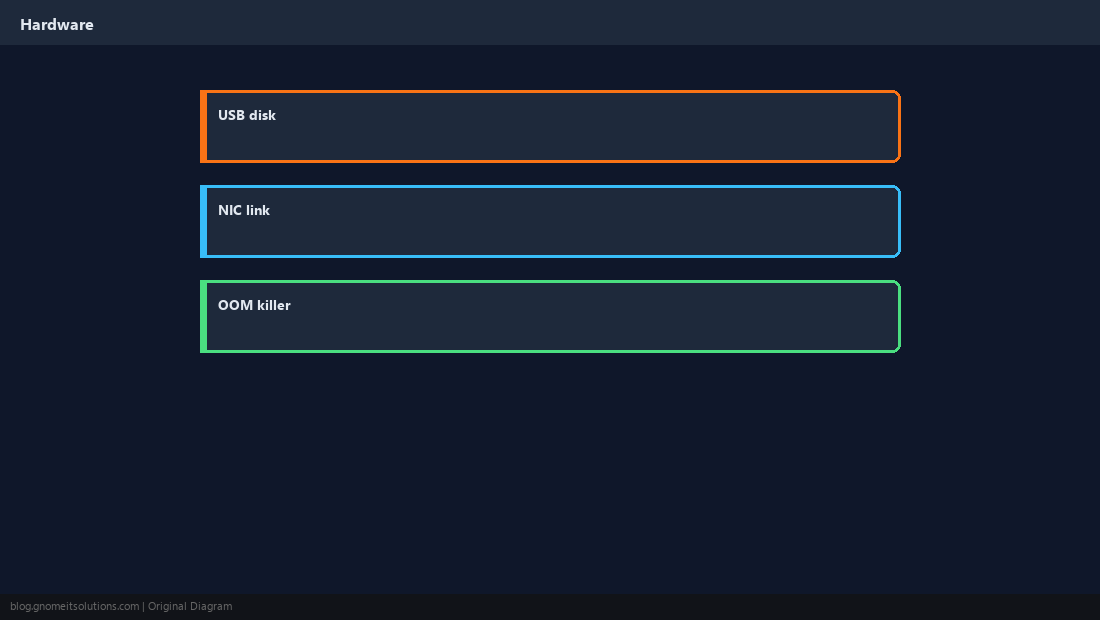
Hardware Events
Plug a USB drive or NIC cable — dmesg often shows detection before lsblk updates.
Boot vs Runtime
First lines are early boot; for persistent kernel logs use the journal.
sudo journalctl -k -b --no-pager | tail -40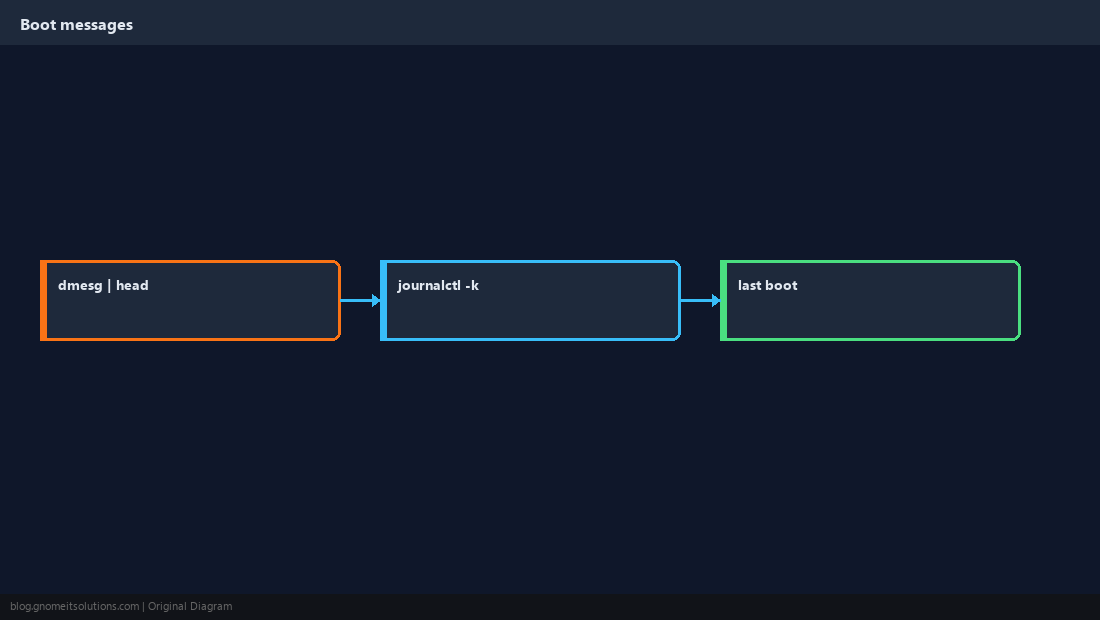
Hunt Errors
Filter for error, fail, I/O error, and OOM strings when a box becomes slow or services vanish.
sudo dmesg -T | grep -iE 'out of memory|oom|killed process' | tail -10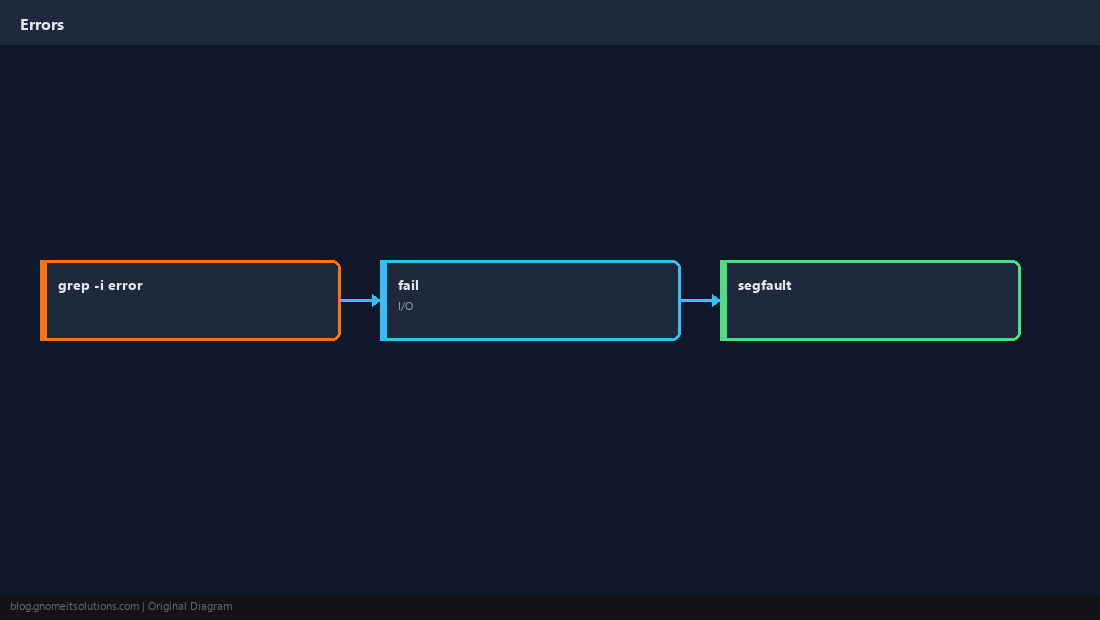
Clearing dmesg
dmesg -C clears the ring buffer — only when you know you do not need those messages.
journalctl -k) for audits — clearing dmesg removes evidence of transient hardware faults.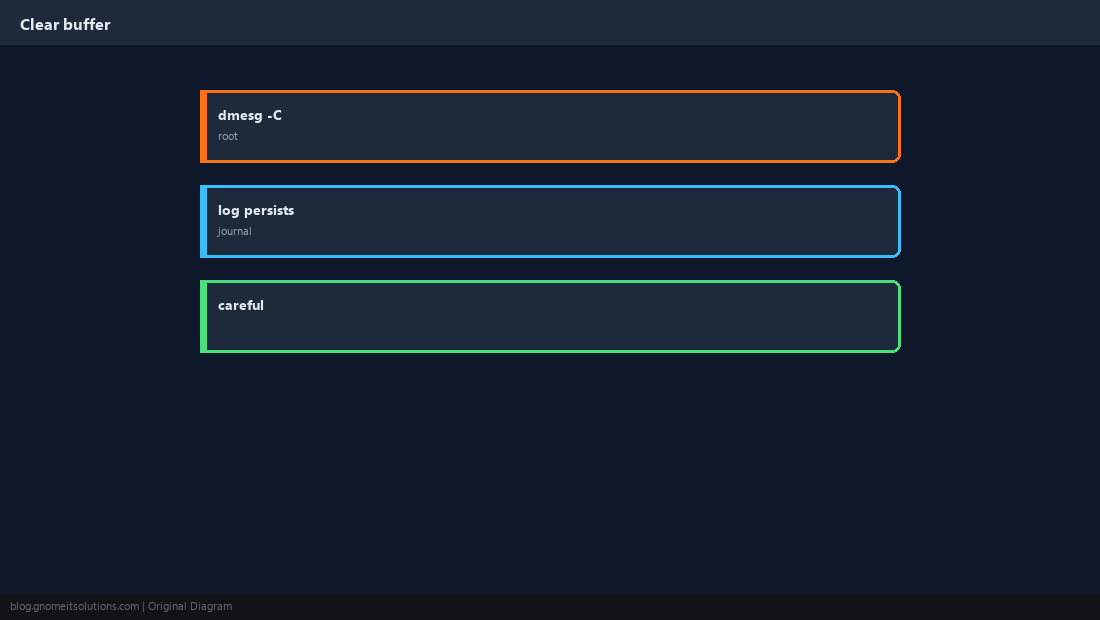
Permissions
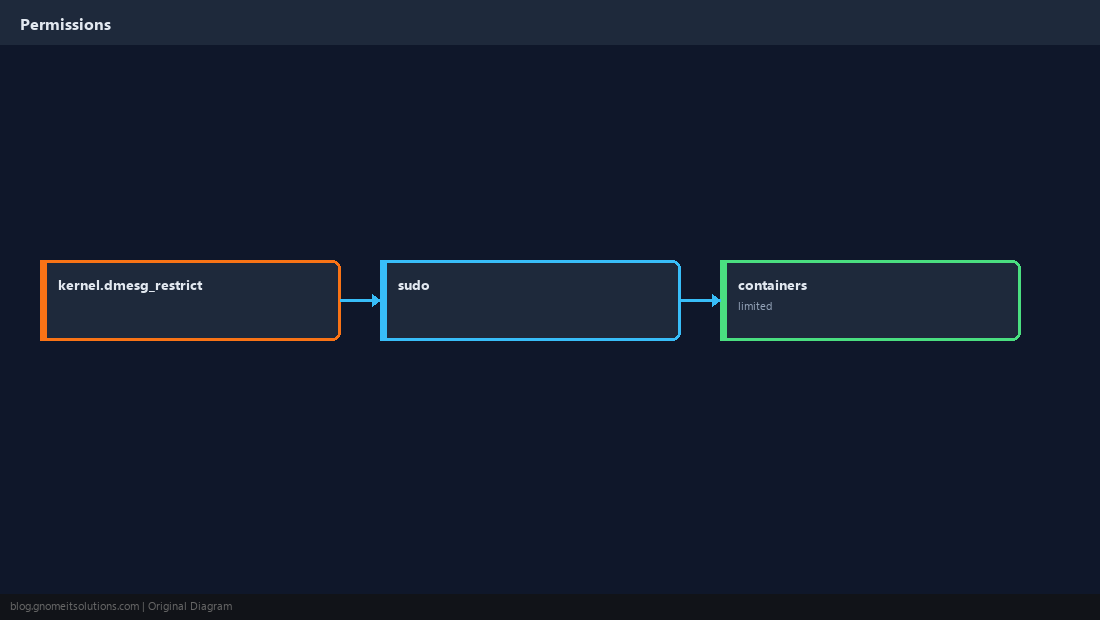
Some distros restrict dmesg for unprivileged users via kernel.dmesg_restrict.
Verify After a Change
Trigger the event (cable, mount, module load) and tail dmesg immediately.
sudo dmesg -w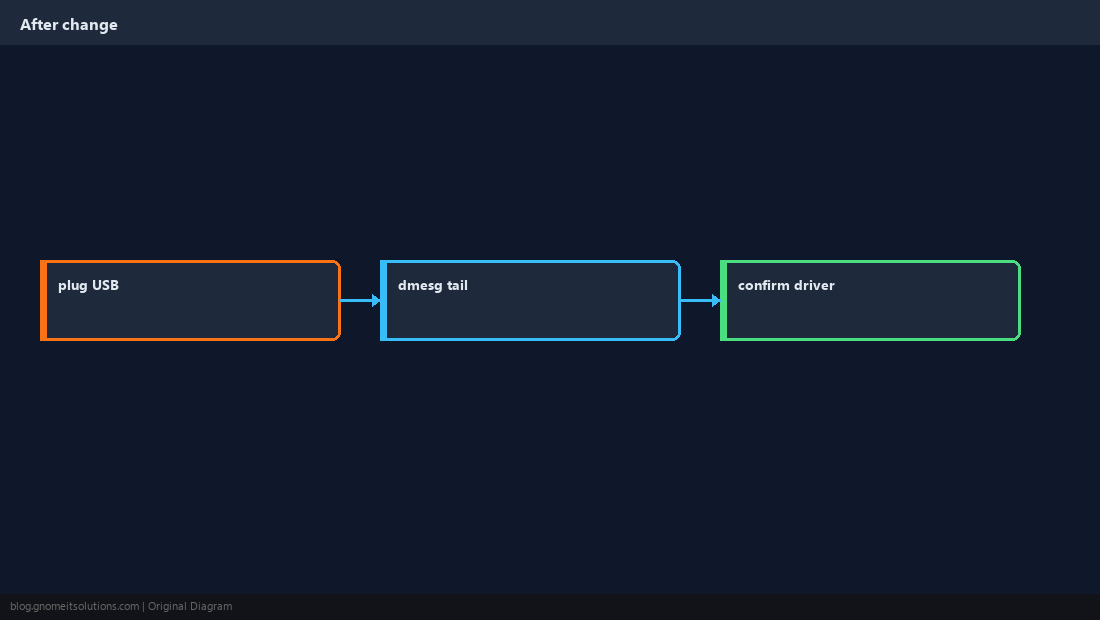
Quick Reference
- Readable times:
dmesg -T - OOM clues:
dmesg | grep -i oom - Persistent:
journalctl -k
Related tutorials
Diagrams are original illustrations by Gnome IT Solutions. Tutorial text © Gnome IT Solutions.