
The diff command on Linux is still how developers and ops answer “what changed between these two configs?” before a deploy or after a bad edit. Unified output (-u) is the default language of code reviews and patch files.
Related: cut,
awk & sed,
grep.
Compare two files
Shows line differences with < / > prefixes or unified hunks with -u.
bashbasic
diff -u /etc/nginx/nginx.conf /etc/nginx/nginx.conf.bak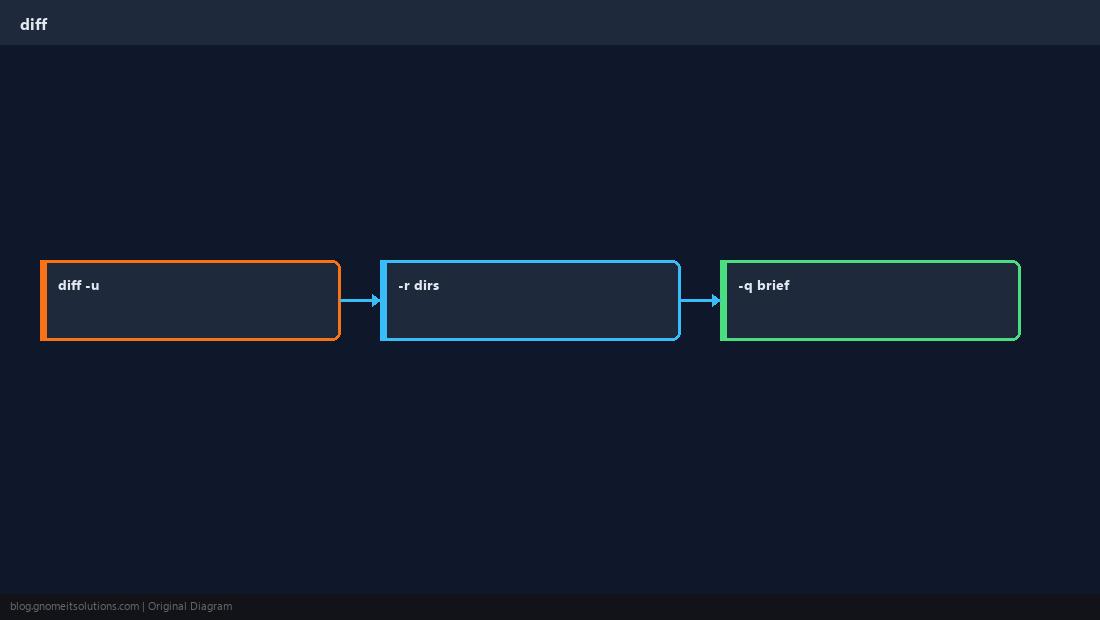
Exit codes
diff returns 0 if identical, 1 if different, 2 on errors — useful in CI scripts.
bashscript
if diff -q a.txt b.txt; then echo same; else echo different; fiDirectories
-r walks trees — pair with --exclude for .git or build dirs.
bashrecursive
diff -rq /etc/nginx/sites-available /backup/nginx/sites-availableIgnore noise
Whitespace-only changes disappear with -w; use -I REGEX to skip version headers.
TipFor large binaries or minified JSON, diff is the wrong tool — use
cmp, checksums, or jq normalization first.Quick Reference
- Unified:
diff -u a b - Quick:
diff -q a b - Dirs:
diff -r dir1 dir2
Related tutorials
Diagrams are original illustrations by Gnome IT Solutions. Tutorial text © Gnome IT Solutions.